
WM Studio
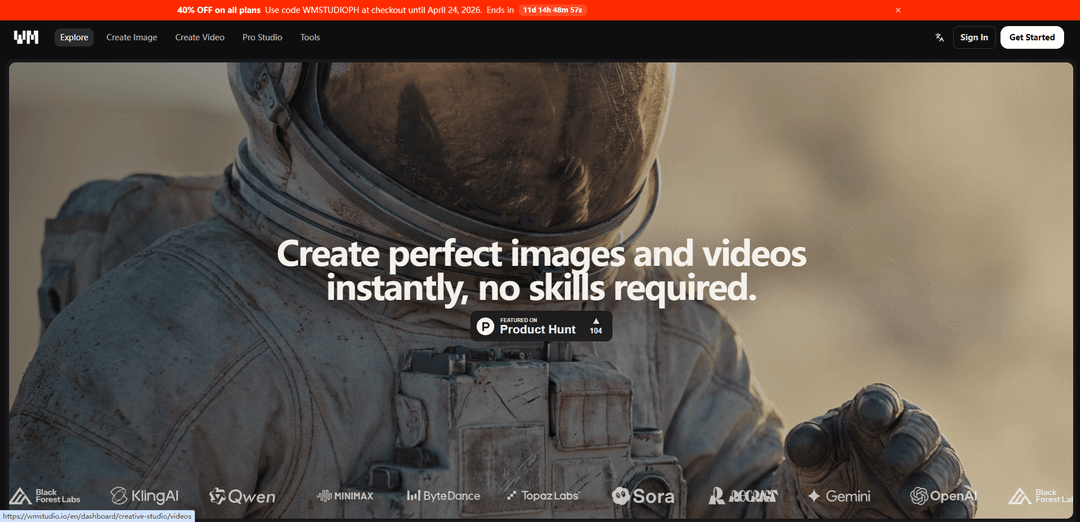
WM Studio is an AI-powered creative platform that enables users to generate stunning images and cinematic videos from text or image inputs using cutting-edge models like Nano Banana Pro, Veo 3.1, Sora 2 Pro, and Kling v3 Pro.
https://wmstudio.io/en/creative-studio?ref=producthunt
Product Information
Updated:Apr 15, 2026
What is WM Studio
WM Studio is a comprehensive AI creative suite designed for creators, marketers, and businesses who need to produce high-quality visual content quickly and efficiently. The platform provides access to the world's most advanced AI models from providers including Google, OpenAI, ByteDance, and Flux, all within a single unified workspace. Users can generate images from text descriptions, create dynamic videos, edit existing content, and utilize specialized production tools without requiring technical skills or design expertise. With features like Digital Twin technology for personalized content creation, motion control, camera angle manipulation, and image upscaling to 4K resolution, WM Studio serves as an all-in-one solution for modern content production needs.
Key Features of WM Studio
WM Studio is a comprehensive AI-powered creative platform that enables users to generate and edit images and videos without requiring technical skills. The platform provides access to the most advanced AI models from providers like OpenAI, Google Gemini, ByteDance, Flux, Kling, and others through a single unified interface. It offers a pay-as-you-go credit system with no upfront costs, featuring tools for text-to-image, text-to-video, image-to-video conversion, upscaling, motion control, camera control, and Digital Twin creation. Users can create stunning visual content in seconds, with specialized production tools including storyboard generation, brand campaigns, 3D conversion, and face recasting capabilities.
Multi-Model AI Access: Access to industry-leading AI models including Nano Banana Pro, Veo 3.1, Sora 2 Pro, Kling v3 Pro, and Flux 2 Pro through a single platform, eliminating the need to manage multiple providers and subscriptions.
Digital Twin Technology: Train AI on your face in minutes to create an ultra-realistic digital identity that can be used to generate content in any setting or scenario, enabling personalized content creation at scale.
Advanced Video Generation: Create cinematic quality videos from text or images with native audio generation, motion control, and camera angle manipulation using state-of-the-art models like Veo 3.1 and Sora 2 Pro.
Professional Production Tools: Suite of specialized tools including image upscaling to 4K, storyboard generation with 9 coherent shots, brandshot for campaign creation, motion control, and 3D object conversion from images or text.
Flexible Credit System: No upfront costs with a pay-as-you-go credit model where credits are only needed for advanced models and premium features, with unlimited access to certain models on higher tier plans.
Workflow-Based Interface: Intuitive interface organized by creative workflows (Create Image, Create Video, Storyboard, Motion Control) allowing users to move from idea to production in minutes without technical expertise.
Use Cases of WM Studio
Social Media Content Creation: Rapidly generate engaging images and videos for social media platforms using text prompts or Digital Twin technology, perfect for influencers and marketers who need consistent, high-quality content.
Brand Campaign Development: Use Brandshot tool to create nine campaign panels from a single brand reference, setting mood and defining story for cohesive marketing materials across multiple channels.
Product Visualization: Transform product concepts into photorealistic images and 3D objects, generate multiple camera angles, and create promotional videos without physical prototypes or expensive photography sessions.
Video Production and Animation: Create cinematic videos with precise motion and camera control for presentations, advertisements, and storytelling without traditional video production equipment or expertise.
Content Upscaling and Enhancement: Transform low-resolution legacy images into 4K masterpieces and enhance video quality using advanced AI models, perfect for archival content restoration or quality improvement.
Storyboard and Concept Development: Generate coherent visual sequences with the Storyboard tool to pitch ideas, plan productions, or develop narrative concepts by uploading reference images and describing desired mood and style.
Pros
Single platform access to multiple cutting-edge AI models from leading providers without managing separate subscriptions
No upfront costs with flexible pay-as-you-go credit system suitable for both occasional and heavy users
User-friendly interface requiring no technical skills, enabling fast production from idea to finished content
Comprehensive toolset covering image generation, video creation, upscaling, motion control, and specialized production features
Cons
Credit-based pricing model may become expensive for high-volume professional users compared to flat-rate subscriptions
Dependency on third-party AI model providers may result in availability or quality variations
Learning curve to understand which models and tools are best suited for specific creative needs
Limited information about enterprise-level features, API access, or team collaboration capabilities in the free tier
How to Use WM Studio
1: Visit wmstudio.io and click 'Get Started' or 'Sign In' to create an account or log into your existing account
2: Choose your workflow: Select 'Create Image' for AI image generation, 'Create Video' for AI video generation, or browse 'Tools' for specialized features like upscaling, storyboards, or motion control
3: For image creation: Click 'Create Image', select your preferred AI model (such as Nano Banana Pro, Flux 2 Pro, or Seedream 5 Lite), then type a text description of what you want to create
4: For video creation: Click 'Create Video', choose a video model (like Veo 3.1, Kling v3 Pro, or Sora 2 Pro), then either describe your video concept or upload an image to animate
5: Adjust generation settings such as aspect ratio, resolution, duration (for videos), and other model-specific parameters before generating
6: Click the generate button and wait for the AI to process your request. Generation time varies by model and complexity
7: Review your generated content. You can find all your created assets in your dashboard's asset library
8: Use editing tools to refine your content: Apply image editing, upscaling, face recast, motion control, camera angles, or other available tools
9: Optional: Create a Digital Twin by training the AI on your face for personalized content generation across different scenarios
10: Download or export your final creations. Monitor your credit usage and upgrade your plan if needed for unlimited workflows
WM Studio FAQs
You can generate and edit AI images and videos, use production tools such as Upscale, Expand, Face Recast, Motion Control, Camera Control, and create voiceovers from text.
WM Studio Video
Popular Articles

How to Create Viral Talking Baby Podcast Videos with AI: Step-by-Step Guide
Nov 2, 2026

Proferex: A Cloud-Based Ad Tracking and Campaign Optimization Platform
Nov 2, 2026

Vosko AI: Localize and Dub Videos for Global Audiences
Oct 15, 2026

Atoms: A Multi-Agent AI Platform That Transforms Ideas into Launch-Ready Products
Oct 13, 2026
Latest AI Tools Similar to WM Studio

EzVideos
EzVideos is an all-in-one video creation tool that helps users generate viral videos for social media platforms like Instagram, TikTok, and YouTube with automated editing features and built-in resources.

Blanc AI
Blanc AI is a revolutionary AI solution that enables video content translation and dubbing into 47+ languages while preserving the original voice, emotions, and lip synchronization.
Wink Mody
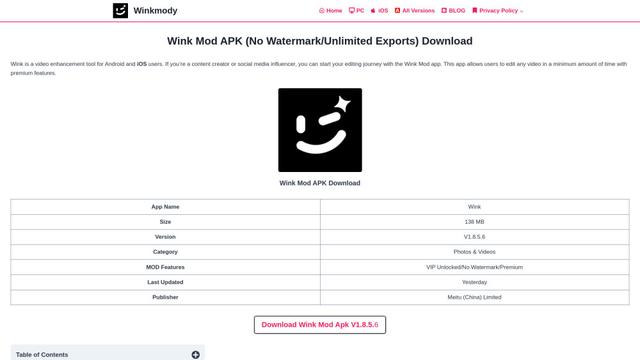
Wink Mody is a modified version of the Wink video editing app that offers premium features like AI-powered retouching, 4K exports, and watermark-free editing completely free of charge.

Shortmake AI
ShortMake is an AI-powered video creation platform that transforms ideas into viral-ready videos by automatically generating scripts, voiceovers, visuals, and subtitles specifically optimized for platforms like TikTok and YouTube Shorts.
Popular AI Tools Like WM Studio
AI Clips - New Gen
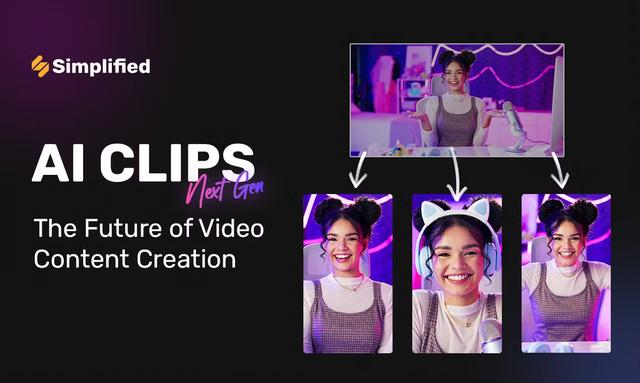
AI Clips - New Gen is an AI-powered video clipping tool that automatically generates engaging short-form content from long videos for multiple social media platforms like YouTube Shorts, TikTok, Instagram Reels and more.
Edit Mind
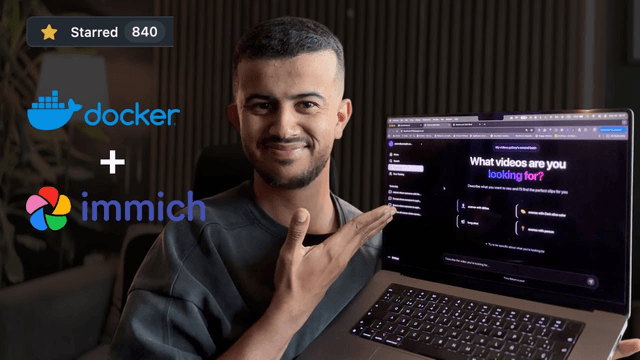
Edit Mind is an open-source, AI-powered video indexing and semantic search platform that enables users to analyze and search through video content using natural language queries, with features including transcription, frame analysis, face recognition, and object detection.
Dinamo Notebook
FreeAI Video Editing
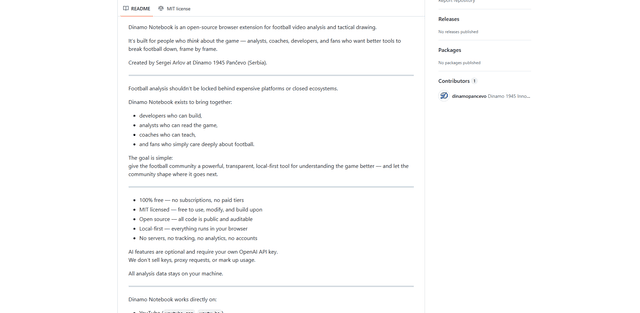
Dinamo Notebook is a free, MIT-licensed, local-first browser extension for football video analysis that lets you draw tactical annotations on YouTube/Dailymotion/Twitch footage and optionally use AI (with your own OpenAI API key) for tactical insights.
MediaSeg
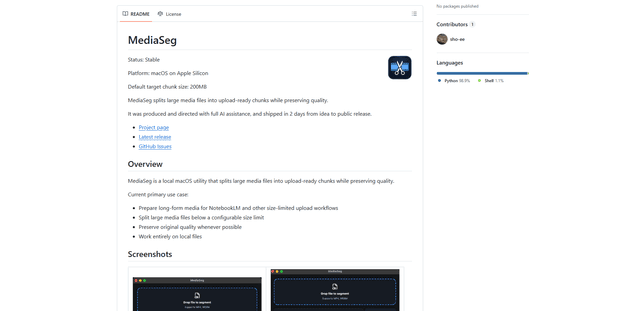
MediaSeg is a stable, local-first macOS utility that splits large MP4/WEBM media files into upload-ready chunks under a configurable size limit while preserving quality using ffmpeg/ffprobe and an AI-assisted, target-based sizing strategy.