
Edit Mind
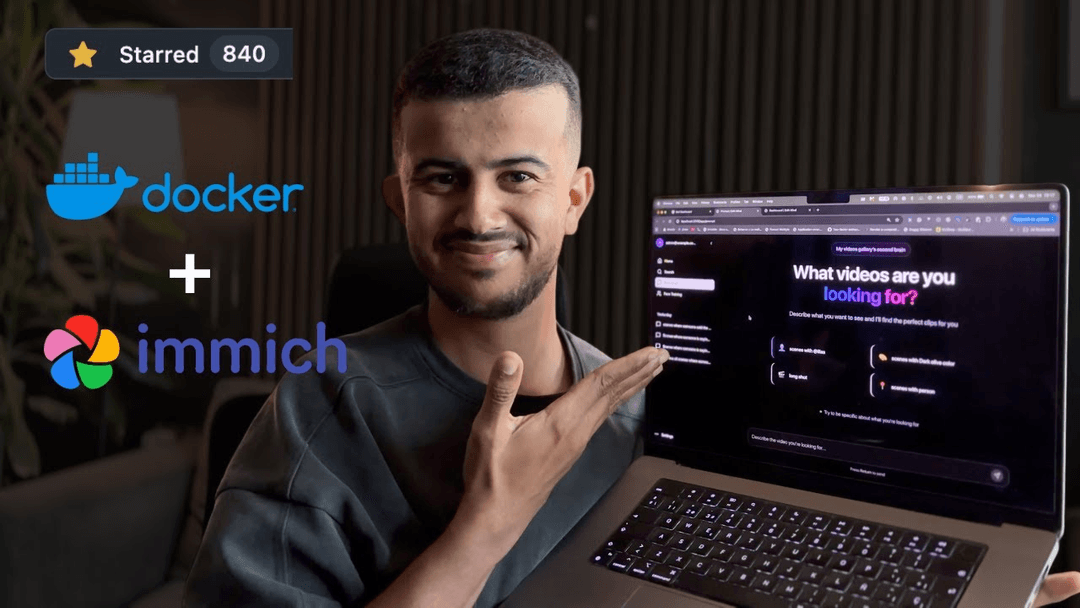
Edit Mind is an open-source, AI-powered video indexing and semantic search platform that enables users to analyze and search through video content using natural language queries, with features including transcription, frame analysis, face recognition, and object detection.
https://github.com/iliashad/edit-mind?ref=producthunt
Product Information
Updated:Feb 8, 2026
What is Edit Mind
Edit Mind is a self-hosted alternative to Google's Video Intelligence API, designed to help users manage and search through large video libraries efficiently. It's a web application that runs locally on your computer or server through Docker, respecting user privacy while providing powerful AI-driven video analysis capabilities. The project is currently under active development and aims to serve as an editor's second brain for video content management.
Key Features of Edit Mind
Edit Mind is an open-source video indexing and search platform that uses AI to analyze video content through multiple dimensions including transcription, object detection, face recognition, and emotion analysis. It enables users to search through video content using natural language queries and extract specific scenes, all while running locally to ensure privacy.
AI-Powered Video Analysis: Automatically extracts metadata including face recognition, transcription, object detection, text detection, and scene analysis using various AI models
Natural Language Search: Enables searching through videos using conversational queries powered by vector database (ChromaDB) and AI models like Google Gemini or Ollama
Local Processing & Privacy: Runs entirely on local infrastructure using Docker containers, ensuring data privacy and security
Multi-Modal Indexing: Creates separate collections for text, visual, and audio data to support comprehensive multi-modal search capabilities
Use Cases of Edit Mind
Content Creation & Editing: Helps content creators and video editors quickly locate specific scenes or moments across large video libraries
Research & Analysis: Enables researchers to analyze video content for patterns, behaviors, or specific elements across multiple recordings
Personal Media Management: Allows individuals to organize and search through personal video collections like GoPro footage or family videos
Educational Content Management: Helps educators and students search through lecture recordings or educational content for specific topics or concepts
Pros
Fully local deployment ensuring privacy and data control
Comprehensive AI-powered analysis capabilities
Open-source with active development and community support
Cons
Currently in active development and not production-ready
Requires significant computational resources for processing
Setup process can be complex for non-technical users
How to Use Edit Mind
Install Prerequisites: Install Docker Desktop on your computer and ensure it's running
Create Project Directory: Create a new directory called 'edit-mind' and navigate into it using terminal commands: mkdir edit-mind && cd edit-mind
Configure Docker File Sharing: Open Docker Desktop, go to Settings > Resources > File Sharing and add the path where your videos are stored (e.g., /Users/yourusername/Videos). Click Apply & Restart
Download Configuration Files: Download required configuration files using curl commands to get .env.example, .env.system.example, and docker-compose.yml from the GitHub repository
Configure Environment Variables: Edit the .env file to set your video folder path, choose AI model (Ollama, Local Model, or Gemini API), and generate security keys using openssl commands
Start Services: Run 'docker compose up' command to start all the required services
Access the Application: Open web browser and go to http://localhost:3745 (or http://127.0.0.1:3745 for Safari users)
Initial Login: Log in using default credentials - email: [email protected], password: admin
Configure Video Folders: Navigate to Settings (http://localhost:3745/app/settings), click 'Add Folder', select a folder from your configured media path
Initiate Video Processing: Click on the added folder and select 'Rescan' to start processing videos. The system will automatically analyze videos using AI for transcription, object detection, and face recognition
Search Videos: Once processing is complete, use natural language queries to search through your videos based on spoken words, objects, faces, or other detected elements
Edit Mind FAQs
Edit Mind is a self-hosted web application that indexes videos using AI capabilities, including object detection, face recognition, emotion analysis, and enables semantic search through natural language queries. It's designed as a local alternative to Google's Video Intelligence API.
Edit Mind Video
Popular Articles

Atoms: A Multi-Agent AI Platform That Transforms Ideas into Launch-Ready Products
Oct 13, 2026

Nano Banana SBTI: What It Is, How It Works, and How to Use It in 2026
Apr 15, 2026

Atoms Review — The AI Product Builder Redefining Digital Creation in 2026
Apr 10, 2026

Kilo Claw: How to Deploy and Use a True "Do‑It‑For‑You" AI Agent(2026 Update)
Apr 3, 2026
Latest AI Tools Similar to Edit Mind
SearchGPTool
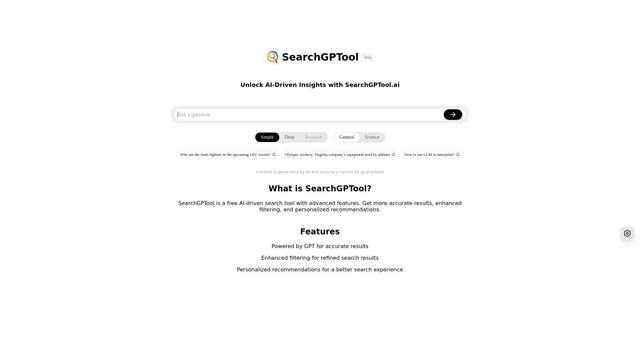
SearchGPTool is a free AI-powered search engine that combines Google search technology with ChatGPT's intelligent response capabilities to provide more accurate and personalized results.

Insights Tube
Insights Tube is a platform that provides AI-generated summaries and key insights from popular AI-related YouTube videos.

Imaginario.ai
Imaginario.ai is an AI-powered video curation platform that enables users to search, clip, and transform video content effortlessly using multimodal AI technology.

Ask Youtube
Ask Youtube is an AI-powered tool that allows users to ask questions, search for specific content, and get insights from YouTube videos without watching them entirely.
Popular AI Tools Like Edit Mind
You-tldr
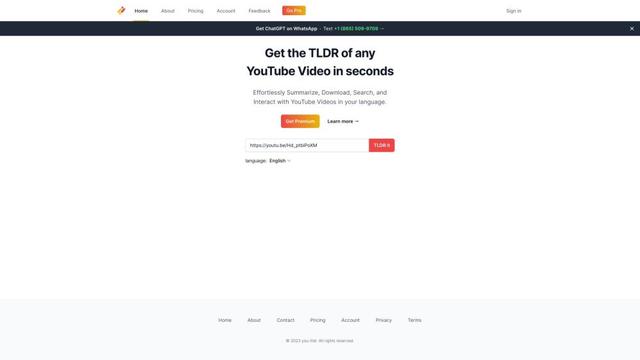
You-tldr is an AI-powered web application that automatically summarizes YouTube videos, allowing users to quickly grasp key points without watching the entire video.
Sieve
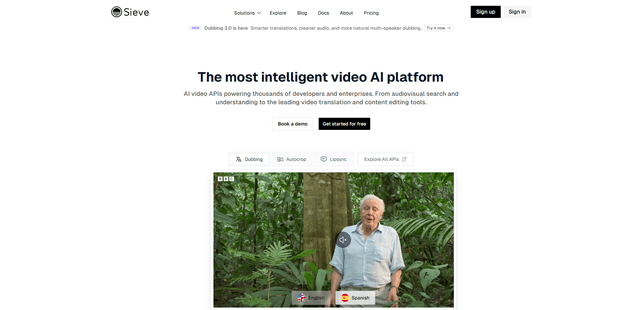
Sieve is an AI infrastructure company providing high-quality APIs and tools for processing, analyzing, and managing video data at scale with built-in flexibility and enterprise-grade security.
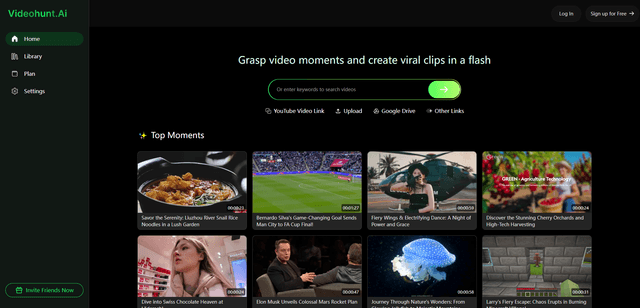
Videohunt.Ai
Videohunt.ai is an AI-powered platform that helps users explore diverse videos and capture significant moments quickly, enabling efficient creation of viral clips with ease and brilliance.
Imaginario.ai
Imaginario.ai is an AI-powered video curation platform that enables users to search, clip, and transform video content effortlessly using multimodal AI technology.