
Waylight
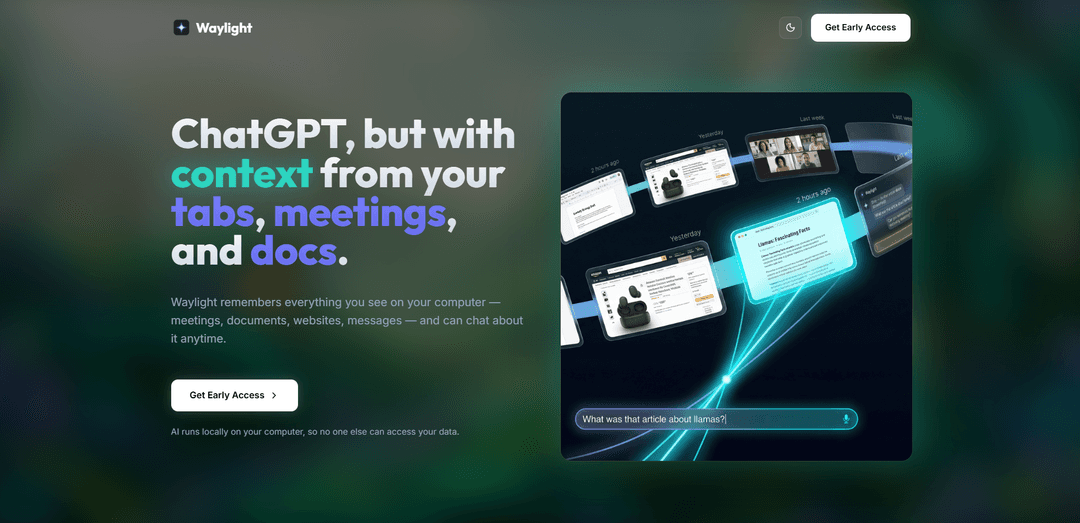
Waylight is an AI assistant that creates a private, on-device memory of your computer activities, allowing you to ask questions about anything you've seen across meetings, documents, tabs, and messages.
https://www.waylight.ai/?ref=producthunt
Product Information
Updated:Dec 8, 2025
What is Waylight
Waylight is an innovative AI-powered platform that serves as your personal digital memory assistant. It operates as a background service on your computer, understanding and remembering everything you do - from your Google tabs and Zoom meetings to Word documents and messages. What sets Waylight apart is its commitment to privacy, as it processes all information locally on your device without uploading any data to the cloud.
Key Features of Waylight
Waylight appears to have two distinct products: 1) An AI assistant that creates a private, on-device memory of your computer activities (meetings, documents, tabs, messages) allowing you to query past information, and 2) A social media monetization platform that helps creators earn money through paid communities, digital products, events, and appointments. The AI assistant focuses on privacy and local processing, while the monetization platform emphasizes easy setup and higher conversion rates.
On-Device Memory System: Creates a private, local memory of all computer activities without uploading to the cloud, ensuring data privacy
Natural Language Query Interface: Allows users to ask questions about past meetings, documents, and web browsing in conversational language
Monetization Tools: Provides tools for creating paid communities, selling digital products, hosting events, and managing appointments
Growth Engine: Offers automated sales flows and marketing tools to help increase conversion rates from social media
Use Cases of Waylight
Meeting Management: Quickly recall and summarize past meeting discussions and agreements without manual note-taking
Content Creator Monetization: Social media entrepreneurs can monetize their following through paid communities and digital products
Research and Documentation: Easily retrieve and summarize previously viewed documents and research materials
Online Education: Create and sell courses, manage appointments, and host paid video consultations
Pros
Strong focus on privacy with local processing
Quick setup (2-minute launch claimed)
Comprehensive monetization tools for creators
Cons
May require significant system resources for local AI processing
Limited to 55+ countries for the monetization platform
Requires separate tools for different functionalities (AI assistant vs monetization)
How to Use Waylight
Request Early Access: Visit waylight.ai and fill out the early access form to get started with the AI assistant
Install the Application: Once approved, download and install Waylight on your computer - it runs locally without cloud uploads
Allow Background Access: Grant Waylight permission to run in the background to process and understand your screen activity
Configure Privacy Settings: Set up memory retention rules and choose which apps/websites to exclude from capture in the privacy controls
Start Using Natural Language Queries: Ask Waylight questions about your meetings, documents, and browser tabs using conversational language
Review Meeting Content: Ask things like 'What did I agree to in that meeting yesterday?' to get AI-powered summaries
Search Past Documents: Request information about previously viewed documents with queries like 'Find the article I was reading last week'
Get Tab Summaries: Ask Waylight to summarize the tabs you had open during specific research sessions
Manage Memory: Use the memory controls to clear history or adjust retention windows as needed
Waylight FAQs
Waylight is an AI assistant that creates a private, on-device memory of your computer activity, including meetings, documents, tabs, and messages, allowing you to ask questions about anything you've seen and get instant, accurate answers.
Popular Articles

Vosko AI: Localize and Dub Videos for Global Audiences
Oct 15, 2026

Atoms: A Multi-Agent AI Platform That Transforms Ideas into Launch-Ready Products
Oct 13, 2026

Nano Banana SBTI: What It Is, How It Works, and How to Use It in 2026
Apr 15, 2026

Atoms Review — The AI Product Builder Redefining Digital Creation in 2026
Apr 10, 2026
Latest AI Tools Similar to Waylight

Parcae
Parcae is a mind mapping mobile application that helps users organize thoughts and ideas into structured visual maps with intuitive gesture-based controls and automatic saving features.
想读 (WantRead)
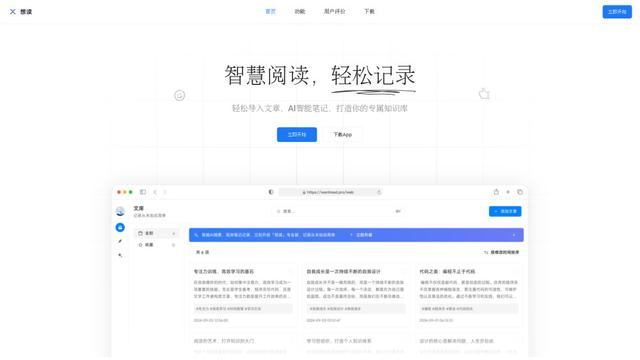
想读(WantRead) is an AI-powered reading and note-taking platform that helps users easily import, read, annotate and build their personal knowledge base.

Hiring Studio by Metaview
Hiring Studio by Metaview is a free AI-powered tool that helps recruiting teams generate customized interview questions with follow-up suggestions and detailed answer rubrics.

AI Journaler
AI Journaler is a free Windows PC app that combines traditional journaling with AI-powered analysis and conversation capabilities to enhance emotional well-being and self-reflection.
Popular AI Tools Like Waylight
Lore
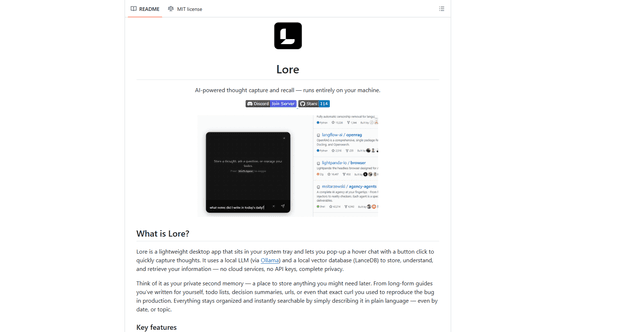
Lore is an AI-powered desktop application that enables quick thought capture and intelligent recall through a local LLM system, allowing users to store and retrieve information privately without cloud services.

Second Brain for AI
Second Brain for AI is a self-hosted, MCP-compatible persistent memory layer on Cloudflare that lets Claude, ChatGPT, Cursor, and other AI clients store and semantically recall shared context across sessions.
NotebookLM Tools Chrome Extension
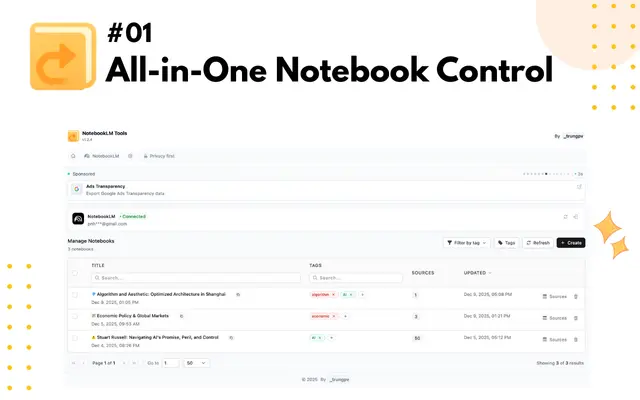
NotebookLM Tools is a comprehensive Chrome extension that enhances Google's NotebookLM with advanced notebook management, multi-language support, bulk operations, and seamless source importing capabilities.
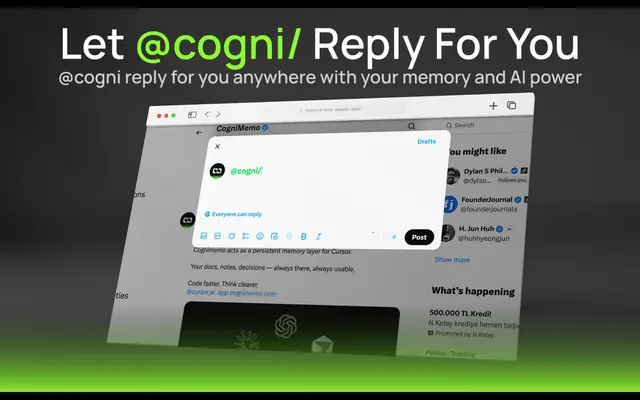
CogniMemo Extension
CogniMemo is a browser extension that adds long-term memory capabilities to AI tools like ChatGPT, Claude, Gemini, and DeepSeek by enabling context-aware conversations and knowledge management through saved notes and past chats.