
Wandesk
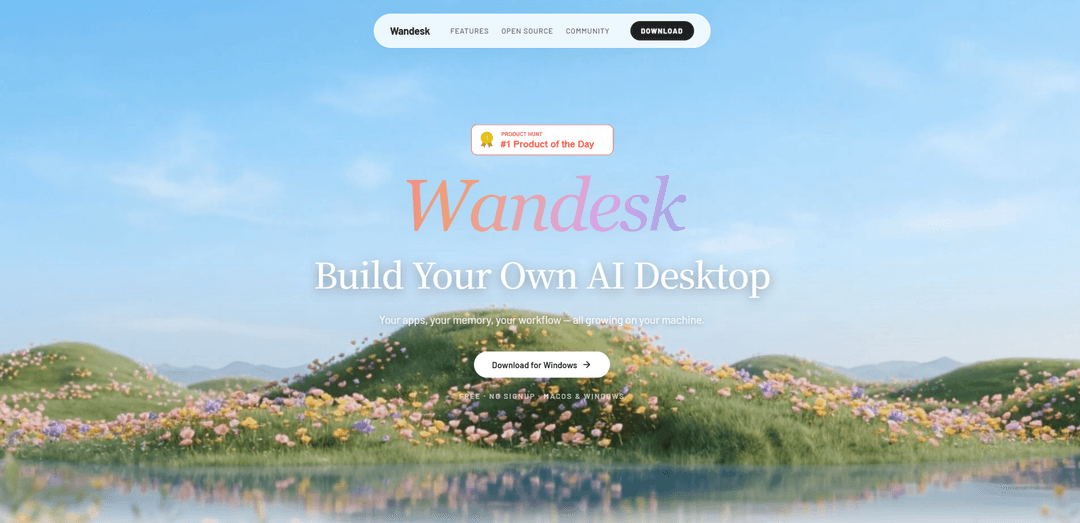
Wandesk is a free, no-signup AI desktop that combines chat with built-in and AI-powered local apps, shared cross-app context, personal memory, and native integrations for Claude Code and OpenAI Codex.
https://wandesk.ai/?ref=producthunt
Product Information
Updated:Jun 8, 2026
What is Wandesk
Wandesk is an open-source “AI desktop” designed to move beyond single-thread chat into a real workspace where chat and multiple apps run side by side. It ships with built-in apps like Notebook, Ledger, Chat, Memory, and more, and includes an App Workshop that can generate complete local apps (UI, backend API, and SQLite database) from natural-language descriptions. The desktop app is positioned as free to use with optional trial credits, supports bringing your own model/API key (e.g., OpenAI, Claude, Gemini, Qwen, DeepSeek, Kimi), and emphasizes local-first data: your apps, files, and memory stay on your machine unless you make a model call.
Key Features of Wandesk
Wandesk is an open-source AI desktop workspace that goes beyond a single chat thread by combining chat with durable, side-by-side apps (e.g., Notebook, Ledger, Board) that share one context and persistent local state. It includes an “App Workshop” that can generate complete local apps (UI, backend API, and SQLite database) from natural-language descriptions, and it embeds AI capabilities inside every app (e.g., auto-tagging expenses, summarizing notes). Wandesk also provides inspectable personal memory to retain preferences and corrections over time, supports bringing your own model/API keys, and integrates native agent tooling like Claude Code and OpenAI Codex so you can work across real repositories without constant context switching.
Multi-app AI workspace (not just chat): Run chat alongside built-in apps like Notebook and Ledger in a consistent UI, keeping work structured instead of buried in a single scrolling conversation.
App Workshop (no-code local app generation): Describe what you want and Wandesk generates a complete app in one pass—React UI, backend API, and SQLite storage—running entirely on your machine and editable through continued conversation.
AI inside every app: Apps can natively trigger AI actions such as auto-tagging ledger entries, summarizing notebooks, and maintaining consistency in creative writing—capabilities inherited by apps you generate.
Shared context across apps: All apps operate under one agent core, enabling cross-app commands like “save what we just discussed” without copy-paste or external integration glue.
Inspectable personal memory + reusable skills: Wandesk remembers preferences, corrections, and routines over time, lets you review memories, and supports packaging repeatable workflows into one-click Skills.
Native agent integrations (Claude Code / Codex): Surfaces installed CLI agents as desktop apps, enabling real code work on real repos within the same workspace and allowing external agents to operate within Wandesk via shared desktop context.
Use Cases of Wandesk
Software development cockpit: Use Wandesk as a unified environment where Claude Code/Codex can edit real repositories while notes, plans, and task boards remain persistent and cross-referenced in shared context.
Personal finance and operations tracking: Track expenses in Ledger with AI auto-tagging and reporting, while keeping supporting notes and decisions in Notebook for a durable, searchable record.
Research and knowledge management: Capture conversations into Notebook, generate weekly summaries, and build lightweight research utilities via App Workshop (e.g., a local literature tracker with SQLite).
Small-team internal tooling (ops, HR, sales): Rapidly generate bespoke local apps—forms, trackers, mini-CRMs—without writing code, and iterate through chat while keeping data local to the machine.
Creative writing and interactive fiction: Maintain lore and character consistency with AI-assisted continuation, while organizing plot notes and worldbuilding in apps that share the same context.
Pros
Local-first workflow: apps, state, and memory live on your machine; cloud is only used when invoking models.
Faster iteration loop: shared context + multi-app layout reduces copy/paste and context switching.
No-code app creation: generates full-stack local apps (UI/API/DB) and supports conversational edits.
Flexible model choice: supports multiple model providers and bring-your-own API key.
Cons
Platform availability appears limited (download link highlights macOS), which may restrict adoption for non-mac users.
Some capabilities depend on external model/API access (costs, latency, and privacy considerations when calling cloud models).
Power features like agent integrations (Claude Code/Codex) require separate installation and comfort with developer tooling.
How to Use Wandesk
1) Download and install Wandesk (macOS): Go to https://wandesk.ai/ and click “Download for macOS to try it” to download the .dmg installer. Open the .dmg and install Wandesk like a standard macOS app.
2) Launch Wandesk (no signup): Open Wandesk from Applications. The app is designed to run without creating an account—just open and start using it.
3) Start from Chat (the entry point): Use the Chat panel to ask questions or describe what you want to do. In Wandesk, chat is the starting point, but “real work happens in apps” that sit alongside chat.
4) Open multiple apps side-by-side: Open built-in apps (e.g., Notebook, Ledger, Chat, Memory, Open Source Radar) and arrange them next to each other so you can work in parallel instead of everything being flattened into one long chat thread.
5) Use Notebook for durable notes (state that stays): Write and organize notes in Notebook so they remain as structured content (not buried in chat history). Use it for ongoing work where you want persistent state.
6) Use Ledger for expenses and auto-tagging: Log expenses in Ledger. Wandesk can apply AI features like auto-tagging and generating monthly reports, keeping financial entries structured and retrievable.
7) Use shared context across apps: Move between apps without copy-paste. For example, after discussing something in Chat, switch to Notebook and say “save what we just discussed”—Notebook can reference the shared context from your recent conversation.
8) Build a new local app with App Workshop (no code): Open App Workshop and describe the app you want in plain language. Wandesk generates a complete local app in one pass (React UI + backend API + SQLite storage).
9) Iterate on the generated app by continuing the conversation: If you want changes, keep talking to App Workshop (e.g., add fields, change layout, adjust logic). Wandesk edits the app based on your instructions.
10) Use AI inside apps (system-level AI actions): Leverage built-in AI behaviors within apps (e.g., Notebook summaries, Ledger categorization). Apps created via App Workshop also inherit the ability to call AI natively.
11) Review and manage Personal Memory: Open the Memory panel to see what Wandesk has learned (preferences, corrections, reusable “Skills”). Memory is inspectable/visible so you can understand and control what’s being remembered.
12) Teach preferences once so they persist: Tell Wandesk stable preferences (e.g., your preferred tools/stack or formatting rules). It will apply them in future tasks so you don’t have to restate them each time.
13) Record corrections to reduce repeated mistakes: When Wandesk gets something wrong, correct it. The system can retain that correction in its mistake log so it avoids repeating the same error later.
14) Package recurring routines into Skills: Turn repeated workflows into reusable Skills (as described in the Memory feature). Then invoke them quickly when you need the same routine again.
15) Integrate external coding agents (Claude Code / Codex) as apps: If you already have Claude Code or OpenAI Codex installed as CLIs, Wandesk can surface them as native desktop apps so you can use them without switching windows or losing context.
16) Work on real repositories (not a simulation): When using integrated coding agents (e.g., Claude Code), point them at your actual project folders so they can edit real files in real repos from within the Wandesk desktop environment.
17) Choose your model provider (bring your own key or use trial credits): Wandesk supports multiple model providers (DeepSeek, Kimi, Qwen, OpenAI, Claude, Gemini). Use included trial credits or plug in your own API key to run AI calls.
18) Keep data local by default: Use Wandesk with the expectation that apps, files, and memory live on your machine; cloud involvement happens only when you make AI calls to a model provider.
Wandesk FAQs
Wandesk is an AI desktop workspace that combines chat with built-in apps (like Notebook and Ledger) so work isn’t trapped in a single chat thread. It’s designed to let you use multiple apps side by side with shared context.
Wandesk Video
Popular Articles

Vosko AI: Localize and Dub Videos for Global Audiences
Oct 15, 2026

Atoms: A Multi-Agent AI Platform That Transforms Ideas into Launch-Ready Products
Oct 13, 2026

Nano Banana SBTI: What It Is, How It Works, and How to Use It in 2026
Apr 15, 2026

Atoms Review — The AI Product Builder Redefining Digital Creation in 2026
Apr 10, 2026
Latest AI Tools Similar to Wandesk
AppScape
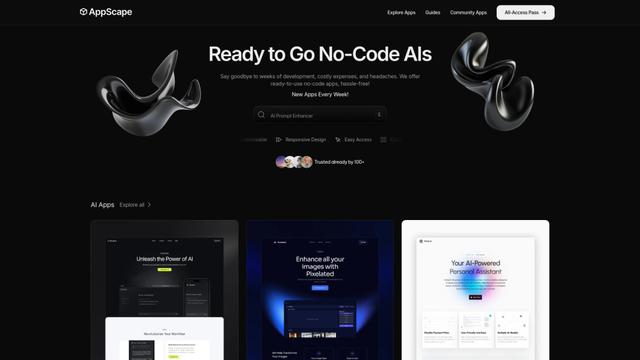
AppScape is a no-code platform offering ready-to-use AI-powered apps and customizable SaaS solutions, enabling quick deployment without traditional development costs and technical expertise.
AsoLift
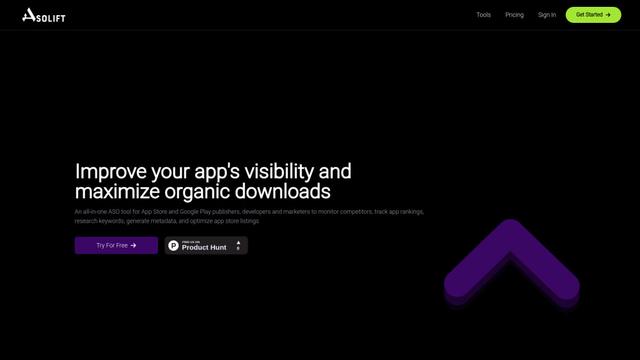
AsoLift is an all-in-one App Store Optimization (ASO) platform that helps publishers, developers, and marketers monitor competitors, track rankings, research keywords, and optimize app store listings for both iOS and Android apps.
ShipiOS.App
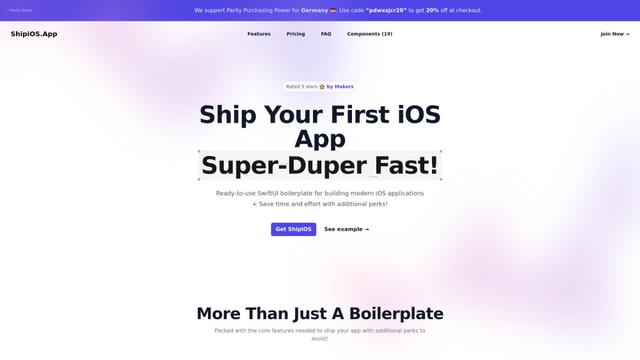
ShipiOS is a comprehensive SwiftUI boilerplate that provides ready-to-use components, features, and additional resources to help developers quickly build and launch modern iOS applications.
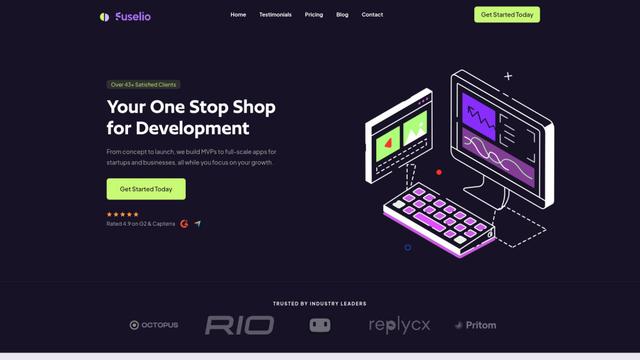
Fuselio
Fuselio is a one-stop technology company providing custom web development, mobile app development, and AI-driven automation services for startups and businesses.
Popular AI Tools Like Wandesk
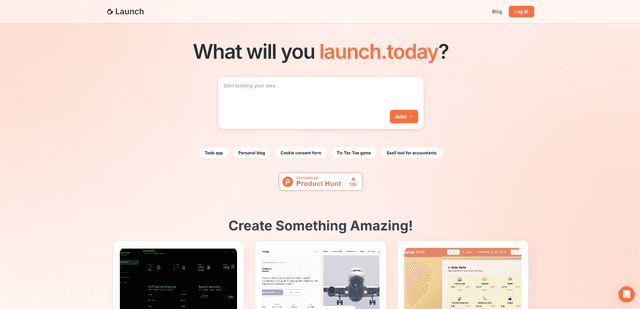
Launch
Launch is an AI-powered platform that enables users to build full-stack applications instantly while providing comprehensive tools for product launches, entrepreneurship programs, and customer acquisition.
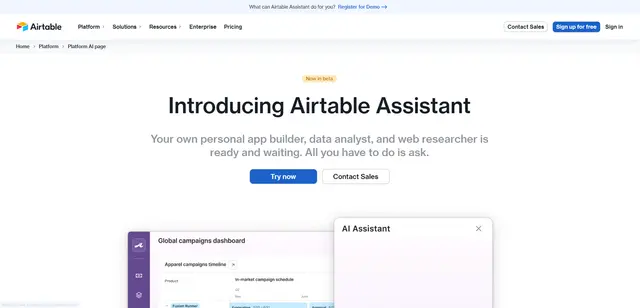
Airtable AI Assistant
Airtable AI Assistant is an integrated AI-powered tool that combines app building, data analysis, and web research capabilities to help teams transform documents into structured data, generate insights, and automate workflows within the Airtable platform.
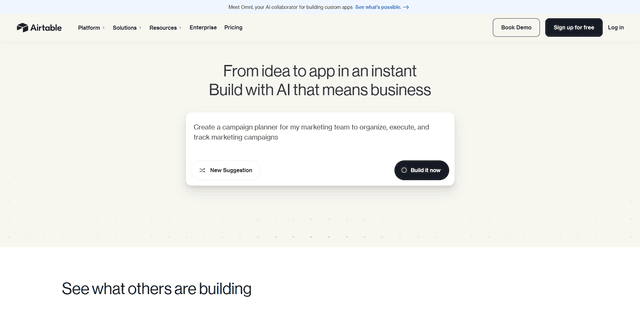
Airtable
Airtable is an AI-powered cloud collaboration platform that combines the functionality of spreadsheets and databases with no-code app building capabilities to help teams organize, track and manage their workflows and data.

GPT Engineer
GPT Engineer is an AI-powered software development tool that enables anyone to build web applications by chatting with an AI engineer.