
Voker
Voker is an agent analytics platform that instruments AI conversations via a lightweight, provider-agnostic SDK to automatically detect intents, corrections, and resolutions, enabling teams to monitor performance and optimize agents at scale.
https://voker.ai/?ref=producthunt
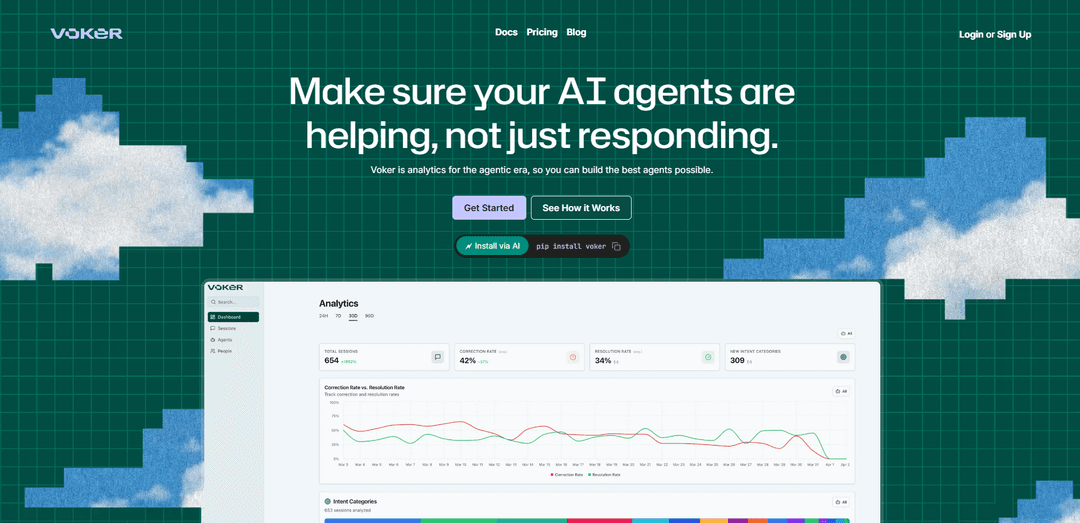
Product Information
Updated:Jun 8, 2026
What is Voker
Voker is the Agent Analytics Platform for teams building and running production AI agents. It turns user–agent interactions into structured, queryable analytics so product, engineering, and business stakeholders can understand what users are asking, whether agents are succeeding, and where experiences break down. Designed for high-volume conversational AI, Voker emphasizes self-serve visibility (dashboards and timelines) and performance measurement over time, helping teams move beyond manual trace-scanning and reactive debugging.
Key Features of Voker
Voker is an agent analytics platform that helps teams monitor and improve AI agents in production by turning user↔agent conversations into structured, queryable insights. Via a lightweight, provider-agnostic SDK (Python/TypeScript), it captures messages and tool calls, then automatically annotates interactions with user intents, corrections, and resolutions so teams can track performance over time, detect friction and abnormalities, and connect agent behavior to business outcomes like conversion, retention, and revenue. It’s designed for cross-functional self-serve analytics, works with common LLM stacks (OpenAI, Anthropic, Gemini, LangChain, CrewAI, Vercel AI SDK), and supports enterprise needs like data ownership and self-hosting.
Automatic intent detection: Classifies what users are trying to accomplish from natural conversations, helping teams understand demand and prioritize capabilities and content gaps.
Correction & frustration signals: Detects when users push back or correct the agent (e.g., “No, the dates are wrong”), surfacing high-friction flows before they cause churn.
Resolution recognition: Identifies when an agent successfully completes an intent (often via tool success signals), enabling resolution-rate tracking by agent, intent, or cohort.
Queryable conversation timelines: Reconstructs sessions so teams can search and analyze conversations across topics, intents, and issues without digging through raw logs.
Performance tracking over time: Measures improvement and detects regressions after prompt/tool/RAG changes using metrics like correction rate, resolution rate, and emerging intent categories.
Lightweight, provider-agnostic SDK & ecosystem friendly: Installs with minimal code changes and works alongside existing observability/analytics tools (e.g., Langfuse, LangSmith, PostHog, Mixpanel, Amplitude) while supporting multiple LLM providers and frameworks.
Use Cases of Voker
E-commerce shopping assistant optimization: Track whether product-recommendation or support agents resolve issues (sizing, returns, order changes), identify intents driving revenue, and correlate agent performance with conversion and repeat purchase.
Travel & hospitality booking agents: Detect where users repeatedly correct dates/amenities, monitor tool-call success for booking workflows, and roll back changes when resolution rates drop.
Fintech/customer support copilots: Monitor for wrong-tool usage or failure patterns in account/transaction workflows, measure successful resolutions, and flag abnormal spikes in corrections after releases.
SaaS onboarding and in-app help agents: Understand top onboarding intents, find where users get stuck, quantify improvements from prompt/RAG updates, and enable PMs/CS to self-serve insights.
Healthcare/veterinary triage or scheduling assistants: Use intent and correction trends to identify missing knowledge and unsafe handoffs, measure successful scheduling/resolution outcomes, and improve reliability in high-stakes flows.
Enterprise internal IT/helpdesk agents: Analyze employee intents (access requests, troubleshooting), detect unresolved sessions, and prioritize automation opportunities based on high-volume, low-resolution categories.
Pros
Purpose-built agent analytics (intents/corrections/resolutions) that goes beyond raw traces to measure helpfulness and friction.
Lightweight, provider-agnostic SDK that fits most LLM stacks and supports cross-functional self-serve insights.
Designed to connect agent metrics to business outcomes by correlating conversation data with existing user/product data.
Cons
Advanced capabilities and higher volumes are gated to paid tiers; costs can rise with high event volume.
Requires sending conversation/event data to an analytics platform unless self-hosted, which may be a concern for sensitive-data environments.
May add some integration overhead/latency depending on deployment and network connectivity.
How to Use Voker
1) Create a Voker account and get an API key: Sign up at https://voker.ai and copy your VOKER_API_KEY from your workspace/settings so the SDK can send events to Voker.
2) Install the official Voker AI Analytics SDK: Use the official package mentioned in the docs/site: install @voker/voker/ai in your JavaScript/TypeScript project (or use the Python package via pip install voker if you’re integrating in Python).
3) Set the VOKER_API_KEY environment variable: Configure your runtime to include VOKER_API_KEY (for example in .env, your hosting provider’s env settings, or your container/orchestrator secrets). The Voker SDK reads this to authenticate.
4) Choose your LLM provider integration (example: OpenAI): If you already use the OpenAI SDK, swap the class you instantiate to Voker’s provider wrapper so Voker can automatically capture conversation events.
5) Replace your OpenAI client import with Voker’s OpenAI provider wrapper: Change from importing OpenAI from 'openai' to importing OpenAI from '@voker/voker/ai/provider-openai', then instantiate it the same way (e.g., const client = new OpenAI()).
6) Instrument your first conversation with required Voker fields: When creating a chat completion, include vokerAgent (your agent name) and vokerSession (a stable session/user conversation identifier). Example values from the docs: vokerAgent: 'customer-support-agent', vokerSession: 'user-session-1'.
7) Define your first agent name (example: 'default_agent'): Pick a consistent agent identifier string (e.g., 'default_agent') and pass it as vokerAgent on every request from that agent so Voker can group analytics by agent.
8) Send a test request to generate your first events: Call client.chat.completions.create with a model (e.g., 'gpt-4o') and a simple messages array (e.g., a single user message like 'Hello, world!'). This will emit events (user/assistant/tool calls) to Voker in the background.
9) Verify data appears in the Voker dashboard: Open the Voker UI and confirm your first session/events show up. Voker will populate monitoring views and analytics as events arrive.
10) Use Monitoring to inspect and search conversations: Use Voker’s queryable conversation timelines to reconstruct sessions and search across topics/intents/issues to debug and understand what users and agents are doing.
11) Track performance signals Voker derives automatically: Review Voker’s automatic classifications such as user intents, corrections (signals of friction), and resolutions (signals of success) to measure agent quality over time.
12) Correlate agent performance with business outcomes: Connect Voker insights to your existing product analytics stack (the site mentions tools like PostHog, Mixpanel, Amplitude, Langfuse, and LangSmith) to relate agent behavior to conversion, retention, or revenue.
13) Scale up instrumentation across all agents and environments: Repeat the same pattern (stable vokerAgent + stable vokerSession) for each production agent, including multi-turn flows with tools/RAG/MCP, so Voker can measure performance at scale.
Voker FAQs
Voker is an agent analytics platform for monitoring and improving AI agents by turning user–agent conversations into structured analytics.
Voker Video
Popular Articles

Atoms: A Multi-Agent AI Platform That Transforms Ideas into Launch-Ready Products
May 22, 2026

Nano Banana SBTI: What It Is, How It Works, and How to Use It in 2026
Apr 15, 2026

Atoms Review — The AI Product Builder Redefining Digital Creation in 2026
Apr 10, 2026

Kilo Claw: How to Deploy and Use a True "Do‑It‑For‑You" AI Agent(2026 Update)
Apr 3, 2026
Latest AI Tools Similar to Voker
TubeVoice
TubeVoice is an AI-powered YouTube comment analyzer that helps content creators understand their audience by providing insights from video comments through automated analysis.
ReviewPower
ReviewPower is an all-in-one platform that aggregates and analyzes trusted reviews from G2 and Capterra to help businesses gain valuable insights from customer feedback.

Insightfull
Insightfull is an AI-powered health tracking platform that helps users monitor symptoms, analyze health data, and receive personalized insights through symptom tracking, food logging, and medication management features.
SERPrecon
SERPrecon is an advanced SEO tool that leverages vectors, machine learning, and natural language processing to help users analyze and outrank competitors by using the same methods as modern search engines.
Popular AI Tools Like Voker
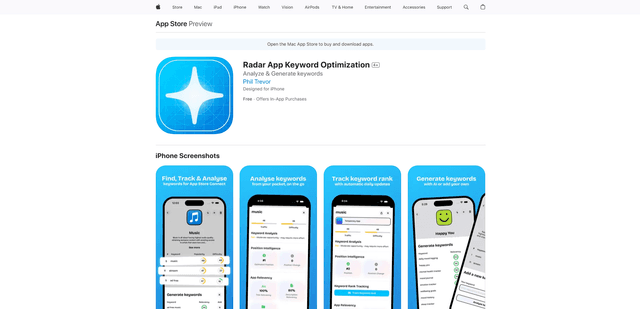
Radar
App Radar is a comprehensive app store optimization (ASO) tool that leverages AI-powered keyword research, competitor analysis, and automated tools to help improve app visibility and rankings across the Apple App Store and Google Play Store.
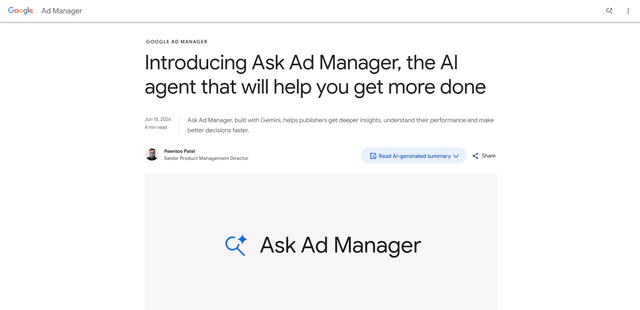
Ask Ad Manager by Google Ads
Ask Ad Manager is a Gemini-powered conversational agent inside Google Ad Manager that helps publishers troubleshoot issues in real time, generate custom performance reports from prompts, and navigate directly to the right settings using their own Ad Manager data.
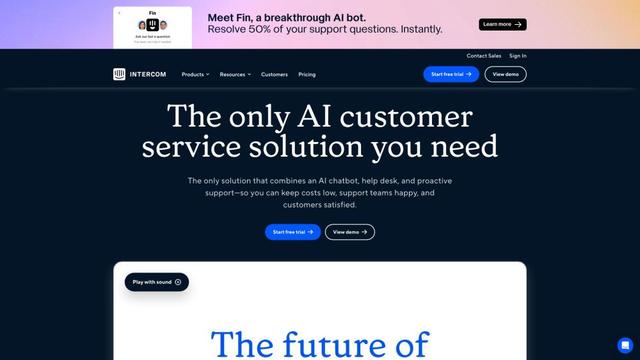
Intercom
Intercom is an AI-powered customer service platform that provides instant support, enhances agent productivity, and delivers insights to support leaders.
Branded
Branded is a market research company that uses AI and advanced sampling techniques to provide high-quality consumer insights and data.