
Ventorah
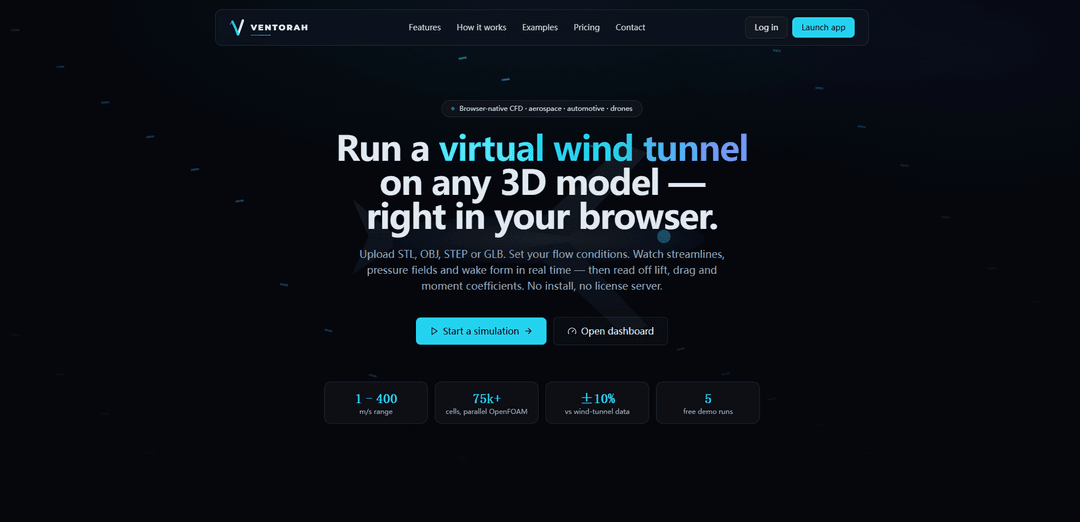
Ventorah is a browser-based virtual wind tunnel that lets you upload 3D models and run aerodynamic simulations with live flow visualizations and exportable lift/drag/moment estimates, optionally powered by an OpenFOAM backend and an AI aero assistant.
https://www.ventorah.com/?ref=producthunt
Product Information
Updated:Aug 8, 2026
What is Ventorah
Ventorah is a cloud-enabled, browser-native aerodynamic simulation platform designed to make wind-tunnel style analysis accessible without installing desktop CFD software. Users can upload common CAD/mesh formats (e.g., STL, OBJ, STEP, GLB), configure flow conditions, and view results such as streamlines, pressure/velocity fields, wake behavior, and key coefficients like Cl, Cd, and Cm. The product combines lightweight engineering estimation methods (e.g., panel-method and correlation-based approaches) with an optional validated OpenFOAM-based CFD workflow for higher-fidelity runs, all presented through an interactive web interface with reporting and export tools.
Key Features of Ventorah
Ventorah is a browser-based CFD “virtual wind tunnel” for running aerodynamic simulations on uploaded 3D models (STL/OBJ/STEP/GLB and more) without installing desktop software. It provides an end-to-end workflow—geometry viewing and measurement, flow-condition setup, meshing and solving on an OpenFOAM backend, and interactive post-processing with streamlines and contour fields—then exports engineering outputs like lift/drag/moment coefficients and reports. It also includes an AI aero assistant (powered via Anthropic/Claude, either managed or via your own API key) to help interpret results and suggest design changes, alongside comparison and collaboration-oriented tooling depending on plan.
In-browser 3D geometry viewer: Instant WebGL viewing for common CAD/mesh formats with orbit controls, wireframe/transparent/bounding-box modes, and measurement tools for quick pre-checks before solving.
Configurable virtual wind tunnel setup: Set speed and direction plus environmental/fluid parameters (density, temperature, pressure, humidity, altitude) and choose turbulence model and mesh resolution.
Validated OpenFOAM solver backend: Parallel OpenFOAM workflow (snappyHexMesh + simpleFoam in Docker) with benchmark claims (e.g., sphere drag within ~10% of experiment) and live residual streaming during runs.
Rich post-processing & engineering outputs: Visualize streamlines, wake, separation, vorticity, and pressure/velocity contours; compute/export Cl, Cd, Cm, forces, Reynolds/Mach, center of pressure, surface maps, CSV and PDF reports.
Run comparison & performance deltas: Side-by-side comparison of two simulations with overlayed fields and a difference table to quantify design changes.
AI aero assistant + AI-driven iteration: Ask why drag is high or how to add lift; get analysis and design suggestions. Available as managed (Pro) or BYO Claude API key; outputs should be treated as guidance, not ground truth.
Use Cases of Ventorah
Drone airframe optimization: Evaluate lift/drag and flow separation on fuselage/arm/prop-guard geometries to improve endurance, stability, and payload performance.
Automotive aero and drag reduction: Test body kits, mirrors, undertrays, diffusers, and spoiler angles; visualize wake structures and quantify Cd changes across variants.
Aerospace concept screening: Run early-stage wing/body/nacelle concepts to compare Cl/Cd/Cm trends and identify separation issues before committing to more expensive high-fidelity studies.
Education and training in CFD: Use the browser workflow and visual fields to teach fundamentals (boundary layers, separation, wakes) without requiring local installs or license servers.
Rapid design iteration for small teams: Upload a new geometry version, run a managed solve, compare to baseline, and export a report for internal reviews or client communication.
Pros
No-install, browser-native workflow with quick visualization and reporting
End-to-end pipeline (setup → solve → post-process) with OpenFOAM backend and interactive comparisons
Flexible pricing: free demos, BYO (use your own Claude key/worker), or managed Pro credits
Cons
AI assistant may send prompts/config/mesh-derived features to Anthropic and can be inaccurate; results require engineering validation
No uptime guarantee; managed compute capacity may be limited or temporarily offline (credits returned if a paid solve can’t run)
Accuracy depends on meshing and model choices; published validation is limited to selected benchmarks (e.g., ~10% sphere drag claim)
How to Use Ventorah
1) Create an account and start free: Go to https://www.ventorah.com/login and sign up/log in. Every account starts with 5 free demo simulations (no credit card required).
2) Open the simulator: From the site, click “Start a simulation” (https://www.ventorah.com/simulate) to begin a new run.
3) Upload your 3D geometry: Upload or drag-and-drop your model file (supported: STL, OBJ, STEP, IGES, GLB, FBX). The model should appear immediately in the in-browser WebGL viewer.
4) Inspect the model in the 3D viewer: Use orbit controls to rotate/inspect the geometry. Toggle viewing modes such as wireframe, transparent, and bounding-box. Use measurement tools to sanity-check scale and key dimensions.
5) Configure wind-tunnel flow conditions: Set the flow setup parameters: wind speed (noted range 1–400 m/s), direction, and environmental/fluid conditions such as density, temperature, pressure, humidity, and altitude. Choose the fluid and turbulence model as needed.
6) Choose mesh resolution / quality: Select a mesh resolution option for the run. Ventorah uses an OpenFOAM backend with snappyHexMesh; the page notes 75k+ cells and parallel solving. Higher resolution generally improves fidelity at higher compute cost.
7) Start the solve: Run the simulation. Ventorah will generate the mesh and solve using OpenFOAM (simpleFoam). During the run, watch iteration progress and residual convergence streamed live.
8) Monitor convergence and mesh statistics: Review residual convergence plots and mesh statistics to judge whether the solution is stabilizing and whether the mesh is adequate for the flow features you care about.
9) Visualize the flow fields: In the virtual wind tunnel view, inspect streamlines, velocity vectors, pressure and velocity contours, vorticity, wake development, and flow separation (animated live).
10) Read engineering coefficients and forces: Open the results panel to view Cl, Cd, Cm, Reynolds number, Mach number, forces, center of pressure, and surface maps derived from the solved field.
11) Use interactive charts for deeper analysis: Explore charts such as lift-vs-angle, drag-vs-speed, pressure histograms, and velocity histograms to understand trends and distributions.
12) Compare two runs side-by-side (if available on your plan): Use the comparison tool to place two simulations next to each other, overlay pressure and airflow visualizations, and review the performance difference table.
13) Ask the AI aero assistant for guidance (if enabled): Use the AI assistant to ask questions like “why is drag high?” or “how can I add lift?”. It can explain separation and suggest design changes based on the observed flow features.
14) Export results: Export key outputs (coefficients, forces, maps) to CSV and/or generate a PDF report for sharing or documentation.
15) Upgrade or connect your own infrastructure (optional): If you need saved simulations, comparisons, or more capacity, upgrade. On applicable plans you can connect your own OpenFOAM worker and/or bring your own AI provider API key (e.g., Claude) so usage is billed under your provider’s terms.
16) Validate before relying on results: Independently validate any simulation result before using it for real-world decisions. The service states results must not be the sole basis for design/certification/operation of safety-critical systems (e.g., aircraft, road vehicles, medical devices, structural components).
Ventorah FAQs
Ventorah is a browser-based aerodynamic simulation platform (a “virtual wind tunnel”) at ventorah.com that lets you run CFD-style aero studies on 3D models directly in the browser.
Popular Articles

Vosko AI: Localize and Dub Videos for Global Audiences
Oct 15, 2026

Atoms: A Multi-Agent AI Platform That Transforms Ideas into Launch-Ready Products
Oct 13, 2026

Nano Banana SBTI: What It Is, How It Works, and How to Use It in 2026
Apr 15, 2026

Atoms Review — The AI Product Builder Redefining Digital Creation in 2026
Apr 10, 2026
Latest AI Tools Similar to Ventorah
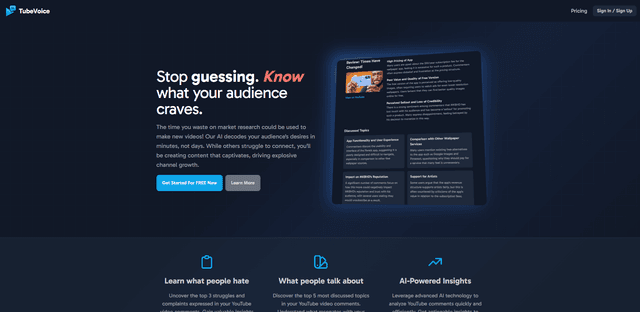
TubeVoice
TubeVoice is an AI-powered YouTube comment analyzer that helps content creators understand their audience by providing insights from video comments through automated analysis.
ReviewPower
ReviewPower is an all-in-one platform that aggregates and analyzes trusted reviews from G2 and Capterra to help businesses gain valuable insights from customer feedback.

Insightfull
Insightfull is an AI-powered health tracking platform that helps users monitor symptoms, analyze health data, and receive personalized insights through symptom tracking, food logging, and medication management features.
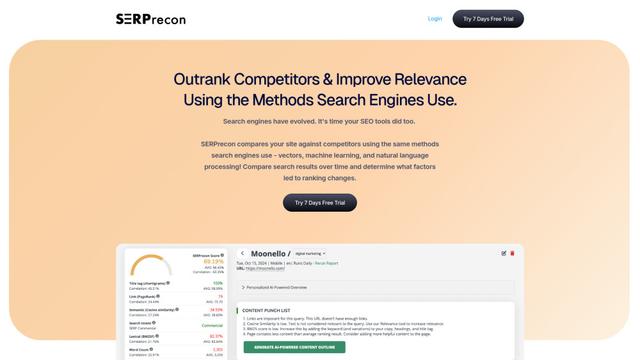
SERPrecon
SERPrecon is an advanced SEO tool that leverages vectors, machine learning, and natural language processing to help users analyze and outrank competitors by using the same methods as modern search engines.
Popular AI Tools Like Ventorah
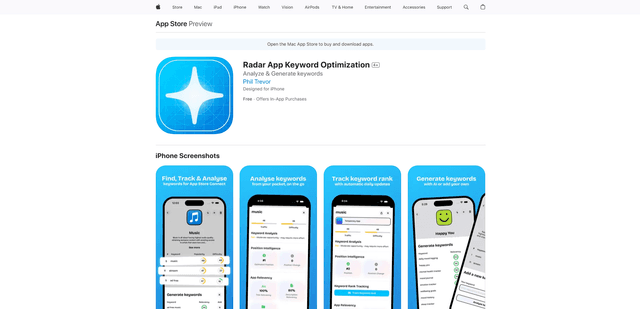
Radar
App Radar is a comprehensive app store optimization (ASO) tool that leverages AI-powered keyword research, competitor analysis, and automated tools to help improve app visibility and rankings across the Apple App Store and Google Play Store.
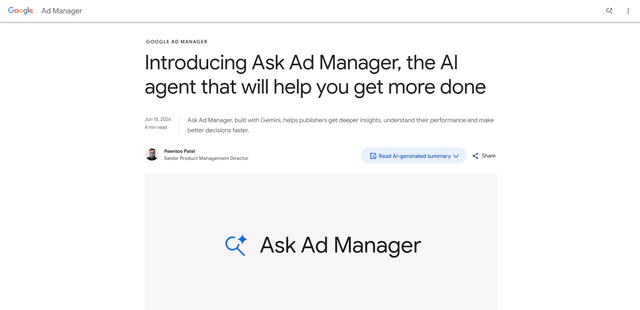
Ask Ad Manager by Google Ads
Ask Ad Manager is a Gemini-powered conversational agent inside Google Ad Manager that helps publishers troubleshoot issues in real time, generate custom performance reports from prompts, and navigate directly to the right settings using their own Ad Manager data.
Intercom
Intercom is an AI-powered customer service platform that provides instant support, enhances agent productivity, and delivers insights to support leaders.
Branded
Branded is a market research company that uses AI and advanced sampling techniques to provide high-quality consumer insights and data.