
BackEngine MCP
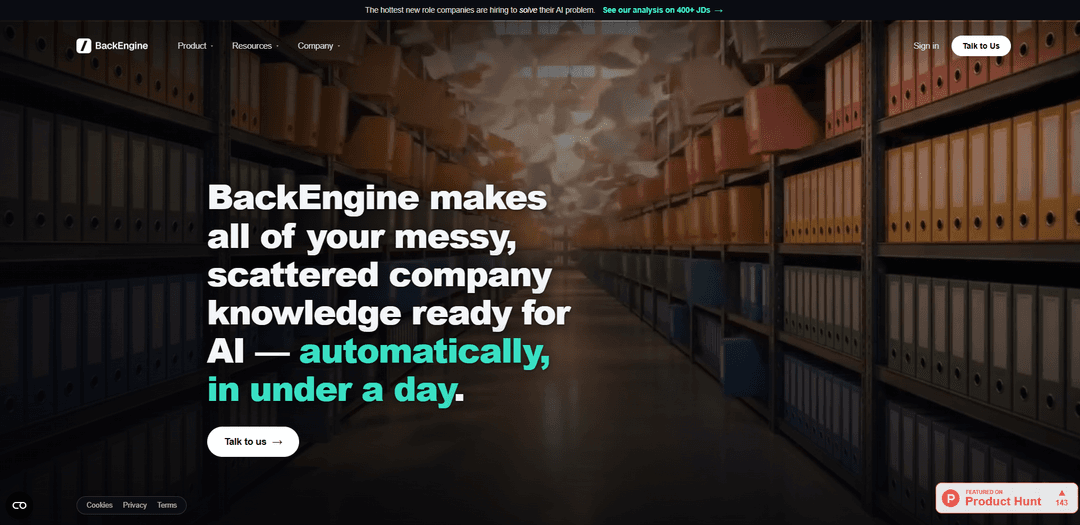
BackEngine MCP is an MCP server that unifies scattered customer conversations across tools like Slack, email, calls, tickets, and CRM into structured, permissioned account memory that AI assistants can query and act on (insights, alerts, and CRM write-back).
https://www.backengine.com/?ref=producthunt
Product Information
Updated:Aug 8, 2026
What is BackEngine MCP
BackEngine MCP is BackEngine’s Model Context Protocol (MCP) server that makes a company’s customer-facing knowledge “AI-ready” by pulling together communications and activity that typically live in separate systems—calls and transcripts, emails, Slack threads, support tickets, and CRM records. Instead of asking teams to adopt a new app, BackEngine is designed to live inside the AI tools your team already uses (e.g., Claude/ChatGPT-style workflows), so the AI can answer questions and produce work using a complete, account-level memory. It emphasizes governed access (users see only what they’re allowed to see) and verifiable outputs with source-level references back to the original conversations.
Key Features of BackEngine MCP
BackEngine MCP is an MCP server that connects the AI your team already uses (e.g., Claude/ChatGPT/Gemini) to governed, structured customer and account context aggregated from tools like Salesforce/HubSpot, Gong/Zoom, Gmail/Outlook, Slack/Teams, Zendesk, and Jira. It automatically organizes messy, scattered communications by account, computes derivative signals (health, sentiment, risk, engagement), enables natural-language querying across accounts, and can write insights and updates back to your CRM—so AI can reliably produce work products like account prep, risk scans, and forecast reviews with fewer tokens and fewer factual errors, while enforcing permissions and security controls (SOC 2 Type II and HIPAA compliance noted).
MCP server exposing structured customer data: Provides a standardized MCP interface so external AI tools and workflows can access organized, account-level context instead of raw, fragmented logs.
Native integrations (no migration required): Connects to common revenue and support systems (e.g., Salesforce, HubSpot, Gong, Zoom, Gmail/Outlook, Slack/Teams, Zendesk, Jira) without engineering-heavy data moves or new workflows.
Intelligent account routing & unified memory: Automatically maps calls, emails, Slack threads, and tickets to the correct account, building a complete, queryable history so AI can answer with full context.
Derived metrics & risk/engagement signals: Generates health scores, sentiment, risk flags, and engagement trends from real customer conversations to surface what matters and what needs attention.
Natural-language querying inside existing AI chat: Lets users ask plain-language questions (e.g., “which accounts look fine but aren’t?”) directly in the AI they already use, without learning a new app.
CRM write-back & execution support: Can draft and push updates back into Salesforce/HubSpot and generate work products (e.g., account plans, forecast reviews) so insights turn into action.
Use Cases of BackEngine MCP
Customer Success: account prep & renewal risk scans: Auto-summarize recent calls/emails/tickets per account, highlight open threads and risks, and propose next steps before QBRs or renewal conversations.
Sales leadership: forecast and pipeline reviews: Draft weekly forecast reviews and pipeline narratives grounded in real engagement signals and conversation history, reducing manual deal inspection.
Support/Operations: escalation context & triage: Pull full customer context (recent conversations, sentiment, open tickets) when alerts trigger, improving handoffs and speeding resolution.
Product management: revenue-weighted feature prioritization: Rank feature requests by the revenue behind them by linking requests across calls/tickets/CRM data to affected accounts and ARR impact.
Professional services / account teams: continuity across rotations: Preserve institutional knowledge when teams roll off accounts by maintaining a durable, account-organized memory of prior decisions and interactions.
Regulated industries: governed AI access to customer context: Enable AI workflows for healthcare/finance teams while keeping access permissioned and centralized, leveraging stated SOC 2 Type II and HIPAA compliance.
Pros
Works inside the AI tools teams already use, reducing change management and speeding adoption.
Unifies scattered communications into account-level context with derived signals (risk/health/sentiment) for faster decisions.
Can reduce re-prompting and token spend by providing cleaner, structured context to the model.
Centralized governance/permissions with stated SOC 2 Type II and HIPAA compliance.
Cons
Value depends on integration coverage and data quality in connected systems (incomplete or messy sources can limit insights).
CRM write-back and automated actions may require careful configuration/governance to avoid incorrect updates.
Best-fit appears oriented to revenue/customer teams; non-customer workflows may see less benefit.
How to Use BackEngine MCP
1) Confirm prerequisites: You need (a) a BackEngine account, (b) at least one connected data source (e.g., Salesforce/HubSpot, Gong/Zoom, Gmail/Outlook, Slack/Teams, Zendesk/Jira), and (c) an AI client that supports MCP (e.g., Claude, ChatGPT, Gemini, or an agent/workflow tool that can connect to an MCP server).
2) Connect your customer-systems to BackEngine (no migration): In BackEngine, authenticate the tools your team already uses (Gmail/Outlook, Slack/Teams, Gong/Zoom/Fireflies, Salesforce/HubSpot, Zendesk/Jira, etc.). BackEngine is designed to pull in existing conversations and records without changing workflows or requiring data migration.
3) Verify account mapping / routing: Ensure BackEngine is correctly routing emails, calls, tickets, and messages to the right customer accounts. This is critical because MCP queries and agents rely on BackEngine’s structured, account-level memory to answer accurately.
4) Configure permissions and governance: Set up access controls so each person’s AI can only see what they’re allowed to see. BackEngine positions itself as a single governed connection point (instead of many direct app connections) to manage permissions and reduce data exposure risk.
5) Teach BackEngine your team’s playbook (standards + templates): During setup, define how your team is supposed to work: messaging standards, templates, handoff expectations, and execution rules. BackEngine uses this to compare real account activity against your standard and to generate more consistent outputs via MCP.
6) Wait for data to become ‘AI-ready’: BackEngine indicates setup can be fast (e.g., ~15 minutes to connect) with data becoming ready quickly (e.g., within about a day). Once ingested, BackEngine distills unstructured conversations into structured, queryable context.
7) Enable/use BackEngine MCP inside your AI tool: In your MCP-capable AI (the one your team already uses), add/enable the BackEngine MCP server connection so the AI can query BackEngine’s structured customer context. After this, you should be able to invoke BackEngine from within the chat experience rather than logging into a separate BackEngine UI.
8) Run your first MCP query: meeting prep by account: In your AI chat, use the BackEngine command pattern shown in examples (e.g., “/backengine prep me for my 2pm with Acme”). The AI should return an account brief grounded in emails, calls, tickets, and messages—plus suggested agenda items and open threads.
9) Ask cross-account questions (portfolio scans): Use natural-language queries to scan your book of business, e.g., “/backengine which accounts look fine but aren’t?” This leverages BackEngine’s derived metrics (health, sentiment, risk flags, engagement trends) computed from real conversations.
10) Prioritize product/customer insights from conversations: Ask questions like “/backengine rank feature requests by the revenue behind them.” BackEngine’s value proposition is turning scattered qualitative signals into structured, queryable insights tied to accounts and (where available) CRM revenue context.
11) Trigger action: draft follow-ups and updates with full context: Use BackEngine MCP to draft replies or internal summaries using complete account memory (emails, calls, Slack, tickets). Then use BackEngine’s action capabilities (where configured) to write back updates to Salesforce/HubSpot so CRM stays current.
12) Use alerts/flags to focus attention: Rely on BackEngine’s flagging to surface what needs attention (unhappy accounts, missed follow-ups, handoffs missing context, unacted opportunities). Then ask the MCP-connected AI for the evidence and recommended next steps for each flagged account.
13) Operationalize common workflows with pre-built agents: Adopt BackEngine’s pre-built AI agents for common Customer Success / Account Management use cases (e.g., risk scans, forecast reviews, win walls, renewal prep). Run them through MCP so the outputs appear directly in your AI tool.
14) Validate outputs against sources (trust + evidence): When the AI returns a claim (risk, sentiment shift, missed commitment), ask it to cite the underlying conversation threads or meeting transcripts that support it. BackEngine emphasizes insights grounded in concrete evidence rather than abstract summaries.
15) Iterate: refine playbooks, templates, and governance: As you see gaps (wrong routing, missing sources, inconsistent messaging), adjust account mapping rules, connect additional systems, refine templates/standards, and tighten permissions. This improves first-pass accuracy and reduces re-prompting.
BackEngine MCP FAQs
BackEngine MCP is an MCP server that exposes structured customer data to external AI tools and workflows, so the AI your team already uses can answer and act using a complete memory of customer conversations across systems.
Popular Articles

Vosko AI: Localize and Dub Videos for Global Audiences
Oct 15, 2026

Atoms: A Multi-Agent AI Platform That Transforms Ideas into Launch-Ready Products
Oct 13, 2026

Nano Banana SBTI: What It Is, How It Works, and How to Use It in 2026
Apr 15, 2026

Atoms Review — The AI Product Builder Redefining Digital Creation in 2026
Apr 10, 2026
Latest AI Tools Similar to BackEngine MCP
Snapmark
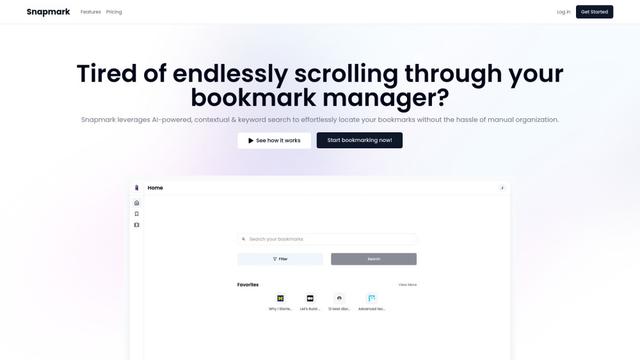
Snapmark is an AI-powered search engine for bookmarks that allows users to save, search, and organize websites, images, and text without manual tagging or categorization.
Uměl.cz
Uměl.cz is a Czech AI-powered search engine that provides intelligent and contextual answers to user queries.
想读 (WantRead)
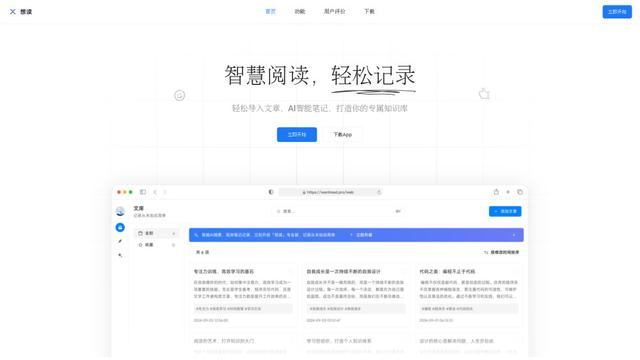
想读(WantRead) is an AI-powered reading and note-taking platform that helps users easily import, read, annotate and build their personal knowledge base.
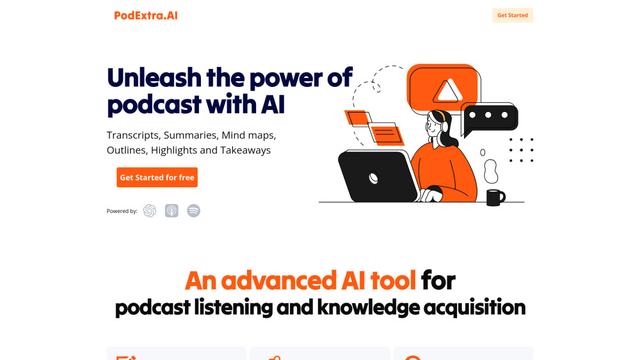
PodExtra AI
PodExtra AI is an advanced AI-powered podcast tool that transforms podcast content into digestible formats through transcripts, summaries, mind maps, outlines, highlights and takeaways.
Popular AI Tools Like BackEngine MCP
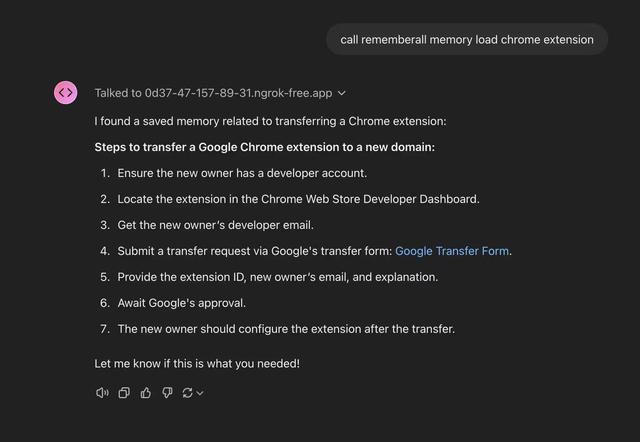
Rememberall
Rememberall is a secure, open-source long-term memory solution that enables AI applications and GPT models to maintain persistent memory across conversations through semantic search and vector storage capabilities.
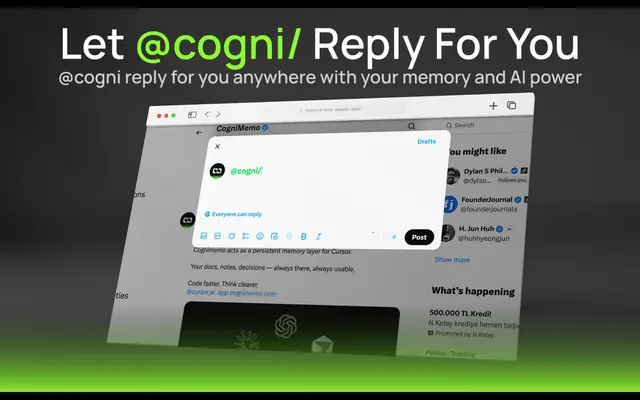
CogniMemo Extension
CogniMemo is a browser extension that adds long-term memory capabilities to AI tools like ChatGPT, Claude, Gemini, and DeepSeek by enabling context-aware conversations and knowledge management through saved notes and past chats.
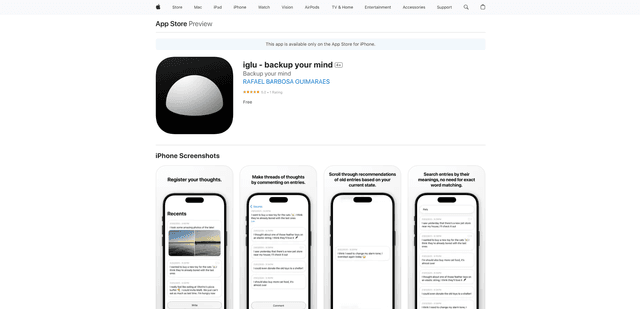
iglu
Iglu is a private, AI-powered micro-journaling app that helps users record, organize, and revisit their thoughts, memories, and ideas through text and media entries with intelligent search and recommendation features.
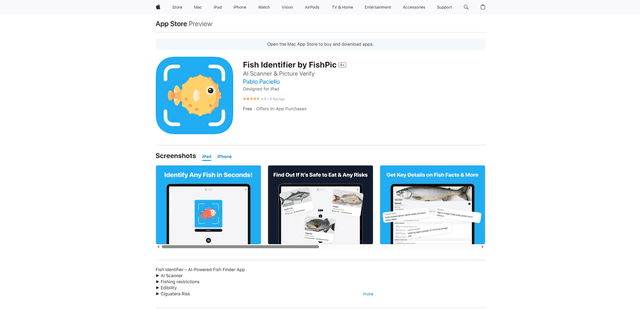
FishPic
FishPic is an AI-powered fish identification app that instantly recognizes fish species from photos while providing comprehensive information about edibility, regulations, and recipes.