
GenMotion
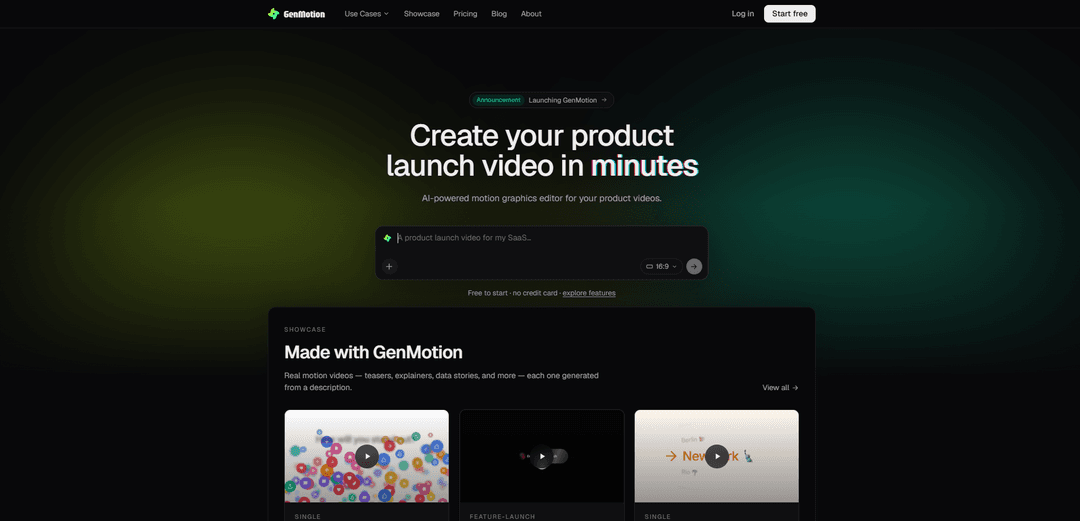
GenMotion es un estudio de video de movimiento con IA que convierte indicaciones en lenguaje sencillo en escenas reales y editables con vista previa con precisión de fotograma y exportación de MP4 perfecta en píxeles.
https://genmotion.dev/?ref=producthunt&utm_source=aipure
Información del Producto
Actualizado:08/08/2026
¿Qué es GenMotion?
GenMotion es una herramienta de creación de video con IA basada en navegador, enfocada en videos de movimiento como avances de lanzamiento de productos, explicaciones, anuncios sociales, secuencias de títulos e historias de datos animados. En lugar de construir animaciones manualmente, usted describe lo que desea en lenguaje sencillo y un agente de IA genera el video como un conjunto de escenas reales que puede revisar y refinar. Está diseñado para sentirse como un estudio completo de gráficos en movimiento, combinando la creación impulsada por agentes con el control de la línea de tiempo, para que los creadores puedan pasar del concepto a la salida compartible rápidamente en cualquier relación de aspecto para las principales plataformas.
Características Principales de GenMotion
GenMotion es un estudio de video-movimiento con IA que convierte descripciones en lenguaje sencillo en videos de movimiento reales (por ejemplo, avances de productos, explicaciones e historias de datos). Utiliza un agente para redactar escenas, le permite previsualizar el resultado con precisión de fotograma en el navegador, refinar el ritmo y el orden en una línea de tiempo visual, y luego exportar un MP4 perfecto en píxeles a través de un renderizador sin cabeza determinista para que el resultado final coincida con lo que revisó.
Generación de escenas de agente de texto a video: Describa lo que desea (avance, explicador, estadísticas animadas) en lenguaje sencillo y el agente escribe y anima escenas para usted, con refinamientos manejados conversacionalmente.
Vista previa en el navegador con precisión de fotograma: Desplácese fotograma a fotograma directamente en el navegador; lo que ve en la vista previa está diseñado para coincidir con el renderizado final sin sorpresas.
Edición visual de la línea de tiempo: Reordene escenas y ajuste las duraciones en una línea de tiempo para ajustar el ritmo y la estructura sin necesidad de herramientas tradicionales de gráficos en movimiento.
Exportación MP4 determinista e idéntica en píxeles: Un trabajador sin cabeza renderiza un MP4 que es píxel por píxel y fotograma por fotograma idéntico a la vista previa del navegador utilizando un tiempo de ejecución determinista compartido.
Soporte de video de marketing multiformato: Admite salidas comunes como videos de lanzamiento de productos, anuncios sociales, introducciones/secuencias de títulos y datos animados en cualquier relación de aspecto para las principales plataformas.
Flujo de trabajo de inicio gratuito: Puede comenzar gratis sin tarjeta de crédito para generar y previsualizar videos; los planes pagos agregan mayor resolución, sin marca de agua y más capacidad.
Casos de Uso de GenMotion
Marketing de lanzamiento de productos: Genere videos pulidos de avance/lanzamiento de productos rápidamente a partir de un resumen, luego itere sobre el orden de las escenas y el ritmo para diferentes momentos de la campaña.
Contenido explicativo y de incorporación: Cree explicaciones cortas que comuniquen características y flujos de trabajo claramente, con revisiones rápidas a través de conversaciones y ajustes en la línea de tiempo.
Anuncios sociales y creatividades de rendimiento: Produzca múltiples variantes de relación de aspecto para plataformas (por ejemplo, vertical, cuadrada, pantalla ancha) manteniendo la coherencia visual en todas las exportaciones.
Narrativa de datos para informes y paneles: Convierta métricas clave en estadísticas animadas/historias de datos para actualizaciones trimestrales, comunicaciones con inversores o presentaciones internas.
Introducciones de marca y secuencias de títulos: Genere secuencias de introducción/cierre de movimiento para YouTube, podcasts, seminarios web y videos de eventos sin necesidad de herramientas de estilo After Effects.
Ventajas
Creación rápida a partir de indicaciones en lenguaje sencillo con un flujo de trabajo impulsado por agentes
La vista previa precisa de fotogramas y la exportación determinista reducen las sorpresas de renderizado
Los controles de la línea de tiempo permiten un ritmo preciso sin una gran experiencia en gráficos en movimiento
El inicio gratuito facilita la prueba de ideas antes de comprometerse
Desventajas
Mayor resolución, eliminación de marca de agua y más capacidad requieren planes pagos
Los mejores resultados aún pueden requerir indicaciones iterativas y refinamiento de la línea de tiempo para que coincidan con un estilo de marca específico
Cómo Usar GenMotion
1. Inicie un nuevo video: Vaya a GenMotion (genmotion.dev) y comience gratis (no se requiere tarjeta de crédito). Cree un nuevo proyecto/video para tener un espacio de trabajo para generar escenas.
2. Describa lo que quiere hacer: En lenguaje sencillo, dígale al agente de GenMotion lo que quiere (por ejemplo, un avance de lanzamiento de producto, una explicación, estadísticas animadas/historia de datos). Incluya detalles clave como el nombre del producto, el mensaje, la plataforma objetivo (TikTok/YouTube/LinkedIn), la relación de aspecto y la duración aproximada.
3. Deje que el agente elabore las escenas: El agente convierte su descripción en escenas animadas reales (una primera pasada). Si no especificó la estructura, normalmente propondrá un plan de escenas que puede aceptar o revisar.
4. Previsualice con precisión de fotograma en el navegador: Use la vista previa incorporada para avanzar fotograma a fotograma. La vista previa es determinista y coincide con la renderización final, por lo que lo que ve es lo que exportará.
5. Refine por conversación (no se requiere edición): Dígale al agente qué cambiar (por ejemplo, “haga la introducción más rápida”, “cambie el titular”, “use un fondo más oscuro”, “agregue una tarjeta de estadísticas animada”, “intercambie el orden de las escenas”). Itere hasta que las escenas coincidan con su intención.
6. Organice las escenas en la línea de tiempo: Reordene las escenas y ajuste las duraciones en la línea de tiempo visual para obtener el ritmo correcto (por ejemplo, acorte el gancho, extienda la revelación de la característica, ajuste el final).
7. Agregue narración por escena (opcional): Si desea voz en off, agregue narración natural por escena. GenMotion puede sincronizar el tiempo de la narración con la animación para que las imágenes coincidan con los ritmos hablados.
8. Vuelva a previsualizar para confirmar el tiempo y las imágenes finales: Avance de nuevo fotograma a fotograma para confirmar las transiciones, el tiempo del texto y la duración de las escenas. Debido a que la vista previa y la renderización comparten el mismo tiempo de ejecución, esta es su verificación de calidad final.
9. Exporte un MP4 perfecto en píxeles: Exporte el video. Un trabajador sin interfaz gráfica renderiza un MP4 que es píxel por píxel y fotograma por fotograma idéntico a la vista previa del navegador, listo para publicar en cualquier lugar.
10. Actualice si necesita mayor capacidad de salida (opcional): Si necesita mayor resolución, sin marca de agua o más capacidad de renderizado, pase a un plan de pago; de lo contrario, siga usando el inicio gratuito para prototipar e iterar.
Preguntas Frecuentes de GenMotion
GenMotion es un estudio de video-movimiento con IA. Describes un video en lenguaje sencillo, un agente lo anima como escenas reales, lo previsualizas con precisión de fotograma en el navegador y exportas un MP4 perfecto en píxeles.
Video de GenMotion
Artículos Populares

Vosko AI: Localiza y dobla videos para audiencias globales
Oct 15, 2026

Atoms: Una Plataforma de IA Multiagente Que Transforma Ideas en Productos Listos para Lanzar
May 22, 2026

Nano Banana SBTI: Qué es, cómo funciona y cómo usarlo en 2026
Apr 15, 2026

Reseña de Atoms: El Constructor de Productos de IA que Redefine la Creación Digital en 2026
Apr 10, 2026
Últimas herramientas de IA similares a GenMotion
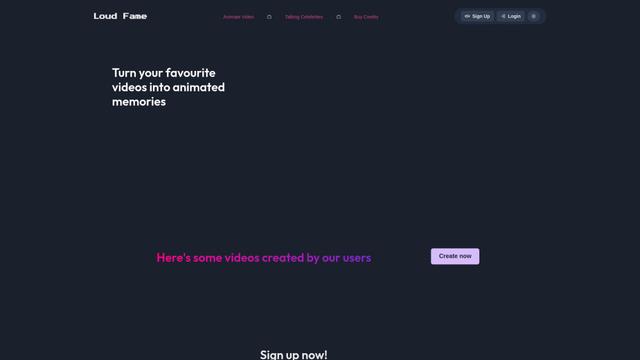
Loud Fame
Loud Fame es una herramienta de transformación de video impulsada por AI que permite a los usuarios convertir videos regulares en animaciones de estilo anime y crear videos de celebridades hablando generados por AI.
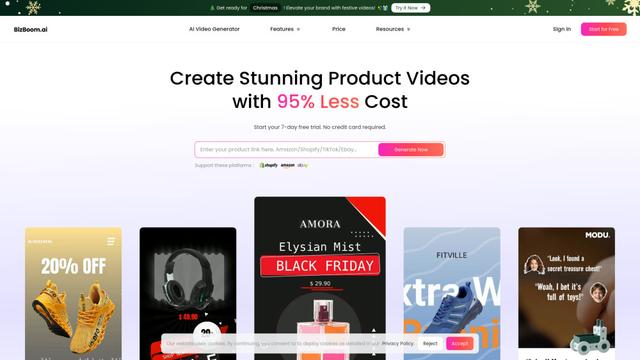
BizBoom.ai
BizBoom.ai es una plataforma impulsada por IA que genera automáticamente videos profesionales de productos a partir de enlaces e imágenes de productos con un 95% menos de costo.

EzVideos
EzVideos es una herramienta de creación de videos todo en uno que ayuda a los usuarios a generar videos virales para plataformas de redes sociales como Instagram, TikTok y YouTube con características de edición automatizadas y recursos integrados.
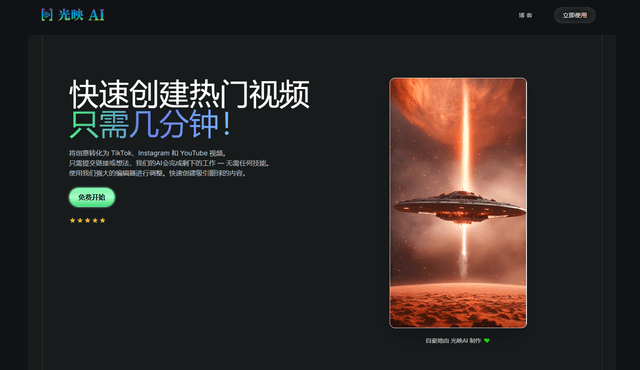
Illuminix
Illuminix es una plataforma impulsada por IA que empodera a las empresas con hiper-expertos autónomos y herramientas especializadas para procesos empresariales automatizados, gestión de datos y creación de contenido de video.
Herramientas de IA populares como GenMotion
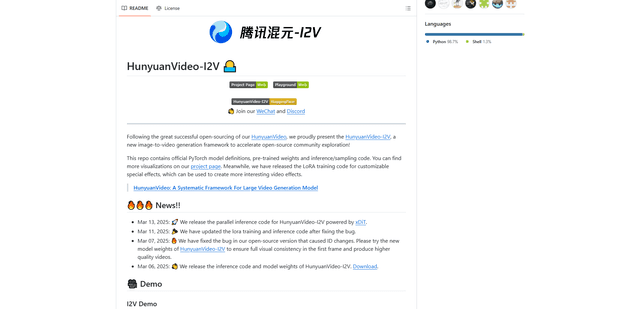
HunyuanVideo-I2V
HunyuanVideo-I2V es un marco de IA de código abierto desarrollado por Tencent que transforma imágenes estáticas en videos dinámicos de alta calidad con efectos de movimiento personalizables y una consistencia visual excepcional.
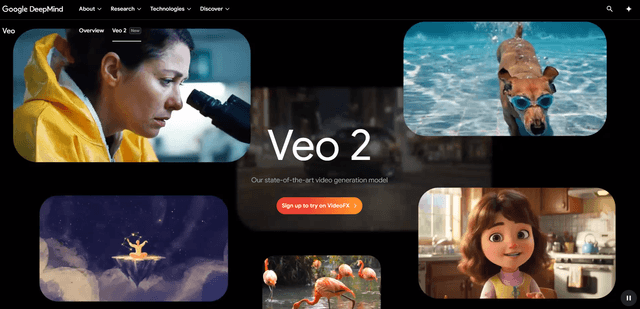
Google Veo 2
Veo 2 es el modelo de generación de video de IA de vanguardia de Google DeepMind que puede crear videos de alta calidad de hasta 4K de resolución con movimiento realista, amplios controles de cámara y simulación de física mejorada a partir de avisos de texto.

Vibing
Vibing es una aplicación de citas impulsada por IA que ayuda a los usuarios a compartir momentos auténticos a través de historias en video y hacer conexiones genuinas basadas en el emparejamiento de personalidad y características interactivas.
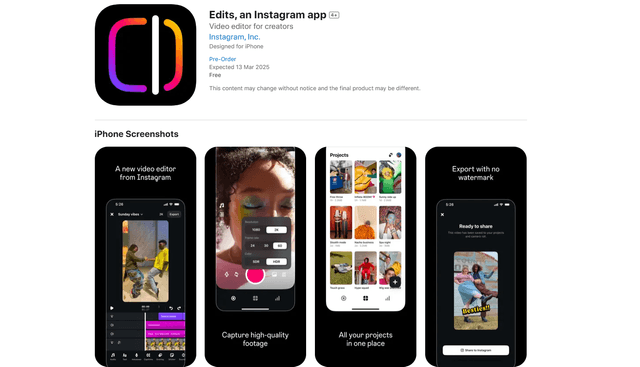
Edits, an Instagram app
Edits es la aplicación gratuita de creación de videos de Instagram que proporciona a los creadores herramientas de edición profesionales, características de IA y capacidades analíticas para crear videos de alta calidad directamente desde sus teléfonos.