
Keystroke
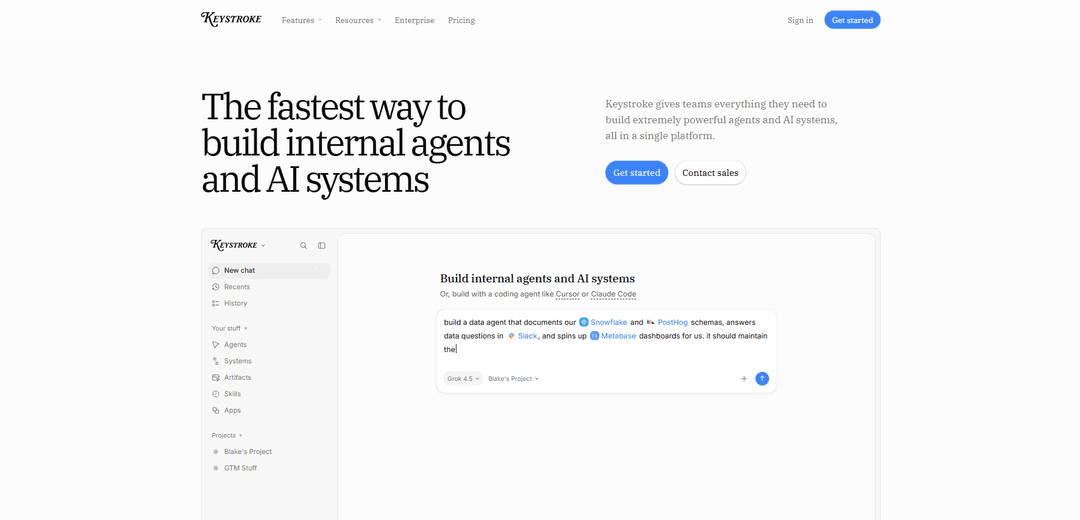
Keystroke is an all-in-one, code-first platform for building and deploying internal AI agents and durable workflow automations in TypeScript, with built-in integrations, testing, observability, and team collaboration.
https://keystroke.ai/?ref=producthunt
Product Information
Updated:Aug 8, 2026
What is Keystroke
Keystroke is a platform designed to help companies build “agents and AI systems” that can do real internal work—like triaging inboxes, summarizing calls, enriching leads, updating CRMs, posting to Slack, or coordinating multi-step processes across tools. It combines a developer-friendly framework (where agents and workflows live as plain TypeScript in your repo) with a managed runtime and a collaborative web app where teams can share agents, context, and reusable skills. Keystroke emphasizes practical deployment for organizations: integrations and credential management, governance controls, and the ability to use agents via chat, Slack/Teams, or an API.
Key Features of Keystroke
Keystroke is a single platform for building, deploying, and operating internal AI agents and multi-step AI systems. It combines code-first agent/workflow development (TypeScript with schemas, tests, and git-friendly structure) with managed runtime durability (sleep/resume, retries, long-running processes), rich integrations (1,000+ tools, APIs, and MCP servers), and multiple ways to use agents (web chat, Slack/Teams, or API). It also includes governance and observability—tool permissions, role-based access, model controls, budgets/limits, testing/evals, and run traces—so teams can safely share and scale agents across an organization.
Code-first agents & workflows (TypeScript): Build agents and deterministic workflows as ordinary async TypeScript in your repo, with typed inputs (e.g., Zod), straightforward control flow, and local development ergonomics.
Managed durable runtime: Workflows can survive errors, approvals, sleeps, and restarts—enabling reliable long-running automations without custom infrastructure.
Deep integrations + extensibility: Connect agents to 1,000+ integrations, any HTTP API via OpenAPI, and any MCP server; agents can use integrations as tools (e.g., email, calendar, ticketing, CRM).
Multi-channel agent access: Use agents directly in Keystroke chat, bring them into Slack or Microsoft Teams, or call them programmatically via an API.
Testing, evals, and run inspection: Run tests/evals (e.g., before deploy) and inspect detailed traces of agent runs across tools, steps, and outcomes for debugging and auditability.
Governance & org-wide sharing: Centralize credential management, scope tool access, enforce budgets/rate limits, control approved models, and publish agents/skills/context to an organization registry (a shared “company brain”).
Use Cases of Keystroke
Inbox & calendar chief of staff (personal productivity): Create an agent (e.g., “Timmy”) connected to Superhuman/Gmail and Google Calendar to triage inbox, draft replies, apply labels, and coordinate scheduling—optionally with guardrails like “draft by default; send only when asked.”
Sales/RevOps signup enrichment pipeline: Trigger a workflow on new signups (webhook/Stripe event), enrich leads in tools like Apollo/CRM, perform web research, generate a brief, and post it to a Slack channel for fast follow-up.
Customer support triage & ticket automation (operations): Route inbound support requests to specialized agents, draft first replies in brand voice, create/update tickets in Linear/Zendesk, and require human approval for high-risk actions (e.g., refunds).
Engineering & data documentation agent: Build an internal data agent that reads Snowflake/PostHog schemas and produces up-to-date documentation and Q&A for analysts and engineers using shared org context.
Marketing content and social workflows: Automate research-to-copy pipelines: gather sources via web search, draft on-brand posts, schedule reviews/approvals, and publish or hand off to Slack for final edits.
Cross-team internal dashboards and lightweight apps: Spin up simple internal apps/dashboards powered by agents and workflows to surface pipeline, revenue, operational metrics, or status summaries across connected tools.
Pros
Unified platform: agents, workflows, integrations, deployment, and governance in one place.
Developer-friendly and auditable: plain TypeScript in git with tests/evals and detailed run traces.
Enterprise controls: credential vault, scoped permissions, model controls, budgets, and approvals for safer automation.
Cons
Requires setup and ongoing maintenance (integrations, permissions, tests) compared to simple point tools.
Best experience is code-centric; non-technical users may still rely on builders/developers for complex systems.
Value depends on connected systems and good internal context—without integrations/data, agents are less useful.
How to Use Keystroke
1) Create a Keystroke account and workspace: Go to https://keystroke.ai/signup, create your account, and enter your workspace/project where agents, workflows, apps, and context live.
2) Decide how you want to build (UI vs code-first): You can build directly in the Keystroke web app (chat-style) or build in a repo using TypeScript and the Keystroke CLI (designed for humans and coding agents).
3) (Recommended) Scaffold a code project with the Keystroke CLI: Use the Keystroke CLI to scaffold a local directory for your Keystroke project. This creates a repo structure and an AGENTS.md file that guides how your coding agent (Cursor/Claude Code/Codex) should work in the project.
4) Connect your tools (Apps) and store credentials: In Keystroke, open Apps and connect the services you want your agents/workflows to use (e.g., Gmail, Slack, Linear, Notion, GitHub). Keystroke manages authentication and a credential vault so secrets aren’t exposed to agents.
5) Scope permissions for safety: Configure tool permissions and credential scopes (organization/team/user) so only the right agents/projects can access sensitive tools. Optionally set safety policies and approvals for high-risk actions.
6) Build your first agent (web app approach): In the Keystroke web app, create an agent and describe what you want (e.g., “Create an agent named Timmy. Give him access to Gmail, Google Calendar, Linear, and Slack.”). Keystroke will wire tools and deploy the agent into your workspace.
7) Build your first agent (code-first TypeScript approach): Define an agent in plain TypeScript in your repo (e.g., src/agents/timmy.ts) using Keystroke’s agent definitions. Assign the connected app actions (Gmail/Calendar/Linear/Slack) as tools. Keep everything in git so you can review changes.
8) Add guardrails to the agent: Implement behavioral rules such as “draft by default” and “only send when explicitly asked,” especially for email and messaging tools. This reduces accidental outbound actions.
9) Run typechecks and tests locally: Use the CLI to run typechecking and tests before deploying. Keystroke supports testing (e.g., with Vitest) so you can validate agent/workflow behavior prior to production use.
10) Deploy your agent to Keystroke: Deploy from your repo using the CLI (e.g., deploy only the agent you changed). After deploy, the agent becomes available in the Keystroke web app and can be shared with your team.
11) Prompt and use the agent: Chat with the agent in Keystroke’s UI, or use it from external channels like Slack/Teams (where supported), or call it via API. Ask it to perform tasks using its connected tools (e.g., triage inbox, draft replies, create Linear issues).
12) Inspect runs with traces and audit history: Open the run history/trace view to see what the agent did, which tools it called, and what outputs were produced. Use this for debugging, compliance, and reliability.
13) Turn agent work into reliable systems with workflows: Create deterministic workflows (typed, testable async TypeScript) that call agents when judgment is needed. Workflows can include loops, sleeps, and durable execution across restarts/errors.
14) Add triggers to automate execution: Set up triggers such as schedules, webhooks, or events from connected apps (e.g., Stripe customer.created, Linear issue created). Triggers can start workflows or agent runs automatically.
15) Add human-in-the-loop approvals where needed: Configure approval steps so runs can pause for review (e.g., refunds, sensitive messages). Keystroke can sleep and resume without losing state (durable execution).
16) Share agents, skills, and context across your organization: Publish agents and reusable skills/context to the organization registry so other teams can reuse and improve them. This helps build a shared “company brain” with consistent knowledge.
17) Set governance: budgets, limits, and model controls: Configure usage limits (token budgets, run caps, rate limits), choose approved models/providers, and enforce guardrails so teams can build safely at scale.
Keystroke FAQs
Keystroke is a platform for building internal AI agents and AI systems. It provides the components teams need—agents, workflows/orchestration, integrations, collaboration features, and governance/controls—in one place.
Popular Articles

Vosko AI: Localize and Dub Videos for Global Audiences
Oct 15, 2026

Atoms: A Multi-Agent AI Platform That Transforms Ideas into Launch-Ready Products
Oct 13, 2026

Nano Banana SBTI: What It Is, How It Works, and How to Use It in 2026
Apr 15, 2026

Atoms Review — The AI Product Builder Redefining Digital Creation in 2026
Apr 10, 2026
Latest AI Tools Similar to Keystroke

Hapticlabs
Hapticlabs is a no-code toolkit that enables designers, developers and researchers to easily design, prototype and deploy immersive haptic interactions across devices without coding.
Deployo.ai
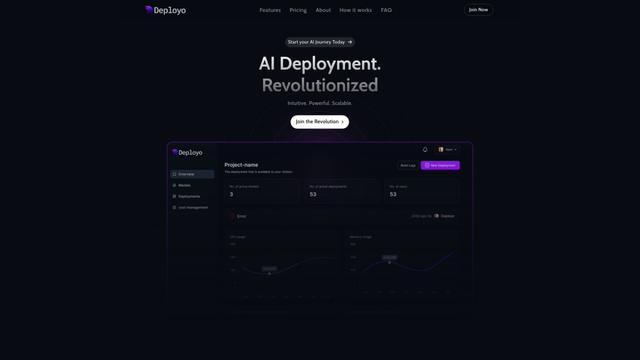
Deployo.ai is a comprehensive AI deployment platform that enables seamless model deployment, monitoring, and scaling with built-in ethical AI frameworks and cross-cloud compatibility.
CloudSoul
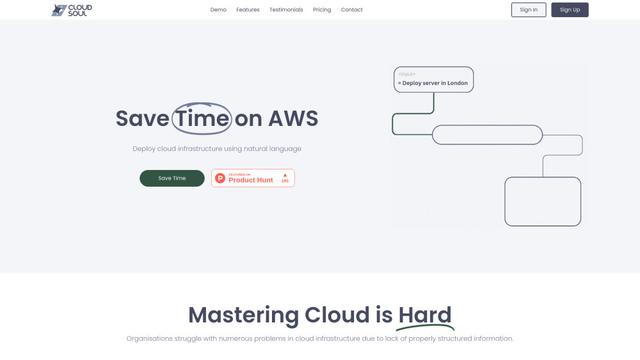
CloudSoul is an AI-powered SaaS platform that enables users to instantly deploy and manage cloud infrastructure through natural language conversations, making AWS resource management more accessible and efficient.

Devozy.ai
Devozy.ai is an AI-powered developer self-service platform that combines Agile project management, DevSecOps, multi-cloud infrastructure management, and IT service management into a unified solution for accelerating software delivery.
Popular AI Tools Like Keystroke

A2A Protocol
A2A (Agent2Agent) Protocol is an open interoperability protocol developed by Google that enables seamless communication and collaboration between AI agents across different frameworks and vendors, regardless of their underlying architecture.
VoltOps
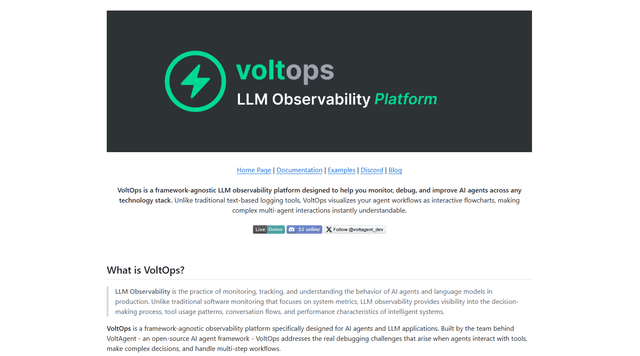
VoltOps is a framework-agnostic LLM observability platform that provides real-time visual monitoring, debugging, and optimization tools for AI agents across any technology stack.
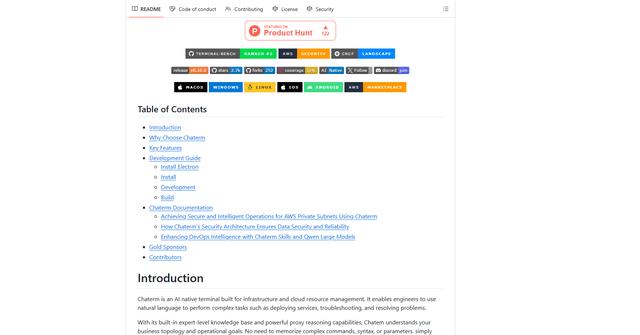
Chaterm
Chaterm is an open-source AI-native terminal and SRE copilot that enables engineers to manage complex infrastructure through natural language, automating deployment, troubleshooting, and operations without memorizing commands.
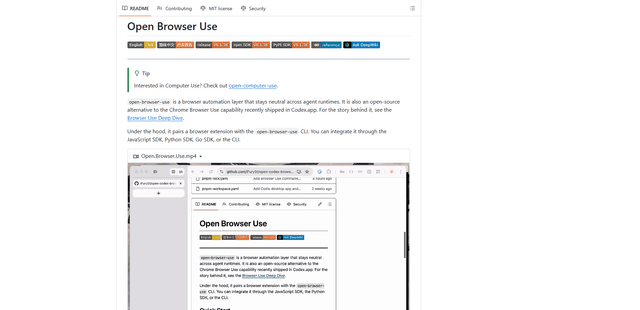
Open Browser Use
Open Browser Use is an open-source, agent-runtime-neutral browser automation layer that pairs a Chrome extension with a CLI/SDK/MCP to enable DOM-aware, CDP-powered tab control, navigation, and actions across different AI agent tools.