
UXPin
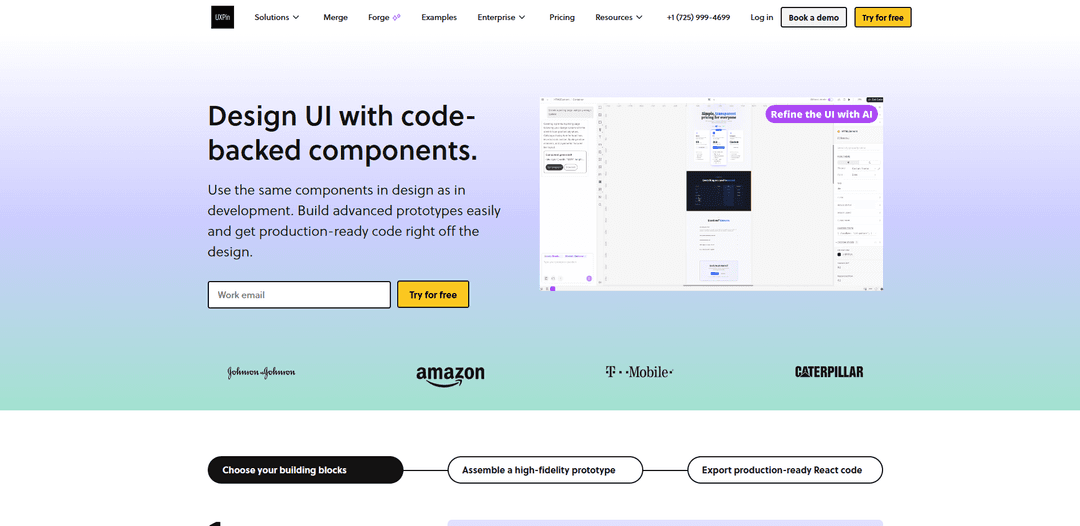
UXPin is a code-based UI design and prototyping platform that creates high-fidelity, fully interactive prototypes using real components, advanced interactions (states, variables, conditional logic), and production-ready React code export.
http://www.uxpin.com/?ref=producthunt
Product Information
Updated:May 18, 2026
What is UXPin
UXPin is a product design platform built to bridge the gap between design and development by combining visual design workflows with code-backed components. Instead of relying on static artboards, teams can design complex interfaces and realistic user flows that behave like real products—making it suitable for everything from mobile apps to SaaS dashboards. UXPin supports collaborative design, prototyping, and developer handoff, and is available as a web-based tool with native desktop apps for macOS and Windows.
Key Features of UXPin
UXPin is a UI design and prototyping platform built to bridge design and development by letting teams design with code-backed components (including built-in React libraries or synced custom libraries) and create high-fidelity, highly interactive prototypes. It supports advanced prototyping with states, variables, expressions, and conditional logic so prototypes behave like real products, and it provides developer-friendly handoff via specs and production-ready React code export. UXPin also includes AI-assisted design capabilities (Forge/Merge AI) to generate layouts grounded in real component libraries, plus collaboration and design-system workflows for shared, reusable UI.
Code-backed components (Merge): Design using the same React components developers ship—either from built-in libraries (e.g., MUI, Ant Design, Tailwind UI) or by syncing your own components from Git/Storybook—so prototypes match production behavior.
Advanced interactive prototyping: Create realistic flows with interactive states, variables, expressions, and conditional interactions to model complex logic, edge cases, and dynamic content beyond simple click-through prototypes.
Production-ready React code & specs: Generate and copy clean React code (with dependencies) and access handoff-ready specs/style guidance to reduce ambiguity and speed up implementation.
AI-assisted UI generation (Forge/Merge AI): Generate component-based layouts from prompts and, in some workflows, recreate UI from inputs like screenshots/URLs while staying grounded in available component libraries and design-system patterns.
Design systems & reusable libraries: Manage shared components, libraries, and versioning so teams can maintain consistency across products and keep designs aligned with a single source of truth.
High-fidelity layout and prototyping workflow: Support for precise, production-level UI detail and complex interfaces (e.g., dashboards) with tooling aimed at professional product teams and realistic user testing.
Use Cases of UXPin
SaaS dashboards and admin panels: Model complex data-heavy flows (filters, tables, permissions, edge cases) using variables/conditional logic and validate interactions before engineering builds.
Enterprise design-system-driven product teams: Sync a company’s React component library from Git/Storybook and let designers assemble screens with real components to improve consistency and reduce handoff friction.
User testing with realistic prototypes: Run usability tests on prototypes that behave like the final product (form validation, dynamic states, conditional paths) to gather higher-quality feedback earlier.
Design-to-development acceleration for web apps: Use built-in React libraries and export production-ready code to jump-start implementation, reducing rework and shortening the design-to-build cycle.
AI-assisted rapid UI exploration: Generate first-pass layouts (e.g., forms, navigation, dashboards) grounded in approved component libraries to speed early iteration while staying on-system.
Pros
Supports highly realistic prototypes via states, variables, expressions, and conditional logic—useful for complex apps and edge cases.
Design with real, code-backed React components (built-in or synced) for stronger design-dev alignment and more accurate handoffs.
Can export/copy production-ready React code and provide specs, helping teams move faster from prototype to implementation.
Includes AI-assisted generation that can be grounded in component libraries/design systems to accelerate iteration.
Cons
Building and maintaining complex prototypes can become time-consuming as complexity increases.
Some teams may find the workflow different from canvas-based multi-screen tools (e.g., page-per-screen), requiring adaptation.
Advanced capabilities (e.g., custom component libraries via Git/Storybook) may depend on higher-tier/Enterprise plans.
How to Use UXPin
1) Check requirements and choose how you’ll run UXPin: Use UXPin in the browser (recommended: latest Google Chrome; also supports Safari/Firefox). If using the desktop app: macOS Sierra or later, or Windows 10 (64-bit). Ensure a stable internet connection and disable browser add-ons/plugins if performance issues occur.
2) Create an account and open the UXPin app: Sign up (UXPin offers a free trial and a free plan). Then log in at https://app.uxpin.com/ to access the dashboard.
3) Start a new project (prototype): From the dashboard, create a new prototype/project to open the UXPin Editor.
4) (Optional) Import existing design assets: If you already have visuals, import supported files such as Sketch, PNG, JPG, PDF, or UXPin’s UXP files to jump-start your prototype.
5) Decide your building blocks: native elements vs. code-backed components (Merge): For standard prototyping, use UXPin’s built-in elements (text, buttons, images, shapes). For production-aligned work, use UXPin Merge to design with real React components (e.g., MUI, Ant Design, Bootstrap, Tailwind UI) or sync your own component repository.
6) Build your layout on the canvas: Use the left toolbar to drag and drop UI elements/components onto the canvas. Arrange and group them using the Layers panel to keep structure organized.
7) Use Auto Layout to keep spacing and alignment consistent: Select relevant elements/components and apply Auto Layout so spacing, alignment, and sizing behave consistently as you iterate.
8) Configure component properties (especially with Merge): Select a component and use the Properties panel to adjust settings (props such as content, size, variants, etc.). With Merge components, these map to the same props developers use, helping ensure production fidelity.
9) Add interactions (basic and advanced): Create interactive behavior using the Properties panel: basic actions (show/hide/move/manipulate elements) and advanced prototyping features like states, variables, expressions, and conditional logic to model real flows and edge cases.
10) Create scrollable areas when needed: Group the content, then enable “Crop selected content” and choose vertical and/or horizontal scrolling to simulate real app/page scrolling regions.
11) Organize screens using Pages / Sitemap: Create multiple pages (screens) and structure them in the sitemap/tree to represent your product’s navigation and flows.
12) Preview and test the prototype: Use Preview to run through the prototype like a real product. UXPin supports life-like interactions (including real inputs) for more realistic stakeholder reviews and user testing.
13) Share for collaboration and feedback: Share a preview link with teammates and stakeholders so they can review and comment. UXPin supports team workflows with roles and collaboration features.
14) Use Get Code / handoff features (for code-backed workflows): When using code-backed components, use Get Code Mode to copy production-ready React code and dependencies, or export/open in an online dev environment (e.g., StackBlitz) to accelerate development handoff.
15) (Optional) Set up UXPin Merge with your own design system: In the dashboard, create a library/design system by choosing “Import React components,” then connect your component source (e.g., Git; Storybook integration is also supported). Sync components so designers use the same UI building blocks as engineering.
16) (Optional) Use AI-assisted design (Forge) with component libraries: Use UXPin’s built-in AI (Forge) to generate code-backed layouts (tables, forms, dashboards, etc.) using your selected component library (e.g., Ant Design/MUI). Refine the generated layout directly on the canvas.
17) Work across devices (and offline considerations): You can be logged in on two devices at a time (typically one browser session and one desktop app). The desktop app can continue editing an open page offline, but some functionality may not work without internet.
UXPin FAQs
Yes. UXPin lets you build prototypes with real interactions, states, and logic, including conditional flows, variables, and dynamic content.
UXPin Video
Popular Articles

Atoms: A Multi-Agent AI Platform That Transforms Ideas into Launch-Ready Products
May 22, 2026

Nano Banana SBTI: What It Is, How It Works, and How to Use It in 2026
Apr 15, 2026

Atoms Review — The AI Product Builder Redefining Digital Creation in 2026
Apr 10, 2026

Kilo Claw: How to Deploy and Use a True "Do‑It‑For‑You" AI Agent(2026 Update)
Apr 3, 2026
Latest AI Tools Similar to UXPin
Personalized License Plate Generator
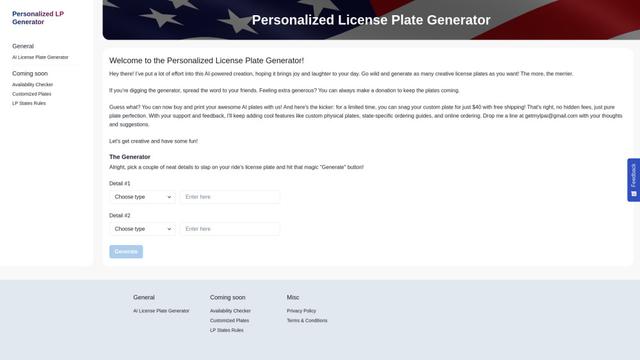
An AI-powered tool that generates unique and personalized license plate designs based on user input.
Keak
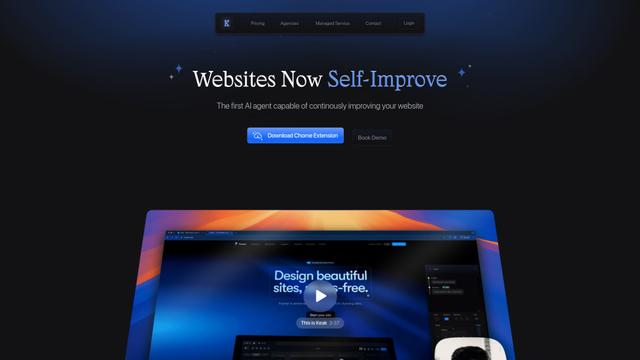
Keak is an AI-powered A/B testing tool that automatically generates website variations, launches tests, and optimizes conversions.
Makeasite
Makeasite is an innovative website builder that allows users to create and share websites quickly using just prompts.
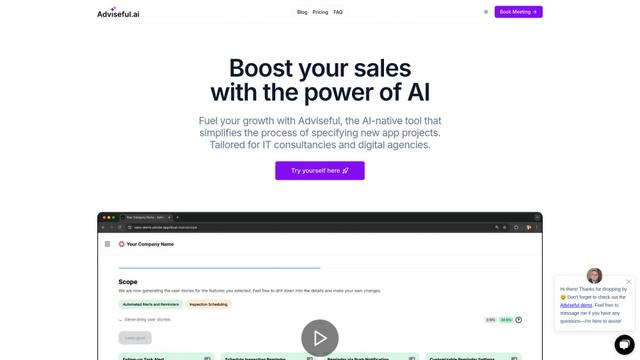
Adviseful
Adviseful is an AI-powered tool that accelerates web and mobile app planning for IT consultancies and digital agencies, turning ideas into qualified leads in minutes.
Popular AI Tools Like UXPin

GPT Engineer
GPT Engineer is an AI-powered software development tool that enables anyone to build web applications by chatting with an AI engineer.
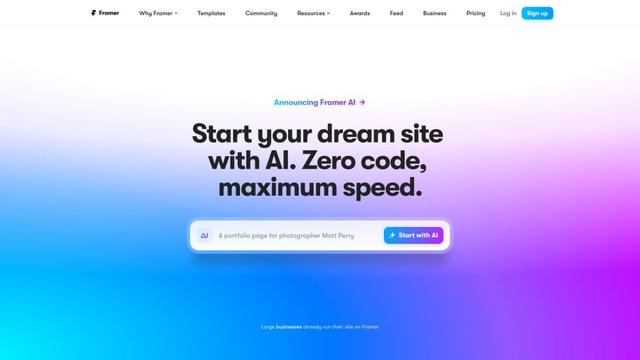
Framer
Framer is a powerful web builder that allows designers to create stunning, responsive websites with an intuitive interface and publish them instantly without coding.
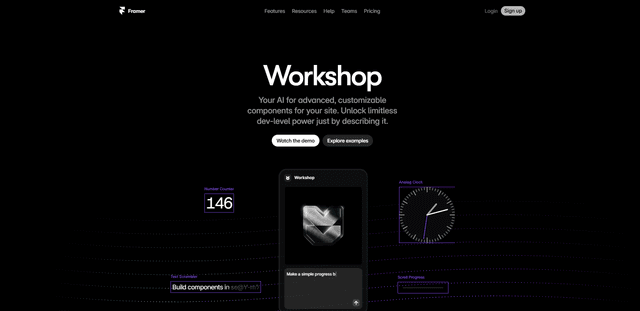
Framer Workshop
Framer Workshop is an AI-powered component generator built into Framer that allows designers and developers to create advanced, customizable website components without writing code through simple conversational prompts.

Wireframer
Wireframer is an AI-powered tool by Framer that quickly generates clean, responsive webpage layouts and wireframes from simple prompts, helping designers create structural blueprints without getting locked into specific visual styles.