Tapfree
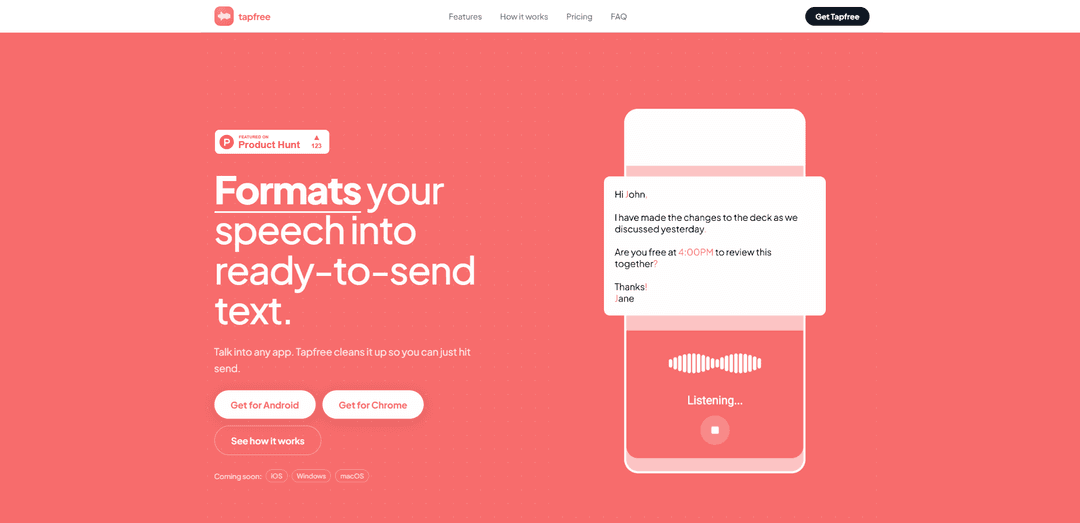
Tapfree is a voice-first Android keyboard that turns natural speech into clean, ready-to-send text with context-aware dictation, automatic formatting/punctuation, filler removal, and mid-sentence correction handling.
https://tapfree.ai/?ref=producthunt
Product Information
Updated:Jul 8, 2026
What is Tapfree
Tapfree is an AI-powered voice keyboard for Android designed to help you “type without typing” across the apps you already use—messaging, email, notes, and documents. Instead of producing raw, literal transcripts, it focuses on making dictated text look like it was carefully typed: properly punctuated, correctly cased, and formatted for real-world writing. Tapfree also supports quick language switching and aims to reduce the friction of constant edits that typically come with mobile dictation.
Key Features of Tapfree
Tapfree is a voice-first Android keyboard that turns natural speech into clean, ready-to-send text inside any app. It uses on-screen context (optionally via Android Accessibility) to improve phrasing, spelling of names/jargon, and formatting, while handling mid-sentence corrections and removing fillers so dictation reads like carefully typed writing. It supports quick language switching, works anywhere you can type (e.g., WhatsApp, Gmail, Slack, Docs), and offers privacy controls around what it can see and when it listens.
Voice-first keyboard across apps: Works as your system keyboard, so you can dictate in any text field (messages, email, docs) without switching to a separate dictation app or workflow.
Context-aware dictation (opt-in): Can read limited on-screen text (e.g., conversation thread, labels, nearby UI) to better match names, tone, and intent instead of transcribing words literally.
Mid-sentence correction handling: Understands spoken self-edits like “coffee… sorry, tea” and outputs the corrected version without manual backspacing or re-recording.
Automatic cleanup & formatting: Removes fillers/hesitations and adds punctuation/casing so dictated text looks polished and “typed,” not raw transcription.
Accurate spelling for names & jargon: Uses context to preserve and correctly spell difficult names and industry terms, reducing embarrassing dictation errors.
Fast language switching: Lets you quickly switch between supported languages to dictate naturally in multilingual chats, emails, and notes.
Use Cases of Tapfree
Sales outreach and follow-ups: Dictate polished prospecting messages and meeting follow-ups in Gmail/LinkedIn/Slack with correct names, times, and professional punctuation.
PR & communications on the go: Draft announcements, responses, and stakeholder updates quickly on mobile, with filler removal and formatting that’s suitable to send with minimal edits.
Marketing and social posting: Create captions, short-form posts, and campaign notes in apps like Instagram/X while maintaining clean phrasing and consistent casing/punctuation.
Writers and note-taking: Capture ideas, outlines, and drafts in Notes/Notion/Docs by speaking naturally; Tapfree cleans up the dictation into readable text.
Customer support and internal chat: Respond faster in chat tools (e.g., Slack/Telegram/WhatsApp) with fewer dictation mistakes and less time spent correcting transcription.
Pros
Works anywhere you can type because it’s a full Android keyboard
Context-aware dictation improves accuracy for names, tone, and intent (opt-in)
Handles mid-sentence corrections and removes fillers for cleaner output
Privacy controls: optional on-screen context and user-controlled microphone capture
Cons
Android-only today (iOS/desktop listed as “coming soon”)
Free tier is limited to 2,000 words/month; unlimited requires a subscription
Audio is sent to Tapfree’s backend for transcription, which may be a concern for some sensitive workflows
How to Use Tapfree
1) Install Tapfree: On your Android device, install Tapfree from Google Play (Tapfree: Type without typing).
2) Enable Tapfree as a keyboard: Open Android system settings for keyboards/input methods and enable Tapfree so it can be selected like any other keyboard.
3) Switch to Tapfree when you want to dictate: In any app where you can type (e.g., WhatsApp, Gmail, Slack, Notion, Google Docs), switch your active keyboard to Tapfree. You can switch back to Gboard (or another keyboard) any time.
4) (Optional) Enable Accessibility Service for context-aware dictation: If you want Tapfree to use limited on-screen context (conversation thread, form labels, nearby UI) to improve names, tone, intent, and formatting, opt in by enabling Tapfree’s Accessibility Service. This is optional; Tapfree still works without it (with reduced context awareness).
5) Start dictating: Tap the microphone in Tapfree, then speak naturally. You can pause, restart, and continue without leaving the app you’re writing in.
6) Make mid-sentence corrections while speaking: Correct yourself out loud (e.g., “coffee… actually, tea” or “sorry, I mean 4pm”). Tapfree is designed to catch these corrections and output the revised text without manual backspacing.
7) Let Tapfree clean up your text automatically: As you dictate, Tapfree removes fillers (e.g., “um”), adds punctuation and capitalization, and aims to spell difficult names and industry jargon accurately—especially when context is enabled.
8) Use language switching if needed: Quickly switch between your preferred languages within Tapfree when dictating multilingual messages.
9) Review and send: Read the cleaned-up message once, then hit send/submit in the app (email, chat, form, doc) as you normally would.
10) Manage privacy permissions: Microphone access is required for dictation; you can revoke it any time. Accessibility (screen context) is opt-in and can be turned off if you prefer. Audio is sent to Tapfree’s backend for transcription; Tapfree states it does not sell or share your data.
11) Understand free vs paid usage: Use the free plan for up to 2,000 words per month. If you exceed that or want unlimited dictation, start a subscription (monthly or annual), both offering a 14-day free trial and the ability to cancel anytime.
Tapfree FAQs
Tapfree is an AI-powered voice keyboard that formats spoken dictation into ready-to-send text, adding punctuation/casing and cleaning up speech while you type in any app.
Popular Articles

Vosko AI: Localize and Dub Videos for Global Audiences
Oct 15, 2026

Atoms: A Multi-Agent AI Platform That Transforms Ideas into Launch-Ready Products
Oct 13, 2026

Nano Banana SBTI: What It Is, How It Works, and How to Use It in 2026
Apr 15, 2026

Atoms Review — The AI Product Builder Redefining Digital Creation in 2026
Apr 10, 2026
Latest AI Tools Similar to Tapfree
Heartbeat
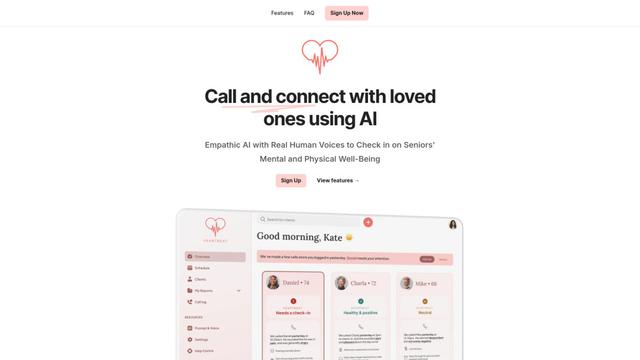
Heartbeat is a versatile platform that offers both an online community-building solution and an AI-powered wellness calling system for seniors and at-risk individuals, featuring customizable spaces, real-time communication, and health monitoring capabilities.
SongleAI
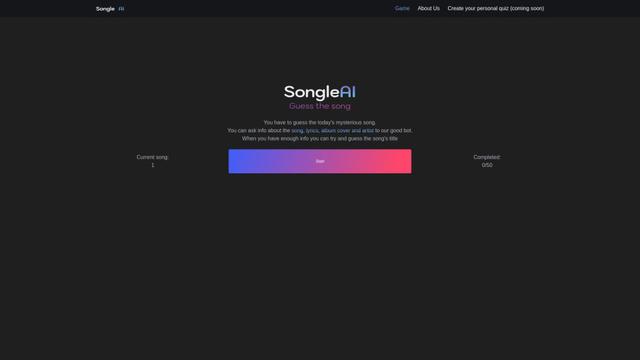
SongleAI is an interactive music guessing game where users try to identify mysterious songs by asking questions about lyrics, album covers, and artists to an AI bot.
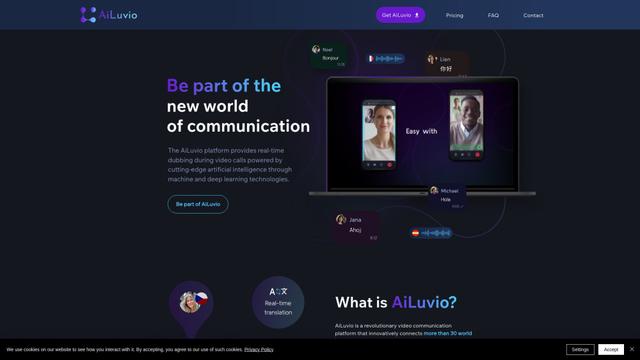
AiLuvio
AiLuvio is a revolutionary video communication platform that enables real-time dubbing across 30+ languages during video calls, breaking language barriers with AI technology.
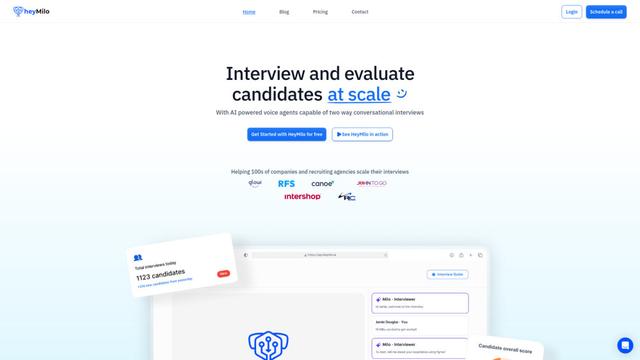
HeyMilo AI
HeyMilo AI is a generative AI-powered voice agent platform that conducts two-way conversational interviews to streamline and scale the recruitment process.
Popular AI Tools Like Tapfree
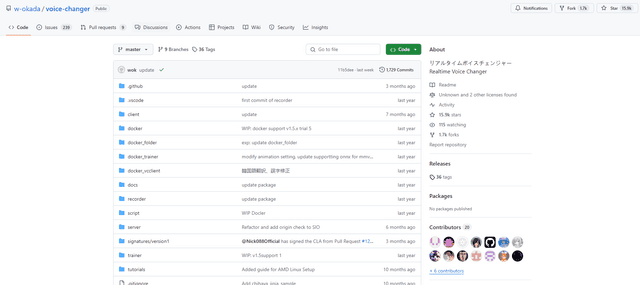
W-Okada Voice Changer
W-Okada Voice Changer is an open-source real-time voice conversion software that uses AI to transform voices with high quality and low latency.
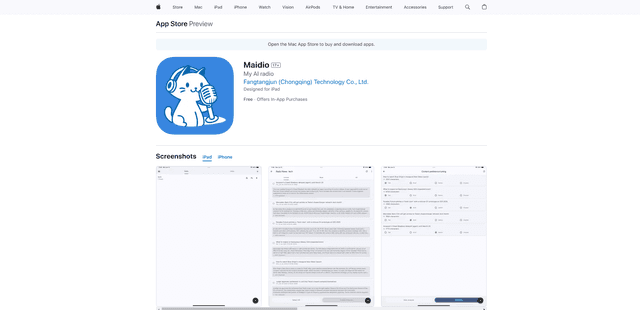
Maidio
Maidio is an innovative AI-powered app that automatically converts RSS news feeds into engaging podcast-style conversations between a host and assistant.
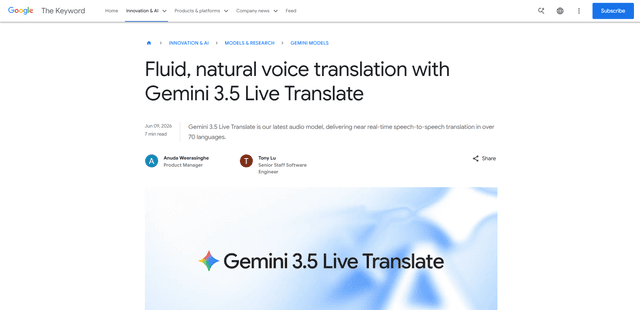
Gemini 3.5 Live Translate
Gemini 3.5 Live Translate is Google’s low-latency, streaming speech-to-speech translation audio model that auto-detects 70+ languages and produces smooth, natural-sounding translated speech while preserving the speaker’s intonation, pacing, and pitch.
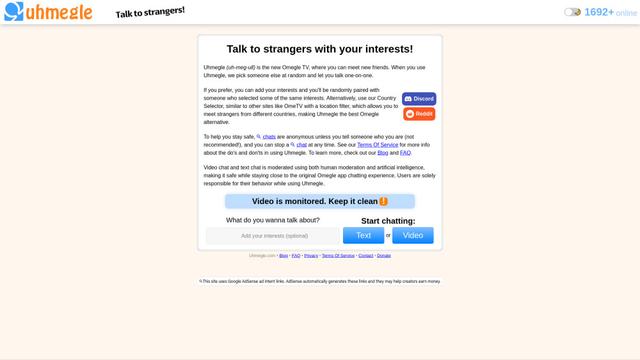
Uhmegle
Uhmegle is a modern Omegle alternative offering free, anonymous, and moderated video and text chat services that connects users with strangers worldwide based on shared interests.