
Tackly
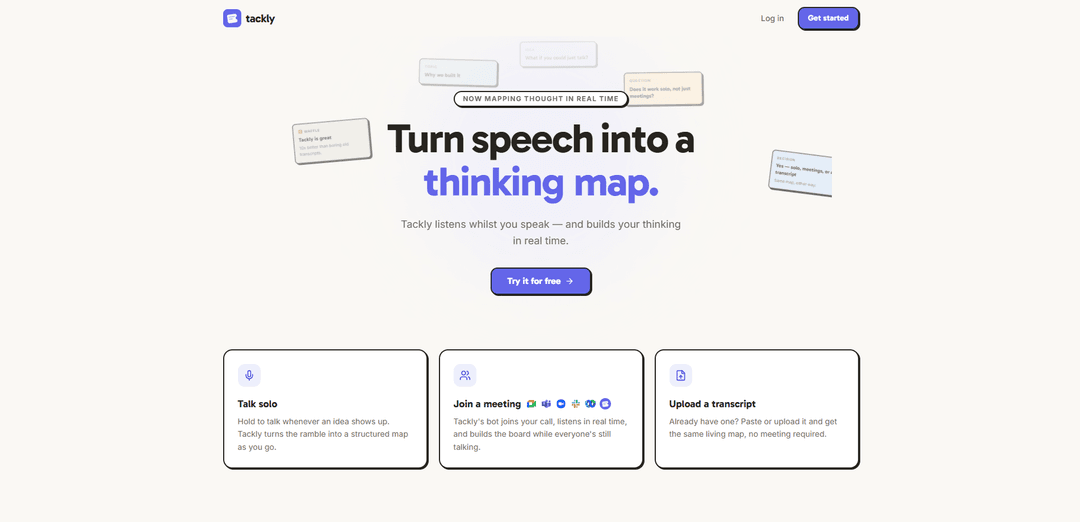
Tackly is a browser-based AI notetaker that turns speech or transcripts into a real-time structured “thinking map,” with an on-board assistant that answers questions grounded only in that board’s content.
https://tackly.co/?ref=producthunt
Product Information
Updated:Aug 8, 2026
What is Tackly
Tackly is an AI notetaking tool designed to map your thinking—not just record it. Instead of giving you a long transcript with a simple summary, it organizes what you say into a living, visual map that captures ideas, decisions, risks, questions, and actions as they happen. You can use it for solo voice notes (think-out-loud sessions), live meetings via a meeting bot, or by pasting/uploading an existing transcript. Tackly runs in the browser (no download required) and supports exporting boards as PNG, SVG, or Markdown.
Key Features of Tackly
Tackly is a browser-based AI notetaker that turns spoken thinking, meetings, or existing transcripts into a structured “thinking map” in real time—focusing on organizing ideas (actions, decisions, risks, questions, learnings) rather than producing a plain transcript with a summary. It supports solo voice “rambling,” a meeting bot that joins calls to build the map live, and transcript paste/upload for instant mapping. Each board also includes an AI assistant that answers questions scoped only to that board’s content, and boards can be exported (PNG/SVG/Markdown) for sharing or downstream use.
Real-time thinking map from speech: Listens while you talk and converts your words into a live, structured map so your ideas are organized as they emerge—not after the fact.
Solo voice capture (“hold to talk”): Designed for thinking out loud: press/hold to speak whenever an idea shows up and Tackly maps a personal session as you ramble.
Meeting bot for live mapping: Invite a bot into a call to capture the conversation in real time and build a shared board while everyone is still talking.
Transcript paste/upload to map instantly: If you already have a transcript, you can paste or upload it to generate the same structured, navigable map without running a meeting.
Board-scoped AI Q&A (no chat retention): Ask questions like “what was the main action?” or “what risks came up?” and get answers grounded only in that board’s nodes/transcript; the conversation isn’t stored once you leave the board.
Exports and sharing: Export boards as PNG, SVG, or Markdown (useful for documentation or handing off to another AI assistant) and generate public links to share progress.
Use Cases of Tackly
Product & engineering decision logs: Map meetings into decisions, risks, and next actions to preserve context for roadmaps, incident reviews, and architecture discussions.
Founder/manager 1:1s and leadership meetings: Capture action items, open questions, and commitments live so follow-ups don’t get lost between conversations.
ADHD-friendly personal planning and reflection: Use solo voice notes to externalize scattered thoughts into a structured map, then query the board for the single next step.
Coaching, therapy, and journaling workflows: Turn spoken reflections into organized themes, learnings, and action steps, creating a timeline-like record you can revisit.
Research and interview synthesis: Upload/paste interview transcripts to quickly structure insights, questions, and risks—making qualitative analysis easier to navigate.
Training, education, and study notes: Convert lectures or study “think-aloud” sessions into a structured map and export to Markdown for study guides or further processing.
Pros
Real-time structured mapping emphasizes actions/decisions/risks/questions rather than just transcripts.
Multiple inputs (solo voice, meeting bot, transcript import) cover most capture workflows.
Board-scoped Q&A reduces cross-project leakage; chat is not stored after leaving the board.
No download required (runs in the browser) and supports practical exports (PNG/SVG/Markdown).
Cons
Free tier is limited (e.g., 30 minutes per month), so frequent meeting use likely requires a paid plan.
Requires audio/transcript ingestion to build maps, which may be a blocker for highly sensitive environments despite stated privacy handling.
Best value depends on how well the mapping taxonomy fits your team’s note structure preferences.
How to Use Tackly
1. Open Tackly in your browser: Go to https://tackly.co/ (no download required). Tackly runs entirely in your browser.
2. Create an account and start for free: Click “Try it for free” and sign up. The Free plan includes 30 minutes of transcript/rambling time per month (meetings included).
3. Choose how you want to create a board (3 options): Pick one: (a) Talk solo, (b) Join a meeting with the meeting bot, or (c) Upload/paste a transcript. Each option produces a live “thinking map” board.
4. Talk solo (quick capture mode): Use the “hold to talk” mic interaction whenever an idea shows up. As you speak, Tackly maps your thoughts into a structured board in real time.
5. Use Tackly in a meeting (meeting bot mode): Invite Tackly’s bot to your call. When it joins, a board is created automatically and the conversation is mapped live while everyone is still talking.
6. Share the board (optional): During a meeting, you can share the board via a live link so others can watch the map being built in real time.
7. Upload or paste a transcript (no meeting needed): If you already have a transcript, paste or upload it. Tackly will map it into the same structured, living board instantly.
8. Ask questions using the built-in AI Assistant (board-scoped): On the board, ask questions like “what was the main action?” or “what risks came up?”. Answers are grounded only in that board’s nodes and transcript (not anything else).
9. Understand chat privacy behavior: The assistant chat is not stored; it’s scoped to one board at a time. Leave the board and the conversation is gone.
10. Export your board: Export any board as PNG, SVG, or Markdown (useful for sharing or handing off to another AI assistant).
11. Manage usage with plans & pricing: Free: 30 minutes/month. Plus (£10/mo): 300 minutes/month with meeting bot + transcript import. Pro (£18/mo): 1000 minutes/month with priority processing.
Tackly FAQs
Tackly is an AI notetaker that listens to speech and builds a structured “thinking map” in real time, turning calls, meetings, and spoken ideas into a living map rather than just a transcript.
Tackly Video
Popular Articles

Proferex: A Cloud-Based Ad Tracking and Campaign Optimization Platform
Nov 4, 2026

How to Create Viral Talking Baby Podcast Videos with AI: Step-by-Step Guide
Nov 2, 2026

Vosko AI: Localize and Dub Videos for Global Audiences
Oct 15, 2026

Atoms: A Multi-Agent AI Platform That Transforms Ideas into Launch-Ready Products
Oct 13, 2026
Latest AI Tools Similar to Tackly

Parcae
Parcae is a mind mapping mobile application that helps users organize thoughts and ideas into structured visual maps with intuitive gesture-based controls and automatic saving features.
想读 (WantRead)
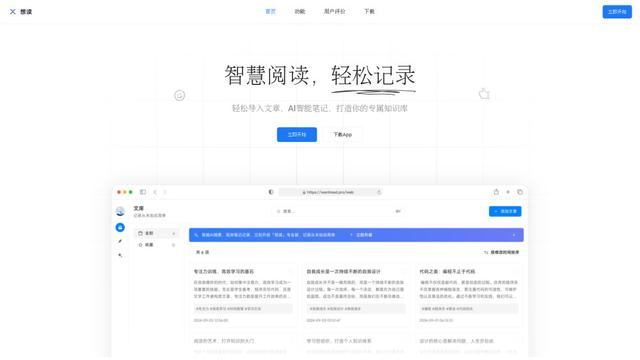
想读(WantRead) is an AI-powered reading and note-taking platform that helps users easily import, read, annotate and build their personal knowledge base.

Hiring Studio by Metaview
Hiring Studio by Metaview is a free AI-powered tool that helps recruiting teams generate customized interview questions with follow-up suggestions and detailed answer rubrics.
AI Journaler
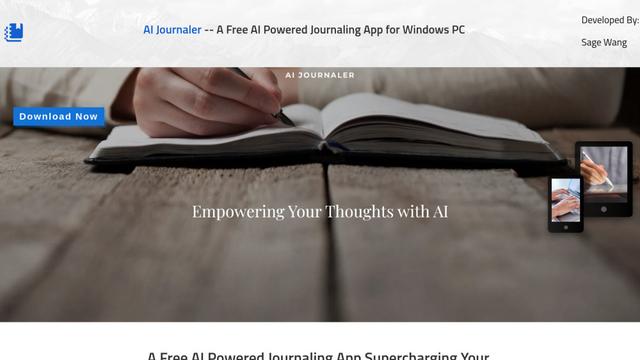
AI Journaler is a free Windows PC app that combines traditional journaling with AI-powered analysis and conversation capabilities to enhance emotional well-being and self-reflection.
Popular AI Tools Like Tackly
Lore
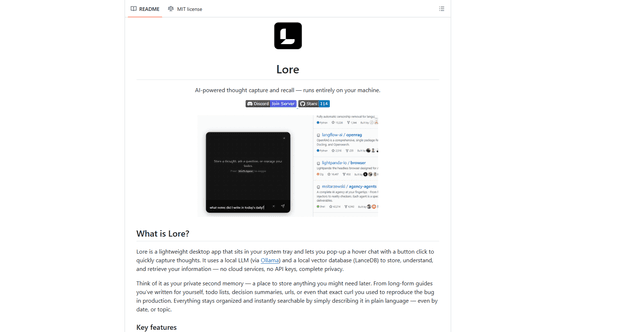
Lore is an AI-powered desktop application that enables quick thought capture and intelligent recall through a local LLM system, allowing users to store and retrieve information privately without cloud services.
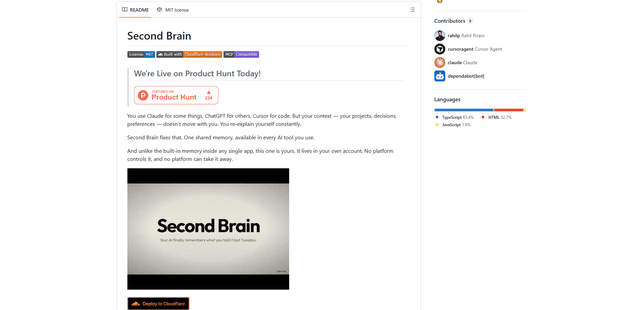
Second Brain for AI
Second Brain for AI is a self-hosted, MCP-compatible persistent memory layer on Cloudflare that lets Claude, ChatGPT, Cursor, and other AI clients store and semantically recall shared context across sessions.
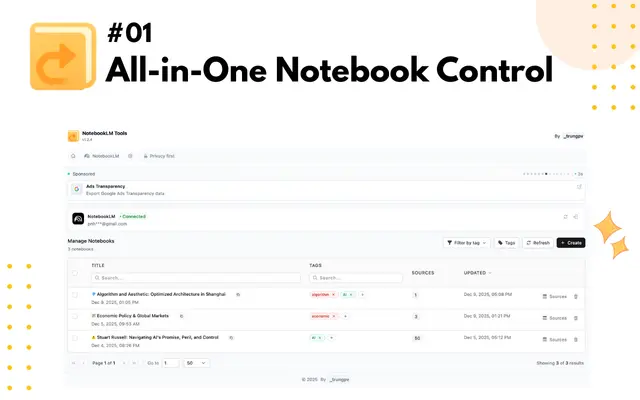
NotebookLM Tools Chrome Extension
NotebookLM Tools is a comprehensive Chrome extension that enhances Google's NotebookLM with advanced notebook management, multi-language support, bulk operations, and seamless source importing capabilities.
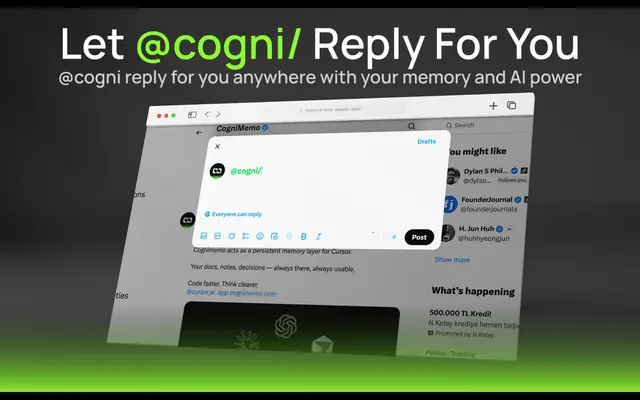
CogniMemo Extension
CogniMemo is a browser extension that adds long-term memory capabilities to AI tools like ChatGPT, Claude, Gemini, and DeepSeek by enabling context-aware conversations and knowledge management through saved notes and past chats.