SupportResponse
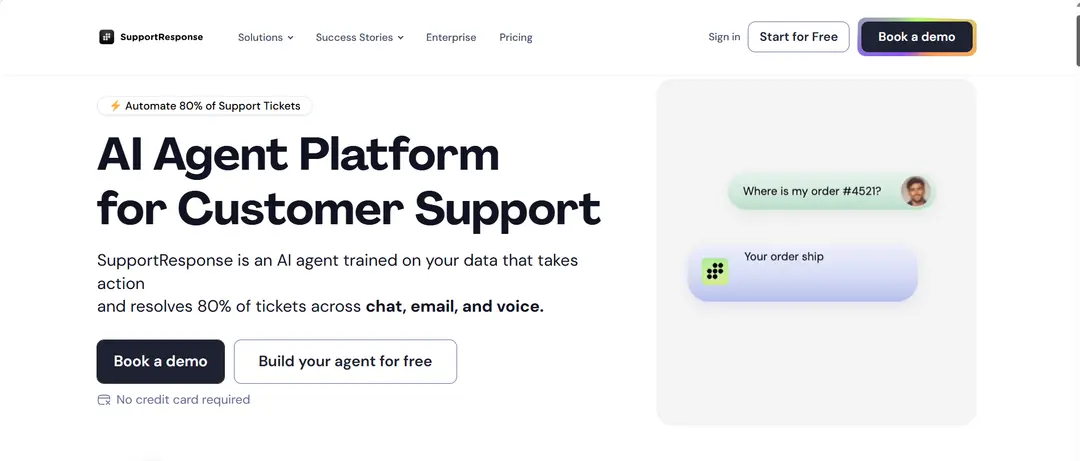
SupportResponse is a no-code AI customer support agent that uses business content to answer routine questions, assist customers 24/7, and hand complex cases to human agents.
https://response.supportyourapp.com/?utm_source=aipure
Product Information
Updated:Nov 23, 2026
What is SupportResponse
SupportResponse is an AI customer support platform built by SupportYourApp. It helps businesses automate routine inquiries across channels including chat and email, while connecting customers with human agents when additional help is needed. SupportResponse offers a free option and integrates with tools such as Zendesk, Freshdesk, Slack, and WhatsApp.
Key Features of SupportResponse
SupportResponse is an AI customer support agent from SupportYourApp that uses a business’s website, FAQs, and uploaded resources to answer routine questions and perform support tasks around the clock. It supports multiple languages and channels, integrates with helpdesk and messaging tools, and hands complex conversations to human agents. The vendor claims it can automate up to 80% of common support questions, although results vary by business.
Knowledge-based answers: Uses website content, FAQs, and uploaded resources to answer customer questions, with custom instructions for tone and behavior.
Automated support tasks: Handles routine requests such as product questions, setup guidance, troubleshooting, and order-status checks.
Human handoff: Routes complex or uncertain conversations to a live agent with the conversation history attached.
Multichannel integrations: Works on websites and connects with tools including Zendesk, Freshdesk, WhatsApp, Slack, Telegram, and Viber.
Multilingual support: Supports more than 45 languages and can detect and continue in the customer’s language.
Reporting and no-code setup: Provides reports on AI answers and handoffs, and can be configured without coding.
Use Cases of SupportResponse
E-commerce support: Answer product and shipping questions, check order status, and help customers with routine returns queries.
SaaS onboarding: Guide users through account setup, common how-to questions, and basic troubleshooting at any time.
Technical support triage: Resolve known issues and collect error details before routing bugs or API problems to specialists.
After-hours coverage: Handle common questions when the human team is offline and pass more complex cases to agents.
Pros
Provides 24/7 support for routine requests.
Preserves conversation context during human handoffs.
Offers a free option and no-code setup.
Integrates with established helpdesk and messaging tools.
Cons
Answer quality depends on the accuracy and upkeep of the supplied content.
Complex or sensitive requests still require human agents.
The advertised automation rate is not guaranteed for every business.
Advanced features may require a paid plan or custom quote.
How to Use SupportResponse
Create an account: Visit https://response.supportyourapp.com/ and select “Build your agent for free.” Follow the sign-up process; no credit card is required for the free option.
Connect your support content: Provide the resources the agent should use, such as your website, FAQs, documentation, or uploaded files. Include answers to common questions about products, pricing, shipping, account setup, and troubleshooting.
Set instructions for the agent: Add custom instructions to guide the agent’s tone and behavior. Review your source content for accuracy, since it forms the basis of its answers.
Connect your support channels: Set up SupportResponse on your website or connect supported tools such as WhatsApp, Slack, Telegram, Viber, Zendesk, or Freshdesk, as needed.
Configure human handoff: Set up escalation for questions the agent cannot answer or cases that need a person. Handoffs can go to your team through a connected helpdesk, email, or SupportResponse’s built-in live chat, with the conversation history included.
Test before deployment: Ask common customer questions, check the answers and tone, and test that an escalated conversation reaches the intended team with its context. Revise your content or instructions where needed.
Monitor and improve: Use the built-in reports to review questions answered by AI and those passed to your team. Keep your website, FAQs, and other source materials current, and update your setup based on the results.
SupportResponse FAQs
SupportResponse is an AI customer support agent built by SupportYourApp. It uses a business's content to answer common questions and can hand more complex conversations to a human agent.
Popular Articles

Proferex: A Cloud-Based Ad Tracking and Campaign Optimization Platform
Nov 4, 2026

How to Create Viral Talking Baby Podcast Videos with AI: Step-by-Step Guide
Nov 2, 2026

Vosko AI: Localize and Dub Videos for Global Audiences
Oct 15, 2026
Atoms: A Multi-Agent AI Platform That Transforms Ideas into Launch-Ready Products
Oct 13, 2026
Latest AI Tools Similar to SupportResponse
Heartbeat
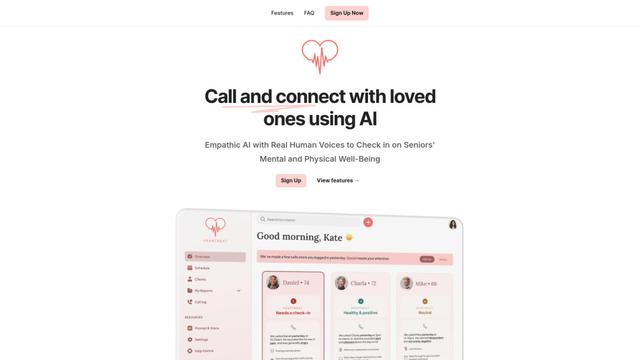
Heartbeat is a versatile platform that offers both an online community-building solution and an AI-powered wellness calling system for seniors and at-risk individuals, featuring customizable spaces, real-time communication, and health monitoring capabilities.
Resonoon
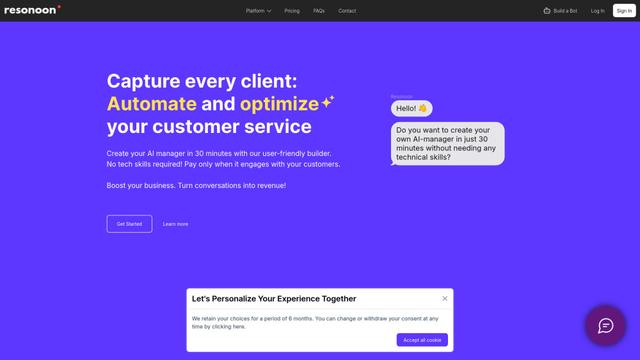
Resonoon is a no-code B2B SaaS platform that enables businesses to create AI-powered voice and chatbots in 30 minutes without technical skills, offering pay-per-conversation pricing.
WhatsBoost
WhatsBoost is an AI-powered WhatsApp marketing platform and official Meta Partner that enables businesses to automate customer communications, manage campaigns, and integrate with multiple services through open APIs.

Vapify
Vapify is a white-label platform that enables agencies to offer Vapi.ai's voice AI solutions under their own brand while maintaining control over client relationships and maximizing revenue.
Popular AI Tools Like SupportResponse
Salesforce Einstein
Salesforce Einstein is an integrated artificial intelligence platform that brings AI capabilities to Salesforce's CRM products, offering predictive analytics, natural language processing, and machine learning to enhance customer experiences and business processes.
Pernell
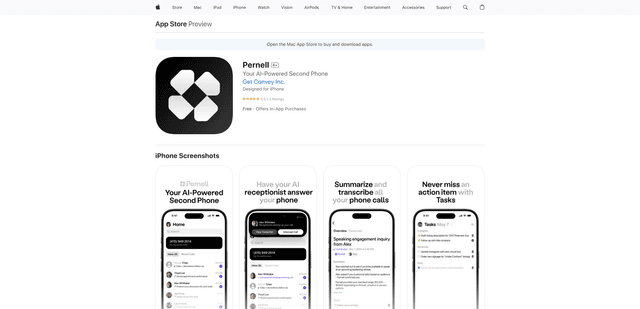
Pernell is an AI-powered receptionist app that answers calls, provides summaries and transcripts, and manages follow-ups on your behalf.
Zoho SalesIQ Nova '25
Zoho SalesIQ Nova '25 is a comprehensive update featuring 25+ new enhancements across AI-powered chatbots, GenAI tools, messaging channels, workflows, and integrations to help businesses accelerate customer engagement and sales growth.

HubSpot
HubSpot is an all-in-one AI-powered customer platform that provides marketing, sales, service, operations, and website-building software to help businesses grow.