
Slashy
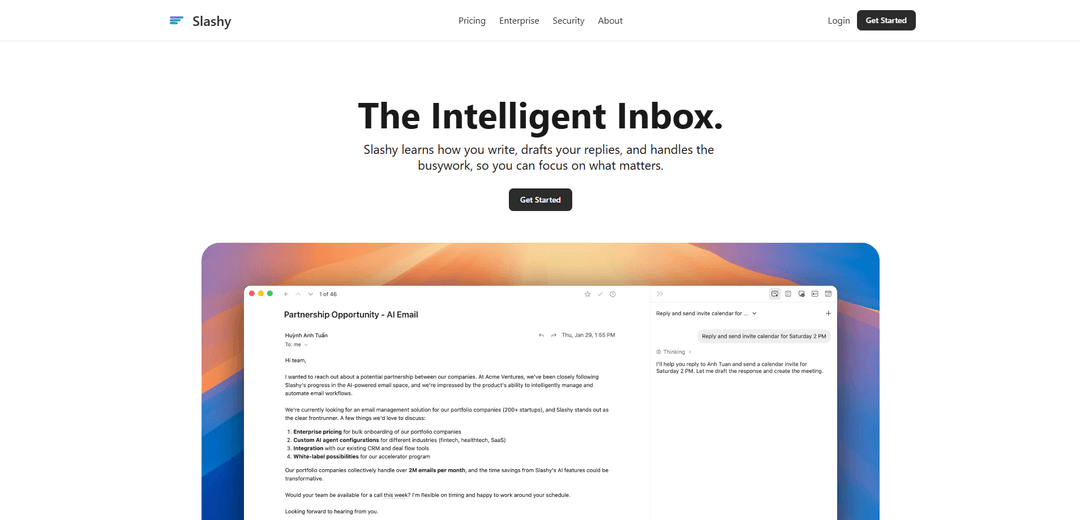
Slashy is an AI-native email client that drafts replies in your personal tone, automates inbox busywork (labels, follow-ups, snippets), and streamlines scheduling and calendar handling across multiple inboxes.
https://slashy.com/?ref=producthunt
Product Information
Updated:Jun 16, 2026
What is Slashy
Slashy is positioned as “The Intelligent Inbox,” an AI-first email client designed to help busy users get through email faster and with less manual work. It combines a unified inbox (multiple email accounts and calendars in one place) with AI drafting and an inline assistant that can rewrite or adjust tone on demand. Beyond writing help, Slashy also emphasizes power-user workflows like keyboard shortcuts, snippets for reusable replies, and built-in scheduling to reduce back-and-forth.
Key Features of Slashy
Slashy is an AI-native email productivity assistant centered on an “intelligent inbox.” It unifies multiple inboxes and calendars, drafts replies in your personal tone, provides inline editing tools (rewrite/shorten/change tone), and simplifies scheduling by inserting availability directly into emails. It also adds power-user workflow features like snippets, keyboard shortcuts/command palette, auto-labeling, reminders for follow-ups, and a memory system that learns preferences (e.g., tone, recurring tasks). Slashy can also be used as a broader automation hub by connecting to other apps (e.g., CRM/JIRA) and executing routine workflows from a single prompt, with an emphasis on security (SOC 2 Type II, encryption, and no training on user data).
AI email drafting in your voice: Generates replies in seconds that match your writing style, with one-click send options and fast iteration for common responses.
Inline AI writing assistant: Lets you highlight text and request rewrites, tone changes, shortening/lengthening, and grammar fixes directly where you’re writing.
Unified inbox + multi-account workflow: Brings multiple email accounts into a single view, making it easier to triage and respond without constantly switching contexts.
Scheduling without back-and-forth: Embeds your availability into emails and keeps a calendar sidebar next to your inbox to book meetings quickly without external scheduling tools.
Follow-up reminders + engagement tracking: Helps prevent deals and requests from going cold with reminders, and includes “who’s ignoring you” style open tracking for better-timed follow-ups.
Automation, integrations, and memory: Supports deeper automation and integrations (e.g., HubSpot; broader app connectivity mentioned for CRM/JIRA workflows) and a memory system that learns recurring preferences and tasks.
Use Cases of Slashy
Sales and business development follow-ups: Draft personalized outreach and follow-ups quickly, track opens to time nudges, and avoid missed responses with automated reminders.
Customer support triage and response acceleration: Auto-label and prioritize incoming requests, reuse snippets for common issues, and draft consistent replies that match your brand tone.
Founder/investor relations and fundraising inbox management: Maintain fast, high-quality responses across high-volume threads (introductions, updates, scheduling) and keep a consistent voice under time pressure.
Recruiting and hiring coordination: Streamline candidate communication, scheduling, and multi-thread coordination across calendars and inboxes without switching tools.
Team productivity for busy operators: Use keyboard-first workflows, command palette, snippets, and automatic labeling to cut inbox handling time and reduce administrative overhead.
Ops workflows connected to business systems: Where integrations are enabled, automate routine updates (e.g., CRM updates or ticket creation) from a single assistant-driven interface.
Pros
AI-native email experience focused on drafting in the user’s tone (less “generic GPT” output).
Strong productivity features: unified inbox, snippets, keyboard shortcuts, auto-labeling, reminders, and scheduling support.
Security positioning includes SOC 2 Type II, encryption at rest/in transit, and claims of no training on user data with zero-retention providers.
Cons
Some sources indicate limited clarity/availability around advanced pricing and premium feature details.
Automation breadth depends on third-party integrations and APIs, which can change and impact reliability for certain workflows.
May not cover highly specialized or very complex automation scenarios compared to dedicated automation platforms.
How to Use Slashy
1) Create an account and sign in: Go to https://slashy.com/ and click “Get Started” (or “Login”) to create your account and access the app.
2) Connect your email inboxes: Add one or more email accounts so you can use Slashy’s “Unified Inbox” (all accounts in one view) and switch between them quickly.
3) Connect your calendar(s): Link your calendar so you can view availability in the calendar sidebar and book meetings while replying to emails.
4) Use AI Drafts to reply faster: Open an email thread and use “AI drafts” to generate a reply in your tone. Review the draft and send it when ready.
5) Use the inline AI assistant to rewrite text: Highlight any text in an email and ask the inline AI assistant to rewrite, shorten, or change tone. Apply the suggested edit to your message.
6) Share availability without scheduling links: When scheduling, insert your availability directly into the email (“No Calendly. No back-and-forth.”) and confirm a time with the recipient.
7) Save and reuse Snippets: Create “Snippets” for your go-to replies and insert them with a keystroke when composing emails to respond consistently and quickly.
8) Use reminders so deals don’t go cold: Set a follow-up reminder on an email thread. If the recipient doesn’t reply, Slashy will ping you so you can follow up at the right time.
9) Track opens to time follow-ups: Use the “See who’s ignoring you” feature to view when an email was opened (and how many times), then follow up when attention is highest.
10) Triage and act faster with auto-labeling: Let Slashy automatically label and prioritize messages so important emails rise to the top and low-value mail stays out of the way.
11) Work faster with keyboard shortcuts: Use the command palette (shown as “⌘ + K”) and other shortcuts to navigate and take actions without using your mouse.
12) Use Slashy on the go via text messages: Text Slashy to draft replies, triage urgent emails, or check your calendar from Messages, so you can manage your inbox while away from your computer.
13) Let Slashy learn your preferences (memory): As you use the product, Slashy builds “memory” about your habits (e.g., how you sign off, when you send updates, key contacts) to personalize drafts and automation.
14) Get help when needed: If you have questions, open the Help Center via https://help.slashy.com/ (linked from the site’s “Questions & answers” section).
Slashy FAQs
Slashy is an AI-native email client designed to help you manage your inbox faster by drafting replies, automating busywork, and organizing email.
Slashy Video
Popular Articles

Vosko AI: Localize and Dub Videos for Global Audiences
Oct 15, 2026

Atoms: A Multi-Agent AI Platform That Transforms Ideas into Launch-Ready Products
Oct 13, 2026

Nano Banana SBTI: What It Is, How It Works, and How to Use It in 2026
Apr 15, 2026

Atoms Review — The AI Product Builder Redefining Digital Creation in 2026
Apr 10, 2026
Latest AI Tools Similar to Slashy

10xBeast
10xBeast is an AI-powered sales platform that helps businesses automate and personalize cold email outreach to convert leads into customers in just a few clicks.

Inbox AI
Inbox AI is a privacy-focused MacOS productivity app that combines voice-driven AI automation with email management capabilities, allowing users to create custom workflows and commands while offering both cloud-based and on-device AI options.

MailSense
MailSense is an AI-powered email assistant that filters, summarizes, and generates replies to emails through a Telegram bot interface to help users manage their inbox more efficiently.
Voltmailer
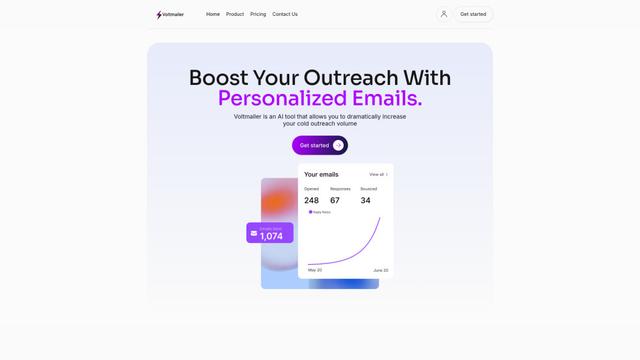
Voltmailer is an AI-powered email automation tool that helps businesses scale their cold outreach by generating personalized emails through website data scraping and automated personalization.
Popular AI Tools Like Slashy
Mailmeteor AI for Gmail
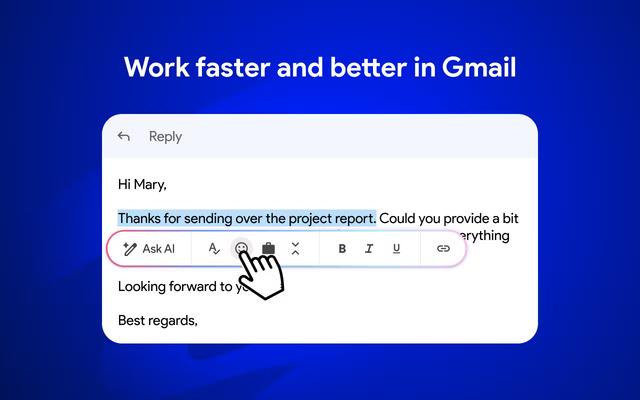
Mailmeteor is a powerful Gmail extension that combines AI email writing, mail merge, automated follow-ups, and email export capabilities to enhance productivity and email management within Gmail.
MailSnitch
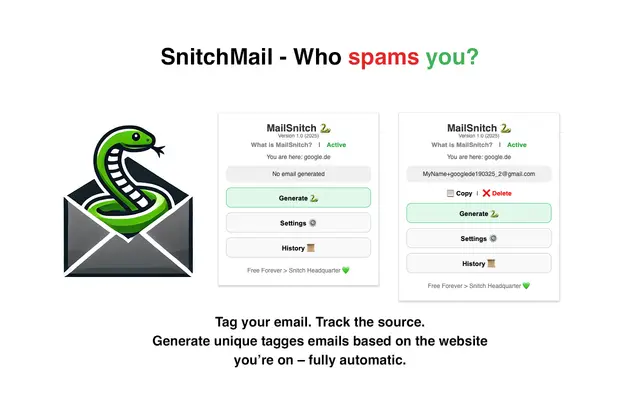
MailSnitch is a free email tracking and anti-spam Chrome extension that helps users identify spam sources through automated email tagging and tracking system.
MailMood - AI Email Rewriter
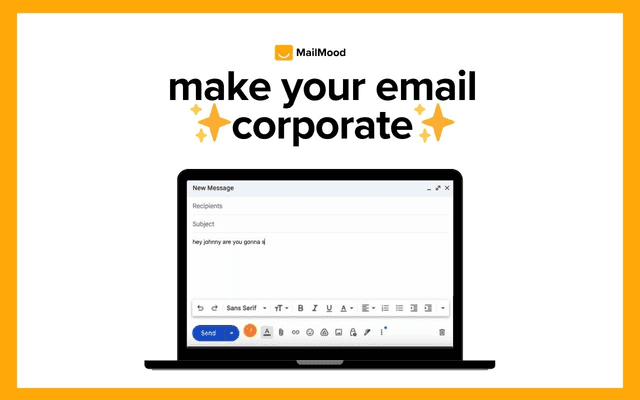
MailMood is a Chrome extension that instantly transforms Gmail messages into professional, clean, and confident business language with three different tone options - corporate, casual, or assertive - all with just one click.
Apparent for Gmail
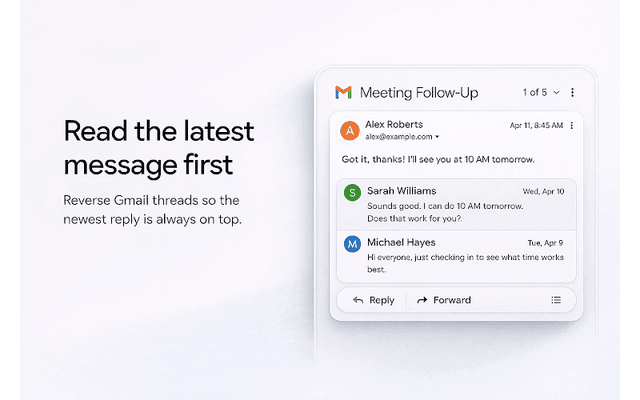
Apparent for Gmail is a Chrome extension that enhances Gmail's readability and usability by reorganizing conversations, simplifying layouts, and streamlining workflows while maintaining privacy and security.