Seemore Data
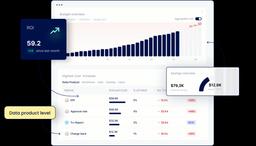
Seemore Data is an AI-powered data ROI optimization platform that delivers real-time cost visibility, deep end-to-end lineage, and autonomous warehouse/pipeline optimization to reduce cloud warehouse spend while improving performance.
https://seemoredata.io/?ref=producthunt
Product Information
Updated:May 18, 2026
What is Seemore Data
Seemore Data is a data product and pipeline efficiency platform focused on controlling data warehouse costs (especially in Snowflake) without sacrificing business value. It centralizes cost, usage, and performance insights into a single dashboard and helps teams understand where spend comes from—down to warehouses, jobs, users, and data products—so they can spot inefficiencies, prevent waste, and communicate data ROI with mature, data-driven practices. The platform emphasizes fast onboarding (connect your warehouse, automatically discover assets and lineage, then act on recommendations) and supports ongoing optimization through automation and alerts.
Key Features of Seemore Data
Seemore Data is an AI-driven observability and optimization platform focused on end-to-end data pipeline efficiency—especially for Snowflake—combining real-time cost visibility, warehouse and pipeline optimization, and deep (query-derived) lineage in one place. It centralizes usage and spend analysis, surfaces anomalies and inefficiencies, recommends (and in some cases helps apply) configuration changes, and supports budgeting and accountability by attributing costs to domains, teams, users, warehouses, and data products.
Real-time cost & usage visibility: Provides a unified dashboard for savings, budgeting, and usage trends; filters spend by domain/user/warehouse/job and helps detect cost spikes early.
Autonomous warehouse optimization: AI-powered right-sizing and configuration insights to reduce waste (e.g., idle runtime), improve performance, and streamline warehouse management beyond basic auto-suspend.
Usage-based pipeline optimization: Maps pipelines end-to-end and aligns refresh frequency and resource allocation with actual demand to reduce unnecessary runs, oversized compute, and redundant flows.
Deep, warehouse-native lineage: Builds lineage from warehouse query activity (not just static definitions) to show sources, transformations, destinations, and dependencies—down to column-level—plus cost/frequency/duration context per node.
Proactive AI agent for anomalies & RCA: Detects anomalies, investigates root causes, and produces actionable remediation guidance; can push alerts/recommendations (e.g., to Slack) and help teams prioritize by effort vs. savings.
Domain budgeting & accountability: Tracks spend against KPIs, forecasts burn, sets budgets and alerts by warehouse/project/domain, and supports shared responsibility with reporting and ownership signals.
Use Cases of Seemore Data
FinOps for Snowflake-heavy teams: Attribute Snowflake spend to domains and owners, set budget guardrails, and intervene quickly on rogue queries or misconfigured warehouses to keep costs predictable.
Data engineering pipeline rationalization: Identify redundant refreshes, unused data flows, and inefficient transformations using end-to-end lineage and usage signals, then optimize schedules and compute sizing.
Impact analysis for safer changes: Use dependency and column-level lineage to understand downstream blast radius (dashboards, models, features) before altering sources or transformation logic.
Operational troubleshooting & incident response: Accelerate debugging by tracing failures and performance regressions through query-derived lineage and root-cause workflows, reducing time spent on manual audits.
Governance and data product ROI reporting: Connect costs and performance to data products and consumption patterns to communicate ROI to stakeholders and justify optimization or deprecation decisions.
Pros
End-to-end view that combines lineage, cost, and performance in a single platform (reduces tool sprawl).
Actionable recommendations and automation-oriented workflows (alerts, prioritization, and some in-product apply actions).
Warehouse-native/query-derived lineage can reflect real usage patterns rather than only static model definitions.
Users cite intuitive UI and a highly responsive team that ships customer-requested features quickly.
Cons
Strong Snowflake emphasis in positioning; value may be lower for organizations not centered on Snowflake.
Autonomous/auto-optimization features may require governance and careful rollout to avoid unintended performance or cost tradeoffs.
Effectiveness depends on having sufficient query history/telemetry and consistent warehouse usage patterns for accurate insights.
How to Use Seemore Data
1) Sign up and access Seemore Data: Create an account on Seemore Data and open the main dashboard (your command center for cost, usage, and performance).
2) Connect your Snowflake account (secure, read-only): Integrate Seemore with your Snowflake environment in minutes. Provide the required tool-specific credentials/API keys. The connection is designed to be read-only/metadata-focused (no raw table contents required) and does not require code changes or architecture changes.
3) Choose what Snowflake metadata to import: During guided onboarding, select which Snowflake metadata Seemore should ingest so it can analyze query history, warehouses, and asset relationships.
4) Let Seemore discover and index your data assets: Allow Seemore to automatically inventory assets across your stack and attach full query-history context so you can search, filter, and understand what’s running and why.
5) Visualize end-to-end lineage (Deep Lineage): Use Seemore’s lineage views (including column-level lineage) to trace dependencies from sources through transformations to downstream consumers, and to understand costs/frequency/duration per node.
6) Use the dashboard to get real-time cost visibility: Review spend and usage trends, spot potential cost spikes early, and filter/attribute costs by domain, user, warehouse, job/workflow, and data product.
7) Investigate expensive or slow workloads with drill-downs: From warehouse and workload views, drill into query load, execution time, queue delays, and inefficiency signals to identify the true drivers behind spend and performance issues.
8) Run root-cause analysis with lineage + context: When a dashboard slows down or costs spike, follow lineage and dependency paths to find upstream causes, impacted downstream assets, and the owners responsible—reducing troubleshooting time.
9) Review Active Recommendations and anomalies: Open Seemore’s recommendations/anomalies feed to see auto-surfaced inefficiencies, redundancies, and unusual usage patterns, prioritized by effort and potential savings.
10) Apply warehouse optimization (autonomous right-sizing): Use Seemore’s AI-powered warehouse management features to right-size compute, reduce overprovisioning, and prevent inefficiencies (including autosuspend/auto-shutdown style controls where applicable).
11) Optimize pipelines based on actual usage (not just queries): Use usage-based optimization to detect refresh-usage misalignments and overuse, then align schedules/resources with real demand so pipelines run efficiently without waste.
12) Set up budgets and automated enforcement: Configure domain/project/warehouse budgets, alerts, and forecasting to monitor burn rate and mitigate overruns; use automated budget enforcement to keep spend under control.
13) Enable proactive alerts and reporting: Connect notifications (e.g., Slack) to receive proactive alerts and recommendations, plus recurring reports so stakeholders stay informed without manual monitoring.
14) Use the AI assistant for guided investigation and impact analysis: Ask Seemore’s interactive AI assistant ("lineage sherpa") to navigate lineage, summarize assets, explain cost/performance drivers, and support impact analysis before making changes.
15) Operationalize ownership and accountability: Use attribution by domain/user/workflow and shared reporting to establish clear ownership, detect irresponsible usage, and communicate data product ROI and business impact.
Seemore Data FAQs
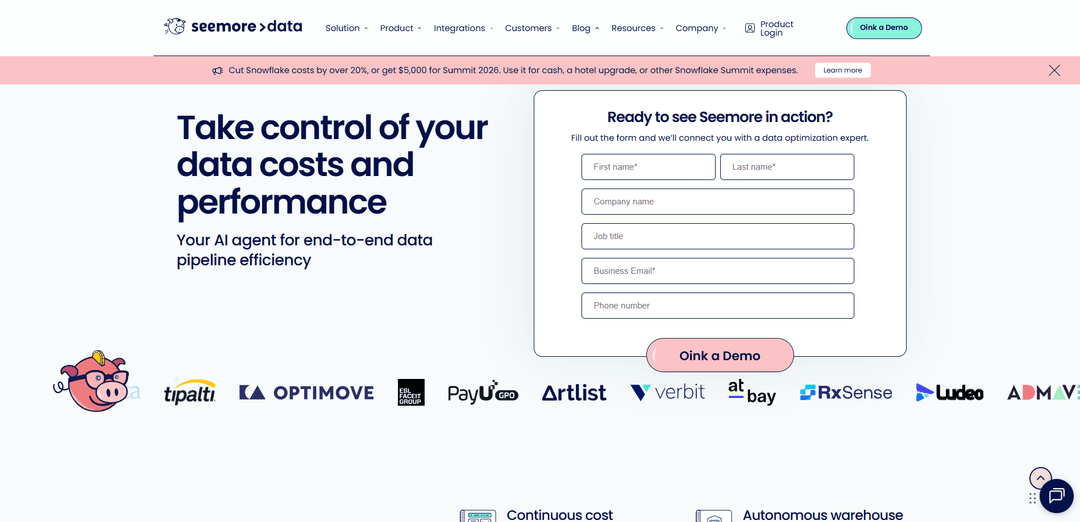
Seemore Data is an AI agent platform for end-to-end data pipeline efficiency that continuously analyzes and optimizes cost, performance, and usage across the modern data cloud.
Popular Articles

Atoms: A Multi-Agent AI Platform That Transforms Ideas into Launch-Ready Products
May 22, 2026

Nano Banana SBTI: What It Is, How It Works, and How to Use It in 2026
Apr 15, 2026

Atoms Review — The AI Product Builder Redefining Digital Creation in 2026
Apr 10, 2026

Kilo Claw: How to Deploy and Use a True "Do‑It‑For‑You" AI Agent(2026 Update)
Apr 3, 2026
Latest AI Tools Similar to Seemore Data
Tomat
Tomat.AI is an AI-powered desktop application that enables users to easily explore, analyze, and automate large CSV and Excel files without coding, featuring local processing and advanced data manipulation capabilities.
Data Nuts
DataNuts is a comprehensive data management and analytics solutions provider that specializes in healthcare solutions, cloud migration, and AI-powered database querying capabilities.
CogniKeep AI
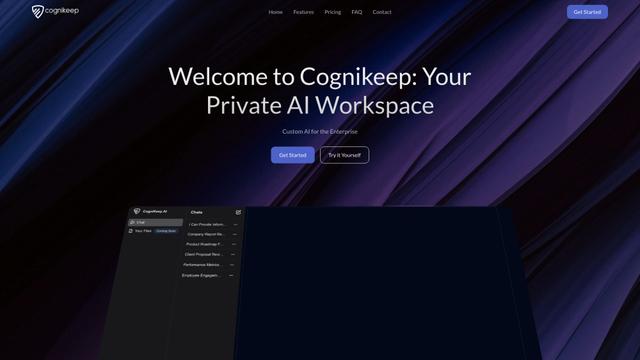
CogniKeep AI is a private, enterprise-grade AI solution that enables organizations to deploy secure, customizable AI capabilities within their own infrastructure while maintaining complete data privacy and security.

EasyRFP
EasyRFP is an AI-powered edge computing toolkit that streamlines RFP (Request for Proposal) responses and enables real-time field phenotyping through deep learning technology.
Popular AI Tools Like Seemore Data

Researcher & Analyst in M365 Copilot
Contact for PricingAI Data Mining
Researcher and Analyst are two first-of-their-kind AI reasoning agents in Microsoft 365 Copilot that help users tackle complex research and data analysis tasks by leveraging both enterprise and web data with advanced reasoning capabilities.
ContextGem
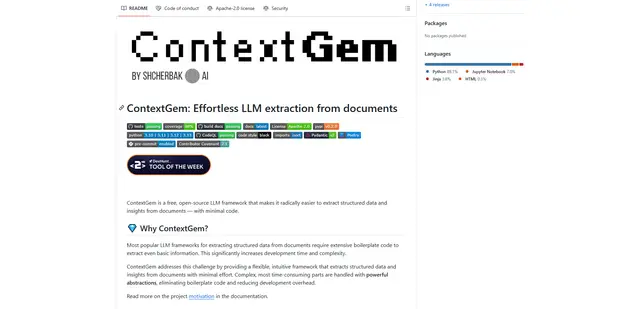
ContextGem is a free, open-source LLM framework that simplifies structured data and insights extraction from documents with minimal code through powerful built-in abstractions and automated features.
Augmentoolkit 3.0
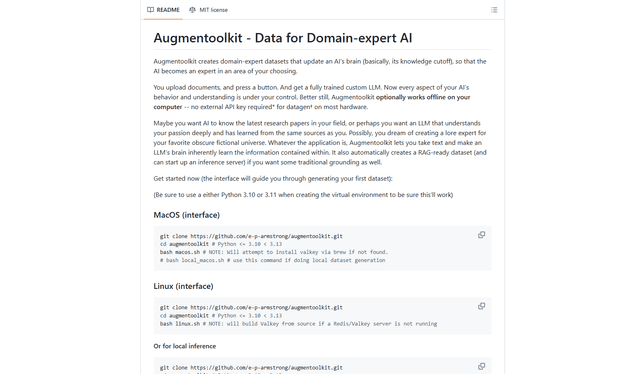
Augmentoolkit 3.0 is a refined and battle-tested open-source tool that creates domain-expert datasets to train custom LLMs with your own data, featuring an intuitive interface, offline capability, and automatic dataset generation and training processes.
OpenGyver
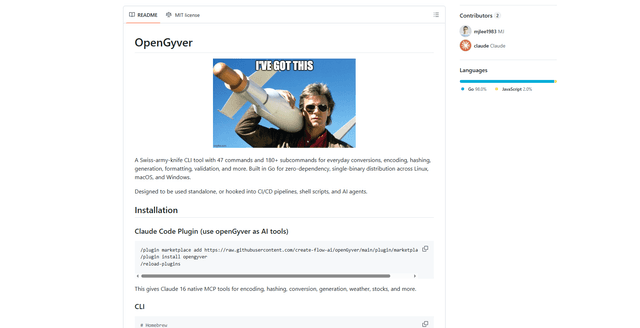
OpenGyver is an open-source Swiss-army-knife CLI tool with 47 commands and 180+ subcommands for everyday conversions, encoding, hashing, generation, formatting, and validation, designed for standalone use or integration with CI/CD pipelines, shell scripts, and AI agents.