
ScreenTranslate
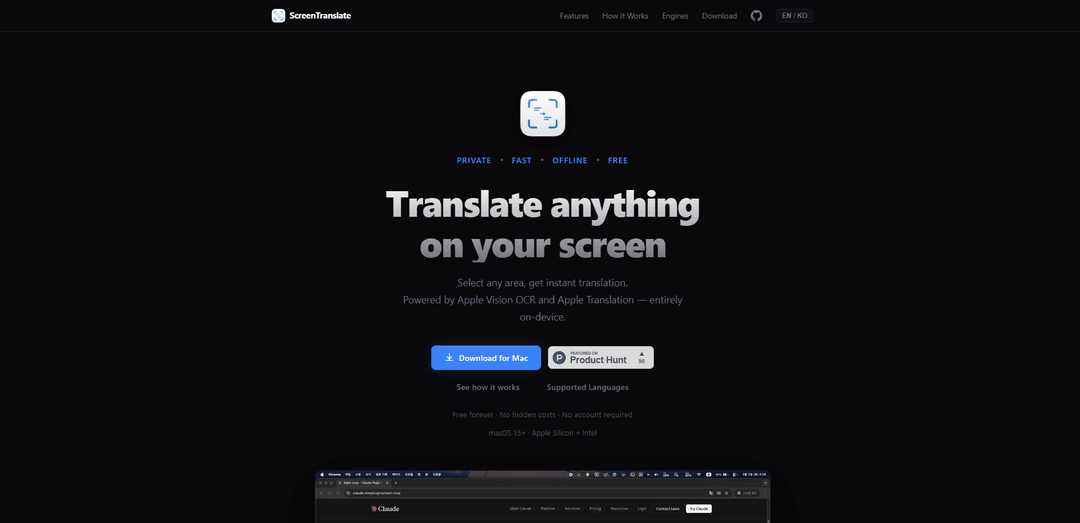
ScreenTranslate is a private, fast, and offline translation tool that allows users to instantly translate any text on their screen by selecting an area, powered by Apple Vision OCR and Apple Translation technology.
https://screentranslate.filient.ai/?ref=producthunt
Product Information
Updated:Mar 8, 2026
What is ScreenTranslate
ScreenTranslate is a lightweight menu bar application designed for macOS 15+ (compatible with both Apple Silicon and Intel processors) that revolutionizes the way users translate text on their screens. As a free tool requiring no account registration, it seamlessly integrates with users' workflows by providing instant translation capabilities for any visible text across 18 different languages. The application is built with privacy in mind, performing all processing locally on the device without any external server communication or data collection.
Key Features of ScreenTranslate
ScreenTranslate is a macOS application that provides instant, on-device translation of any text on screen through a simple area selection mechanism. It uses Apple Vision OCR and Apple Translation to offer support for 18 languages, works completely offline after initial setup, and ensures privacy by processing all translations locally on the device. The app features a convenient menu bar interface, automatic translation history, and customizable keyboard shortcuts for seamless integration into users' workflows.
One-Step Translation Process: Select any area on screen with a customizable keyboard shortcut to instantly get translations without switching between applications or copy-pasting
Private On-Device Processing: All translations are processed locally on your Mac using Apple's technology, ensuring no data is sent to external servers
Offline Functionality: Once language packs are downloaded, the app works without internet connection, making it reliable for use anywhere
Comprehensive Language Support: Supports 18 languages including Korean, English, Japanese, and Chinese with automatic source language detection
Use Cases of ScreenTranslate
International Business Communication: Quickly translate business documents, emails, and presentations in real-time during international meetings
Academic Research: Translate foreign language research papers and academic content without leaving your reading environment
Content Localization: Help content creators and developers quickly understand and verify translations of their digital content across different languages
Pros
Complete privacy with on-device processing
Fast and seamless workflow integration
Works offline after initial setup
Cons
Limited to macOS 15+ platforms
Only supports 18 languages compared to some competitors offering 100+
How to Use ScreenTranslate
Download and Install: Download the DMG file from the official website and install ScreenTranslate on your macOS device (requires macOS 15 or higher)
Press Shortcut: Hit your customizable keyboard shortcut to enter the selection mode for translation
Select Area: Draw a rectangle by dragging your cursor around the text you want to translate
View Translation: The translation will appear in a popup near your selection within a second. Click once to copy the translated text
Access Additional Features: Use the menu bar icon to access translation history, adjust settings, and customize language preferences
Setup Offline Mode (Optional): Download language packs from settings to enable offline translation functionality
Review History: Access your previous translations anytime through the translation history feature in the menu bar
ScreenTranslate FAQs
ScreenTranslate is a macOS app that allows users to instantly translate any text on their screen by selecting an area. It's a menu bar app that works completely on-device using Apple Vision OCR and Apple Translation.
ScreenTranslate Video
Popular Articles

Atoms: A Multi-Agent AI Platform That Transforms Ideas into Launch-Ready Products
May 22, 2026

Nano Banana SBTI: What It Is, How It Works, and How to Use It in 2026
Apr 15, 2026

Atoms Review — The AI Product Builder Redefining Digital Creation in 2026
Apr 10, 2026

Kilo Claw: How to Deploy and Use a True "Do‑It‑For‑You" AI Agent(2026 Update)
Apr 3, 2026
Latest AI Tools Similar to ScreenTranslate
InDesign Translator
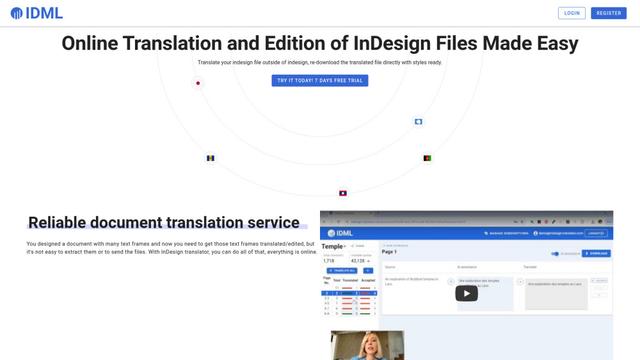
InDesign Translator is an online translation service that enables users to translate InDesign files while maintaining formatting and styles, offering AI-assisted translation and easy collaboration features without requiring translators to have InDesign installed.

Blanc AI
Blanc AI is a revolutionary AI solution that enables video content translation and dubbing into 47+ languages while preserving the original voice, emotions, and lip synchronization.
MenuGuide
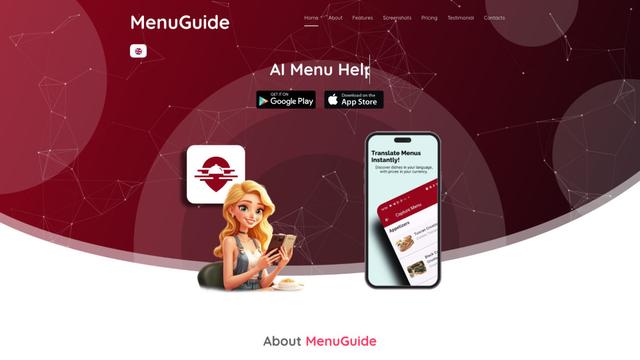
MenuGuide is a cutting-edge AI-powered app that instantly translates restaurant menus from any language to your preferred language, providing dish details, allergen information, and nutritional facts for seamless global dining experiences.
Vocabulary AI
Vocabulary AI is an advanced AI-powered language learning platform that combines translation, vocabulary building, and personalized practice through website, mobile app, and browser extension to help users effectively learn and retain new words.
Popular AI Tools Like ScreenTranslate
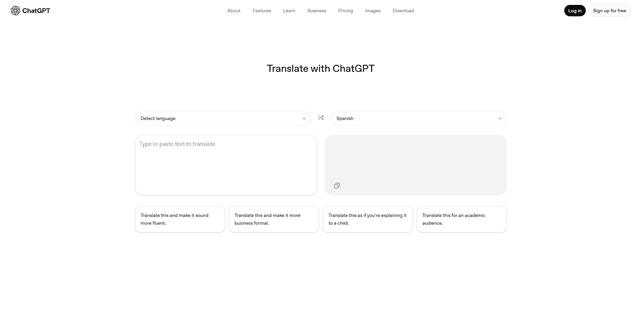
ChatGPT Translate
FreeTranslate
ChatGPT Translate is OpenAI's dedicated translation service that supports 50+ languages with AI-powered customization features for producing natural, context-aware translations across different tones and styles.
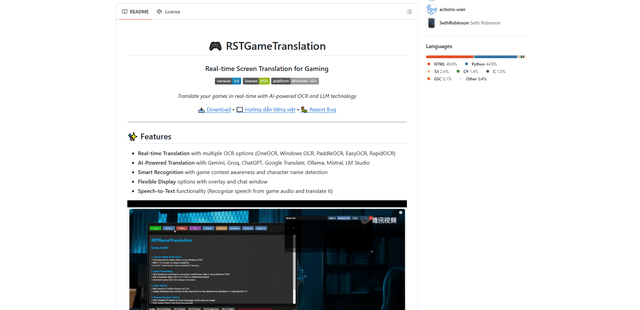
RSTGameTranslation
RSTGameTranslation is an open-source real-time game translation tool that combines OCR and AI translation technologies to automatically translate game text across multiple languages while supporting both offline and online modes.
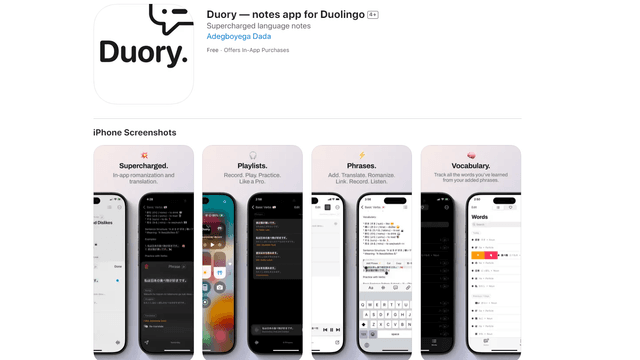
Duory
Duory is a dynamic language learning companion app that helps Duolingo users reinforce their lessons through interactive note-taking, translation features, and voice recording capabilities.