
Rindler
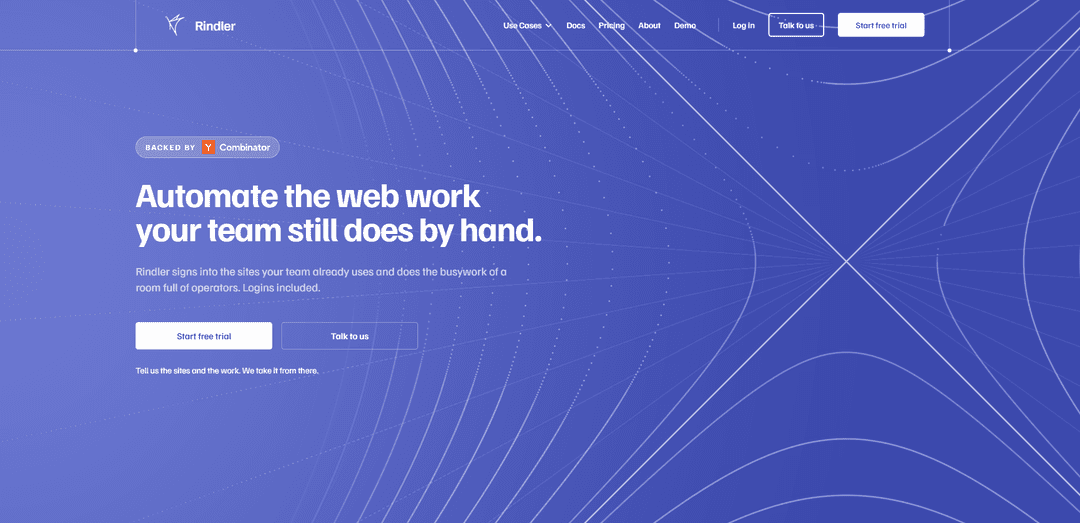
Rindler turns websites—including login-only portals with no API—into reliable, deterministic automations for AI agents, returning clean records with full run visibility and permission controls.
https://rindler.ai/?ref=producthunt
Product Information
Updated:Aug 14, 2026
What is Rindler
Rindler is a web automation platform that helps teams automate repetitive work they still do manually inside online portals (procurement, banking, recruiting, commerce, government, healthcare, and more). Instead of relying on fragile scripts or traditional RPA click-paths, Rindler signs into the sites your team already uses (logins and MFA included) and completes tasks end-to-end, then returns structured, “clean” results. The product is positioned as making “any website work for agents,” enabling search, comparison, and actions across workflows even when a site has no official API.
Key Features of Rindler
Rindler automates repetitive work your team does inside web portals—especially sites behind logins that don’t offer APIs—by signing in, navigating known routes, extracting clean records, and taking actions like downloading statements, checking statuses, and submitting forms. You describe the job in plain language, connect the site once (including MFA), and then monitor every step and screen the automation saw. Rindler emphasizes deterministic, repeatable runs via pre-mapped portal routes, centralized maintenance when sites change, and granular permissions (allow/ask/never) for sensitive actions, with usage tracked via a credit system that refunds failed runs.
Plain-English automation setup: Create automations by describing the task in a sentence—no builder, flowcharts, or complex configuration required.
Works behind logins on no-API websites: Signs into the real websites your team already uses (including MFA) and performs multi-step workflows where APIs aren’t available.
Deterministic, mapped portal routes: Runs follow pre-walked, known routes through each portal to reduce agent wandering and improve reliability and speed.
Full run transparency and auditing: Monitor each run with step-by-step activity logs and the exact screens the automation saw, making outcomes reviewable.
Granular permissions per site and action: Control what the automation can do (e.g., read data, download documents, submit forms, pay/checkout) with Allow / Ask first / Never policies.
Centralized maintenance when sites change: When a portal layout changes and a run breaks, Rindler repairs the route centrally so customers don’t have to maintain brittle scripts.
Use Cases of Rindler
Procurement & Accounts Payable: open orders and invoice workflows: Log into supplier portals to pull open-order rows, check delivery dates/status, download invoices/receipts, and keep AP records up to date.
Banking & Lending: statement and account activity retrieval: Access banking portals (e.g., for statements and transactions) to download documents and extract clean records for reconciliation or underwriting.
HR & Recruiting: ATS and job-market monitoring: Automate routine work across ATS/job sites (e.g., Greenhouse/Lever-style workflows) like searching roles, filtering by team/location, and compiling updates without relying on vendor APIs.
Commerce & Retail: price and availability checks: Run scheduled checks on retail sites to compare prices, track changes, and return structured results for purchasing decisions.
Travel & Property: search and compare listings: Automate recurring searches on travel/property sites (e.g., stays, listings, availability) and return normalized results for comparison.
Government & Courts / Healthcare & Insurance: portal lookups and form submissions: Handle repetitive portal tasks like status checks, record pulls, and form submissions in regulated workflows where systems are often web-only.
Pros
Automates real-world portal work where APIs don’t exist, including login-required workflows.
More reliable than brittle RPA recordings due to mapped routes and centralized repairs when sites change.
Strong operational visibility: step logs and captured screens support auditing and troubleshooting.
Fine-grained permissions help manage risk for sensitive actions (downloads, submissions, payments).
Cons
Coverage depends on whether a site has been mapped; new sites may require Rindler to “go through it” before it’s ready.
Not SOC 2 certified yet (per site FAQ), which may be a blocker for some enterprises.
Some logins may be tied to a single live browser/session, which can add operational constraints for certain portals.
How to Use Rindler
1) Start a free trial (or log in): Go to https://rindler.ai/pricing and click “Start free trial”, or if you already have an account, use “Log in” (https://app.rindler.ai/sign-in).
2) Create a new automation or start a chat task: In the Rindler app, choose “New automation” (for scheduled/repeatable work) or use the chat interface (for one-off tasks) and select the site you want Rindler to work on.
3) Describe the job in plain words: Type what you want done as a sentence (no flowcharts/builders). Example: “Check every open order and tell me what changed.” or “Download last month’s statement.”
4) Connect the website (sign in once): When prompted, connect the site by signing in on the real website inside Rindler’s managed browser and complete any MFA. Rindler stores what it needs encrypted and scoped to you and that one site; you can revoke access later.
5) Set permissions for actions on that site: For each action type (e.g., read pages, download documents, submit forms, send messages, pay/checkout, upload/share files, change billing details), choose one of: Allow, Ask first, or Never. You can change these at any time and they take effect immediately.
6) Run the task and review the run details: Start the run. Rindler will navigate the site and perform the steps. After it finishes, review the run log showing each step and the screens it saw, plus any extracted “clean records” (tables/rows/fields) returned from behind the login.
7) If you want it to repeat, schedule it: Convert the task into an automation by setting a repeat time (e.g., “Every weekday at 7:00 AM”). Rindler will run it automatically and report what changed.
8) Monitor automations across sites: Use the Automations list to see what’s active, what needs attention, and when the next run will occur. You can open any automation to see its latest run, history, and outputs.
9) Manage connected sessions and revoke access when needed: In the Connect area, view which sites are connected and whether the session is active. If you no longer want Rindler to access a site, revoke the connection for that site.
10) Track credits and usage: Check Usage & Billing to see credits left, credits used, and in-flight credits. Credits go “in flight” while a run is working and settle when the job completes; if a run doesn’t finish, it returns indicating it could not complete.
11) Handle site changes (when a run fails): If a run can’t finish due to a site layout change, review the returned failure details (the portal and step named). Rindler’s model is that they repair the route centrally for everyone on that site, rather than you filing and paying for a custom fix.
Rindler FAQs
Rindler is a software platform that automates work on websites your team uses by signing into those sites and performing multi-step tasks, returning clean, structured records.
Rindler Video
Popular Articles

How to Create Viral Talking Baby Podcast Videos with AI: Step-by-Step Guide
Nov 2, 2026

Proferex: A Cloud-Based Ad Tracking and Campaign Optimization Platform
Nov 2, 2026

Vosko AI: Localize and Dub Videos for Global Audiences
Oct 15, 2026

Atoms: A Multi-Agent AI Platform That Transforms Ideas into Launch-Ready Products
Oct 13, 2026
Latest AI Tools Similar to Rindler

Jorpex
Jorpex is a comprehensive tender notification platform that aggregates and delivers instant tender alerts from across European countries directly to Slack, helping businesses never miss opportunities.

Leadsmrt
Leadsmrt is a lead generation tool that helps businesses scrape, verify and personalize targeted business leads from Google Maps with AI-powered personalization capabilities.

Omnial AI
Omnial AI is a data intelligence platform that leverages AI agents to transform web prompts into structured, actionable data insights backed by Afore Capital.
SERPrecon
SERPrecon is an advanced SEO tool that leverages vectors, machine learning, and natural language processing to help users analyze and outrank competitors by using the same methods as modern search engines.
Popular AI Tools Like Rindler
Magentic-UI
Magentic-UI is an open-source, human-centered web agent prototype by Microsoft Research that enables collaborative planning and execution of complex web-based tasks through transparent interaction between humans and AI agents.
Web Accessibility Testing MCP
A11y MCP is a Model Context Protocol server that enables AI language models to perform automated web accessibility testing by integrating with Deque's Axe-core API and Puppeteer to analyze web content for WCAG compliance.
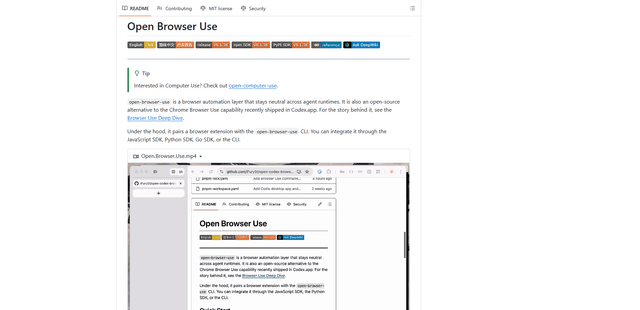
Open Browser Use
Open Browser Use is an open-source, agent-runtime-neutral browser automation layer that pairs a Chrome extension with a CLI/SDK/MCP to enable DOM-aware, CDP-powered tab control, navigation, and actions across different AI agent tools.
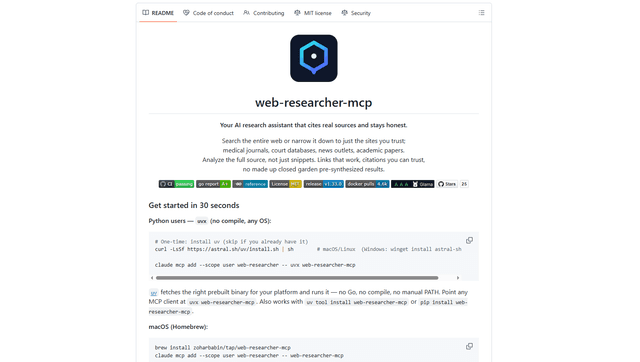
Web Researcher MCP
Web Researcher MCP is a local, production-grade MCP server that lets AI assistants search the web (optionally restricted to trusted “search lenses”), read full sources (including JS-rendered pages, PDFs, and YouTube transcripts), and return verifiable citations with multi-provider failover. [Source: https://github.com/zoharbabin/web-researcher-mcp?ref=producthunt]