
Resend
Resend is a modern email API for developers that enables seamless delivery of transactional and marketing emails at scale with React-based templates, webhooks, and superior deliverability features.
https://resend.com/?ref=producthunt

Product Information
Updated:May 8, 2026
What is Resend
Resend is an email platform designed specifically for developers, offering a simple and elegant interface to send both transactional and marketing emails. Founded by a team of engineers who wanted to create the email platform they always wished they had, Resend provides SDKs for popular programming languages including Node.js, Python, Ruby, PHP, Go, Rust, Java, Elixir, and .NET. The platform integrates seamlessly with modern frameworks like Next.js, Remix, and Nuxt, allowing developers to start sending emails in minutes. Resend stands out by combining powerful API capabilities with a delightful developer experience, featuring React Email integration for template creation, comprehensive webhooks for real-time notifications, and advanced deliverability tools including dedicated IPs, multi-region sending, and proactive blocklist monitoring.
Key Features of Resend
Resend is a developer-first email API platform designed to simplify sending transactional and marketing emails at scale. It offers a modern, elegant interface with SDKs for multiple programming languages, seamless integration with React Email for component-based template development, and comprehensive deliverability features including multi-region sending, dedicated IP management, and DNS authentication (SPF, DKIM, DMARC). The platform provides robust observability through detailed analytics, real-time webhooks, test mode for safe development, and features like contact management, broadcast emails, and inbound email handling. Resend is GDPR and SOC 2 compliant, offering both transactional and marketing email capabilities in a single platform with usage-based pricing that scales with your needs.
Developer-First Email API: Simple REST API with SDKs for Node.js, Python, Ruby, PHP, Go, and more, allowing developers to integrate email functionality in minutes with clean, intuitive code that fits naturally into existing applications.
React Email Integration: Build beautiful, responsive email templates using React components and Tailwind CSS instead of traditional HTML table layouts, with server-side rendering and component-based development for a modern workflow.
Advanced Deliverability Suite: Comprehensive email deliverability tools including multi-region sending, managed dedicated IPs with automatic warming, proactive blocklist monitoring, DNS verification (SPF, DKIM, DMARC), BIMI support, and dynamic suppression lists to ensure emails reach inboxes, not spam folders.
Real-Time Webhooks & Observability: Modular webhooks provide real-time notifications for email events (delivered, opened, clicked, bounced, complained) with detailed analytics, logging, and tracking capabilities for complete visibility into email performance.
Unified Marketing & Transactional Platform: Single platform for both transactional and marketing emails with features including Audiences for contact management, Broadcasts for campaign sending, visual email editor, CSV import, and broadcast analytics.
Inbound Email Processing: Receive and process incoming emails on your own domain or Resend-provided addresses, enabling workflows triggered by inbound emails with support for webhooks, attachments, and reply handling.
Use Cases of Resend
SaaS Application Notifications: Send transactional emails like user onboarding, password resets, account verification, and feature notifications with high deliverability and real-time tracking for growing SaaS platforms.
E-commerce Order Management: Deliver order confirmations, shipping notifications, delivery updates, and customer support communications with regional optimization to reduce latency for global customer bases.
Marketing Campaigns & Newsletters: Manage subscriber audiences, send personalized broadcast emails with dynamic templates, track engagement metrics (opens, clicks), and handle unsubscribes automatically for marketing teams.
Multi-Region Global Applications: Leverage multi-region email sending to reduce delivery latency by sending emails from regions closest to users, particularly valuable for applications with international customer bases in South America, Europe, Asia, and North America.
Development & Testing Workflows: Use test mode to safely develop and experiment with email functionality without sending real emails, combined with CLI tools for local webhook testing and AI agent skills for automated development.
Customer Support Automation: Build automated support workflows using inbound email processing to handle customer replies, support tickets, and feedback with structured data extraction and webhook-driven responses.
Pros
Exceptional developer experience with clean API, comprehensive SDKs, and React Email integration that eliminates traditional HTML email development pain
Robust deliverability infrastructure with multi-region sending, managed dedicated IPs, automatic warming, and proactive monitoring to ensure high inbox placement
Unified platform for both transactional and marketing emails, eliminating the need for multiple tools and providing a single source of truth
Generous free tier and transparent usage-based pricing with no surprise overage billing, making it accessible for startups and scalable for enterprises
Cons
Relatively new platform compared to established competitors like SendGrid or Mailgun, with less extensive third-party integrations
Limited data retention duration on lower-tier plans, which may require upgrading for long-term log access
No affiliate program for content creators or marketers who might want to promote the service
Marketing email features and pricing details are less prominently documented compared to transactional email capabilities
How to Use Resend
1. Sign up for a Resend account: Visit https://resend.com/signup to create a free Resend account. You can start with their free trial to test the service.
2. Get your API key: Navigate to the API Keys section in your Resend dashboard at https://resend.com/api-keys. Click 'Create API Key', give it a descriptive name (e.g., 'my-app-key'), and choose the appropriate permissions (Full access for all API actions, or restricted access for specific operations).
3. Add and verify your domain: Go to the Domains section in your dashboard and add your domain. Resend will provide DNS records (DKIM, SPF, and DMARC) that you need to add to your domain's DNS settings. Once added, Resend will verify the records to ensure proper authentication.
4. Install the Resend SDK: Install the Resend SDK for your preferred programming language using your package manager. For Node.js, run: npm install resend (or use yarn/pnpm). SDKs are available for Node.js, Ruby, Python, PHP, Go, Rust, Java, Elixir, and .NET.
5. Initialize Resend in your code: Import and initialize the Resend library with your API key. For Node.js: import { Resend } from 'resend'; const resend = new Resend('re_xxxxxxxxx');
6. Send your first email: Use the resend.emails.send() method to send an email. Include the 'from' address (using your verified domain), 'to' recipient address, 'subject', and email content ('html' or 'text'). Example: const { data, error } = await resend.emails.send({ from: '[email protected]', to: '[email protected]', subject: 'Hello World', html: '<strong>it works!</strong>' });
7. (Optional) Use React Email templates: For more complex emails, create React components using the @react-email/components library. Build your email template with React components, then pass it to the 'react' parameter in the send method instead of 'html'.
8. (Optional) Set up webhooks: Configure webhooks in your Resend dashboard to receive real-time notifications about email events (delivered, opened, clicked, bounced, complained) directly to your server endpoint.
9. (Optional) Use Test Mode: During development, use Resend's Test Mode to simulate email sending without actually delivering emails to real recipients. This helps you test your integration safely.
10. Monitor and analyze: Use the Resend dashboard to monitor your email sending, view detailed logs, track analytics (opens, clicks, bounces), and manage your domain reputation. Set up IP and domain monitoring to be notified of any issues.
Resend FAQs
Resend is a modern email API platform designed specifically for developers. It allows you to send both transactional emails (like password resets, confirmations, notifications) and marketing emails (via Broadcasts) at scale. Resend focuses on delivering emails to inboxes instead of spam folders, with features like easy integration via SDKs, React-based email templates, webhooks for real-time notifications, and comprehensive deliverability tools.
Resend Video
Popular Articles

Vosko AI: Localize and Dub Videos for Global Audiences
Oct 15, 2026

Atoms: A Multi-Agent AI Platform That Transforms Ideas into Launch-Ready Products
Oct 13, 2026

Nano Banana SBTI: What It Is, How It Works, and How to Use It in 2026
Apr 15, 2026

Atoms Review — The AI Product Builder Redefining Digital Creation in 2026
Apr 10, 2026
Latest AI Tools Similar to Resend

10xBeast
10xBeast is an AI-powered sales platform that helps businesses automate and personalize cold email outreach to convert leads into customers in just a few clicks.

Inbox AI
Inbox AI is a privacy-focused MacOS productivity app that combines voice-driven AI automation with email management capabilities, allowing users to create custom workflows and commands while offering both cloud-based and on-device AI options.

MailSense
MailSense is an AI-powered email assistant that filters, summarizes, and generates replies to emails through a Telegram bot interface to help users manage their inbox more efficiently.
Voltmailer
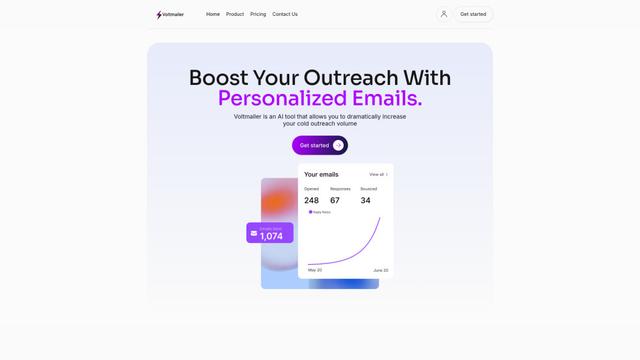
Voltmailer is an AI-powered email automation tool that helps businesses scale their cold outreach by generating personalized emails through website data scraping and automated personalization.
Popular AI Tools Like Resend
Mailmeteor AI for Gmail
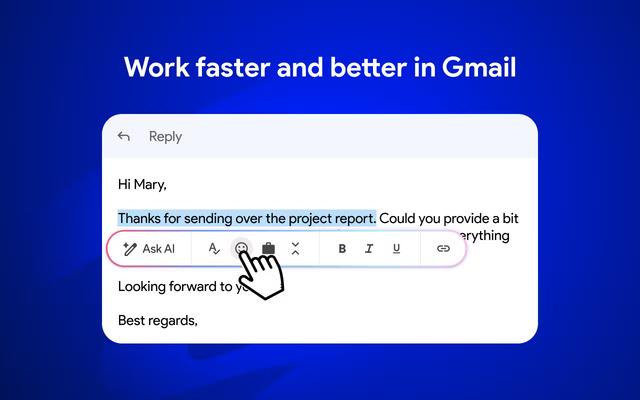
Mailmeteor is a powerful Gmail extension that combines AI email writing, mail merge, automated follow-ups, and email export capabilities to enhance productivity and email management within Gmail.
MailSnitch
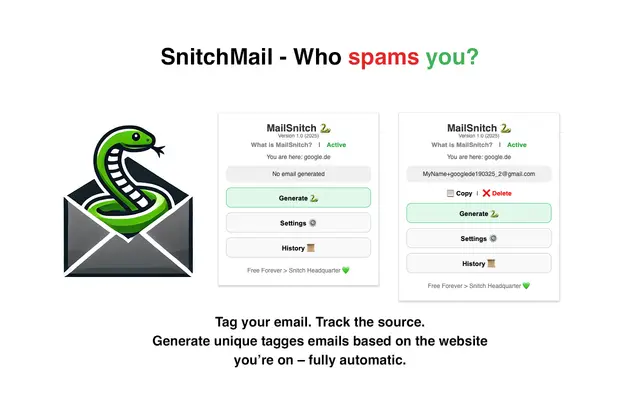
MailSnitch is a free email tracking and anti-spam Chrome extension that helps users identify spam sources through automated email tagging and tracking system.

MailMood - AI Email Rewriter
MailMood is a Chrome extension that instantly transforms Gmail messages into professional, clean, and confident business language with three different tone options - corporate, casual, or assertive - all with just one click.

Apparent for Gmail
Apparent for Gmail is a Chrome extension that enhances Gmail's readability and usability by reorganizing conversations, simplifying layouts, and streamlining workflows while maintaining privacy and security.