
Recursi
Recursi is a free, fast, visual, human-in-the-loop AI building environment—centered on “Vibes” for composing dynamic web pages from small functions—designed to recursively improve itself (and famously built itself).
https://recursi.dev/?ref=producthunt

Product Information
Updated:Jun 8, 2026
What is Recursi
Recursi (recursi.dev) is a “recursively self-improving” environment for building with AI that emphasizes hands-on collaboration rather than one-click automation. It’s positioned as optimized augmentation: you stay in the creative and technical conversation while the AI handles heavy lifting, and you iterate quickly with visual structure and clear edits. The platform is free to use with no API fees and has grown into an ecosystem of tools—including its core Vibes environment plus projects like a reborn Aardvark element inspector, a YouTube playlist/music workspace, a Markdown notebook, Scratch-focused tooling, and experimental web apps—built rapidly through the same Recursi workflow.
Key Features of Recursi
Recursi is a free, fast, visual, human-in-the-loop environment for building with AI that’s described as “recursively self-improving” because it was built using itself. Its core workspace, Vibes, lets you generate and iteratively refine dynamic web pages from small composable functions with surgical edits instead of full rewrites. Around Vibes is an ecosystem of tools and demos—including a reborn Aardvark element inspector (extension + bookmarklet), a rich YouTube playlist/music environment, a Scratch-focused patching tool, a web CAD prototype, educational games, and a Markdown notebook for preserving and cleaning AI output—aimed at creators from developers to kids and tinkerers, without accounts, API keys, or usage fees.
Vibes: structured vibe-coding workspace: A visual, structured environment where you stay in the conversation while AI builds dynamic web pages from small composable functions that can be revised cleanly and surgically without “trashing everything around them.”
Human-in-the-loop “optimized augmentation”: Designed for close, iterative collaboration rather than push-button automation—keeping the user shaping decisions while the tooling accelerates implementation.
No API fees / no keys emphasis: Positioned as free to use with no API fees and accessible to users who don’t want to start with billing dashboards or raw API plumbing.
Aardvark reborn (extension + bookmarklet): A modern take on the historic Aardvark DOM tool (noted as inspiring Firebug/Chrome DevTools), offering powerful page interaction/inspection; the bookmarklet version supports quick actions like hover-to-target, remove elements, widen, and undo on any page.
Ecosystem of creator tools (Notebook, Scratchy, music, CAD, games): Includes a Markdown Notebook to clean/preserve AI/web content into a single owned HTML file; Scratchy for applying surgical patches to Scratch (.sb3) projects; a YouTube playlist/music environment (e.g., piano/piano-roll features); AccuCAD prototype; and educational games like Lego Detective and Guess the Note.
Self-hosting / self-building ethos: Marketed as having been built by building itself (“Recursi built Recursi”), reinforcing an iterative, self-improving workflow and a cohesive toolchain centered on rapid feedback.
Use Cases of Recursi
Rapid web prototyping for product teams: Create and iterate on dynamic web pages quickly using composable functions and surgical revisions—useful for MVPs, landing pages, and interactive demos without constant rewrites.
Front-end debugging and page manipulation: Use Aardvark (extension/bookmarklet) to inspect, modify, remove, or reorganize page elements live—handy for UI troubleshooting, UX reviews, and ad-hoc page cleanup.
Education and kid-friendly coding: Leverage Scratchy to modify Scratch projects via patch-based changes (instead of regenerating projects), supporting classrooms, camps, and self-guided learning.
Documentation and knowledge capture from AI outputs: Use the Markdown Notebook to convert messy rich text from chatbots or the web into clean Markdown/HTML and save a single portable file you “actually own.”
Music practice and ear-training workflows: Apply the music environment and games like Guess the Note to build interval recognition and play-by-ear skills, with interactive piano-roll style feedback.
Early-stage CAD and design exploration: Experiment with the AccuCAD web CAD prototype inspired by classic drafting paradigms (e.g., AccuDraw-style workflows) for conceptual modeling and drafting exploration.
Pros
Human-in-the-loop design encourages controlled, iterative improvements instead of brittle one-shot generation.
Composable-function approach supports targeted edits and reduces collateral damage during revisions.
Broad ecosystem (inspector, notebook, Scratch tool, music, CAD, games) makes it useful beyond pure web coding.
Accessible positioning (free, no API fees/keys) lowers barriers for hobbyists, students, and non-traditional builders.
Cons
Marketing claims like “recursively self-improving” and “built itself” may be unclear without hands-on evaluation or deeper technical documentation.
Wide scope (many tools and demos) can dilute focus and increase learning curve for users who only want one capability.
Some components are explicitly early-stage (e.g., AccuCAD beta preview), so feature completeness and stability may vary.
How to Use Recursi
1) Open Recursi: Go to https://recursi.dev/ and use the front page as the hub to launch the tools in the Recursi ecosystem.
2) Start with Vibes (the core environment): Click “Recursi Vibes” (the vibe-coding environment). This is the main, structured, visual, human-in-the-loop workspace where you build dynamic web pages from small composable functions.
3) Build a page by composing small functions: In Vibes, create your page as a set of small, composable functions rather than one large file. The workflow is designed so AI can do the heavy lifting while you stay in the conversation and guide decisions.
4) Iterate with “surgical” revisions instead of rewrites: Revise individual functions/components cleanly without “trashing everything around them.” Use the environment’s structured approach to make targeted changes and keep surrounding behavior stable.
5) Keep it human-in-the-loop: Use Recursi as “optimized augmentation,” not push-button automation: you review, steer, and refine while AI accelerates implementation.
6) Use Aardvark Bookmarklet for quick on-page edits/inspection: Open “Aardvark Bookmarklet.” On any page, hover elements and use the built-in shortcuts: press R to remove an element, W to widen, and U to undo. This is a lightweight way to inspect/modify page layout without installing an extension.
7) Use the Aardvark Extension + YouTube Playlist environment (if you want media + tools): Open “Aardvark Extension (YouTube Playlist).” It’s described as a browser extension and playlist environment with clean playback, curated playlists, a 3D piano with synchronized piano rolls, a draw-on-web-page tool, dictation, bookmark organization, and more.
8) Use Markdown Notebook to save AI output into something you keep: Open “Markdown Notebook.” Paste rich text from AI or the web, clean it to Markdown, edit either the rich/HTML view or Markdown view, and save a single HTML file you own.
9) Use Scratchy for Scratch (.sb3) projects with patch-based edits: Open “Scratchy.” Drop in a .sb3 file, describe what you want, and let Scratchy apply “surgical patches instead of starting over.” It’s positioned as local, no accounts/keys/cloud.
10) Explore the rest of the ecosystem as needed: From the front page, launch other Recursi-built apps like Lego Detective, Guess the Note, and AccuCAD (beta preview) depending on your goals (games, ear training, CAD/drafting).
11) Watch the demo and/or inspect the GitHub repo for deeper understanding: Use the “Watch the Demo” link for an overview, and the GitHub repo link (https://github.com/RecursiveSelfImprovement/recursi) to explore implementation details and project structure.
12) Contact the creator if you need help or want to engage: Use the listed contact email [email protected] for questions, feedback, or collaboration.
Recursi FAQs
Recursi is a “recursively self-improving” environment for building with AI. It’s designed to be fast, visual, and human-in-the-loop, and it’s free to use with no API fees.
Recursi Video
Popular Articles

Vosko AI: Localize and Dub Videos for Global Audiences
Oct 15, 2026

Atoms: A Multi-Agent AI Platform That Transforms Ideas into Launch-Ready Products
Oct 13, 2026

Nano Banana SBTI: What It Is, How It Works, and How to Use It in 2026
Apr 15, 2026

Atoms Review — The AI Product Builder Redefining Digital Creation in 2026
Apr 10, 2026
Latest AI Tools Similar to Recursi
GPT Easy Web
GPT Easy Web is a user-friendly AI-powered platform that enables users to easily build, customize and manage websites through natural language interactions and automated tools without requiring coding knowledge.
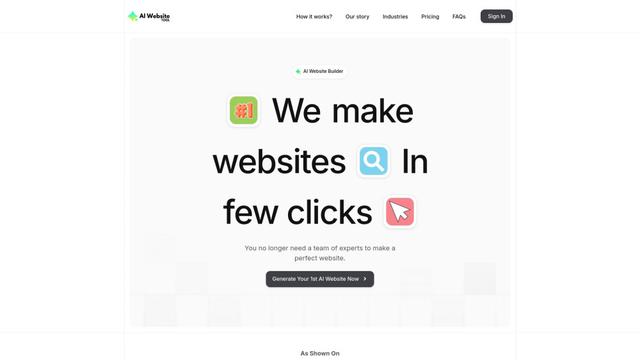
AI Website Tool
AI Website Tool is an AI-powered website builder that creates professional websites in minutes by automatically generating business-focused copy, custom visuals, and responsive designs with just a few clicks.

Softgen
Softgen.ai is an AI-powered full-stack project generator platform that enables users to transform their ideas into functional web applications without coding requirements.
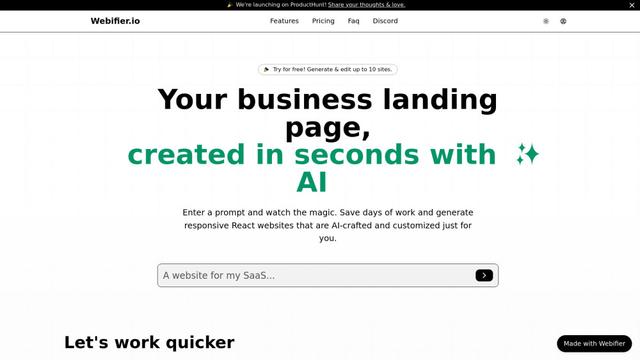
Webifier
Webifier is an AI-powered tool that transforms text prompts into fully functional React landing pages with clean, exportable code using NextJS14, TailwindCSS, and Shadcn components.
Popular AI Tools Like Recursi
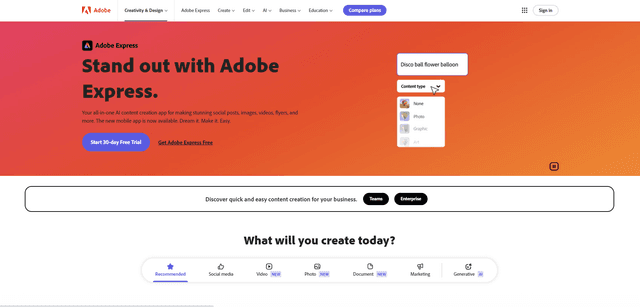
Adobe Express
Adobe Express is an all-in-one AI-powered content creation app for easily making stunning social posts, images, videos, flyers, and more with professionally designed templates and assets.
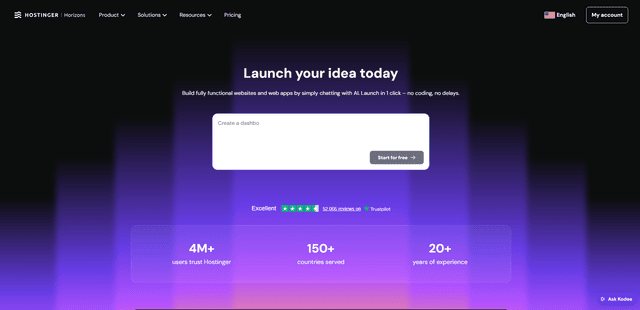
Hostinger
Hostinger is a web hosting and domain service provider offering AI-powered tools like Horizons that enables anyone to build, edit, and publish custom web apps and websites without coding through a simple chat interface.

GPT Engineer
GPT Engineer is an AI-powered software development tool that enables anyone to build web applications by chatting with an AI engineer.
Manus Shopify Connector
Manus Shopify Connector lets you build a Shopify-backed storefront, manage your catalog, and generate data-driven campaigns from a single chat—using Shopify APIs with OAuth-scoped access and Shopify checkout.