
RadianceKit
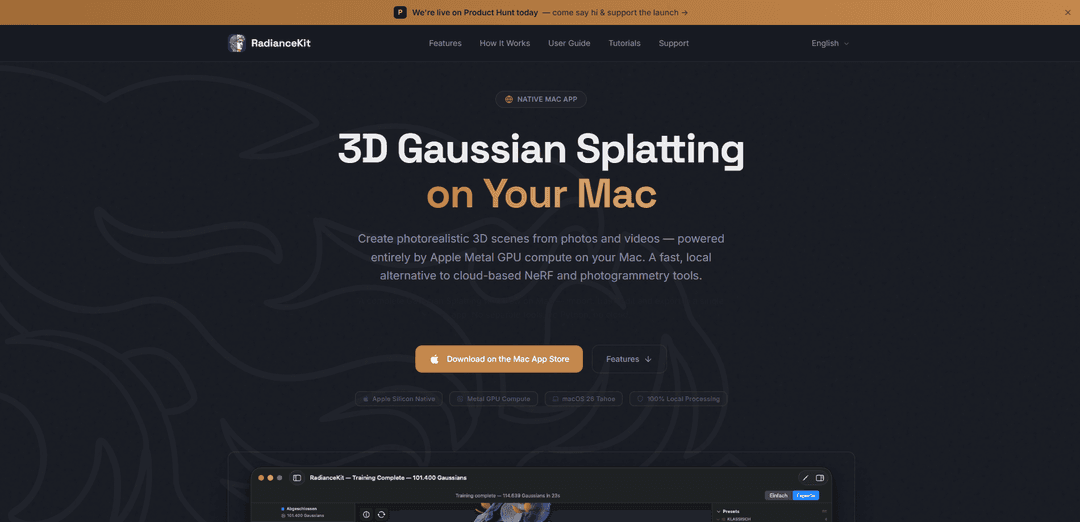
RadianceKit is a native macOS app that turns photos or video into photorealistic 3D Gaussian Splat scenes using Apple Silicon Metal GPU training—fully local, no cloud, no Python, with built-in editing and multi-format export.
https://www.radiancekit.de/?ref=producthunt
Product Information
Updated:Jun 8, 2026
What is RadianceKit
RadianceKit is an all-in-one 3D Gaussian Splatting application for Mac that lets you create interactive, photorealistic 3D scenes from ordinary photos or video. Designed as a local alternative to cloud-based NeRF/photogrammetry pipelines, it combines import, camera alignment, training, live preview, editing, and export in one native app. It runs on Apple Silicon (M1 or later) and uses Metal for GPU compute, with a guided Simple Mode for quick results and an Expert Mode for deeper control over training and inspection.
Key Features of RadianceKit
RadianceKit is a native macOS app that provides an end-to-end 3D Gaussian Splatting workflow—import photos or video, automatically align cameras via Apple photogrammetry (SfM), train splats using Apple Silicon GPU compute through Metal, preview and edit the reconstruction in a real-time 3D viewport, then export to multiple formats or share via web viewers and orbit videos. It runs fully locally (no cloud, no account, no command line/Python setup) and offers both a guided Simple Mode and a parameter-rich Expert Mode for more control.
All-in-one Gaussian Splatting pipeline: Handles import, camera alignment, training, preview, editing, and export inside a single native Mac app—no external tools, Python environments, or command-line steps required.
Local Metal GPU training on Apple Silicon: Trains directly on the Mac using Apple Silicon GPU compute via Metal, keeping photos and scenes on-device with no internet connection required for processing.
Simple Mode + Expert Mode workflows: Simple Mode provides a guided, step-by-step flow; Expert Mode adds a professional three-panel layout with detailed training parameters, live loss curves, and export controls.
Interactive 3D editor for cleanup: Lets you select and delete regions directly in the 3D viewport (e.g., remove floaters/artifacts) using brush-style tools with undo support.
Broad import support for capture media and projects: Accepts common photo formats (JPEG/HEIF/PNG/RAW and more) and video (e.g., .mp4/.mov) with automatic frame extraction, plus can open existing splats (.ply/.spz/.splat) and scene/camera data (e.g., COLMAP workspaces, .radiancescene bundles).
Multiple export and sharing options: Exports to PLY, Compressed PLY, SPZ, glTF, .splat, and SOG, and can generate orbit videos and self-contained interactive web viewers for easy sharing.
Use Cases of RadianceKit
Product and e-commerce visualization: Create photorealistic 3D captures of products from a photo set or short video, then export (e.g., glTF) or share via a web viewer for interactive product pages.
Real-estate and location previews: Turn walk-through videos or photo coverage of rooms/exteriors into navigable 3D scenes for virtual tours, marketing, and client review.
VFX / virtual production reference capture: Rapidly reconstruct practical sets or props into splats for scene reference, layout, and previs, with quick artifact cleanup in the viewport.
Cultural heritage and museum digitization: Digitize artifacts or small exhibits from overlapping photos for archival, research access, and public-facing interactive viewing.
Indie game and XR environment scanning: Capture real-world spaces or objects into splats, refine them, and export formats suitable for integration into interactive experiences or pipelines that accept splat/glTF assets.
Pros
Fully local processing (privacy-friendly): no cloud upload, no account, and no internet required for training/processing.
Native Apple Silicon GPU acceleration via Metal for fast training on supported Macs.
Beginner-to-pro workflows with Simple Mode plus deep controls in Expert Mode.
Flexible exporting (multiple formats) and easy sharing via web viewers/orbit videos.
Cons
Hardware/OS limitation: requires an Apple Silicon Mac (M1+) and macOS 26 Tahoe or later; 16 GB RAM recommended for larger scenes.
360/fisheye ingest not supported directly yet; requires reframing/exporting to flat perspective video first.
Not cross-platform (Mac-only), which may limit team pipelines that rely on Windows/Linux tooling.
How to Use RadianceKit
1) Check requirements and install: Use an Apple Silicon Mac (M1 or later) on macOS 26 Tahoe or later (16 GB RAM recommended). Download RadianceKit from the Mac App Store and launch it. A 3-day free trial is available.
2) Choose a workflow mode (Simple vs Expert): Use Simple Mode for a guided, step-by-step workflow (import → align → train → preview → export). Use Expert Mode for a three-panel layout (project navigator, 3D viewport, inspector) with full control over training parameters, live loss curves, and export options.
3) Import source media (photos or video): Drag-and-drop photos or a video into RadianceKit to start a new reconstruction. Supported photo formats include .jpg/.jpeg, .png, .heic, .tiff/.tif, .bmp. Supported video formats include .mp4, .mov, .m4v, .avi.
4) (Optional) Open existing splats instead of training: If you already have a splat, open it for viewing without training. Supported existing splat formats: .ply, .spz, .splat.
5) (Optional) Import scene/camera data: If you have camera alignment data, import a RadianceKit scene bundle (.radiancescene) or a COLMAP workspace (folder containing sparse/ or cameras plus an images folder). You can also open .radiancecapture bundles from the iPhone companion app.
6) Align cameras (Structure-from-Motion): Run the alignment step so camera positions are computed automatically using Apple Photogrammetry (Structure from Motion). This produces the camera setup needed for training.
7) Train the 3D Gaussian Splatting model on your Mac: Start training. RadianceKit trains locally on the Apple Silicon GPU using Metal (no cloud upload). Training reconstructs the scene as millions of tiny 3D ellipsoids (“splats”).
8) Preview the reconstruction in real time: Use the interactive 3D viewport to explore the reconstruction from any angle while/after training.
9) Edit the splat (remove artifacts/unwanted parts): Enter Edit Mode and clean up the scene directly in the 3D viewport: select and delete regions, or use the brush tool to remove floating artifacts/unwanted geometry. Undo if needed.
10) (Optional) Use viewport auto-rotation for turntable viewing: Toggle viewport auto-rotation via Menu bar → Viewport → Toggle Auto-Rotation (⌘⌥T) to continuously rotate the camera around the scene center (a viewport effect).
11) Export the scene in your preferred format: Export to any of the six supported formats: PLY, Compressed PLY, SPZ, glTF, .splat, or SOG.
12) Share outputs (web viewer or orbit video): Create an orbit video or export a self-contained interactive web viewer that’s ready to share without additional software.
13) 360 footage workaround (if needed): RadianceKit does not directly ingest Insta360 .insv or stitched equirectangular 360 frames yet. Workaround: open the clip in Insta360 Studio, reframe into one or more flat perspective shots, export as .mp4, then import that .mp4 into RadianceKit.
RadianceKit FAQs
RadianceKit is a native Mac app for creating photorealistic 3D scenes from photos or video using 3D Gaussian Splatting, with an end-to-end workflow (import, align, train, edit, export) in one app.
RadianceKit Video
Popular Articles

Vosko AI: Localize and Dub Videos for Global Audiences
Oct 15, 2026

Atoms: A Multi-Agent AI Platform That Transforms Ideas into Launch-Ready Products
Oct 13, 2026

Nano Banana SBTI: What It Is, How It Works, and How to Use It in 2026
Apr 15, 2026

Atoms Review — The AI Product Builder Redefining Digital Creation in 2026
Apr 10, 2026
Latest AI Tools Similar to RadianceKit
JustAHuman
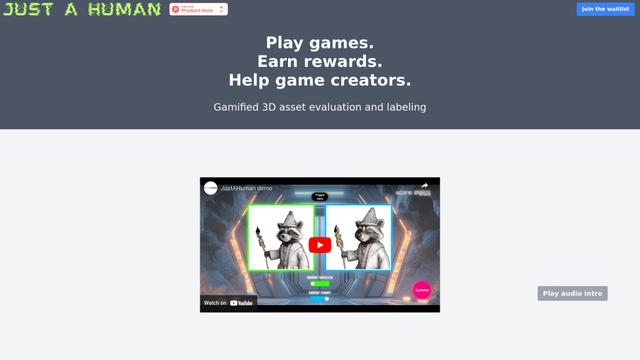
JustAHuman is a gaming platform that rewards players for completing challenges while helping game creators process 3D assets through AI.
Sketcho
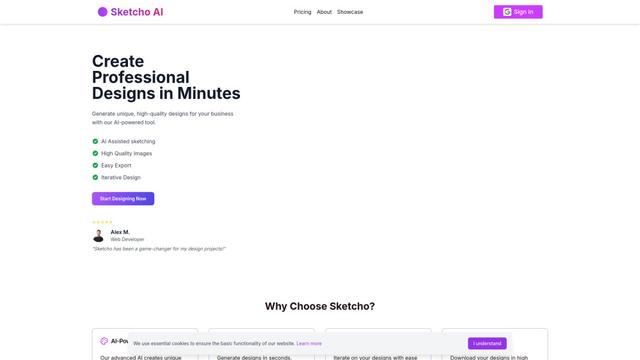
Sketcho is an AI-powered design tool that transforms sketches and ideas into high-quality professional designs through an intuitive interface.
Rendair
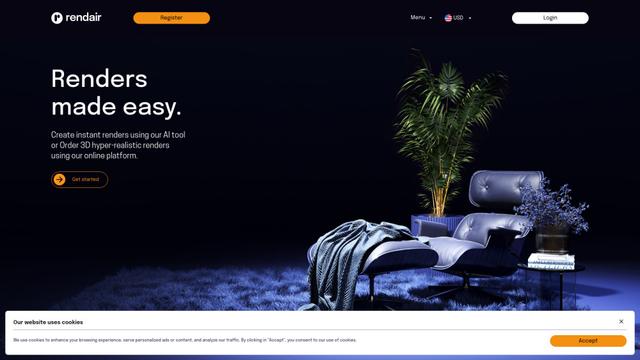
Rendair is an all-in-one AI-powered architectural rendering platform that offers quick, high-quality visualizations through both AI tools and professional 3D artists for architects, designers, and real estate professionals.

Triorama AI
Triorama AI is an AI-powered 3D product configurator platform that enables eCommerce businesses to offer real-time product personalization and visualization capabilities to their customers.
Popular AI Tools Like RadianceKit
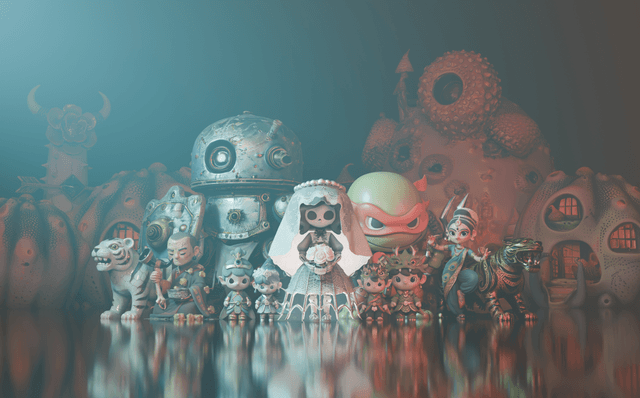
Hunyuan3D-2.1
Hunyuan3D-2.1 is Tencent's first production-ready 3D asset generation system that combines fully open-source framework with physically-based rendering (PBR) texture synthesis to create high-fidelity 3D models from images or text descriptions.
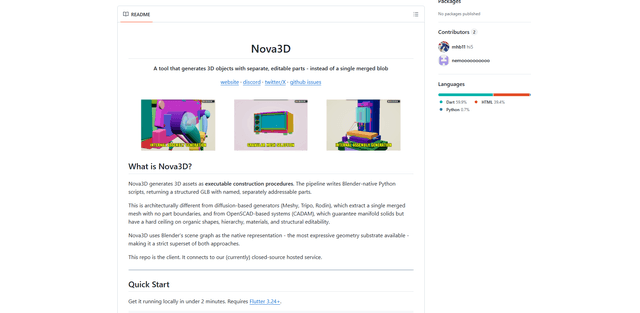
Nova3D
Nova3D is an AI 3D generation tool that produces structured, editable, part-aware 3D assets by generating Blender-native construction scripts and exporting a named, hierarchical GLB instead of a single merged mesh.
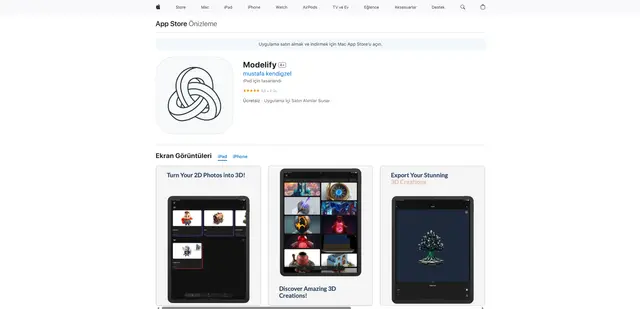
Modelify
Modelify is an AI-powered mobile app that transforms 2D images into high-quality 3D models seamlessly on iPhone and iPad devices.

Leonardo.ai
Leonardo.ai is a powerful AI image generator platform that enables users to create high-quality art, images, and videos through innovative tools like text-to-image generation, AI canvas editing, and 3D texture generation.