
CoachAI
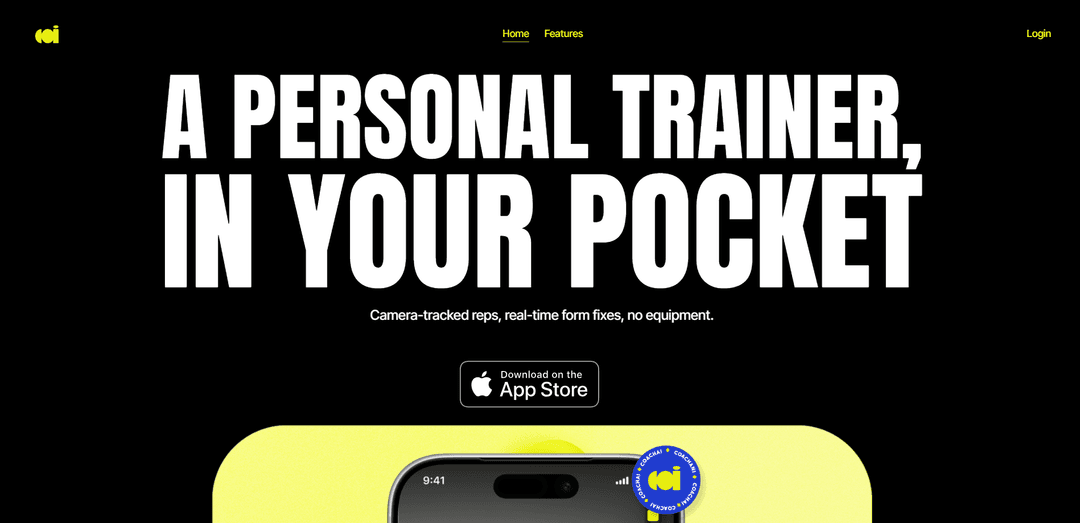
CoachAI is an iPhone fitness app that uses on-device camera tracking to count repetitions, provide real-time form feedback, and adapt personalized workout routines to each user’s performance.
https://coachai.tech/?ref=producthunt
Product Information
Updated:Aug 8, 2026
What is CoachAI
CoachAI is an AI-powered personal fitness coaching app designed for people ranging from beginners to experienced exercisers. Built around the iPhone camera, it brings key elements of personal training into a mobile experience: guided workouts, automatic rep tracking, posture and technique feedback, progress monitoring, and adaptive programming. Users can set up their phone, train in view of the camera, and receive coaching support without needing equipment or manually logging every repetition.
Key Features of CoachAI
CoachAI is an iPhone-based fitness coaching app that uses the phone camera to track full-body movement during workouts, automatically count repetitions, and provide real-time form feedback. It supports equipment-free routines, adapts future workouts based on completed reps and movement quality, and helps users monitor fitness progress over time. Its camera-based analysis is designed to run on-device, while the platform also offers opportunities for certified personal trainers to connect with clients.
Camera-based rep tracking: Uses an iPhone camera to observe the user's movements and count repetitions automatically, removing the need to manually log each rep.
Real-time form correction: Analyzes posture and exercise technique during a set, identifying movement breakdowns and suggesting corrections as the user trains.
Adaptive workout programming: Adjusts upcoming sessions based on how the user actually performed, including completed reps and movement quality, rather than following a static plan.
Equipment-free workout routines: Provides routines intended to be completed without gym equipment, making training accessible at home, while traveling, or in limited spaces.
Progress monitoring: Tracks changes in repetitions, form, and mobility over time to help users see improvement and identify areas that need attention.
On-device movement analysis: Processes camera-based movement tracking directly on the device, supporting a privacy-focused approach to workout analysis.
Use Cases of CoachAI
At-home personal training: Individuals can use their phone as a virtual training companion for guided, form-aware workouts without hiring an in-person trainer.
Beginner exercise instruction: New exercisers can receive rep counting and immediate technique cues while learning foundational bodyweight movements.
Travel and hotel workouts: Users can maintain a training routine in small or unfamiliar spaces with equipment-free sessions and phone-based coaching.
Form and mobility improvement: Fitness enthusiasts can use ongoing feedback and progress tracking to work on exercise consistency, posture, and movement quality.
Hybrid coaching for personal trainers: Certified trainers can extend their reach by supporting clients through a digital platform that combines AI-guided sessions with professional coaching.
Pros
Provides hands-free rep counting and real-time technique feedback through a device users already own.
Adaptive programming can make workouts more responsive than fixed downloadable exercise plans.
Equipment-free routines support convenient training from home or while traveling.
On-device camera analysis is positioned as a privacy-conscious design choice.
Cons
Effective form analysis depends on suitable phone placement, lighting, camera framing, and the app's ability to recognize a specific exercise.
Camera-based feedback cannot fully replace the judgment, physical assistance, or injury assessment of a qualified in-person professional.
The official site promotes iPhone use, which may limit access for people without compatible Apple devices.
Users with pain, injuries, or complex mobility limitations may need individualized guidance beyond automated recommendations.
How to Use CoachAI
1. Download and open CoachAI: Install CoachAI from the Apple App Store, open the app, and create or sign in to your account. You must be at least 18 years old to use the service.
2. Set up your profile and goals: Provide the information requested to personalize your experience, such as your fitness goals, current level, lifestyle, and available workout conditions. Use the app’s recommendations to receive tailored workout and nutrition guidance.
3. Choose a workout: Select an equipment-free routine or a workout recommended by your CoachAI plan. Review the exercise instructions and make sure you have enough clear space to move safely.
4. Position your iPhone: Lean or prop your iPhone against a stable object and step back until the camera can see your full body. Keep the phone steady, use adequate lighting, and ensure your movement area is visible.
5. Start camera-based tracking: Begin the exercise set in the app and allow camera access. CoachAI uses the phone camera and on-device body tracking to observe your movement, count repetitions, and track tempo.
6. Follow real-time form feedback: Perform each repetition while listening for or viewing the app’s posture and technique cues. CoachAI can identify form breakdowns and tell you what to adjust as you move.
7. Configure voice coaching: If voice coaching is available, choose how frequently you want callouts during a set, such as every repetition, every 5 repetitions, or every 10 repetitions. Follow the spoken rep counts and form cues hands-free.
8. Complete your set and workout: Finish the prescribed set and continue through the workout. The app records the repetitions you actually complete rather than relying only on a fixed workout template.
9. Review your results: After training, check your recorded reps, form-related feedback, mobility, workout progress, and other available performance information. Use these results to identify what improved and what needs attention.
10. Use the adapted next-session plan: Return for your next workout and follow the updated recommendations. CoachAI uses prior session performance to adapt subsequent workouts to how you actually moved and performed.
11. Track habits and nutrition: Use the app’s available nutrition plans, daily AI coaching, recovery guidance, and progress-tracking tools to support your broader fitness goals alongside your workouts.
CoachAI FAQs
CoachAI is an iPhone fitness app that uses the phone’s camera and AI to track exercise reps, provide real-time form feedback, and adapt workout plans based on performance.
CoachAI Video
Popular Articles

Vosko AI: Localize and Dub Videos for Global Audiences
Oct 15, 2026

Atoms: A Multi-Agent AI Platform That Transforms Ideas into Launch-Ready Products
Oct 13, 2026

Nano Banana SBTI: What It Is, How It Works, and How to Use It in 2026
Apr 15, 2026

Atoms Review — The AI Product Builder Redefining Digital Creation in 2026
Apr 10, 2026
Latest AI Tools Similar to CoachAI
Fit Aura
Fit Aura is an AI-powered diet and nutrition platform that creates personalized meal plans, generates recipes, and helps track fitness progress for achieving health goals.
QuazaAI
QuazaAI is an innovative fitness platform that combines artificial intelligence, motion tracking technology, and gaming elements to transform traditional workouts into engaging, interactive adventures.

Xaslar Bet
Xaslar Bet is an AI-powered sports betting platform offering tips and predictions for NBA player props and football matches.
GrubSmarter
GrubSmarter is an AI-powered nutrition app that helps users confidently control their diet by adapting to personalized needs and teaching better eating habits.
Popular AI Tools Like CoachAI
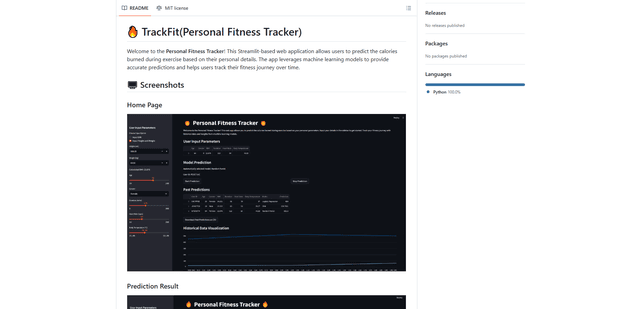
TrackFit
TrackFit is a comprehensive AI-powered fitness tracking system that combines smartwatch sensor data, machine learning models, and personalized analytics to help users monitor workouts, track progress, and improve exercise form in real-time.
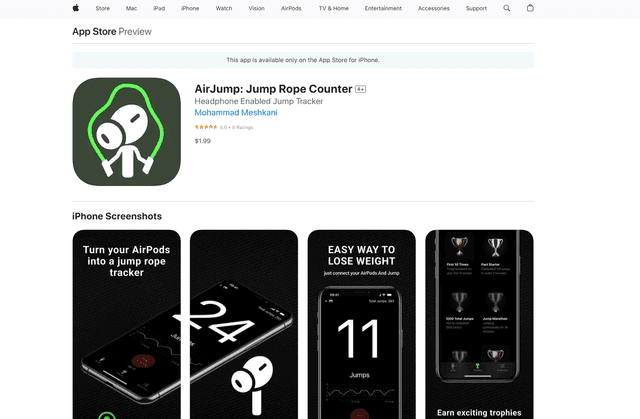
AirJump
AirJump is an innovative fitness app that uses AirPods' motion sensors to automatically track and count jump rope workouts while providing real-time statistics and achievement-based motivation.
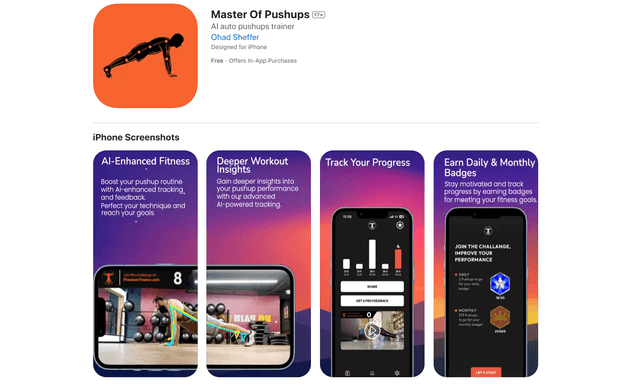
Master of Pushups
FreemiumSports & Fitness
Master of Pushups is an AI-powered fitness app that helps users perfect their pushup technique, track progress, and build strength through automated form detection and personalized training programs.
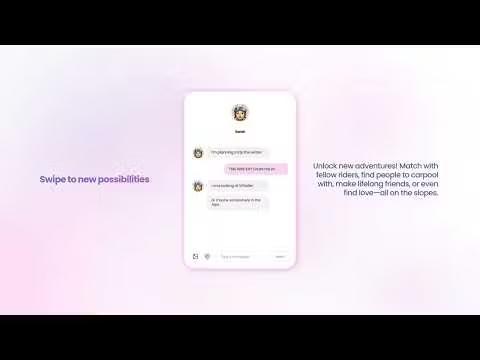
Shredder
Shredder is a versatile app offering both a powerful chess program for players of all levels and a skiing/snowboarding companion that tracks performance and connects riders with similar skill levels.