MascotAI
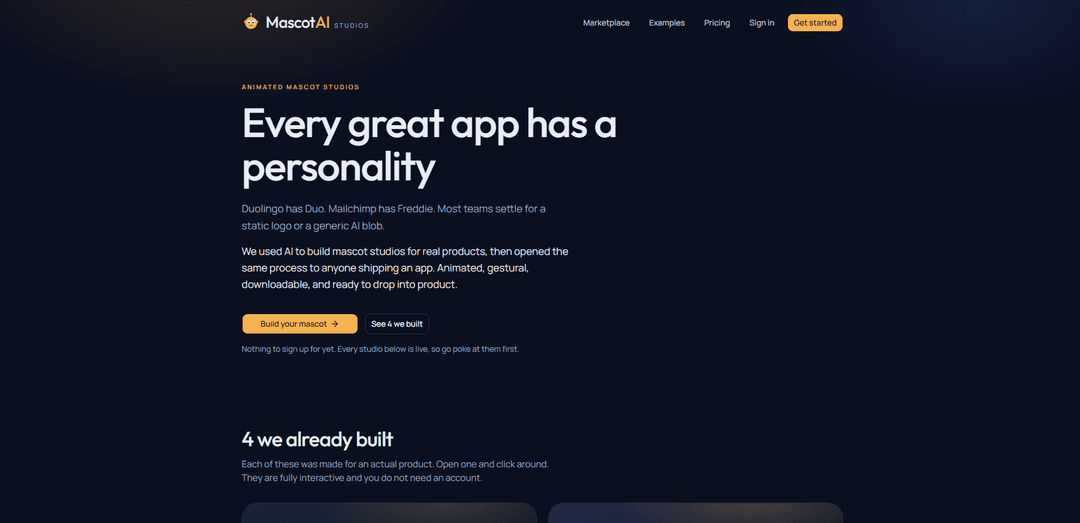
MascotAI ist ein KI-gestütztes Studio für animierte Maskottchen, das ein kurzes App- oder Marken-Briefing in anpassbare, gestenbasierte Maskottchen-Konzepte und herunterladbare animierte SVG-Assets verwandelt.
https://www.appmascot.ai/?ref=producthunt&utm_source=aipure
Produktinformationen
Aktualisiert:Aug 8, 2026
Was ist MascotAI
MascotAI, auch bekannt als Mascot AI Studios, hilft Produkt-Teams dabei, ihren Apps durch originelle Maskottchen-Charaktere eine unverwechselbare Persönlichkeit zu verleihen. Entwickelt für Teams, die Web-, Mobil- und digitale Produkte veröffentlichen, nutzt es KI, um animierte Maskottchen-Entwürfe zu erstellen, ohne dass Designdateien oder ein traditioneller Charakter-Design-Prozess erforderlich sind. Benutzer können visuelle Konzepte erkunden, eine bevorzugte Richtung auswählen und ein zusammenhängendes Maskottchen-Asset-Set erhalten, das für die Integration in ihr Produkterlebnis entwickelt wurde.
Hauptfunktionen von MascotAI
MascotAI ist ein KI-gestütztes Maskottchen-Studio für App-Teams, das ein kurzes Produkt- und Persönlichkeits-Briefing in ein maßgeschneidertes, animiertes Maskottchen-System verwandelt. Benutzer erhalten drei visuelle Richtungen, wählen einen bevorzugten Stil aus und können animierte SVG-Gesten-Sets herunterladen, die bereit für die Integration in Web- oder Mobilprodukte sind. Die Plattform soll Marken dabei helfen, wiedererkennbare, ausdrucksstarke Charaktere für Benutzeroberflächen zu erstellen, mit der Möglichkeit, im Laufe der Zeit Gesten hinzuzufügen oder zu ändern.
Maskottchen-Erstellung aus dem Briefing: Beschreiben Sie das Produkt, das Sie entwickeln, und die Persönlichkeit oder das Gefühl, das Sie vermitteln möchten. MascotAI nutzt dieses kurze Briefing als Haupteingabe, ohne dass Designdateien erforderlich sind.
Drei visuelle Richtungen: Generiert in Sekundenschnelle drei verschiedene kreative Richtungen, sodass Teams Stile vergleichen und den Maskottchen-Look auswählen können, der am besten zu ihrer Marke passt.
Vollständige animierte Gesten-Sets: Erstellt ein abgestimmtes Set animierter, gestischer Maskottchen-Assets rund um das ausgewählte Design, anstatt nur eine einzelne statische Illustration bereitzustellen.
Herunterladbare animierte SVGs: Exportiert Assets als animierte SVGs, die in eine Codebasis eingefügt und in digitalen Benutzeroberflächen verwendet werden können.
Erweiterbares Maskottchen-Studio: Unterstützt das spätere Hinzufügen von Gesten oder Ändern von Maskottchen-Elementen, sodass das Charaktersystem zusammen mit dem Produkt wachsen kann.
Nutzungsbasierte Generierungspläne: Die Pläne beinhalten den Zugriff auf mehrere Modelle von OpenAI und Anthropic, wobei die Token-Kosten vor der Erstellung angezeigt werden und wöchentliche, monatliche oder jährliche Token-Zuteilungen enthalten sind.
Anwendungsfälle von MascotAI
Onboarding für mobile Apps: Nutzen Sie ein freundliches, animiertes Maskottchen, um neue Benutzer willkommen zu heißen, Funktionen vorzustellen und die Ersteinrichtung weniger einschüchternd zu gestalten.
Leere Zustände und Erfolgszustände im Produkt: Fügen Sie leeren Bildschirmen, abgeschlossenen Aufgaben, Erfolgen und Bestätigungen ausdrucksstarke Maskottchen-Gesten hinzu, um eine ansprechendere Benutzeroberfläche zu schaffen.
SaaS-Produktpersönlichkeit: Geben Sie einem B2B- oder Verbraucher-Softwareprodukt einen wiedererkennbaren Charakter, der es von generischen Dashboards und KI-Schnittstellen abhebt.
Benachrichtigungen und Re-Engagement: Verwenden Sie Maskottchen-Ausdrücke in In-App-Nachrichten, Push-Benachrichtigungen oder E-Mail-Grafiken, um Erinnerungen und Updates einprägsamer zu machen.
Web- und Mobile-Markensysteme: Erstellen Sie wiederverwendbare animierte Marken-Assets für Websites, Web-Apps und mobile Anwendungen, ohne einen traditionellen Maskottchen-Designprozess von Grund auf neu in Auftrag geben zu müssen.
Design-Prototyping für Startups: Helfen Sie Teams in der Frühphase, schnell charakterbasierte Markenrichtungen zu erkunden und produktionsorientierte SVG-Assets bereitzustellen, während sich die Produktidentität noch entwickelt.
Vorteile
Verwandelt ein einfaches schriftliches Briefing in mehrere Maskottchen-Richtungen und verringert so den Bedarf an anfänglichen Designdateien oder langwieriger Ideenfindung.
Bietet animierte SVG-Ausgaben, die für die direkte Integration in Produkt-Codebasen vorgesehen sind.
Erstellt ein vollständiges, gestenorientiertes Maskottchen-System, anstatt den Benutzer auf ein statisches Logo oder eine Illustration zu beschränken.
Ermöglicht das Erweitern oder Ändern von Maskottchen-Assets, während sich Produkt und Marke weiterentwickeln.
Nachteile
Die Qualität und die Markenpassung der generierten Ergebnisse können stark davon abhängen, wie klar das anfängliche Briefing verfasst ist.
Token-basierte Pläne können die Generierungskosten für Teams, die sehr viel iterieren, weniger vorhersehbar machen.
Die Ausgabe animierter SVGs erfordert möglicherweise weiterhin eine Entwickler-Implementierung und Tests auf den Zielplattformen.
Teams, die hochgradig maßgeschneiderte Illustrationen, detaillierte Art Direction oder eine umfassende Markenführung benötigen, erfordern möglicherweise weiterhin eine professionelle Designprüfung.
Wie verwendet man MascotAI
MascotAI öffnen: Gehen Sie zu MascotAI Studios unter appmascot.ai. Sie können die Live-Beispiel-Studios erkunden, bevor Sie ein Konto erstellen.
Erstellung eines Maskottchens starten: Wählen Sie „Build your mascot“ oder „Get started“, um ein neues Maskottchen-Studio für Ihre App oder Ihr Produkt zu starten.
Kurzes Produkt-Briefing verfassen: Beschreiben Sie, was Sie entwickeln und welches Gefühl Ihr Maskottchen vermitteln soll. Fügen Sie nützliche Details wie den Zweck Ihrer App, die Zielgruppe, den Tonalität der Marke, die gewünschte Persönlichkeit und visuelle Präferenzen hinzu. Es sind keine vorhandenen Designdateien erforderlich.
Generierte Richtungen überprüfen: MascotAI liefert innerhalb von Sekunden drei visuelle Richtungen basierend auf Ihrem Briefing. Vergleichen Sie die Optionen und wählen Sie die Richtung, die am besten zu Ihrem Produkt passt.
Das Maskottchen-Studio erstellen: Nachdem Sie eine visuelle Richtung ausgewählt haben, lassen Sie MascotAI das vollständige animierte Gesten-Set des Maskottchens rund um dieses Design erstellen.
Token-Kosten vor der Generierung prüfen: Überprüfen Sie die angezeigten Token-Kosten, bevor Sie Assets erstellen. Die MascotAI-Tarife beinhalten Token-Kontingente und Zugriff auf sechs OpenAI- und Anthropic-Modelle.
Gesten verfeinern oder hinzufügen: Passen Sie das Maskottchen an oder generieren Sie nach Bedarf zusätzliche Gesten, damit es Produktmomente wie Onboarding, Empty States, Erfolgsmeldungen, Aufforderungen und Benachrichtigungen unterstützen kann.
Animierte SVG-Assets herunterladen: Exportieren Sie die fertiggestellten Maskottchen-Animationen als herunterladbare SVG-Dateien.
Assets zu Ihrer App hinzufügen: Fügen Sie die heruntergeladenen animierten SVGs in Ihre Codebasis ein oder integrieren Sie sie und verwenden Sie sie in Ihrer Benutzeroberfläche, im Marketing oder an anderen Marken-Berührungspunkten.
Das Studio später aktualisieren: Kehren Sie zu Ihrem Maskottchen-Studio zurück, wenn Sie den Charakter ändern oder zusätzliche Gesten und Assets generieren möchten.
MascotAI FAQs
MascotAI ist ein Studio für animierte Maskottchen für Apps und Marken. Es nutzt KI, um Teams bei der Erstellung eines Maskottchen-Charakters und einer Reihe animierter Gesten zu unterstützen, die in ihr Produkt integriert werden können.
Beliebte Artikel

Vosko AI: Videos für ein globales Publikum lokalisieren und synchronisieren
Oct 15, 2026

Atoms: Eine Multi-Agenten-KI-Plattform, die Ideen in startbereite Produkte verwandelt
May 22, 2026

Nano Banana SBTI: Was es ist, wie es funktioniert und wie man es im Jahr 2026 einsetzt
Apr 15, 2026

Atoms Review – Der KI-Produkt-Builder, der die digitale Erstellung im Jahr 2026 neu definiert
Apr 10, 2026
Neueste KI-Tools ähnlich wie MascotAI
Generate Icons
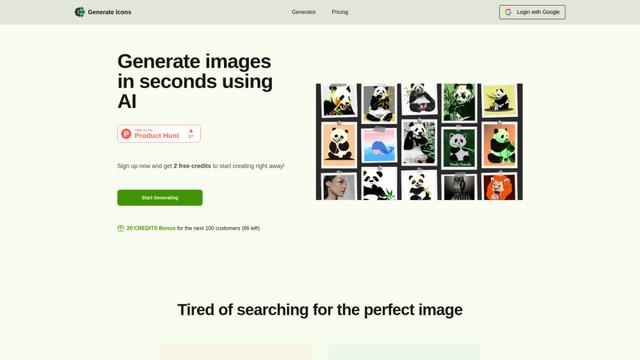
Generate Icons ist ein KI-gestütztes Icon-Generator-Tool, mit dem Benutzer innerhalb von Sekunden atemberaubende, benutzerdefinierte Icons für Apps, Websites und kreative Projekte mit einfachen Textbeschreibungen erstellen können.
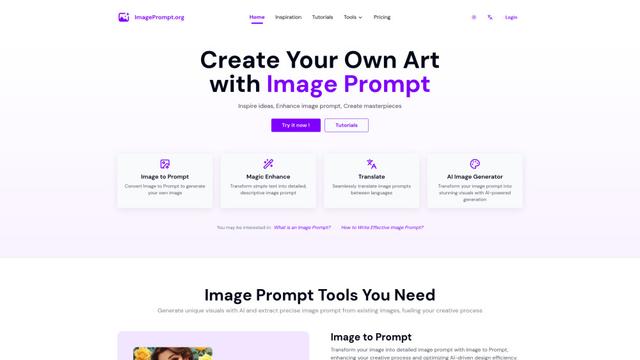
Image Prompt
Image Prompt ist ein KI-gestütztes Werkzeug, das Nutzern hilft, detaillierte textliche Beschreibungen zur Generierung von KI-Bildern zu erstellen oder vorhandene Bilder in beschreibende Prompts für verschiedene KI-Bilderzeugungsmodelle umzuwandeln.
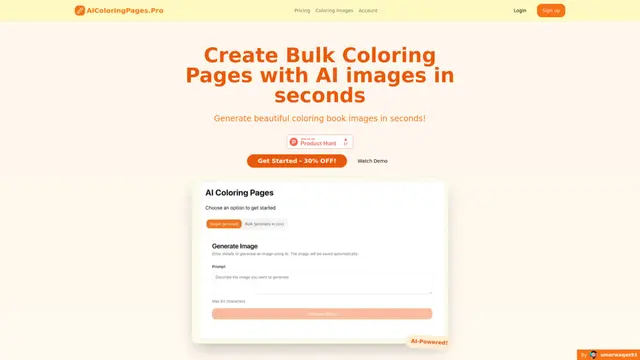
AIColoringPages
AIColoringPages ist ein KI-gestützter Malvorlagengenerator, der Texteingaben innerhalb von Sekunden mithilfe der fortschrittlichen Stable Diffusion XL-Technologie in hochwertige, druckbare Malvorlagen verwandelt.
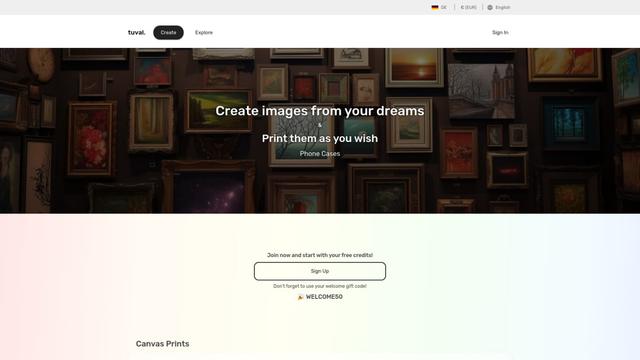
Tuval
Tuval ist eine KI-gestützte kreative Plattform, die Text, Lieder und inspirierende Aufforderungen in einzigartige benutzerdefinierte Kunstwerke und digitale Designs verwandelt.
Beliebte KI-Tools wie MascotAI
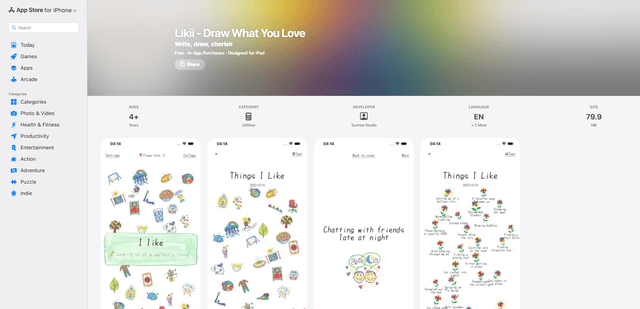
Likii
Likii ist eine kreative Journaling-App, die geschriebene Erinnerungen automatisch in wunderschöne Illustrationen im Buntstiftstil verwandelt.
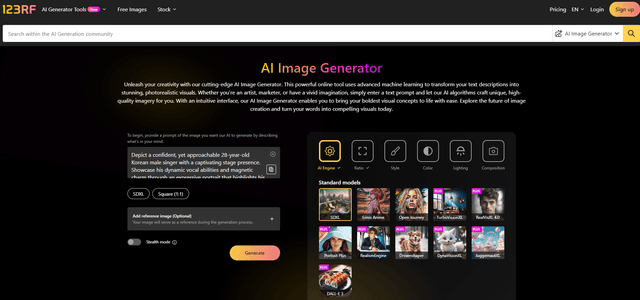
123RF
123RF ist eine umfassende KI-gestützte Kreativplattform, die Text-zu-Bild-Generierung, Bildbearbeitungswerkzeuge und Stock-Medien-Dienste mit rechtlich abgesicherter Lizenzierung für kommerzielle Nutzung anbietet.
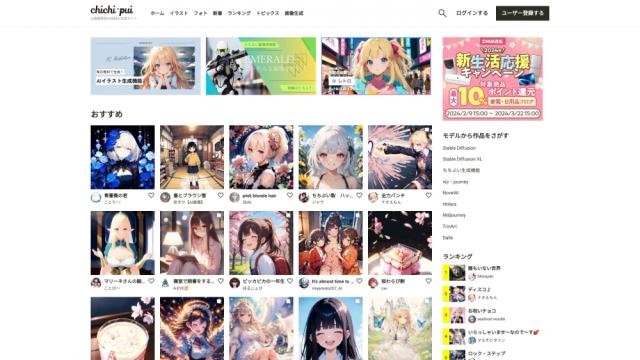
chichi-pui
Chichi-pui ist eine spezialisierte Plattform für KI-generierte Bilder, die es Nutzern ermöglicht, KI-Illustrationen, Fotos und Gravure-Bilder zu erstellen und zu teilen.
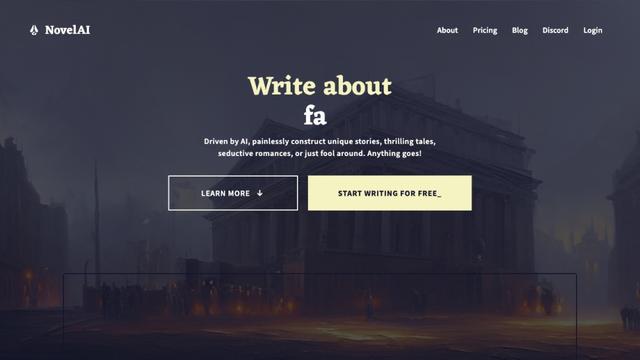
NovelAI - The AI Storyteller
NovelAI ist eine abonnementsbasierte, KI-gestützte Plattform für kreatives Schreiben, Geschichtenerzählen und Bildgenerierung mit anpassbaren Modellen und ohne Zensur.