
Plethora
Plethora is a mobile-first platform for discovering, creating, and collecting tiny interactive experiences—called Bits—including games, generative art, music, puzzles, toys, simulations, and miniature worlds.
https://plethora.studio/?ref=producthunt

Product Information
Updated:Aug 8, 2026
What is Plethora
Plethora is a platform built around playful, responsive digital content. Its core format, the Bit, is a compact interactive experience that can take many forms: a mini-game, fidget toy, interactive artwork, sound piece, puzzle, educational simulation, or an experimental world. The platform aims to make the internet more playable, remixable, and alive by giving people a place to explore and collect these small interactive creations across mobile devices.
Key Features of Plethora
Plethora is a mobile-oriented platform for discovering, creating, collecting, and sharing small interactive digital experiences called Bits. Bits can take forms such as mini-games, puzzles, fidget toys, interactive art, sound experiments, simulations, and tiny worlds. The platform emphasizes responsive, remixable content and supports creators in building mobile-first experiences through Plethora Creator and coding-agent workflows.
Interactive Bits: Plethora’s core content format is the Bit: a compact interactive experience that can be a game, artwork, puzzle, toy, simulation, or experimental digital world.
Mobile-first experiences: Bits are designed for the device already in users’ hands, prioritizing touch-friendly, lightweight, responsive interactions for mobile play and exploration.
Creator workflow: Plethora Creator enables people to pair with coding agents and turn prompts or ideas into publishable interactive Bits.
Creative format flexibility: The platform supports varied forms of interactive content, including games, generative art, music and sound experiences, educational simulations, and fidget toys.
Discover, collect, and share: Users can explore a world of interactive content, collect Bits they enjoy, and engage with a growing ecosystem of small playable experiences.
Platform-aware capabilities: Bits can incorporate platform features such as memory, leaderboards, tallies, and worlds when appropriate, while permissions must be explicitly declared.
Use Cases of Plethora
Casual mini-games: Independent creators can make fast, replayable touch games such as reaction challenges, score chasers, puzzle games, or short arcade experiences.
Interactive digital art: Artists can create generative visuals, tactile fidget pieces, animated artworks, and responsive installations that invite users to play rather than only view.
Music and sound experiments: Musicians and sound designers can build playful beat toys, sequencers, sound-reactive concepts in development, or small interactive audio experiences.
Learning simulations: Educators can use Bits for compact educational interactions, such as science simulations, logic puzzles, visual demonstrations, or computational-thinking exercises.
Brand engagement: Brands and creative studios can publish memorable interactive campaigns, product explorations, collectible digital toys, or lightweight promotional games.
Community challenges: Creators can design score-based challenges and recurring activities that use leaderboards or tallies to encourage replayability and friendly competition.
Pros
Supports a broad range of creative formats, from games and puzzles to art, sound, and simulations.
Designed around mobile-first interaction, making Bits accessible on common personal devices.
Encourages fast experimentation and remixable interactive content.
Creator workflow can help nontraditional developers collaborate with coding agents to make experiences.
Cons
Some advanced capabilities, such as camera, microphone, and audio-reactive features, are described as being in development.
Creators need to follow platform requirements for approved library pins, permissions, and publishing workflows.
The small-format Bit approach may be less suitable for large, long-form games or complex applications.
Access to the full creation and upload workflow may depend on pairing through Plethora Creator.
How to Use Plethora
Understand what Plethora is: Plethora is a platform for discovering, collecting, and creating mobile-friendly interactive “Bits.” A Bit can be a mini-game, puzzle, fidget toy, interactive artwork, sound experience, simulation, or tiny world.
Download the Plethora app: Visit the Plethora download page at https://plethora.studio/download.html and install the app from the available Google Play or Apple App Store link for your device.
Explore existing Bits: Open the app and browse interactive experiences across categories such as games, sound, generative art, puzzles, simulations, and interactive worlds. Play and collect Bits that interest you.
Prepare to create a Bit: Use Plethora Creator and work with a coding agent to build a new Bit. Start from the creator flow linked from https://create.plethora.studio/.
Fetch the current creator contract: Before building, have your coding agent retrieve and follow the current Plethora agent contract at https://api.plethora.studio/v1/agent/context.md. This provides the latest technical and submission requirements.
Describe your Bit idea: Give your coding agent a clear concept for a small interactive experience. Aim for a mobile-first idea, such as a simple game, art toy, musical interaction, educational simulation, puzzle, or tiny explorable world.
Build for mobile first: Design interactions for the device already in the user’s hand. Keep controls touch-friendly, make text readable on small screens, and ensure the experience works well in a portrait-oriented mobile context unless the Bit specifically requires otherwise.
Use approved libraries and permissions: Use only Plethora-approved library pins. Declare every required permission accurately. Treat camera, microphone, and audio-reactive features as development-sensitive features and include only the permissions and guidance required by the current contract.
Add instructions when necessary: If the interaction is not immediately obvious, add short, clear onboarding instructions. Explain essential gestures, objectives, or controls without overwhelming the player.
Use platform features when they fit: Consider Plethora features such as memory, leaderboards, tallies, or worlds when they improve the concept. For example, use memory for persistent progress, a leaderboard for score competition, a tally for collective participation, or a world for exploration.
Pair through Plethora Creator: Follow the pairing flow in Plethora Creator so the coding agent and your creator session are connected. Review the Bit as it is built and test its interactions on a mobile device.
Test and refine the experience: Check that the Bit loads correctly, touch interactions respond reliably, instructions are understandable, permissions are appropriate, and the experience remains engaging in a short session.
Upload as a draft: When the Bit is ready for review, use Plethora Creator to upload it as a draft. A draft lets you review and refine the experience before any later publishing or sharing process.
Plethora FAQs
Plethora is a platform for discovering, creating, and collecting interactive content across games, sound, generative art, puzzles, toys, and tiny worlds.
Plethora Video
Popular Articles

Vosko AI: Localize and Dub Videos for Global Audiences
Oct 15, 2026

Atoms: A Multi-Agent AI Platform That Transforms Ideas into Launch-Ready Products
Oct 13, 2026

Nano Banana SBTI: What It Is, How It Works, and How to Use It in 2026
Apr 15, 2026

Atoms Review — The AI Product Builder Redefining Digital Creation in 2026
Apr 10, 2026
Latest AI Tools Similar to Plethora
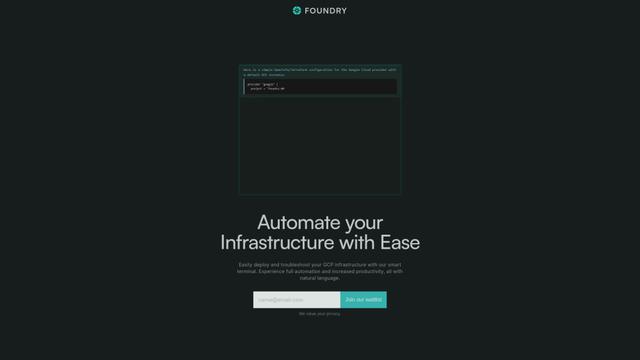
Foundry
Foundry is a versatile platform that exists in multiple forms - as a smart contract development toolchain, a virtual tabletop gaming software, and a traditional metal casting facility - each offering specialized features for their respective domains.
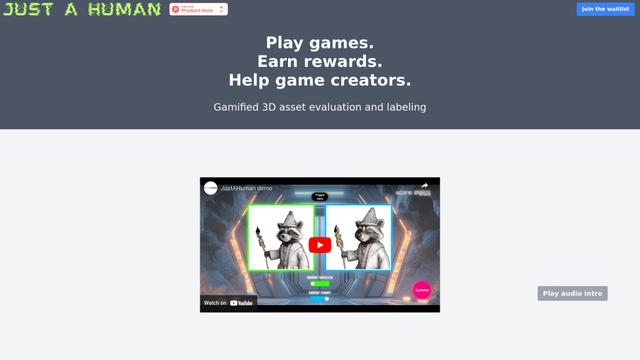
JustAHuman
JustAHuman is a gaming platform that rewards players for completing challenges while helping game creators process 3D assets through AI.

RoleGuides
RoleGuides is an AI-powered Game Master assistant tool that helps tabletop RPG game masters generate NPC dialogue, random encounters, and dynamic story elements to enhance their campaigns.
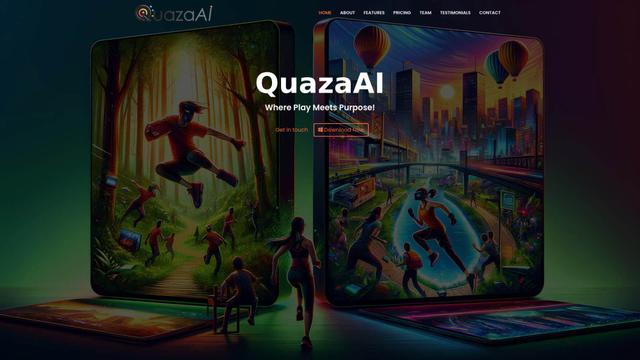
QuazaAI
QuazaAI is an innovative fitness platform that combines artificial intelligence, motion tracking technology, and gaming elements to transform traditional workouts into engaging, interactive adventures.
Popular AI Tools Like Plethora
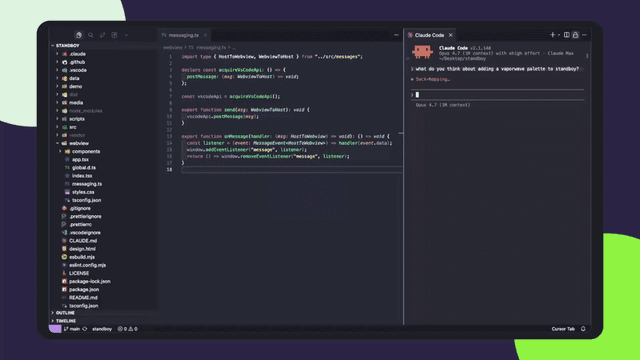
Standboy
Standboy is a VS Code/Cursor extension that auto-expands a Game Boy (GB/GBC/GBA) emulator in the sidebar during AI agent activity, then auto-hides and pauses—resuming mid-frame next time—while keeping a persistent ROM library, saves, and cover art.

HEROZ
HEROZ is a Japanese AI technology company that develops and applies cutting-edge artificial intelligence solutions across various industries, leveraging expertise gained from creating game AIs like shogi (Japanese chess).

Rosebud AI
FreeGame Tools
Rosebud AI is an AI-powered platform that enables users to create, share, and play games by converting text descriptions into fully functional games with assets and code.
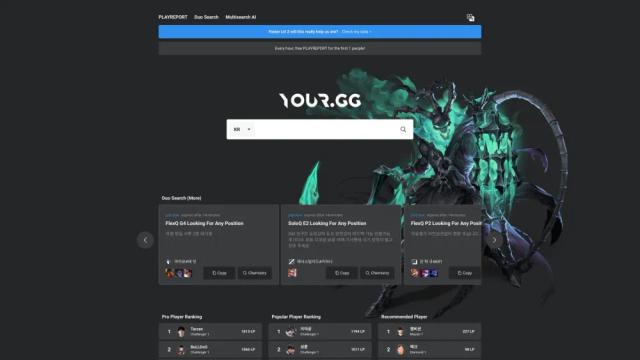
YOUR.GG
YOUR.GG is an AI-powered analytics platform that provides in-depth data and insights to help gamers improve their performance in competitive video games like League of Legends.