
Hand Wave
Hand Wave is a real-time sign language recognition tool that works with camera feeds and screen sharing to make live communication more accessible.
https://handwave.sh/?ref=producthunt
Product Information
Updated:Aug 8, 2026
What is Hand Wave
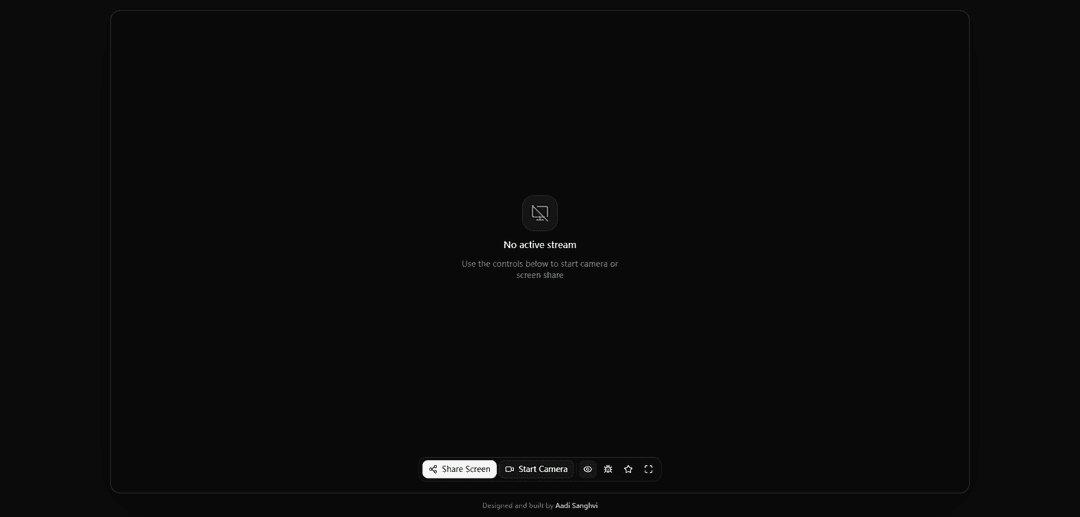
Hand Wave is an accessibility-focused platform for recognizing sign language during live video interactions. Its official interface allows users to start a camera stream or share their screen, positioning the product as a tool for interpreting visible signing in real time across digital communication settings.
Key Features of Hand Wave
Hand Wave is a real-time sign language recognition tool designed to work with a live camera feed or shared screen. Users can start a camera or screen-sharing stream through the web interface, enabling the product to observe hand gestures and support sign-language-focused interaction in real time.
Real-time sign language recognition: Processes visible hand gestures from an active video stream to support immediate sign language recognition.
Camera input support: Lets users start a camera stream so signs can be captured directly from a webcam or device camera.
Screen-share input: Allows users to share a screen, which can support recognition from displayed video, remote content, or other on-screen visual sources.
Browser-based controls: Provides controls on the site for starting camera or screen sharing without indicating a separate desktop application is required.
Use Cases of Hand Wave
Accessible video communication: Can help make online conversations more accessible by recognizing sign language from a participant's camera feed.
Sign language learning: Learners can use a webcam while practicing signs and potentially observe recognition feedback in real time.
Remote interpretation support: Organizations can use camera or screen-share recognition as an assistive layer during remote meetings and support sessions.
Educational demonstrations: Teachers and trainers can share video or visual material containing signing to demonstrate sign-language-related workflows.
Accessibility prototyping: Developers and accessibility teams can use the web-based streaming workflow to explore sign-recognition experiences in digital products.
Pros
Supports both live camera and screen-share sources.
Focuses on real-time interaction rather than offline-only processing.
Web-based controls can make it quick to start a stream.
Cons
Requires camera or screen-sharing permissions and a compatible modern browser.
Recognition quality may depend on lighting, camera position, video clarity, and signing style.
The available source information does not specify supported sign languages, accuracy, privacy practices, or integrations.
How to Use Hand Wave
Open Hand Wave: Visit the Hand Wave website at https://handwave.sh/.
Start a video source: Use the on-screen controls to start your camera or begin screen sharing.
Grant permissions: If your browser asks for access to the camera or screen, allow the requested permission.
Confirm the stream is active: Check that the camera or screen-share stream is running; the page may show “No active stream” until a source is started.
Use hand gestures: With the camera active and your hand visible, perform the supported hand-wave gesture as instructed by the application.
Hand Wave FAQs
Hand Wave is a service for real-time sign language recognition using a camera or screen sharing.
Hand Wave Video
Popular Articles

Vosko AI: Localize and Dub Videos for Global Audiences
Oct 15, 2026

Atoms: A Multi-Agent AI Platform That Transforms Ideas into Launch-Ready Products
Oct 13, 2026

Nano Banana SBTI: What It Is, How It Works, and How to Use It in 2026
Apr 15, 2026

Atoms Review — The AI Product Builder Redefining Digital Creation in 2026
Apr 10, 2026
Latest AI Tools Similar to Hand Wave
altcheckerai
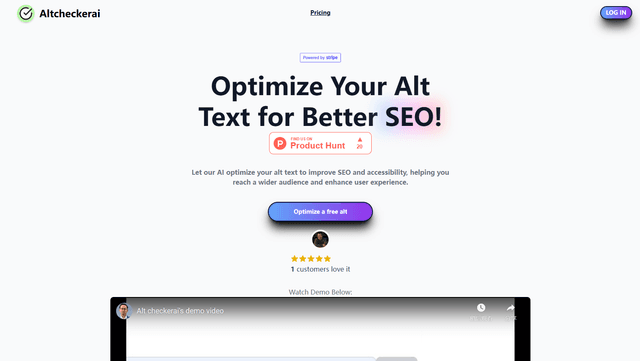
AltCheckerAI is an AI-powered tool that automatically optimizes image alt text to improve website SEO and accessibility through intelligent recommendations.
IMG Processing
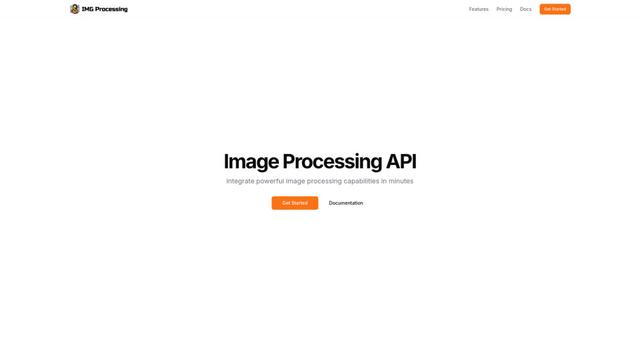
IMG Processing is a powerful API service that enables fast and reliable image processing capabilities including uploading, transforming, and watermarking through simple integration.
ImageKit.io
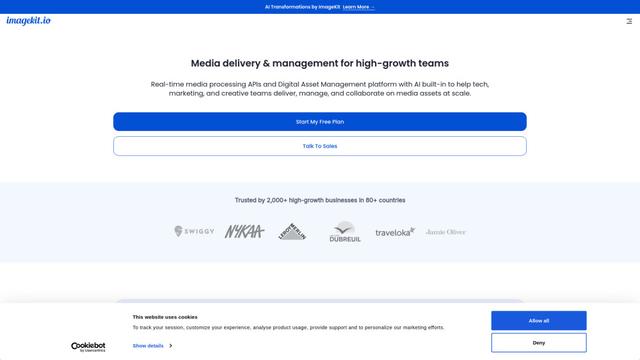
ImageKit.io is a comprehensive media management and delivery platform that provides real-time image and video optimization, processing APIs, and Digital Asset Management (DAM) solutions for delivering high-quality visual experiences on websites and apps.
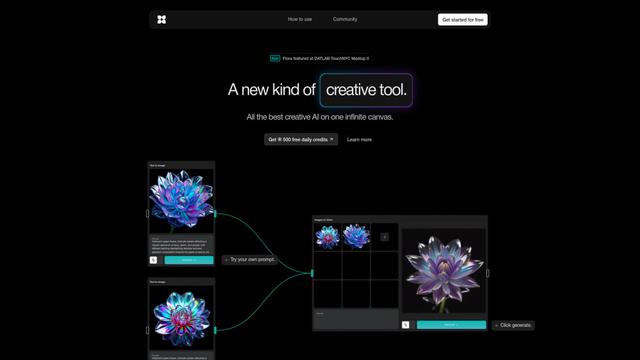
FLORA
FLORA is an innovative AI-powered creative tool that combines multiple AI capabilities on an infinite canvas to enable personalized plant identification, creative design, and interactive botanical assistance.
Popular AI Tools Like Hand Wave
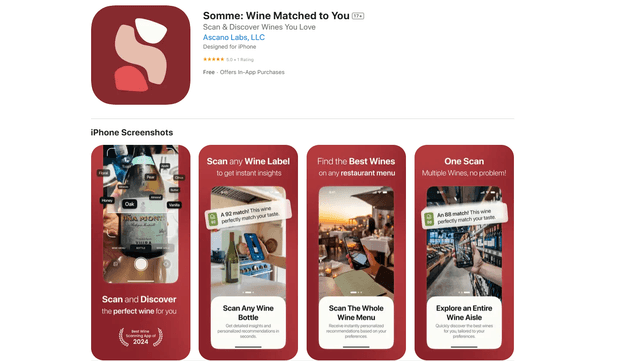
Somme: Wine Matched to You
FreemiumAI Image Recognition
Somme is an AI-powered personal sommelier app that combines advanced image recognition, personalized recommendations, and comprehensive wine insights to help users discover and enjoy wines that match their unique taste preferences.
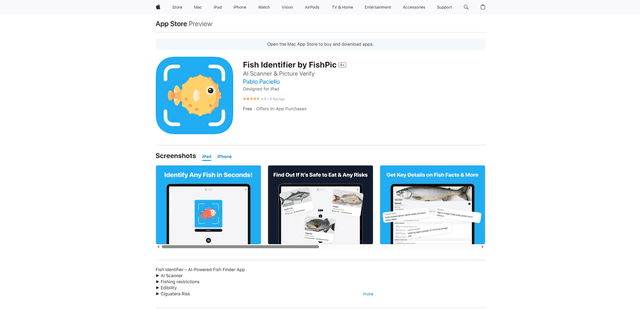
FishPic
FishPic is an AI-powered fish identification app that instantly recognizes fish species from photos while providing comprehensive information about edibility, regulations, and recipes.
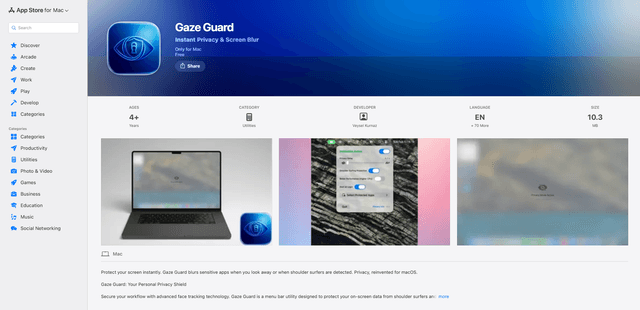
Gaze Guard
Gaze Guard is a privacy-focused menu bar utility for Mac that automatically blurs your screen content when you look away or when someone is shoulder surfing, using advanced face tracking technology.
WatermarkRemover.io
WatermarkRemover.io is an AI-powered online tool that automatically removes watermarks from images for free while maintaining image quality.