Gaze Guard
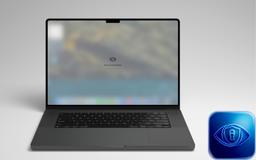
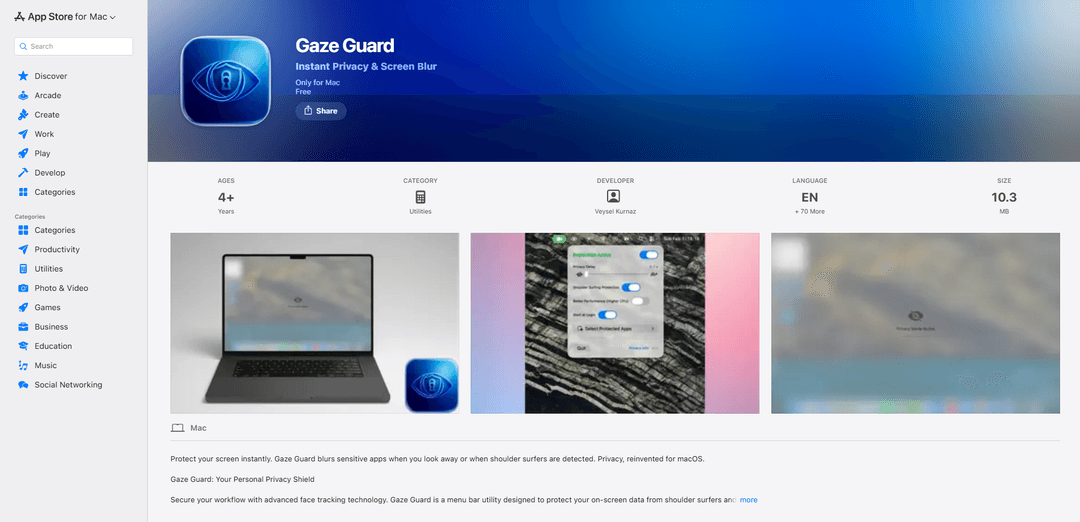
Gaze Guard is a privacy-focused menu bar utility for Mac that automatically blurs your screen content when you look away or when someone is shoulder surfing, using advanced face tracking technology.
https://apps.apple.com/us/app/gaze-guard/id6758575687?ref=producthunt
Product Information
Updated:Apr 8, 2026
What is Gaze Guard
Gaze Guard is a sophisticated privacy protection tool designed specifically for macOS users who want to keep their sensitive information secure in public or shared spaces. This lightweight application (10.3 MB) runs quietly in the menu bar and uses Apple's Vision Framework to provide real-time screen privacy through intelligent face tracking. The app operates completely offline, ensuring all face detection processing happens locally on your device without any data being transmitted externally.
Key Features of Gaze Guard
Gaze Guard is a privacy-focused Mac application that uses advanced face tracking technology to protect on-screen content. It automatically blurs the screen content when the user looks away or when it detects someone looking over the user's shoulder. The app offers selective protection for specific applications while maintaining visibility for others, operates efficiently with minimal CPU usage, and processes all face detection locally on-device using Apple's Vision Framework to ensure privacy.
Smart Gaze Detection: Instantly blurs screen content when the user looks away from their display, providing automatic privacy protection
Shoulder Surfing Protection: Detects and responds to people looking at the screen from behind, with customizable sensitivity settings for different environments
Selective App Protection: Allows users to choose specific applications for privacy protection while keeping others visible, with intelligent window layout respect
Privacy-First Processing: All face detection is processed locally on-device using Apple's Vision Framework, ensuring no camera data leaves the Mac
Use Cases of Gaze Guard
Coffee Shop Work: Professionals working in public spaces can protect sensitive information from casual onlookers
Open Office Privacy: Employees can maintain document confidentiality in shared office spaces without needing physical privacy screens
Financial Management: Banking and financial professionals can quickly secure sensitive financial data when stepping away or when others approach
Healthcare Records: Medical professionals can ensure patient privacy by automatically protecting health records from unauthorized viewing
Pros
Lightweight application at only 10.3 MB
Battery efficient with minimal CPU usage
Complete privacy with on-device processing
Customizable protection settings
Cons
Requires camera access to function
Only available for macOS 14.0 or later
May cause false triggers in busy environments without proper configuration
How to Use Gaze Guard
Install Gaze Guard: Download and install Gaze Guard from the Mac App Store. The app requires macOS 14.0 or later.
Grant Camera Access: When first launching the app, grant camera access permission as Gaze Guard requires it to detect face orientation for its privacy features.
Configure Protection Settings: Choose between full screen blur or select specific apps (like Mail, Notes) that you want to protect with blur overlay.
Set Shoulder Surfing Detection Mode: Choose between 'Anyone Nearby' mode (triggers when any person appears near you) or 'Direct Gaze Only' mode (triggers only when someone looks directly at your screen).
Enable Smart Gaze Detection: Once configured, the app will automatically blur your content whenever you look away from your screen.
Adjust Battery Settings: If needed, enable Eco Mode from the menu bar to minimize CPU usage while running in the background.
Test The Protection: Look away from your screen or have someone look over your shoulder to verify the automatic blur protection is working as expected.
Gaze Guard FAQs
Gaze Guard is a menu bar utility for Mac that uses face tracking to protect your screen privacy. It automatically blurs your screen content when you look away or when it detects someone looking at your screen over your shoulder.
Popular Articles

Atoms: A Multi-Agent AI Platform That Transforms Ideas into Launch-Ready Products
May 22, 2026

Nano Banana SBTI: What It Is, How It Works, and How to Use It in 2026
Apr 15, 2026

Atoms Review — The AI Product Builder Redefining Digital Creation in 2026
Apr 10, 2026

Kilo Claw: How to Deploy and Use a True "Do‑It‑For‑You" AI Agent(2026 Update)
Apr 3, 2026
Latest AI Tools Similar to Gaze Guard

altcheckerai
AltCheckerAI is an AI-powered tool that automatically optimizes image alt text to improve website SEO and accessibility through intelligent recommendations.

IMG Processing
IMG Processing is a powerful API service that enables fast and reliable image processing capabilities including uploading, transforming, and watermarking through simple integration.
ImageKit.io
ImageKit.io is a comprehensive media management and delivery platform that provides real-time image and video optimization, processing APIs, and Digital Asset Management (DAM) solutions for delivering high-quality visual experiences on websites and apps.
FLORA
FLORA is an innovative AI-powered creative tool that combines multiple AI capabilities on an infinite canvas to enable personalized plant identification, creative design, and interactive botanical assistance.
Popular AI Tools Like Gaze Guard

Somme: Wine Matched to You
FreemiumAI Image Recognition
Somme is an AI-powered personal sommelier app that combines advanced image recognition, personalized recommendations, and comprehensive wine insights to help users discover and enjoy wines that match their unique taste preferences.
FishPic
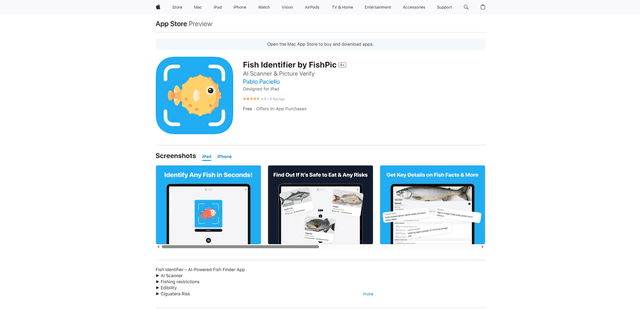
FishPic is an AI-powered fish identification app that instantly recognizes fish species from photos while providing comprehensive information about edibility, regulations, and recipes.
WatermarkRemover.io
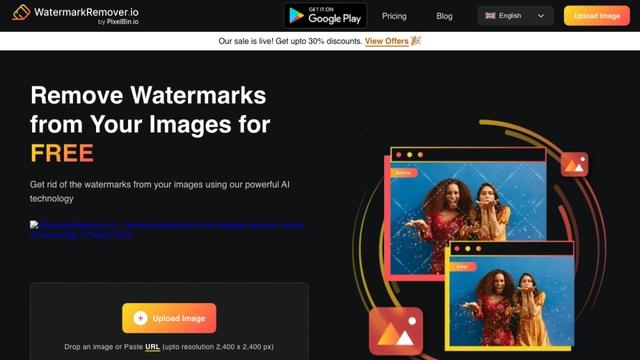
WatermarkRemover.io is an AI-powered online tool that automatically removes watermarks from images for free while maintaining image quality.

Dewatermark.ai
Dewatermark.ai is a free AI-powered tool that automatically detects and removes watermarks from images while maintaining image quality.