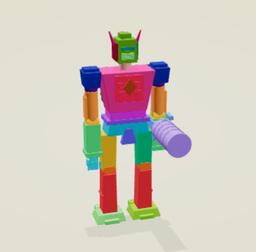
Nova3D
Nova3D is an AI 3D generation tool that produces structured, editable, part-aware 3D assets by generating Blender-native construction scripts and exporting a named, hierarchical GLB instead of a single merged mesh.
https://github.com/RareSense/Nova3D?ref=producthunt
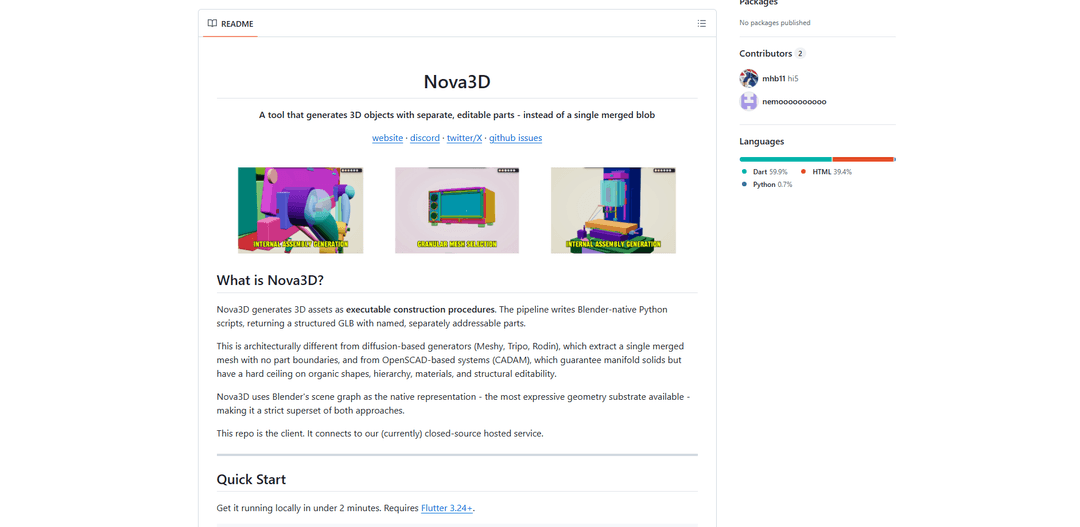
Product Information
Updated:May 18, 2026
What is Nova3D
Nova3D is a “prompt-to-code” (and image-to-code) 3D asset generator that targets Blender as its native representation, allowing it to output models as executable Blender Python construction procedures rather than mesh-only results. The system emphasizes preserving part identity, hierarchy, transforms, materials, and provenance, so creators can edit individual components after generation. The open-source repository provides the client UI (built with Flutter) that connects to the hosted Nova3D service (currently closed-source), where users authenticate, supply an API key for an LLM provider (OpenAI, Anthropic, or Gemini), and generate assets that can be viewed and edited in an integrated web-based viewport.
Key Features of Nova3D
Nova3D is an AI 3D generation system that produces structured, editable 3D assets by generating Blender-native Python construction scripts (prompt-to-code / image-to-code) rather than a single merged mesh. By targeting Blender’s scene graph, it preserves part identity, hierarchy, transforms, materials, and provenance, then outputs a structured GLB with named, separately addressable components. It includes a built-in web UI with an integrated viewport/editor, supports reference images, caches results locally in the browser, and is model-agnostic—letting users choose different LLM providers (e.g., OpenAI, Anthropic, Gemini) via an API key—while the open-source repo provides the client that connects to a hosted (currently closed-source) backend service.
Blender-native construction code output: Generates executable Blender Python scripts as the core artifact, enabling precise, procedural creation and regeneration of parts instead of producing an unstructured mesh blob.
Part-aware, hierarchical assets: Outputs structured GLB files with named, separately addressable parts, correct parenting/hierarchy, and preserved transforms—supporting surgical edits (e.g., modify a handle without regenerating the whole object).
Materials and PBR-friendly mapping: Maintains material assignments and supports proper PBR-style workflows rather than relying on baked vertex colors typical of many mesh-extraction pipelines.
Model-agnostic LLM harness: Works with multiple LLM providers (e.g., Claude/GPT/Gemini) configured via user API keys, while the pipeline handles validation/execution of generated Blender code.
Integrated web viewport & editing tools: Includes a built-in Three.js-based viewer/editor with transform tools, snapping, and material editing for quick iteration and adjustment.
Reference images + local caching: Allows attaching images to guide spatial/structural generation and caches models in-browser so users can access history even if remote URLs expire.
Use Cases of Nova3D
Game/film asset prototyping: Rapidly generate structured props with editable sub-parts (e.g., weapons, furniture) so artists can tweak components and materials without starting over.
Product design concept iteration: Create early-stage product forms (appliances, consumer gadgets) as editable assemblies, enabling quick part-level exploration of handles, housings, and interfaces.
E-commerce visualization & configurators: Generate modular 3D product models (separate materials/parts) that can be adjusted for variants (colors, components) for web-based previews and marketing renders.
Jewelry and small luxury CAD exploration: Produce structured, Blender-based procedural models suitable for iterative styling and component edits, aligning with the stated engine lineage used for specialized jewelry CAD.
3D printing preparation workflows: Generate models with separable parts (e.g., snap-fit assemblies or multipart figurines) that can be individually adjusted before export to printing-oriented pipelines.
Pros
Produces editable, part-aware assets (hierarchy, names, transforms) rather than a single merged mesh, enabling targeted revisions.
Leverages Blender’s full scene graph and modifiers, supporting both precision and organic forms beyond typical CSG-only approaches.
Model-agnostic setup: users can choose among multiple LLM providers using their own API keys.
Open-source client with a quick local setup and an integrated web-based viewport/editor.
Cons
Backend service is (currently) closed-source and hosted by default, so full self-hosting requires a custom backend endpoint.
Requires Flutter (and web-server/OAuth setup constraints like using 127.0.0.1) which may add friction for some users.
Quality and reliability depend on LLM-generated code correctness and the chosen model/provider behavior.
How to Use Nova3D
1) Install prerequisites: Install Flutter 3.24+ (https://flutter.dev/) on your machine so you can run the Nova3D client locally.
2) Clone the Nova3D client repository: Run: git clone https://github.com/RareSense/Nova3D.git
3) Enter the project directory: Run: cd Nova3D
4) Install dependencies: Run: flutter pub get
5) Start the local web UI (required port): Run: flutter run -d web-server --web-hostname 0.0.0.0 --web-port 5555 (Port 5555 is required for OAuth redirect authorization.)
6) Open the app in your browser: Navigate to: http://127.0.0.1:5555 (Use 127.0.0.1, not localhost, to avoid Google Sign-In OAuth origin issues.)
7) Sign in: In the Nova3D UI, sign in using Google or Email as prompted.
8) Add an LLM API key: Go to Settings → add your API key (supported options listed in the README: OpenAI, Anthropic, or Gemini).
9) Create a generation prompt: Enter a text prompt describing the 3D asset you want to generate (Nova3D generates Blender-native Python scripts and returns a structured GLB with named, separately addressable parts).
10) (Optional) Attach a reference image: If you want the generation guided by an image, use the Reference Images feature to attach a photo to guide spatial logic.
11) Generate the model: Submit the prompt to generate. The client communicates with the hosted nova3d.xyz API by default.
12) Inspect and edit in the integrated viewport: Use the built-in Three.js editor/viewport to view the GLB and make edits such as transforms, snapping, and material editing.
13) Review cached history (optional): Use the app’s local caching/history to revisit previously generated models in-browser, even if remote URLs expire.
14) Build for static hosting (optional): Create a production web build with: flutter build web --release
15) Point the client to a custom backend (optional): If you self-host a compatible backend, run the client with: --dart-define=API_BASE_URL=https://your-api.com (otherwise it uses nova3d.xyz by default).
16) Troubleshoot sign-in loops (if needed): If authentication loops occur, ensure you are using http://127.0.0.1:5555 (not localhost:5555), per the README troubleshooting note.
Nova3D FAQs
Nova3D is an AI 3D generation system that produces 3D assets as executable Blender construction procedures (Blender Python scripts) and returns a structured GLB with named, separately addressable parts, rather than a single merged mesh.
Nova3D Video
Popular Articles

Vosko AI: Localize and Dub Videos for Global Audiences
Oct 15, 2026

Atoms: A Multi-Agent AI Platform That Transforms Ideas into Launch-Ready Products
Oct 13, 2026

Nano Banana SBTI: What It Is, How It Works, and How to Use It in 2026
Apr 15, 2026

Atoms Review — The AI Product Builder Redefining Digital Creation in 2026
Apr 10, 2026
Latest AI Tools Similar to Nova3D
JustAHuman
JustAHuman is a gaming platform that rewards players for completing challenges while helping game creators process 3D assets through AI.
Sketcho
Sketcho is an AI-powered design tool that transforms sketches and ideas into high-quality professional designs through an intuitive interface.
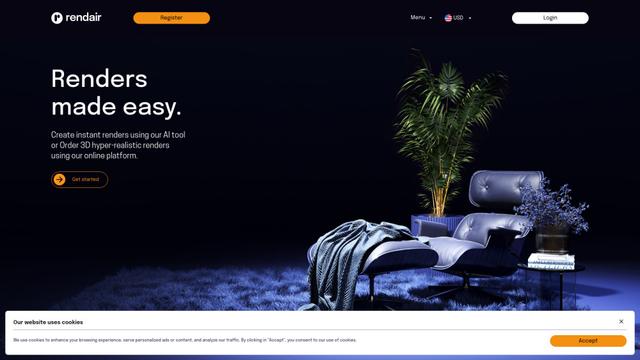
Rendair
Rendair is an all-in-one AI-powered architectural rendering platform that offers quick, high-quality visualizations through both AI tools and professional 3D artists for architects, designers, and real estate professionals.
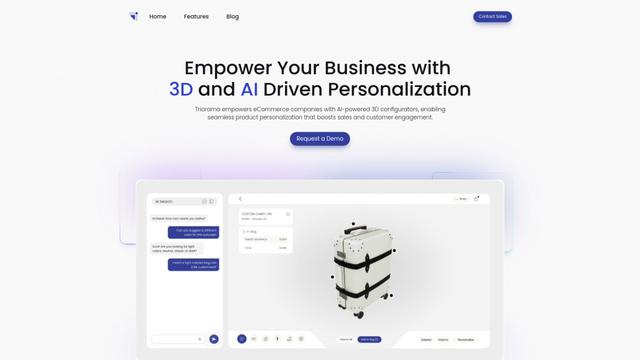
Triorama AI
Triorama AI is an AI-powered 3D product configurator platform that enables eCommerce businesses to offer real-time product personalization and visualization capabilities to their customers.
Popular AI Tools Like Nova3D
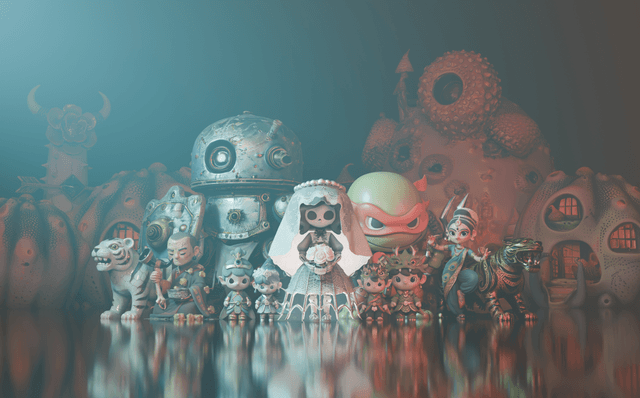
Hunyuan3D-2.1
Hunyuan3D-2.1 is Tencent's first production-ready 3D asset generation system that combines fully open-source framework with physically-based rendering (PBR) texture synthesis to create high-fidelity 3D models from images or text descriptions.
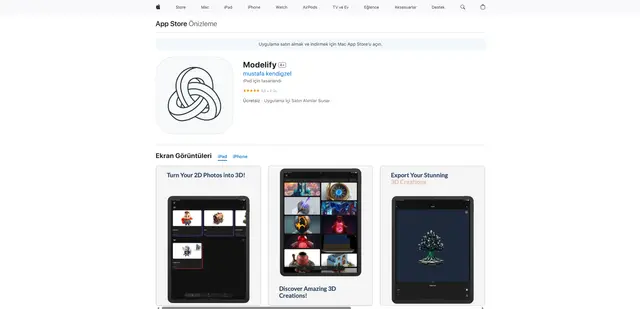
Modelify
Modelify is an AI-powered mobile app that transforms 2D images into high-quality 3D models seamlessly on iPhone and iPad devices.
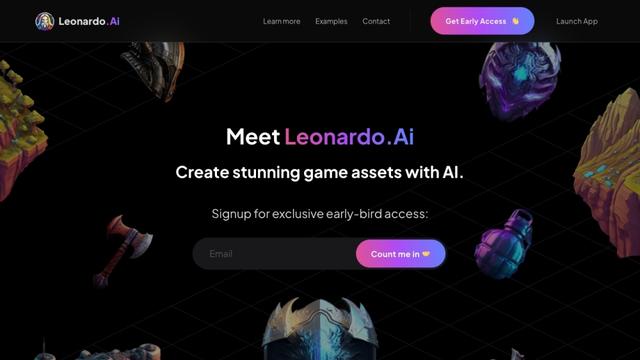
Leonardo.ai
Leonardo.ai is a powerful AI image generator platform that enables users to create high-quality art, images, and videos through innovative tools like text-to-image generation, AI canvas editing, and 3D texture generation.
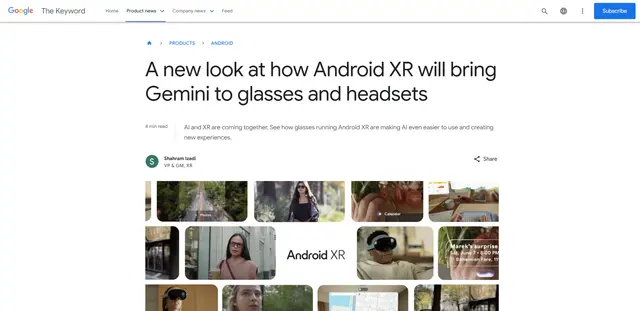
Android XR
Android XR is Google's new extended reality platform that integrates Gemini AI into wearable devices like smart glasses and headsets, enabling hands-free access to apps, real-time translations, navigation, and contextual assistance.