
Close
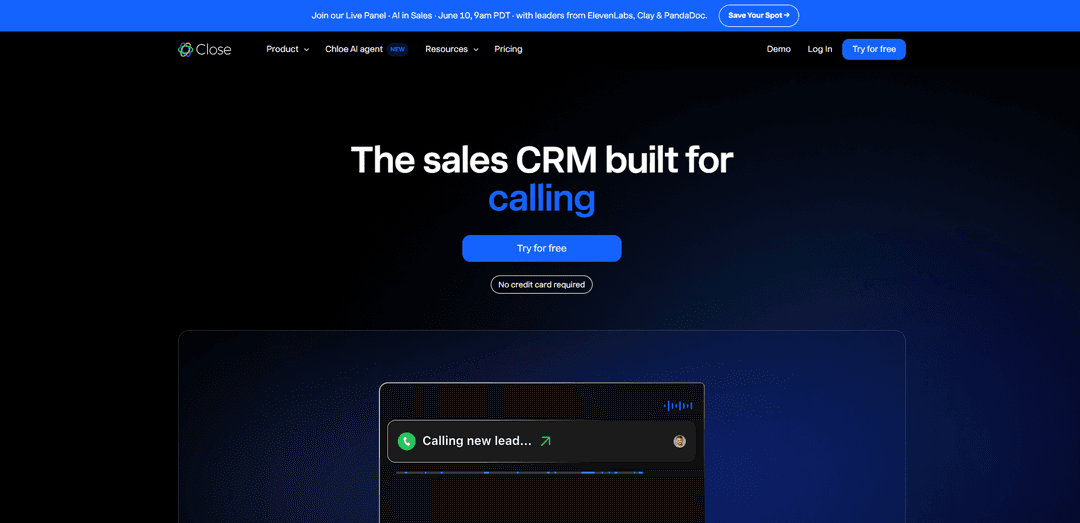
Close is a sales CRM built for action that unifies calling, email, SMS, pipeline management, reporting, automation workflows, and a built-in AI sales agent (Chloe) that can qualify leads and book meetings while updating the CRM automatically.
https://www.close.com/?ref=producthunt
Product Information
Updated:Jun 8, 2026
What is Close
Close is a sales-focused CRM designed for teams that sell and want to move faster from lead to booked meeting to closed deal. Instead of stitching together separate tools, Close brings core sales communication (calls, email, and SMS), lead and pipeline management, reporting, and automation into one platform. It also includes Chloe, an AI sales agent embedded directly in the CRM, so teams can turn their sales data into real outreach and follow-up without relying on additional point solutions.
Key Features of Close
Close is a sales-focused CRM and sales engagement platform that unifies calling, email, and SMS in one inbox, adds pipeline/opportunity management, reporting, and automation, and layers in AI capabilities to reduce admin work. It includes productivity tools like Power/Predictive Dialer, workflow automation for multi-step follow-up, smart filtering/search (including natural-language AI Search), AI call transcription/summaries, and an AI sales agent (Chloe) that can call leads, qualify them, book meetings, and update the CRM automatically—helping teams act on their sales data faster.
Unified communications inbox: Manage two-way email, calls, and SMS from a single place, with activity logged to the lead record and email tracking (opens/clicks) to keep outreach organized.
Built-in dialing (Power & Predictive Dialer): Increase call throughput with fast dialing workflows, automatic logging, and call recording/coaching support for inside-sales teams.
AI sales agent (Chloe): An embedded AI agent that can call leads, qualify prospects in real conversations, book meetings, send/queue follow-ups, and automatically update fields and deal stages in Close.
AI summaries & Call Assistant: Automatically transcribe and summarize calls and recent lead activity into quick bullet points, reducing manual note-taking and making handoffs and meeting prep faster.
Automation & workflows: Create multi-step follow-up sequences across call, email, and SMS with minimal setup to ensure consistent outreach and fewer dropped leads.
Smart Views + AI Search: Build dynamic, filtered lists using rules or natural-language prompts (e.g., “leads in California not contacted in 30 days”) for rapid segmentation and prioritization.
Use Cases of Close
B2B SaaS outbound and inbound lead conversion: Use sequences, dialers, and AI summaries to run high-velocity SDR/AE motions, while Chloe can qualify inbound leads quickly and book demos.
Insurance and financial services follow-up: Centralize calls/texts/emails for compliance-friendly tracking, automate multi-touch follow-ups, and use summaries to capture key details from consultations.
Education/admissions (bootcamps, schools): Respond to inquiries fast with automated outreach; Chloe can re-engage cold leads, qualify applicants, and schedule advisor calls.
Agencies and professional services pipeline management: Track deal stages and next steps, keep all client communications in one timeline, and automate reminders to prevent stalled proposals.
Small business inside-sales teams (10–20 reps): Replace a complex stack with an all-in-one calling/email/SMS CRM, using Smart Views and reporting to manage daily activity and performance.
Pros
Strong all-in-one sales execution (calling, email, SMS, automation) designed for inside-sales workflows
AI features reduce admin work (summaries, AI Search) and Chloe can actively qualify/follow up and update the CRM
Fast onboarding and intuitive UI; productivity gains from dialers and streamlined outreach
Cons
Can be expensive for smaller teams or as you add users/advanced capabilities; calling can increase long-term costs
Reporting is sometimes cited as less customizable than legacy CRMs
May lack some deeply native enterprise/legacy-CRM features, requiring integrations (e.g., spreadsheets/Zapier) for certain ops needs
How to Use Close
1. Create your Close account and start a free trial: Go to https://app.close.com/signup/ and create an account to start using Close. (The site notes Chloe is free during Beta and no credit card is required.)
2. Log in and open the core workspace: After signup, log in at https://app.close.com/login/ and familiarize yourself with the main areas: inbox/communications, leads, pipeline, workflows (automation), and reporting.
3. Connect your sales communication channels (email, calling, SMS): In Close, enable the built-in communication tools so your team can email, call, and text from one place. Close is designed to keep email, calls, and SMS in a single inbox and log activity automatically.
4. Add leads to Close (capture new inbound leads): Use Close’s native forms to capture leads directly into Close, or add/import leads so they appear in your pipeline for immediate follow-up.
5. Organize leads and deals in your pipeline: Use Close’s lead & pipeline management to place each lead into the right deal stage. This is the foundation for tracking progress and triggering automation.
6. Start working leads using Close’s built-in dialer: Call leads directly from Close using the built-in power dialer to move faster and ensure calls are logged to the CRM automatically.
7. Turn on Chloe (the built-in AI sales agent) for instant outreach: Enable Chloe inside Close so new leads can be contacted quickly. The product page describes Chloe as calling leads within minutes, qualifying prospects through real conversations, and booking meetings while updating the CRM automatically.
8. Use Chloe to re-engage cold leads: Configure Chloe to find cold leads in your CRM and re-open conversations. Close describes Chloe as sending warm responses back to your rep’s inbox to restart stalled opportunities.
9. Automate follow-ups so nothing falls through the cracks: Use Close’s sales automation (Workflows) so follow-ups are prepared and sent (or queued for review). Close describes Chloe as writing follow-ups at the right time and updating deal stages automatically.
10. Review call transcripts and AI summaries in the lead record: Open a lead to see conversation history. Close describes Chloe generating AI summaries, transcripts, action items, and key moments that are logged automatically to the CRM.
11. Keep CRM data updated automatically (fields, notes, next steps): Rely on Close + Chloe to log transcripts, notes, and next steps after conversations. Close also states Chloe can fill contact fields with data insights from LinkedIn and the web.
12. Route qualified leads and booked meetings to the right rep: When Chloe qualifies a lead and books a meeting, ensure assignment rules are set so the correct rep is assigned and prepared with notes before the call.
13. Connect your existing tools via integrations: Go to Close integrations and connect the tools you already use (the site lists integrations such as ChatGPT, Claude, WhatsApp, Gmail, HubSpot, Calendly, Zoom, Zapier, and more).
14. Monitor performance with reporting: Use Close reporting for pipeline visibility, activity tracking, and forecasting. This helps you see deal movement and whether automation and outreach are increasing booked meetings.
15. Get help and learn best practices: Use the Help Center (https://help.close.com/), Office Hours live Q&A, and Close resources (blog, templates, guides) to refine your setup and workflows.
16. (Optional) Customize Close with the developer platform: If you need custom behavior, use Close’s developer platform (REST API, webhooks, and MCP server) at https://developer.close.com/ to integrate or extend Close for your team’s process.
Close FAQs
Close is a sales CRM built for teams that sell. It combines calling, email, SMS, pipeline management, reporting, and an AI sales agent named Chloe into a single platform.
Close Video
Popular Articles

Vosko AI: Localize and Dub Videos for Global Audiences
Oct 15, 2026

Atoms: A Multi-Agent AI Platform That Transforms Ideas into Launch-Ready Products
Oct 13, 2026

Nano Banana SBTI: What It Is, How It Works, and How to Use It in 2026
Apr 15, 2026

Atoms Review — The AI Product Builder Redefining Digital Creation in 2026
Apr 10, 2026
Latest AI Tools Similar to Close

10xBeast
10xBeast is an AI-powered sales platform that helps businesses automate and personalize cold email outreach to convert leads into customers in just a few clicks.

Thaly AI
Thaly AI is an AI-powered sales assistant that automates customer conversations and lead qualification to help businesses scale their sales operations while saving time.
Coldreach
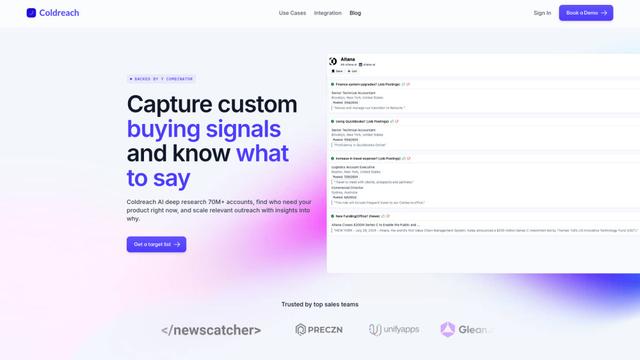
Coldreach is an AI-powered platform that finds ready-to-buy leads by monitoring custom buying signals and generates hyper-personalized outreach messages to boost sales effectiveness.
Grain
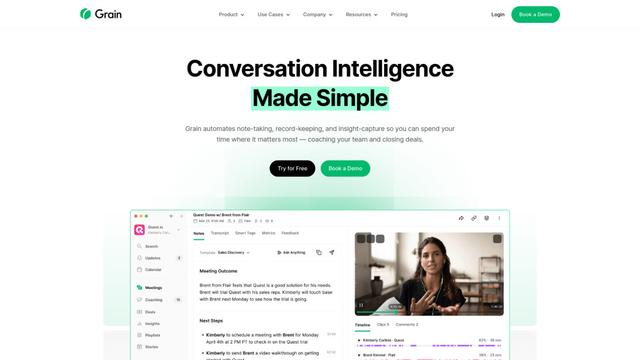
Grain is an AI-powered conversation intelligence platform that automates note-taking, transcription, and insight capture from video meetings to help teams coach reps and close more deals.
Popular AI Tools Like Close

Amazon Project Amelia
Project Amelia is Amazon's new generative AI-powered personal assistant that helps third-party sellers manage their businesses by providing real-time insights, answering questions, and offering personalized recommendations through natural conversation.

Seismic
Seismic is the #1 global sales enablement platform that empowers customer-facing teams with skills, content, tools, and insights to grow business.
copecart
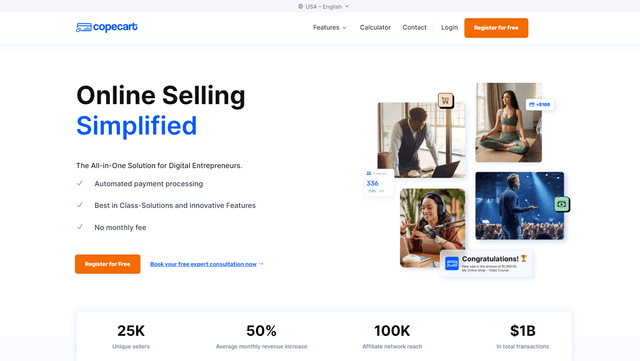
CopeCart is an all-in-one digital sales platform that provides automated payment processing, optimized checkouts, and comprehensive analytics for online entrepreneurs selling digital and physical products.
Reply.io
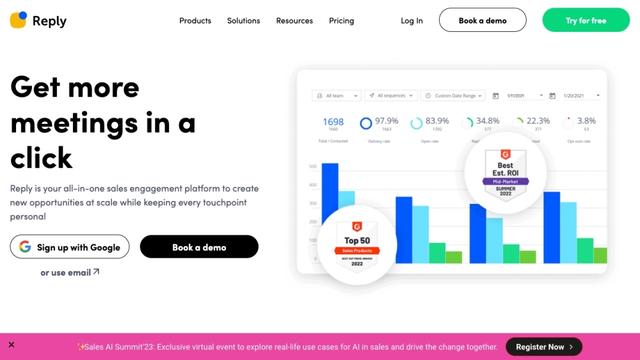
Reply.io is an AI-powered sales engagement platform that helps businesses automate outreach, find qualified leads, and book more meetings across multiple channels.