
Brilliant
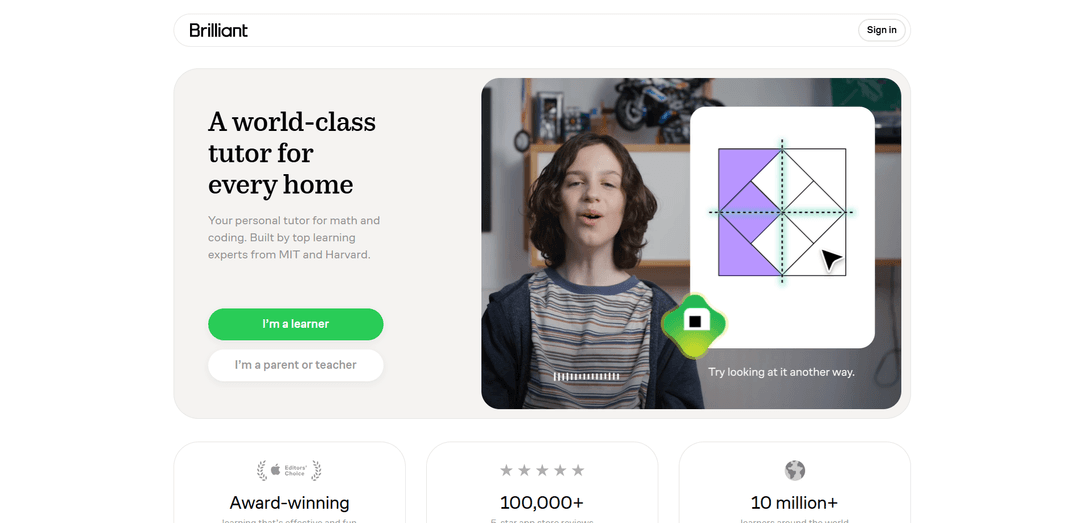
Brilliant is an interactive STEM learning platform with guided, visual problem-solving and a personalized AI tutor (Koji) that adapts to each learner to make math and coding feel effective and fun.
https://brilliant.org/?ref=producthunt
Product Information
Updated:Jun 8, 2026
What is Brilliant
Brilliant (Brilliant.org) is an American for-profit online education platform founded in 2012 that teaches STEM subjects through “learn by doing.” It offers a large library of guided courses across math, computer science, science, and data analysis—ranging from roughly grade 5 foundations through college-intro topics. Rather than focusing on lectures and memorization, Brilliant emphasizes hands-on, step-by-step problem solving with visual explanations designed to build intuition and confidence.
Key Features of Brilliant
Brilliant is a freemium STEM learning platform (web and mobile) that teaches math, computer science, science, and data analysis through guided, visual, interactive problem-solving rather than traditional lectures. It offers curated Learning Paths and many courses made by expert educators and learning designers, plus an AI tutor called Koji that adapts practice to a learner’s level, provides step-by-step guidance, and focuses on building intuition. Motivation features like streaks, levels, daily goals/challenges, and progress tracking help learners keep a consistent habit, while educators can use Brilliant for classroom assignment and (in some cases) access Premium via an educators program.
Interactive, puzzle-based lessons: Courses replace long lectures with hands-on problems, visual simulations, and instant feedback to build intuition by doing.
Koji AI personal tutor: An adaptive tutor that asks guiding questions, helps diagnose where you’re stuck, and adjusts pacing and practice to your mastery.
Guided Learning Paths: Curated sequences of courses that organize topics from fundamentals to advanced concepts; Premium users can tackle courses in any order.
Progress & habit-building tools: Daily goals/challenges, streaks, levels, notifications/reminders, and progress tracking to support consistent practice.
Freemium + Premium access model: Free users can start courses with limitations (e.g., sequential progression and limited access), while Premium unlocks full access across Learning Paths and additional features.
Educator and group support: Brilliant for Educators enables classroom-style use and assignments; Premium group plans support families/classes/teams with multiple seats.
Use Cases of Brilliant
K–12 and college skill reinforcement: Students use interactive practice to strengthen core topics (algebra, probability, calculus, circuits) alongside school curricula and test prep.
Self-paced upskilling for tech roles: Learners build foundations in programming, algorithmic thinking, data analysis, and AI concepts through short, guided practice sessions.
Homeschooling and enrichment: Parents integrate structured Learning Paths and daily practice into home routines, using the platform as a consistent STEM supplement.
Classroom supplementation: Teachers assign targeted interactive lessons for reinforcement or differentiation, using Brilliant’s educator tooling and structured content.
Team learning and L&D for STEM-adjacent orgs: Small teams (e.g., analytics, product, engineering) use group plans to align on shared quantitative foundations and problem-solving approaches.
Pros
Highly interactive, visual learning that emphasizes understanding through problem-solving
Adaptive guidance via Koji and instant feedback can reduce frustration and improve persistence
Strong motivation mechanics (streaks, daily goals/challenges, progress tracking) to build learning habits
Broad STEM coverage across math, CS, science, and data analysis with guided course sequences
Cons
Limited scope outside STEM (not suited for humanities topics)
Free tier is restricted compared to Premium (content access and progression limitations)
Less suited for learners who prefer traditional instructor-led video lectures as the primary format
How to Use Brilliant
1) Access Brilliant: Go to https://brilliant.org/ in any web browser, or download the Brilliant app from the Apple App Store or Google Play.
2) Create an account and sign in: Select a learner profile (e.g., “I’m a learner” or “I’m a parent or teacher”), then sign up and sign in to start using courses and features like progress tracking and daily goals.
3) Browse courses and subjects: Open the Courses page to explore subjects such as Math, Computer Science, Science, and Data Analysis, and pick a course (or follow a Learning Path if offered) from fundamentals to advanced topics.
4) Start a lesson and learn by doing: Begin a lesson and work through interactive explanations, visual simulations/animations, and hands-on problems with instant feedback.
5) Use Koji (the built-in tutor) when you’re stuck: Follow Koji’s prompts and questions for step-by-step guidance; Koji adapts to what you’ve mastered and targets gaps with practice rather than simply giving answers.
6) Build a routine with daily goals: Use streaks, levels, and daily goals to stay consistent; Brilliant is designed for short sessions that fit your schedule (e.g., a quick 20 minutes).
7) Understand free vs. Premium limits: Free users can access all subjects but have daily limits (e.g., limited lessons/practice per day). Premium provides unlimited access to lessons and full access to Koji.
8) Subscribe (optional) to unlock unlimited learning: Visit https://brilliant.org/subscribe to compare plans and current pricing, then subscribe if you want unlimited lessons and full Koji access.
9) Know the internet requirement: Use Brilliant with an internet connection; lessons aren’t available for download or offline use at this time.
10) Get help or report issues: For account, subscription, or technical questions, contact [email protected]. You can also report issues from within practice/lesson flows when available.
Brilliant FAQs
Brilliant is an interactive learning platform that teaches math, programming, data analysis, AI, and science through guided, visual, step-by-step problem solving.
Brilliant Video
Popular Articles

Vosko AI: Localize and Dub Videos for Global Audiences
Oct 15, 2026

Atoms: A Multi-Agent AI Platform That Transforms Ideas into Launch-Ready Products
Oct 13, 2026

Nano Banana SBTI: What It Is, How It Works, and How to Use It in 2026
Apr 15, 2026

Atoms Review — The AI Product Builder Redefining Digital Creation in 2026
Apr 10, 2026
Latest AI Tools Similar to Brilliant
Lingogo
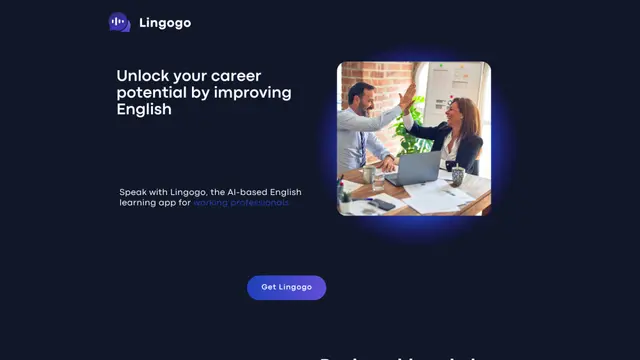
Lingogo is an AI-powered English learning app designed specifically for working professionals that offers real-world workplace scenario practice through conversational AI tutoring.
Quizzr.AI
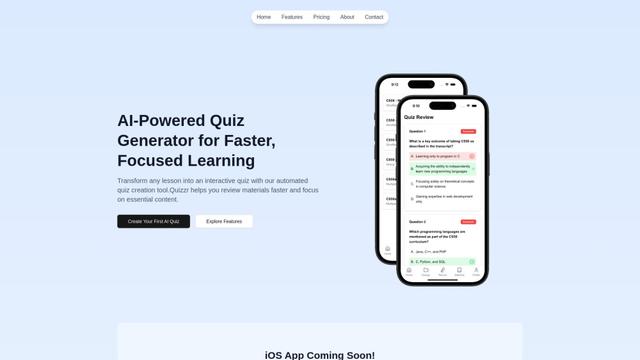
Quizzr.AI is a next-generation AI-powered quiz generation platform that transforms any learning content into interactive quizzes with verified questions, answers, and engaging features for enhanced learning efficiency.
Sai
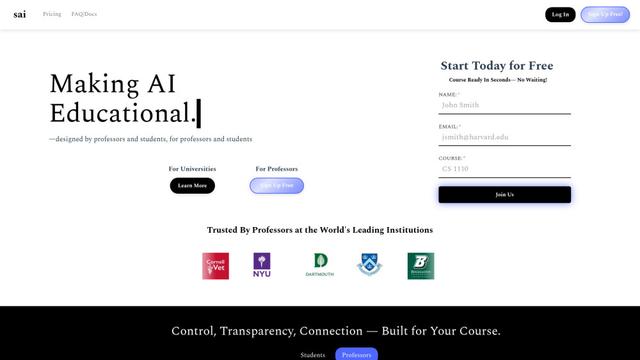
Sai is a specialized AI platform designed by and for professors and students that provides controlled, transparent, and educational AI capabilities for academic courses.
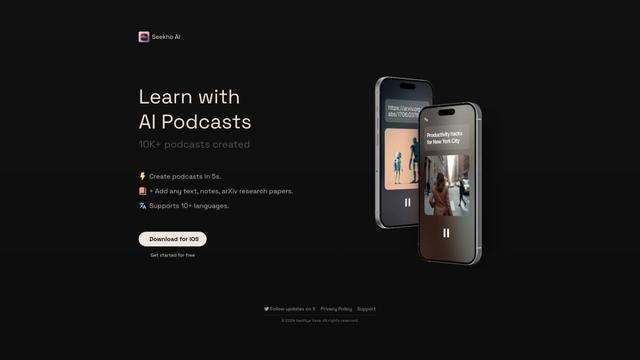
SeekhoAI
SeekhoAI is an AI-driven upskilling and learning platform that transforms text content into podcasts in multiple languages while personalizing the learning experience.
Popular AI Tools Like Brilliant

NextGenAI by OpenAI
NextGenAI is a first-of-its-kind consortium launched by OpenAI that unites 15 leading research institutions with $50M in funding and tools to advance AI research and education.
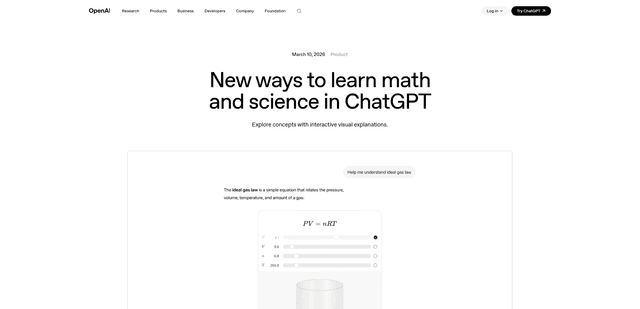
ChatGPT Interactive Learning
ChatGPT Interactive Learning is a new feature that provides dynamic visual explanations and interactive modules for over 70 math and science concepts, allowing users to manipulate variables and see real-time changes to better understand complex topics.
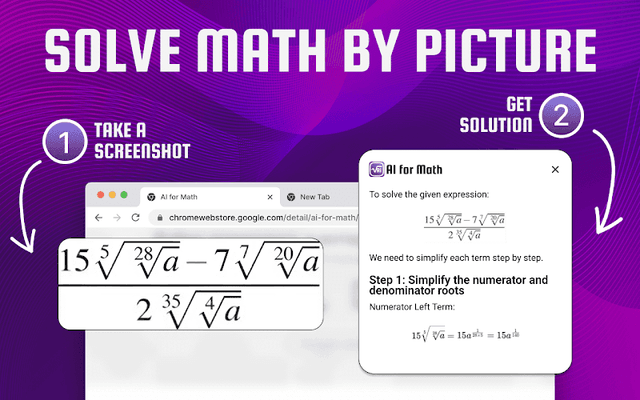
AI for Math
AI for Math is a Chrome extension that provides instant, step-by-step math solutions through AI-powered technology, allowing users to solve problems by typing equations or uploading pictures.
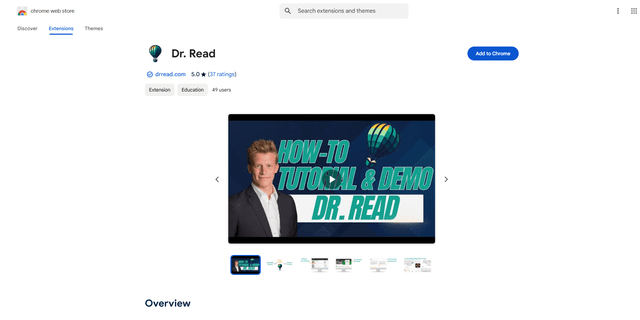
Dr. Read - Ai Reading Tutor
FreemiumAI Education Assistant
Dr. Read is an AI-powered Chrome extension that serves as a personalized reading assistant, offering features like pronunciation evaluation, context explanations, and text-to-speech to help improve reading skills.