
PureBox.ai
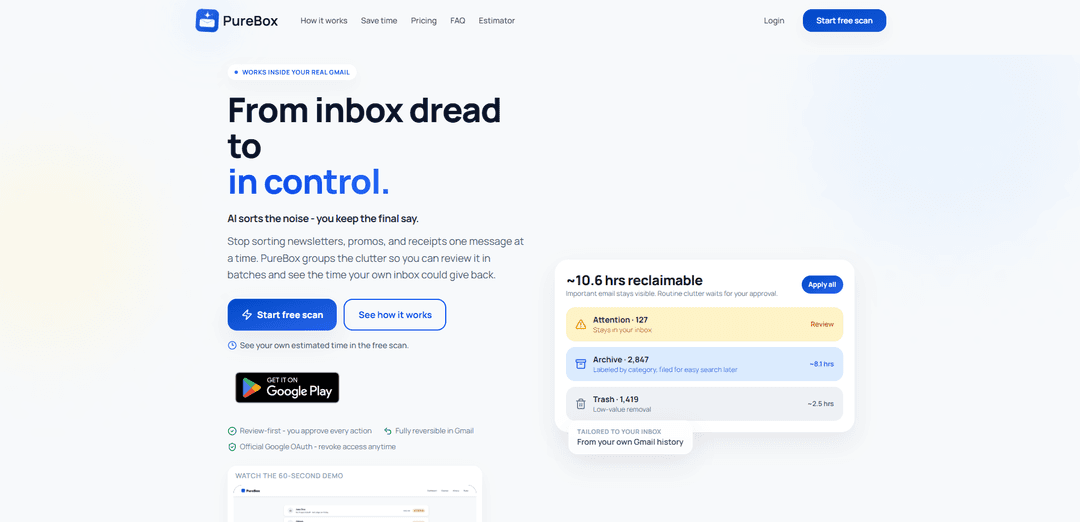
PureBox.ai is an AI-powered Gmail cleanup tool that review-first sorts your inbox into Attention, Archive, and Trash with clear reasons, one-click batch actions, and fully reversible changes via official Google OAuth.
https://purebox.ai/?ref=producthunt
Product Information
Updated:Aug 8, 2026
What is PureBox.ai
PureBox.ai helps you go from inbox dread to feeling in control by reducing “death by a thousand small decisions” in email triage. Instead of making you create rules or manually sort newsletters, promos, and receipts one by one, it scans your Gmail and groups messages into simple tracks—Attention, Archive, and Trash—so you can clear clutter in batches while keeping important mail visible. It’s designed to work inside your real Gmail (no new inbox to learn), and it emphasizes safety and transparency: nothing moves until you approve it, and every action remains reversible.
Key Features of PureBox.ai
PureBox.ai is an AI-powered Gmail cleanup and triage tool that scans your inbox, learns from your historical behavior (who you open, reply to, archive), and groups email into three review-first tracks—Attention, Archive, and Trash—so you can clear clutter in batches without losing control. It explains the reason behind each suggestion, moves nothing until you approve, and keeps every cleanup reversible inside Gmail. It connects via official Google OAuth (no password), offers a free sample scan with estimated time savings, and a Pro plan that continuously classifies new mail as it arrives and covers your full inbox. It also provides a Remote MCP server so compatible assistants can query PureBox and trigger guarded actions without receiving Gmail credentials or tokens.
Three-track inbox triage (Attention / Archive / Trash): Automatically sorts mail into clear tracks so important messages stay visible while routine items are filed or queued for removal.
Review-first workflow with explanations: Every proposed action is shown with a plain-language reason, and nothing moves or deletes until you explicitly approve (batch approve or item-by-item).
Personalized from the first scan using Gmail history: Tailors sorting based on your real behavior patterns (e.g., who you open/reply to/ignore), reducing the need to build manual rules upfront.
Fully reversible actions inside Gmail: Cleanups happen in your actual Gmail (labels/archive/trash) and can be undone; history shows what changed so you can restore anything.
Official Google OAuth + revocable access: Uses Google sign-in rather than passwords, requests only needed access, and can be revoked anytime from your Google account.
Pro: ongoing classification + Remote MCP integration: Pro extends beyond a one-time cleanup by classifying new mail as it arrives and supports a PureBox MCP server for assistants to interact with guarded actions without sharing Gmail tokens.
Use Cases of PureBox.ai
Busy professionals managing high email volume: Batch-review newsletters, promos, receipts, and notifications while keeping urgent client/partner messages in Attention.
Founders and small teams reducing operational inbox clutter: Quickly separate vendor updates, billing receipts, and routine confirmations into Archive/Trash to keep the inbox focused on decisions.
Customer-facing roles (sales/support) protecting responsiveness: Ensure customer and prospect emails remain prominent while low-value automated mail is grouped for later review and cleanup.
Finance/admin workflows for receipts and confirmations: Automatically label and file receipts, invoices, and booking confirmations for easy retrieval, while removing obvious low-value noise after approval.
Inbox reset for people returning from leave or travel: Run a scan to triage backlog into three tracks and clear thousands of messages with a few high-confidence review decisions.
Assistant-augmented cleanup via MCP (compatible tools): Let an AI assistant query PureBox’s proposed cleanup and trigger guarded actions while PureBox keeps Gmail credentials and tokens private.
Pros
Review-first and reversible: no silent deletions; you stay in control and can undo changes in Gmail.
Personalized from day one using Gmail history, reducing manual rule-building and improving relevance.
Clear batching (Attention/Archive/Trash) speeds up triage and reduces decision fatigue.
Official Google OAuth with revocable access; plus Remote MCP option that avoids sharing Gmail tokens with assistants.
Cons
Gmail-focused: the product is designed around Gmail, so it may not fit users on other email providers.
Requires granting email access for analysis (even with OAuth), which may be a blocker for highly sensitive environments.
Free tier is a capped sample scan (up to 1,000 emails); full inbox coverage and ongoing classification require Pro.
How to Use PureBox.ai
1) Start a free scan: Go to https://purebox.ai/auth/sign-up and choose “Start free scan” (no credit card required).
2) Connect your Gmail via Google OAuth: Sign in with Google using the official OAuth flow (PureBox never asks for your Gmail password). Grant the requested permissions so PureBox can analyze and propose inbox actions. You can revoke access anytime from your Google account.
3) Wait for the sample scan to finish: PureBox scans a sample of up to 1,000 emails (Free plan). This typically takes a couple of minutes and produces your initial triage results.
4) Review your three tracks: Attention, Archive, Trash: After the scan, PureBox groups your email into three piles: Attention (likely needs you), Archive (safe to file and labeled by category for easier search later), and Trash (low-value clutter).
5) Inspect the reasons behind suggestions: Open each track and review the plain-language reason PureBox provides for why each email belongs there (review-first design).
6) Approve actions (or pick through individually): Nothing moves until you approve it. You can approve a whole track in one click (“Apply all”) or select individual messages to move/keep.
7) Confirm changes happened in your real Gmail: PureBox performs actions directly in Gmail: Attention stays in your inbox, Archive is filed with labels/categories, and Trash is moved to Gmail Trash.
8) Undo anything if you change your mind: Cleanups are reversible in Gmail. Archived mail can be moved back, and trashed mail remains in Trash. Use PureBox’s History to see what changed and restore items if needed.
9) Upgrade to Pro for full-inbox coverage (optional): If the sample scan is useful, upgrade to Pro to remove the sample cap and cover your entire inbox. Pro also classifies new mail as it arrives and includes full history and one-click reversibility.
10) (Pro) Enable ongoing classification of new mail: On Pro, PureBox continues sorting incoming emails into Attention/Archive/Trash as they arrive, so your inbox stays under control over time.
11) (Optional) Use PureBox with an assistant via Remote MCP: If your AI assistant supports Remote MCP (Model Context Protocol), link PureBox from Account > Remote MCP. Your Gmail login and tokens are not shared with the assistant; the assistant can query PureBox and use guarded actions under the same account checks and cleanup limits as the web app. You can unlink anytime.
PureBox.ai FAQs
PureBox works inside your real Gmail and uses AI to triage your inbox into three tracks—Attention, Archive, and Trash—so you can clear clutter in batches. It’s designed to reduce inbox “small decisions” by grouping routine email (newsletters, promos, receipts) while keeping important mail visible.
PureBox.ai Video
Popular Articles

Proferex: A Cloud-Based Ad Tracking and Campaign Optimization Platform
Nov 4, 2026

How to Create Viral Talking Baby Podcast Videos with AI: Step-by-Step Guide
Nov 2, 2026

Vosko AI: Localize and Dub Videos for Global Audiences
Oct 15, 2026

Atoms: A Multi-Agent AI Platform That Transforms Ideas into Launch-Ready Products
Oct 13, 2026
Latest AI Tools Similar to PureBox.ai
10xBeast
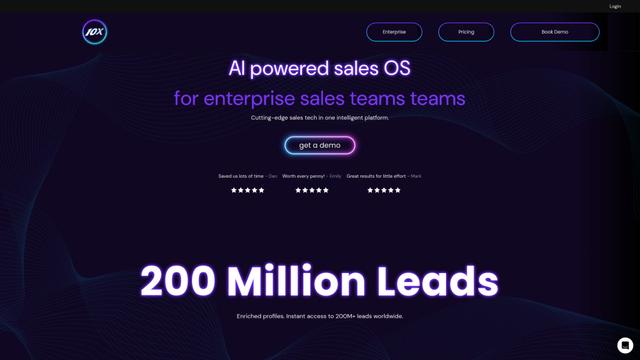
10xBeast is an AI-powered sales platform that helps businesses automate and personalize cold email outreach to convert leads into customers in just a few clicks.
Inbox AI
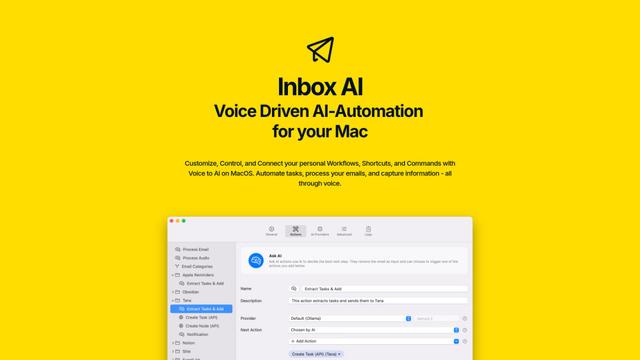
Inbox AI is a privacy-focused MacOS productivity app that combines voice-driven AI automation with email management capabilities, allowing users to create custom workflows and commands while offering both cloud-based and on-device AI options.

MailSense
MailSense is an AI-powered email assistant that filters, summarizes, and generates replies to emails through a Telegram bot interface to help users manage their inbox more efficiently.
Voltmailer
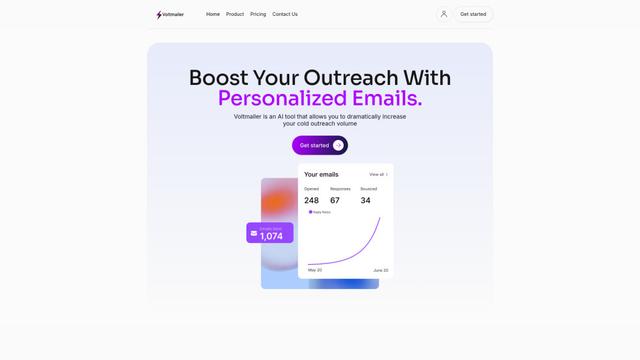
Voltmailer is an AI-powered email automation tool that helps businesses scale their cold outreach by generating personalized emails through website data scraping and automated personalization.
Popular AI Tools Like PureBox.ai
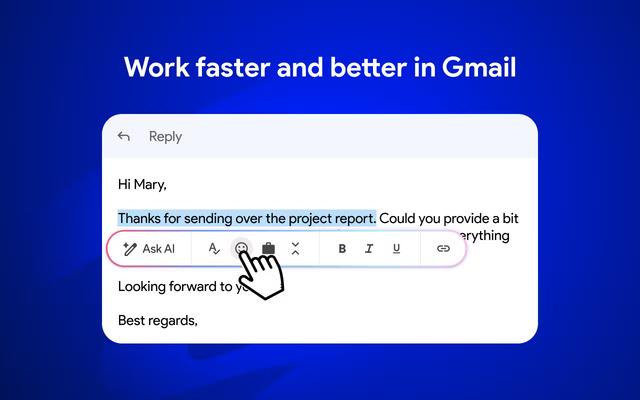
Mailmeteor AI for Gmail
Mailmeteor is a powerful Gmail extension that combines AI email writing, mail merge, automated follow-ups, and email export capabilities to enhance productivity and email management within Gmail.
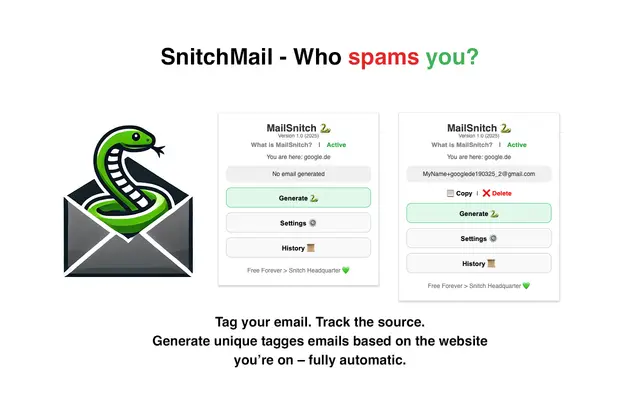
MailSnitch
MailSnitch is a free email tracking and anti-spam Chrome extension that helps users identify spam sources through automated email tagging and tracking system.
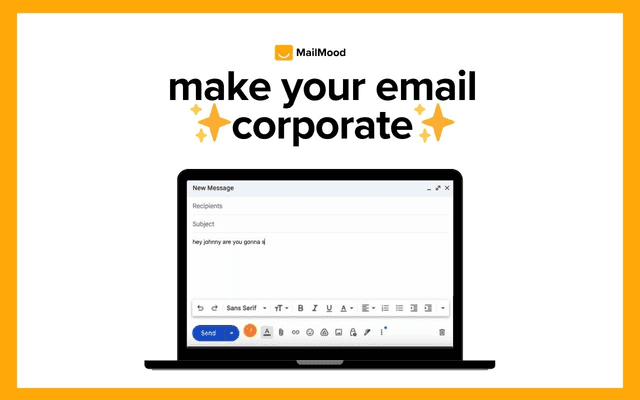
MailMood - AI Email Rewriter
MailMood is a Chrome extension that instantly transforms Gmail messages into professional, clean, and confident business language with three different tone options - corporate, casual, or assertive - all with just one click.
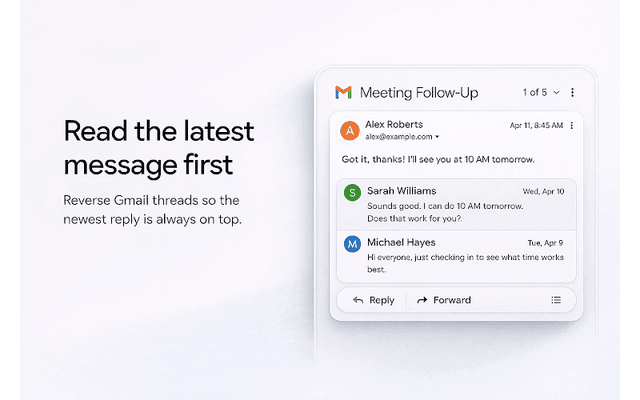
Apparent for Gmail
Apparent for Gmail is a Chrome extension that enhances Gmail's readability and usability by reorganizing conversations, simplifying layouts, and streamlining workflows while maintaining privacy and security.