
Playbook
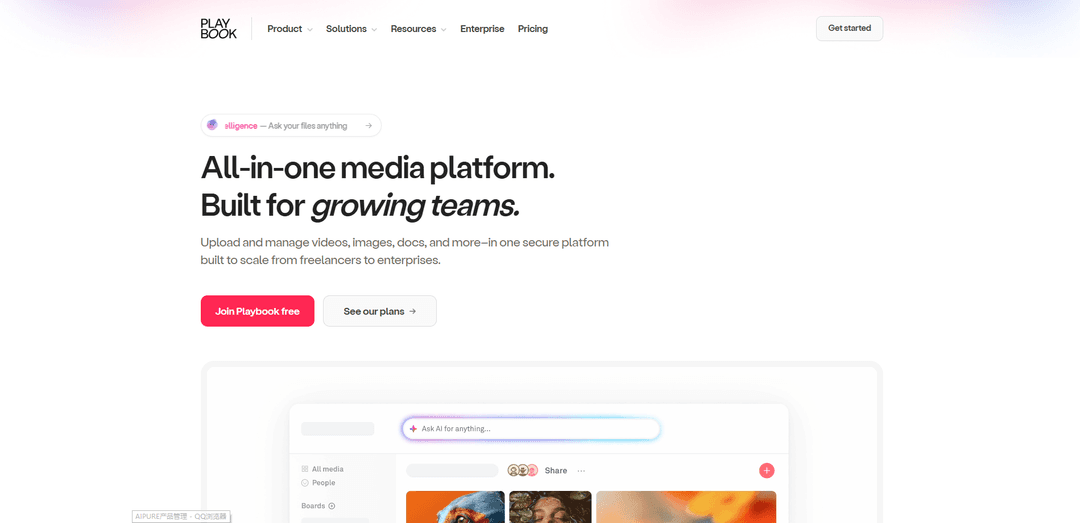
Playbook is an all-in-one visual media management platform that combines AI-powered search, smart storage, real-time collaboration, and instant publishing capabilities for creative teams and enterprises.
https://www.playbook.com/?ref=producthunt
Product Information
Updated:Apr 16, 2026
Playbook Monthly Traffic Trends
Playbook received 1.1m visits last month, demonstrating a Slight Growth of 0.2%. Based on our analysis, this trend aligns with typical market dynamics in the AI tools sector.
View history trafficWhat is Playbook
Playbook is a comprehensive media management solution designed to streamline how creative professionals, teams, and enterprises store, organize, collaborate on, and share their digital assets. Built to handle all types of media—including videos, images, documents, Adobe files, PDFs, and 3D models—Playbook serves as a centralized workspace that scales from solo creators to large organizations. The platform addresses the common challenges of scattered files, inefficient workflows, and complex approval processes by providing a visual, intuitive interface where teams can manage millions of assets in one secure location. Trusted by world-class brands and over 2 million creatives, Playbook combines enterprise-grade security features with user-friendly design, making it accessible for freelancers while powerful enough for media production companies, creative agencies, and consumer brands.
Key Features of Playbook
Playbook is an all-in-one media management platform designed for creatives and teams to store, organize, search, and collaborate on digital assets. It features AI-powered auto-tagging and natural language search that makes finding files intuitive, visual-first browsing that prioritizes how files look rather than their names, real-time collaboration tools with commenting and version control, and one-click publishing capabilities to create websites directly from stored files. Built to scale from solo creators to enterprises, Playbook offers secure cloud storage with advanced permissions, desktop syncing, built-in mini-apps for creative workflows, and SDK/API integration for custom implementations.
AI-Powered Smart Search: Visual intelligence automatically scans and tags every asset with OCR, scene detection, and smart tags, enabling natural language search at shot-level for videos and images. Users can search by what they remember visually (like 'blue sky with clouds') rather than file names.
Visual-First Storage & Organization: Dynamic workspace designed for visual browsing with instant previews of all media types including videos, images, Adobe files, PDFs, and 3D models. Features boards for organization and visual clarity across desktop and mobile.
Real-Time Collaboration & Review: Comment and react in real-time on assets with a unified Conversations feed showing all activity, comments, and version updates. Includes version control to compare side-by-side and track every change.
One-Click Publish Templates: Create professional websites directly from stored files using 100+ templates for portfolios, brand guidelines, client galleries, product launches, and online stores without coding or additional tools.
Enterprise-Grade Security & Scalability: Private cloud deployment options with segmented S3 storage, watermarking, role-based access controls, C2PA support, permission management, and complete sign-in history tracking. Includes smart deduplication to reduce storage costs.
Built-In Mini-Apps & Integrations: Supercharge workflows with integrated tools for image conversion, AI generation, GIF making, effects enhancement, and Zapier automation, eliminating the need to switch between multiple applications.
Use Cases of Playbook
Media & Entertainment Production: Manage large-scale production assets with shot-level search, 3D spatial review for models, version tracking, and secure distribution. Track every asset's digital footprint for data-driven decisions and IP protection.
Creative Agency Client Collaboration: Streamline client reviews and handoffs with beautiful sharing links requiring no login, real-time commenting, and organized project boards. Create branded client galleries and presentation sites instantly.
Consumer Brand Asset Management: Centralize brand assets including guidelines, product photos, and marketing materials in one visual library. Ensure brand consistency across teams with permission controls and easy asset discovery.
Freelance Portfolio & Client Delivery: Showcase work with professional portfolio websites, deliver client files seamlessly with simple links, and organize projects visually. Use templates to create services pages and client galleries without technical skills.
Marketing Team Campaign Management: Store and organize campaign assets, product launch materials, and social media content with smart tagging. Collaborate on reviews, track versions, and quickly find assets for multi-channel campaigns.
Photography & Videography Studios: Manage thousands of photos and videos with visual browsing and AI search. Create client galleries for review and selection, deliver final assets, and maintain organized archives of all shoots.
Pros
Intuitive visual-first interface that makes finding files 10x faster through AI-powered search and automatic tagging
Comprehensive all-in-one solution combining storage, collaboration, review tools, and publishing capabilities without switching platforms
Scalable from individual creators to enterprise teams with flexible pricing and advanced security features
Beautiful sharing and presentation options with one-click website creation using professional templates
Cons
May require migration effort for teams already invested in existing storage solutions like Google Drive or Dropbox
Advanced enterprise features like private cloud deployment may have higher costs compared to basic storage solutions
Learning curve for teams to adopt new workflows and fully utilize all integrated features
Dependency on internet connectivity for cloud-based access, though desktop sync provides offline capabilities
How to Use Playbook
Sign up and create your account: Visit playbook.com and click 'Join Playbook free' or 'Get started' to create your account. You can start with a free plan and upgrade later as needed.
Create your first board: In Playbook, a board is like a dynamic folder for organizing your files. Navigate to your workspace and create a new board to start organizing your media files by project, client, or category.
Upload your files: Upload videos, images, documents, and other media files to your board. You can drag and drop files, upload from your computer, or import from cloud platforms like Google Drive, Dropbox, or OneDrive.
Organize with tags and metadata: Playbook automatically tags your files using AI. You can also add custom tags, labels, and notes to help organize and find your files later. Use Board Rules to automatically tag new files as they're uploaded.
Use smart search to find files: Use Playbook's GPT-powered natural language search to find files quickly. Search by describing what you remember (e.g., 'red car in sunset') rather than just file names. The AI searches at shot-level for videos, not just clip-level.
Collaborate with your team: Invite team members to your playbook or specific boards. Use '@' to mention someone in comments and ':' to add emojis. Set permissions to control who can view, edit, or manage files.
Review and approve content: Use the review and approval features to comment and react to files in real-time. All activity, comments, and version updates appear in one Conversations feed for easy tracking.
Share files with clients or external partners: Create simple share links to send files to anyone without requiring them to create an account or request access. Use your unique Drop link to collect files from others without them needing a Playbook account.
Create and publish websites from your files: Use Playbook's one-click Publish feature to create websites, portfolios, brand guidelines, client galleries, or product launches directly from your stored files. Choose from 100+ templates to get started.
Sync with desktop: Download the Playbook desktop app for two-way file syncing between your computer and Playbook cloud storage, ensuring your files are always up to date across devices.
Use mini-apps to enhance workflow: Access built-in mini-apps like IMG to SVG converter, GIF Maker, Logo Maker, Effects & Enhance, and Generative AI tools to supercharge your creative workflow without leaving Playbook.
Manage versions and compare files: Playbook automatically keeps every version of your files. Use the version control feature to compare versions side-by-side and track changes over time.
Playbook FAQs
Playbook is an all-in-one media management platform and visual-first workspace designed for creatives and teams. It allows users to upload, organize, and manage videos, images, documents, and other media files in one secure platform that scales from freelancers to enterprises.
Playbook Video
Popular Articles

Vosko AI: Localize and Dub Videos for Global Audiences
Oct 14, 2026

Atoms: A Multi-Agent AI Platform That Transforms Ideas into Launch-Ready Products
Oct 13, 2026

Nano Banana SBTI: What It Is, How It Works, and How to Use It in 2026
Apr 15, 2026

Atoms Review — The AI Product Builder Redefining Digital Creation in 2026
Apr 10, 2026
Analytics of Playbook Website
Playbook Traffic & Rankings
1.1M
Monthly Visits
#33860
Global Rank
#8
Category Rank
Traffic Trends: Jul 2024-Jun 2025
Playbook User Insights
00:03:54
Avg. Visit Duration
7.88
Pages Per Visit
33.89%
User Bounce Rate
Top Regions of Playbook
IN: 29.18%
US: 11.36%
PH: 5.62%
DE: 4.79%
BR: 4.67%
Others: 44.38%
Latest AI Tools Similar to Playbook
Sortio
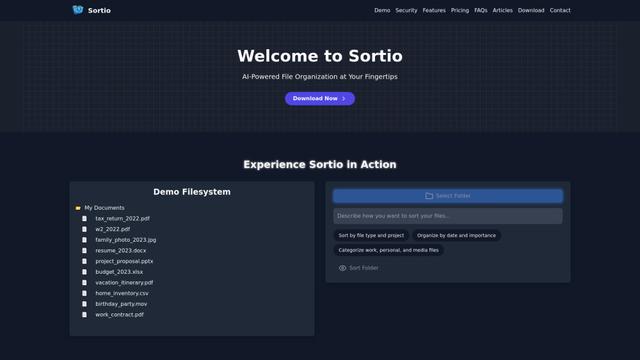
Sortio is an AI-powered desktop application that enables effortless file organization through natural language commands and intelligent sorting capabilities.
elDoc
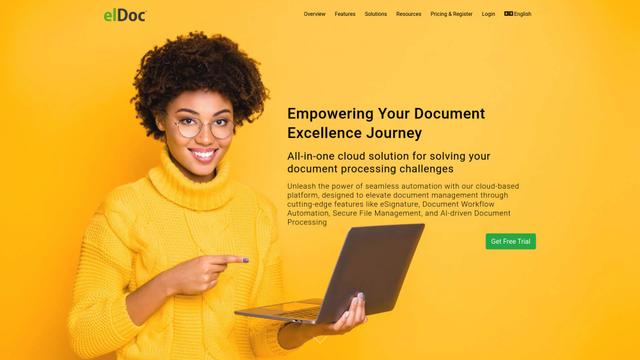
elDoc is an all-in-one integrated automated platform that combines eSignatures, Document Workflow Automation, Secure File Management, and AI Document Processing capabilities to streamline document management and processing tasks.
RemoteSpace
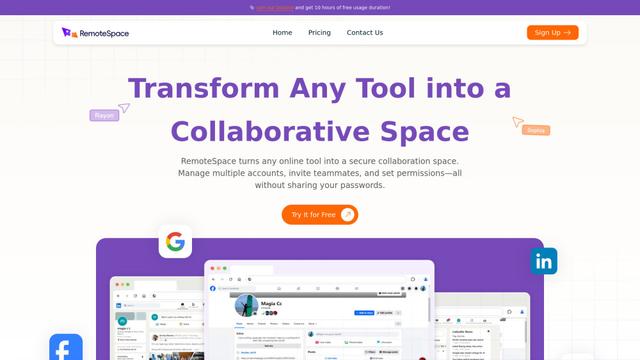
RemoteSpace is a secure collaboration platform that transforms any online tool into a shared workspace, allowing teams to manage multiple accounts, collaborate asynchronously, and maintain security without sharing passwords.
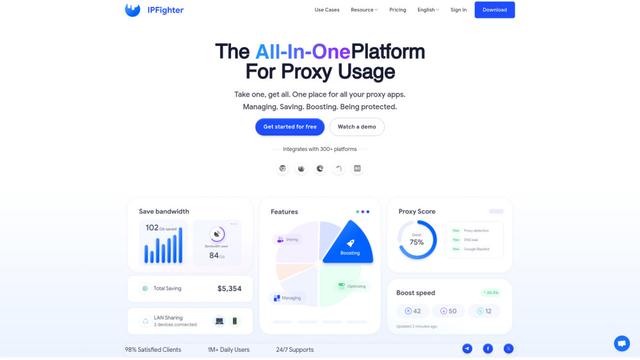
Proxy Booster
Proxy Booster is an all-in-one proxy management platform that helps users boost proxy speed, reduce proxy costs, and enhance security through AI-powered features like Smart-cache and custom proxy rules.
Popular AI Tools Like Playbook

Claude Folder Upload
A Chrome extension that enables users to upload entire folders to Claude AI while intelligently preserving directory structures and file relationships, with smart filtering capabilities for irrelevant files.
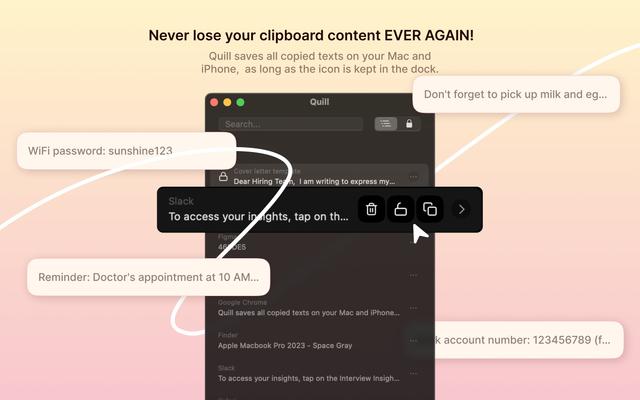
Quill
Quill is a comprehensive clipboard manager that automatically captures and organizes everything you copy across your Apple devices, featuring smart search, quick access, and seamless synchronization capabilities.
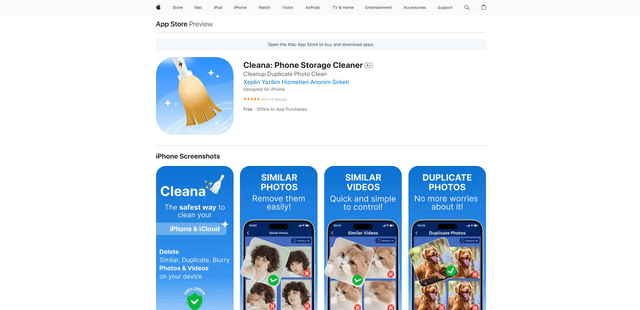
Cleana: iPhone Storage Cleaner
FreemiumAI Files Assistant
Cleana is an AI-powered iPhone storage cleaner that helps users efficiently identify and remove duplicate photos, similar videos, and unnecessary files while ensuring 100% offline data privacy.
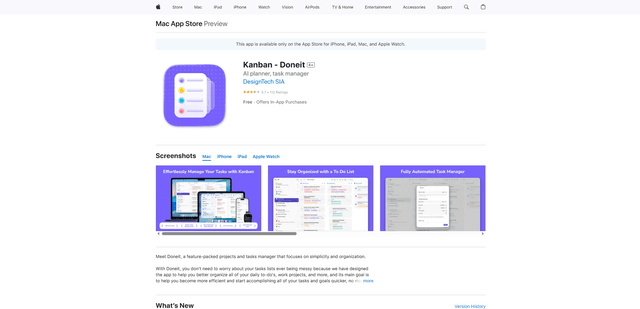
Doneit
Doneit is a feature-packed projects and tasks manager app that focuses on simplicity and organization, offering multiple views like list, grid, Kanban board and timeline to help users better organize all their daily to-do's and work projects.