
Pinly
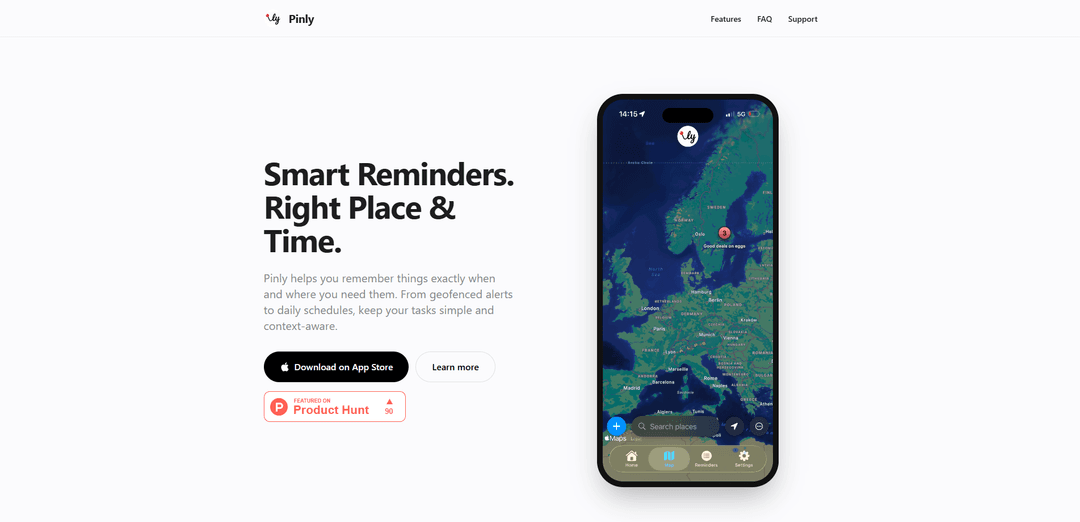
Pinly is a smart reminder app for iOS that combines location-based alerts and timed reminders with AI-powered content organization capabilities through its Chrome extension.
https://pinlyreminders.com/?ref=producthunt
Product Information
Updated:Mar 8, 2026
What is Pinly
Pinly is a versatile productivity tool that comes in two main forms - a mobile reminder app for iOS and a Chrome extension for content management. The iOS app focuses on location-based and time-based reminders with a privacy-focused approach, while the Chrome extension leverages AI to help users capture, summarize and organize online content. Both versions emphasize simplicity, user-friendliness and efficient information management.
Key Features of Pinly
Pinly is a versatile app that combines location-based alerts with traditional time-based reminders, offering both iOS mobile app and Chrome extension versions. The mobile app focuses on location-aware reminders and task organization, while the browser extension leverages AI to help users capture, summarize, and organize web content. Both versions prioritize user privacy and offer free basic functionality with optional premium features.
Location-Based Alerts: Set geofenced reminders that trigger when entering or leaving specific locations, with customizable radius in Pro version
Smart Organization: Tag and filter reminders by categories like 'Groceries' or 'Work' for better task management
AI-Powered Content Capture: Browser extension feature that allows one-click saving of web content with AI-generated summaries
Privacy-Focused Design: Processes location data locally on device with no external tracking, includes iCloud backup support
Use Cases of Pinly
Personal Task Management: Set location-based reminders for groceries when near stores or home-related tasks upon arrival
Research & Content Curation: Save and organize web content with AI summaries for academic or professional research
Business Location Reminders: Set up meeting reminders or task alerts that trigger when arriving at specific business locations
Pros
Strong privacy focus with local data processing
Free basic version available
Intuitive and user-friendly interface
Flexible backup options including iCloud support
Cons
Some advanced features require Pro subscription
iOS only for mobile app version
Different features between mobile and browser versions
How to Use Pinly
Install Pinly: Download and install Pinly from your device's app store (iOS/Android) or as a Chrome extension depending on your platform
Create Location-Based Reminder: Open Pinly and drop a pin on the map where you want to be reminded. The app will notify you when you arrive at or leave that location
Set Time-Based Reminder: Create a reminder by selecting date and time. You can set it to repeat daily and exclude specific weekdays if needed
Add Tags for Organization: Tag your reminders (e.g., 'Groceries', 'Work') to keep them organized and easily filter them later
Create Quick Checklist: Use the simple notes feature to make lightweight, non-timed reminders and quick checklists
Enable iCloud Backup (Optional): Turn on iCloud backup in settings to automatically sync and backup your reminders across devices
Configure Quiet Hours (Pro): Pro users can set quiet hours to silence notifications during specific times like evenings or nights
Export Data (Optional): Use the JSON export option (Pro feature) to create local backups of your reminder data
Pinly FAQs
No. Location data is processed strictly on-device for geofencing triggers. The app doesn't see your data.
Popular Articles

Atoms: A Multi-Agent AI Platform That Transforms Ideas into Launch-Ready Products
May 22, 2026

Nano Banana SBTI: What It Is, How It Works, and How to Use It in 2026
Apr 15, 2026

Atoms Review — The AI Product Builder Redefining Digital Creation in 2026
Apr 10, 2026

Kilo Claw: How to Deploy and Use a True "Do‑It‑For‑You" AI Agent(2026 Update)
Apr 3, 2026
Latest AI Tools Similar to Pinly

Parcae
Parcae is a mind mapping mobile application that helps users organize thoughts and ideas into structured visual maps with intuitive gesture-based controls and automatic saving features.
想读 (WantRead)
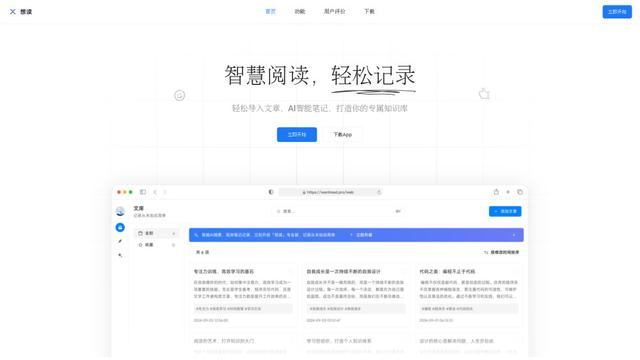
想读(WantRead) is an AI-powered reading and note-taking platform that helps users easily import, read, annotate and build their personal knowledge base.

Hiring Studio by Metaview
Hiring Studio by Metaview is a free AI-powered tool that helps recruiting teams generate customized interview questions with follow-up suggestions and detailed answer rubrics.

AI Journaler
AI Journaler is a free Windows PC app that combines traditional journaling with AI-powered analysis and conversation capabilities to enhance emotional well-being and self-reflection.
Popular AI Tools Like Pinly
Lore
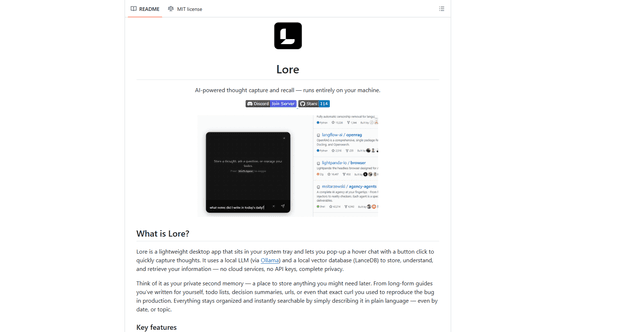
Lore is an AI-powered desktop application that enables quick thought capture and intelligent recall through a local LLM system, allowing users to store and retrieve information privately without cloud services.

Second Brain for AI
Second Brain for AI is a self-hosted, MCP-compatible persistent memory layer on Cloudflare that lets Claude, ChatGPT, Cursor, and other AI clients store and semantically recall shared context across sessions.
NotebookLM Tools Chrome Extension
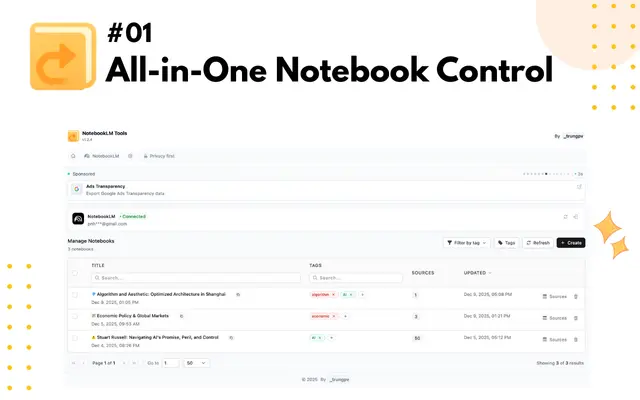
NotebookLM Tools is a comprehensive Chrome extension that enhances Google's NotebookLM with advanced notebook management, multi-language support, bulk operations, and seamless source importing capabilities.
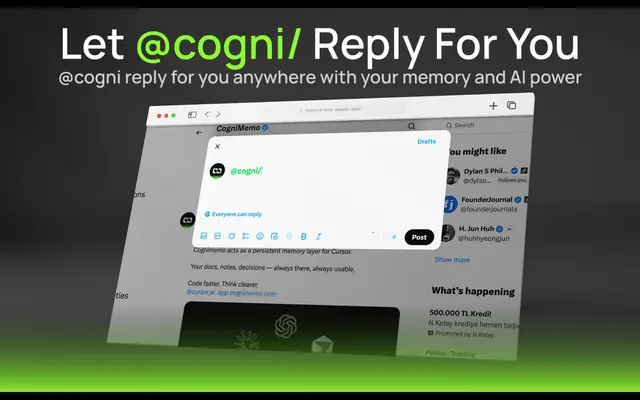
CogniMemo Extension
CogniMemo is a browser extension that adds long-term memory capabilities to AI tools like ChatGPT, Claude, Gemini, and DeepSeek by enabling context-aware conversations and knowledge management through saved notes and past chats.