Pane
Pane is an AI-native spreadsheet application that combines traditional spreadsheet functionality with cutting-edge AI technology to help teams work more efficiently with their data through natural language interactions.
https://paneapp.com/?ref=producthunt

Product Information
Updated:Jan 15, 2026
What is Pane
Pane is a modern cloud-based spreadsheet platform that revolutionizes how users interact with their data. It integrates artificial intelligence directly into the spreadsheet environment, allowing users to communicate with their data using natural language. The platform maintains the familiar spreadsheet interface while adding powerful AI capabilities that make data analysis and visualization more accessible to users of all skill levels.
Key Features of Pane
Pane is an AI-powered spreadsheet application that combines traditional spreadsheet functionality with cutting-edge AI capabilities. It allows users to create, analyze, and collaborate on spreadsheets using natural language commands through the Pane Agent. The platform offers features like interactive charting, powerful formula support, data import capabilities, cloud synchronization, and automatic dashboard generation, making it a comprehensive solution for modern teams working with data.
AI-Powered Pane Agent: Enables users to interact with spreadsheets using natural language commands for sorting, filtering, calculating, and transforming data
Automated Visualization: Automatically generates professional dashboards with relevant charts and key metrics from your data
Comprehensive Data Import: Supports importing data from multiple formats including CSV, Excel, and PDF files with smart parsing capabilities
Advanced Formula Support: Powered by HyperFormula, offering hundreds of functions including SUM, AVERAGE, VLOOKUP, with native calculation capabilities
Use Cases of Pane
Data Analysis: Teams can quickly analyze and transform large datasets using natural language commands instead of complex formulas
Business Intelligence: Automatically generate professional dashboards and visualizations for business reporting and decision-making
Collaborative Work: Teams can work together on spreadsheets in real-time with cloud synchronization and shared access
Pros
Intuitive natural language interface for data manipulation
Automated dashboard and visualization generation
Cloud-based collaboration capabilities
Cons
Data privacy concerns with cloud-hosted LLMs
Limited enterprise-grade encryption (mentioned as a future feature)
How to Use Pane
Sign up/Sign in: Visit paneapp.com and click 'Get Started Free' or 'Sign In' to create an account or access your existing account
Create a new spreadsheet: Once logged in, you can create a new spreadsheet or import existing data from CSV, Excel, or PDF files
Use the Pane Agent: Interact with your spreadsheet using natural language commands - simply describe what you want to do with your data and the AI agent will execute the commands
Work with formulas: Use standard spreadsheet functions like SUM, AVERAGE, VLOOKUP and hundreds more, powered by HyperFormula
Create visualizations: Generate charts (bar, line, pie, area, scatter) by either using the Pane Agent or creating them manually. Drag and resize charts anywhere on your sheet
Generate dashboards: Use the AI to automatically create professional dashboards that visualize your data with relevant charts and key metrics
Collaborate and sync: Work with team members on shared spreadsheets that are automatically synced to the cloud and accessible from any device
Pane FAQs
A pane is a section of a window in a graphical user interface. Originally, the term came from sectioned glass windows in walls, and in computing it refers to divided sections within an application window.
Popular Articles

Vosko AI: Localize and Dub Videos for Global Audiences
Oct 15, 2026

Atoms: A Multi-Agent AI Platform That Transforms Ideas into Launch-Ready Products
Oct 13, 2026

Nano Banana SBTI: What It Is, How It Works, and How to Use It in 2026
Apr 15, 2026

Atoms Review — The AI Product Builder Redefining Digital Creation in 2026
Apr 10, 2026
Latest AI Tools Similar to Pane
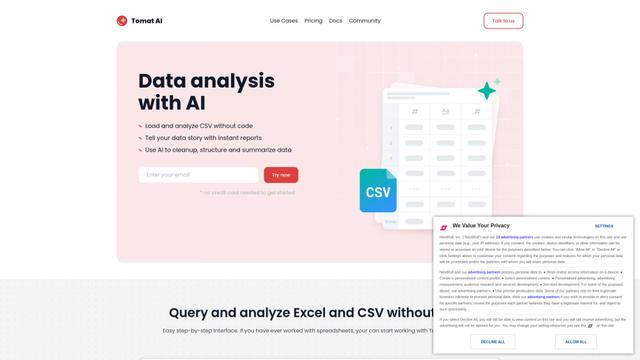
Tomat
Tomat.AI is an AI-powered desktop application that enables users to easily explore, analyze, and automate large CSV and Excel files without coding, featuring local processing and advanced data manipulation capabilities.
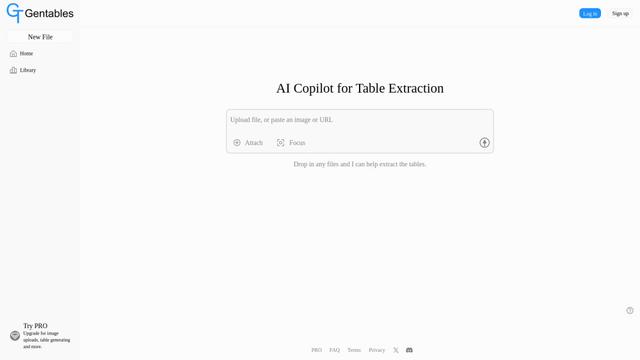
Gentables
Gentables is an AI-powered tool for extracting and generating tables from various file formats with features like table editing, visualization and data processing capabilities.
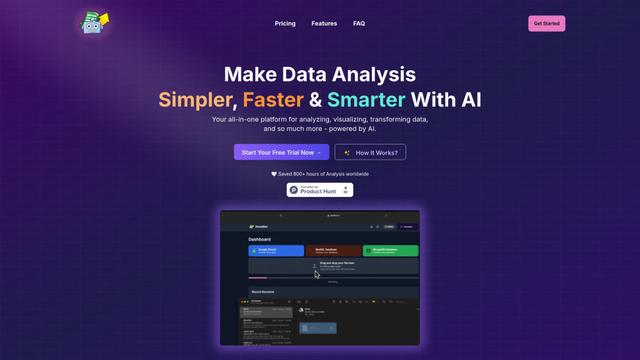
SheetBot AI
SheetBot AI is an AI-powered data analyst tool that automates data visualization and analysis tasks in spreadsheets, enabling users to generate precise graphs and insights within seconds.
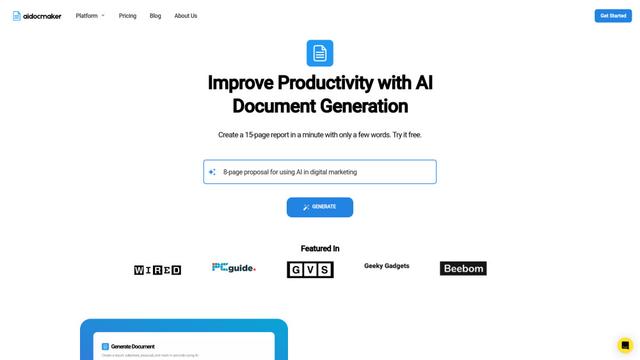
Aidocmaker.com
Aidocmaker.com is an AI-powered document creation platform that allows users to effortlessly generate professional documents, presentations, spreadsheets, and voiceovers in minutes.
Popular AI Tools Like Pane

Microsoft Excel: Spreadsheets
Microsoft Excel is the industry-leading spreadsheet software that allows users to organize, analyze, and visualize data through powerful features like formulas, charts, and AI-powered insights.
ChatGPT for Google Sheets
FreemiumAI Spreadsheet
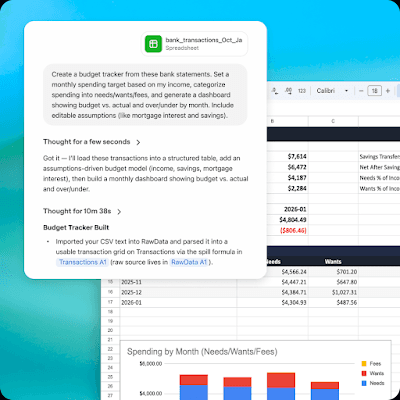
ChatGPT for Google Sheets is an OpenAI add-on that brings ChatGPT into a Sheets sidebar so you can build, analyze, and update multi-tab spreadsheets with natural-language prompts, including formulas and cross-tab insights.

Zoho Tables
Zoho Tables is a modern spreadsheet-database hybrid that helps teams organize data with relational links, build views and dashboards, collaborate in real time, and automate workflows with no-code and AI assistance.
Airtable
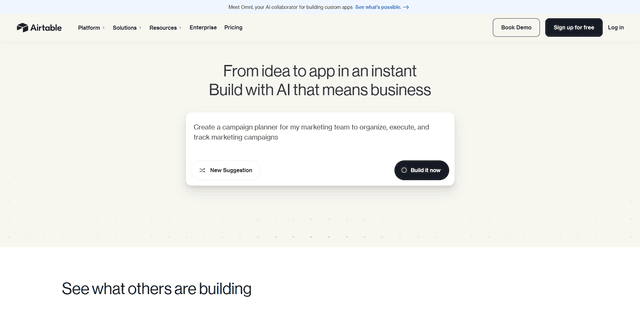
Airtable is an AI-powered cloud collaboration platform that combines the functionality of spreadsheets and databases with no-code app building capabilities to help teams organize, track and manage their workflows and data.