
OpenChatCut
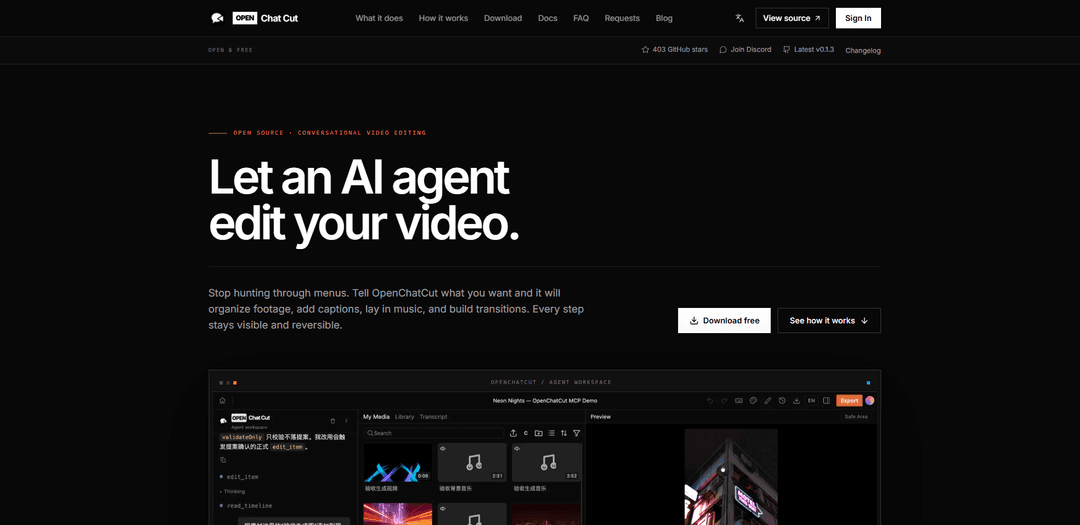
OpenChatCutは、オープンソースのローカルファーストAIビデオエディターであり、会話型エージェントがMCPを介して実際のマルチトラックタイムラインを編集でき、Remotionによって提供される可視で可逆的な変更と本番環境対応のエクスポートが可能です。
https://openchatcut.com/?ref=producthunt&utm_source=aipure
製品情報
更新日:2026年08月08日
OpenChatCutとは
OpenChatCutは、AIをプロフェッショナルな編集ワークフローに直接参加させたいが、制御を失いたくないクリエイターや開発者向けに設計された、デスクトップのローカルファーストな会話型ビデオ編集ツールです。触れることのできない最終ビデオを生成するのではなく、編集可能なマルチトラックタイムライン(ビデオ、オーディオ、キャプション、トランジション、エフェクト、LUT、モーショングラフィックス、キーフレーム)で動作するため、AIによるすべての変更はプレビュー可能で、調整可能で、元に戻すことができます。オープンソースでモデルに依存せず、MCPを介して外部エージェントやツールと統合できるように構築されています。
OpenChatCutの主な機能
OpenChatCutは、AIエージェントが実際のマルチトラックタイムラインを直接編集できる(提案を提供するだけでなく)、オープンソースでローカルファーストの会話型AIビデオエディターです。自然言語でカットを記述すると、エージェントはトリミング、クリップの配置、キャプション、音楽、トランジション、エフェクト、モーショングラフィックスの追加など、可逆的で目に見える編集を実行し、Remotionを活用したレンダリングでエクスポートします。MCP統合を介して外部エージェント/モデル(例:Codex、Claude)との接続をサポートし、文字起こしや生成などの機能のためにクラウドサービスを明示的に構成しない限り、コア編集とプロジェクトストレージはローカルに保持されます。
会話型タイムライン編集: 意図(ペース、スタイル、構造)を記述することで編集し、エージェントはクリップの配置、無音部分のトリミング、キャプション/音楽の追加など、具体的な変更を編集可能なタイムラインに直接適用します。
プロフェッショナルなマルチトラックタイムライン: ビデオ、オーディオ、キャプション、トランジション、エフェクト、LUT、モーショングラフィックス、キーフレームを、手動で調整できる使い慣れたブラックボックスではないプロジェクトで作業します。
ローカルファーストのワークフローとストレージ: コア編集、プロジェクト、チャット履歴、バージョンデータはローカル(例:~/.openchatcut)に保存され、メディアもローカルに保存されます。クラウド接続機能はオプションであり、設定した場合にのみ有効になります。
MCPを介したモデルに依存しないエージェント: MCP、プラグイン、テンプレートを介してCodex、Claude、またはカスタムエージェントを統合することで、ワークフローを再構築することなく、独自のエージェントを持ち込み、モデルを切り替えることができます。
Remotionを活用したレンダリング: Remotionベースのパイプラインを使用してビデオをエクスポートおよびレンダリングし、モーショングラフィックスへのプログラマブルなアプローチと一貫した出力をサポートします。
オープンソースで透明性: AGPLライセンスのコードベースで、ダウンロード可能なデスクトップビルド(macOS/Windows)と、開発およびトラブルシューティングのためにソースから実行するオプションがあります。
OpenChatCutのユースケース
クリエイター/ポッドキャスターのトークヘッド編集: 一時停止や繰り返しのテイクを素早く削除し、ペースを調整し、キャプションを追加し、YouTubeやソーシャルクリップ用のBGMを挿入しながら、タイムラインの完全な制御を維持します。
マーケティングおよびブランドコンテンツ制作: 一貫したトランジション、モーショングラフィックステンプレート、キャプションを使用して最初の編集を生成し、ブランドに合わせたプロモーションや広告のためにビジュアルとタイミングを微調整します。
代理店またはスタジオのプロトタイピング: エージェント主導のラフカットを使用して、クライアントとの反復を加速し、すべての編集を可逆的でプロフェッショナルなマルチトラックタイムラインで編集可能に保ちます。
教育およびトレーニングビデオ: スクリーン録画とカメラ映像からレッスンを組み立て、キャプションとチャプターのような構造を追加し、会話型の指示を通じてコンテンツを迅速に修正します。
開発者/自動化主導のビデオワークフロー: MCPを介してカスタムエージェントとツールを統合し、反復的な編集タスクを自動化し、テンプレートを試行し、Remotionを介して出力をレンダリングします。
メリット
ローカルファーストで透明性:コア編集はクラウドの依存関係なしで機能し、外部サービスを設定しない限りストレージはローカルです。
真の編集可能なタイムライン:エージェントは、フラット化された編集不可能な結果を生成するのではなく、実際の可逆的なタイムライン操作を実行します。
モデルに依存しない統合:MCPを介してCodex/Claude/カスタムエージェントを接続し、ワークフローを再構築することなく後でモデルを交換できます。
デメリット
活発な開発:機能、プロジェクト形式、エージェントツールは進化しているため、本番ワークフローは現在のリリース状況に対して検証する必要があります。
一部の機能は外部設定に依存します:文字起こし、生成、オンラインメディア機能には、対応するサービスを設定する必要があります。
AGPLライセンス:特定の商用またはネットワーク展開に対して、強力なコピーレフト義務を課す場合があります。
OpenChatCutの使い方
1) OpenChatCutをインストールするか、ソースをプルする: デスクトップビルドをダウンロードするにはhttps://openchatcut.com/downloadにアクセスするか、コードから実行したい場合はhttps://github.com/0xsline/OpenChatCutのソースリポジトリを開いてクローンしてください。OpenChatCutはローカルファーストでオープンソースです(AGPLv3+)。
2) OpenChatCutを起動し、プロジェクトを作成/開く: アプリを起動し、新しいプロジェクトを作成(または既存のプロジェクトを開く)します。OpenChatCutは実際のマルチトラックタイムライン(ビデオ、オーディオ、キャプション、エフェクト、モーショングラフィックス、キーフレーム)で動作します。
3) メディアをプロジェクトにインポートする: フッテージ/オーディオをプロジェクトに追加して、アセット/メディア領域に表示され、タイムラインに配置できるようにします。ユーザーメディアは、バックアップまたは移行できるローカルメディアディレクトリに保存されます。
4) MCPを介してAIエージェント(Codex、Claude、または独自のエージェント)を接続する: エージェント/ワークスペース設定で、MCPを介して使用したいモデル/エージェントを接続します(OpenChatCutはモデルに依存しません)。リクエストがマシンから送信されるかどうかは、設定するモデル/サービスによって異なります。未設定のクラウド機能はローカル編集には影響しません。
5) 編集したい内容を自然言語で記述する: エージェントにペース、スタイル、目的(例:「ペースを速くし、無駄なスペースを削除し、キャプションを追加し、音楽を挿入する」)を伝えます。OpenChatCutのエージェントは、実際の編集ツールを使用し、編集可能なタイムラインに直接変更を適用します(フラット化されたロックされたビデオではありません)。
6) エージェントにタイムライン編集を実行させる: エージェントは、クリップの配置、無駄なスペースのトリミング、キャプション/字幕の追加、音楽の挿入、組み込みテンプレートを使用したトランジション/エフェクト/モーショングラフィックスの構築を行うことができます。作業中に変更がタイムラインに表示されます。
7) 会話を続けて洗練させる: フォローアップの指示(例:「もっと速くして」、「よりクリーンなトランジションを使って」、「音楽トラックを変更して」、「キャプションのスタイルを調整して」)で反復を続けます。エージェントは、あなたが選択したものとプロジェクトの残りのコンテキストを理解しています。
8) 標準の編集コントロールで手動で微調整する: エージェントが最初のパスを作成した後、タイムラインコントロール(トリムポイント、キーフレーム、トラックレベル、キャプションのタイミング、トランジション、エフェクト、LUT、モーショングラフィックス)を使用して自分で詳細を調整します。すべてのステップは表示され、元に戻すことができます。
9) 必要に応じて変更を元に戻すかロールバックする: 自動化された変更が気に入らない場合は、元に戻すか、以前のバージョンに戻します。OpenChatCutは、一発生成ではなく、可逆的で透明な編集を重視しています。
10) ビデオをエクスポート(H.264)し、必要に応じてパフォーマンスを調整する: 完成した編集をエクスポートします。ローカルのH.264エクスポートは、利用可能な場合はハードウェアエンコーダー(macOSのVideoToolbox、互換性のあるWindowsのNVENC)を優先し、その後ソフトウェアエンコーディングにフォールバックします。エクスポートが遅いまたは不安定な場合は、OPENCHATCUT_RENDER_CONCURRENCY、OPENCHATCUT_MAX_ACTIVE_EXPORTS、OPENCHATCUT_DISABLE_HARDWARE_ENCODING、またはOPENCHATCUT_H264_ENCODERなどの環境変数を調整してください(.env.exampleを参照)。
11) ローカルストレージとバックアップを管理する: プロジェクト、チャット履歴、バージョンデータは、~/.openchatcutの下にローカルに保存されます(IndexedDBはブラウザ側のキャッシュ/レガシー移行に使用されます)。マシン間でポータビリティが必要な場合は、ローカルストアとメディアディレクトリをバックアップしてください。
12) マシン外に公開する場合はMCPアクセスを保護する: MCPを外部に公開する場合は、ベアラートークンを設定し、編集環境の不正な制御を避けるために、エディタエンドポイントへのネットワークアクセスを制限してください。
OpenChatCutのよくある質問
OpenChatCutは、オープンソースのローカルファーストAIエージェントビデオエディターであり、ChatCutのオープンソース代替品です。会話型編集と実際のマルチトラックタイムラインを組み合わせることで、AIエージェントが完全に編集可能な実際の編集を行うことができます。




OpenChatCutに類似した最新のAIツール

EzVideos
EzVideosは、ユーザーが自動編集機能と組み込みリソースを使って、Instagram、TikTok、YouTubeなどのソーシャルメディアプラットフォーム向けにバイラルビデオを生成するのを助けるオールインワンのビデオ作成ツールです

Blanc AI
Blanc AIは、元の声、感情、口の同期を保持しながら、47以上の言語へのビデオコンテンツの翻訳と吹き替えを可能にする革命的なAIソリューションです
Wink Mody
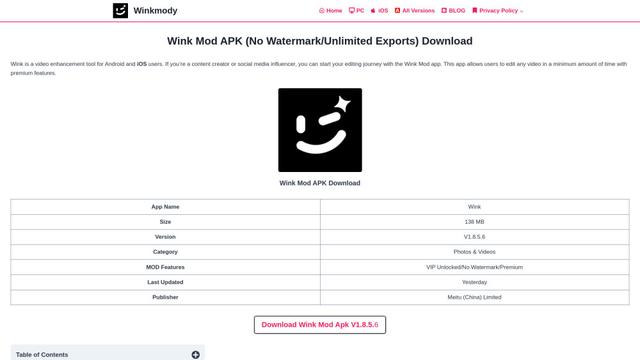
Wink Modyは、AI駆動の修正、4Kエクスポート、透かしなしの編集などのプレミアム機能を完全に無料で提供するWinkビデオ編集アプリの改造版です
Shortmake AI
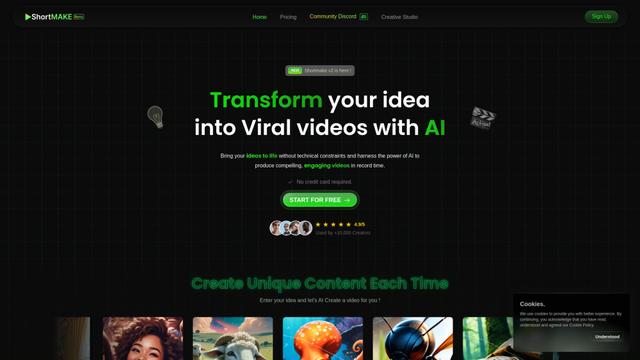
ShortMakeは、アイデアをバイラルに適したビデオに変換するAI駆動のビデオ制作プラットフォームであり、スクリプト、ナレーション、ビジュアル、字幕を自動生成し、TikTokやYouTube Shortsなどのプラットフォームに特化して最適化されています。
OpenChatCutに似た人気のAIツール
AI Clips - New Gen
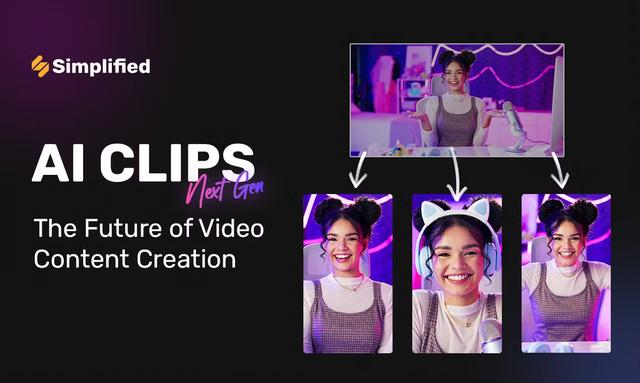
AI Clips - New Genは、長尺動画からYouTube Shorts、TikTok、Instagram Reelsなどの複数のソーシャルメディアプラットフォーム向けに自動的に魅力的な短尺コンテンツを生成するAI駆動の動画クリッピングツールです
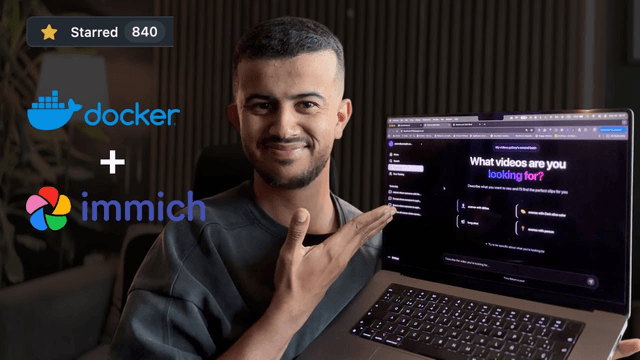
Edit Mind
Edit Mind は、オープンソースの AI 搭載ビデオインデックス作成およびセマンティック検索プラットフォームであり、ユーザーはトランスクリプション、フレーム分析、顔認識、オブジェクト検出などの機能を使用して、自然言語クエリを使用してビデオコンテンツを分析および検索できます。
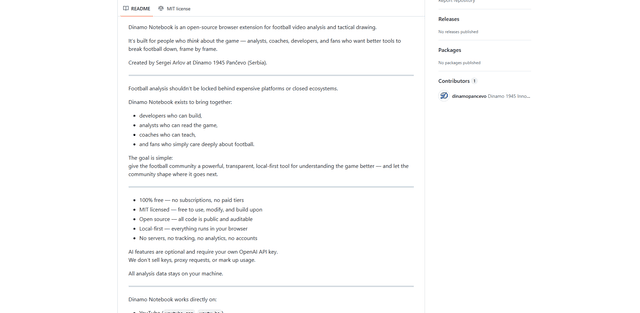
Dinamo Notebook
FreeAI Video Editing
Dinamo Notebookは、YouTube/Dailymotion/Twitchの映像に戦術的な注釈を描画し、オプションでAI(独自のOpenAI APIキーを使用)で戦術的な洞察を得ることができる、無料のMITライセンスのローカルファーストなサッカー動画分析用ブラウザ拡張機能です。
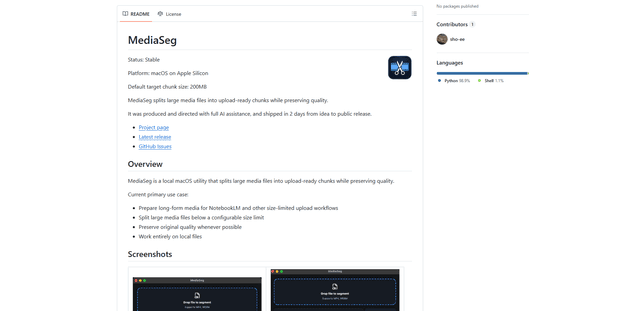
MediaSeg
MediaSegは、安定したローカルファーストのmacOSユーティリティで、大規模なMP4/WEBMメディアファイルを、ffmpeg/ffprobeとAI支援のターゲットベースのサイジング戦略を使用して品質を維持しながら、設定可能なサイズ制限以下のアップロード対応チャンクに分割します。