
Offscript
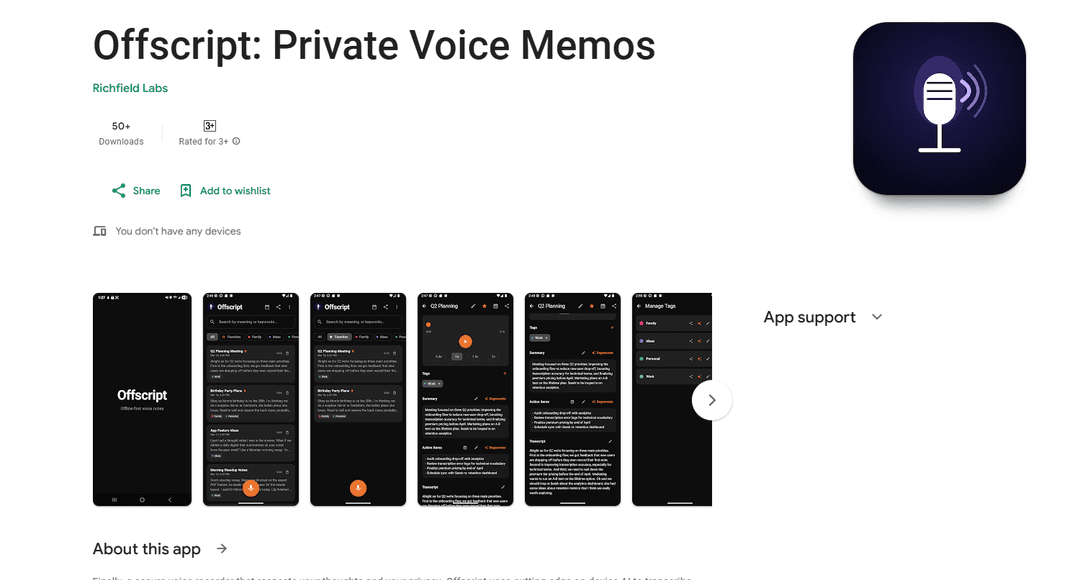
Offscript is a secure voice recording app that uses on-device AI to transcribe, summarize, and search voice notes while maintaining complete privacy by never sending data to the cloud.
https://play.google.com/store/apps/details?id=com.offscript.app&ref=producthunt
Product Information
Updated:Apr 8, 2026
What is Offscript
Offscript is a privacy-focused voice memo application designed for professionals, students, journalists, and privacy advocates who need to securely record and manage their thoughts and conversations. Unlike conventional voice recording apps that rely on cloud processing, Offscript stands out by performing all AI operations directly on the user's device, ensuring that sensitive recordings remain completely private and secure.
Key Features of Offscript
Offscript is a privacy-focused voice memo application that offers secure, on-device AI transcription and processing capabilities. It provides offline transcription powered by OpenAI's Whisper model, semantic search functionality, and encrypted storage without requiring cloud connectivity or data collection. The app includes premium features like AI summaries, organizational tools with tags, professional export options, and calendar integration, all while maintaining complete user privacy and data security.
On-Device AI Processing: Uses local AI models for transcription and analysis without sending data to external servers, ensuring complete privacy
Advanced Security: Implements AES-256-GCM encryption and biometric security features for protecting voice memos and transcripts
Smart Organization: Offers color-coded tags, semantic search capabilities, and calendar integration for efficient note management
Professional Export Options: Supports multiple export formats including PDF, Markdown, CSV, and plain text for versatile sharing and documentation
Use Cases of Offscript
Journalism and Research: Securely record and transcribe sensitive interviews while protecting source confidentiality with offline processing
Academic Learning: Students can record lectures and easily search through transcripts to find specific topics and information
Business Meetings: Professionals can safely document meetings and quickly generate searchable transcripts and summaries
Personal Note-Taking: Private journaling and note-taking with secure storage and easy organization features
Pros
Complete privacy with no cloud storage or data collection
Advanced AI features without internet requirement
Strong security measures with encryption and biometric protection
Cons
Premium features require additional payment
Processing limited by device capabilities
Requires device storage for all recordings and transcripts
How to Use Offscript
Install the app: Download and install Offscript from the Google Play Store on your Android device
Grant permissions: Allow microphone access when prompted to enable voice recording functionality
Set up security (optional): Enable biometric security (fingerprint or face recognition) to protect your voice notes if desired
Record a voice memo: Tap the record button to start recording your voice note. The app will automatically transcribe it offline using on-device AI
Review transcription: Once finished recording, review the AI-generated transcription of your voice note
Search notes: Use the semantic search feature to find specific voice notes by searching for meaning/context rather than just keywords
Premium features (optional): Upgrade to Premium to access additional features like AI summaries, tags, export options, and calendar integration
Organize notes: Premium users can create color-coded tags to categorize and filter voice notes
Export notes: Premium users can export their notes in various formats including PDF, Markdown, CSV or plain text
Calendar integration: Premium users can add recordings directly to their calendar for better organization
Offscript FAQs
Offscript is unique because it processes all AI features directly on your device, without sending data to the cloud. Unlike most voice memo apps that upload recordings to servers, Offscript ensures complete privacy by keeping all data local and encrypted.
Popular Articles

Vosko AI: Localize and Dub Videos for Global Audiences
Oct 15, 2026

Atoms: A Multi-Agent AI Platform That Transforms Ideas into Launch-Ready Products
Oct 13, 2026

Nano Banana SBTI: What It Is, How It Works, and How to Use It in 2026
Apr 15, 2026

Atoms Review — The AI Product Builder Redefining Digital Creation in 2026
Apr 10, 2026
Latest AI Tools Similar to Offscript
EchoWave
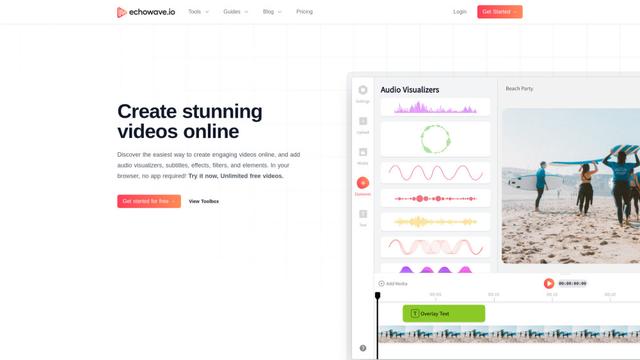
EchoWave is an online video and audio editing platform that enables creators to convert audio content into engaging videos with waveform visualizations, subtitles, and effects for social media sharing.
AIdeaflow Podcast
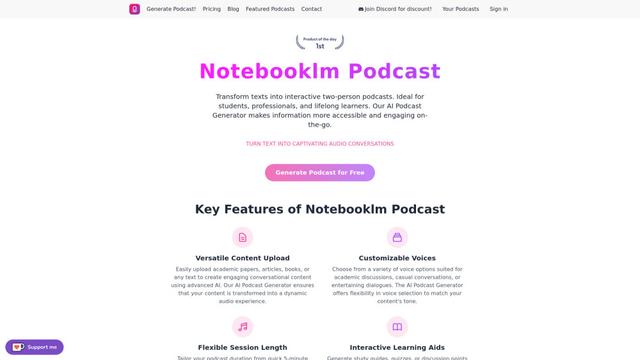
AIdeaflow Podcast is an AI-powered platform that transforms text into engaging podcast content with natural conversations across 120+ voices and multiple languages.
TranscribetoText.AI
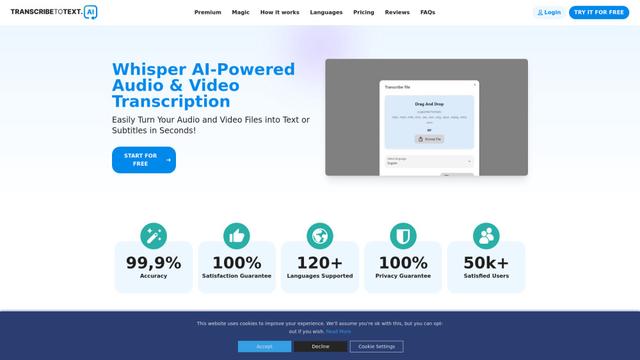
TranscribeToText.AI is a powerful online transcription service that converts audio and video files to text in over 120 languages with 99.9% accuracy, offering unlimited transcription access and flexible output options.
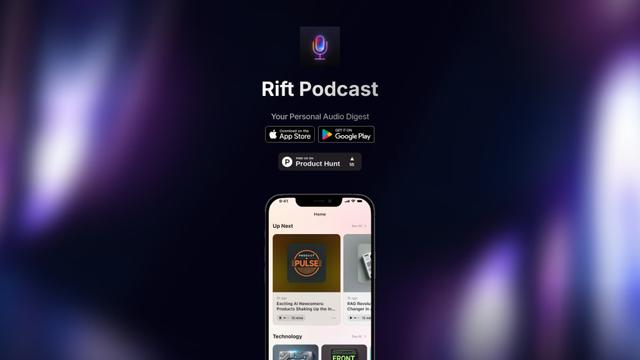
Rift Podcast
Rift Podcast is an AI-powered application that transforms web content into personalized audio podcasts, offering exclusive insights curated from various tech platforms and delivered in just 15 minutes daily.
Popular AI Tools Like Offscript
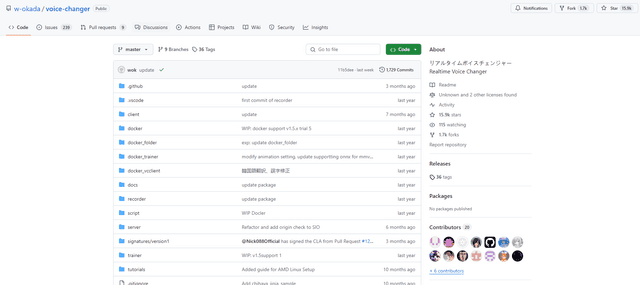
W-Okada Voice Changer
W-Okada Voice Changer is an open-source real-time voice conversion software that uses AI to transform voices with high quality and low latency.
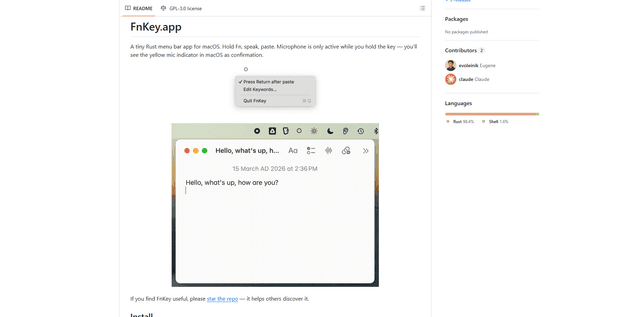
FnKey
FnKey is a lightweight macOS menu bar application that enables quick voice-to-text transcription by holding the Fn key to speak and automatically pastes the transcribed text when released.
Background noise removal
A powerful Chrome extension that uses advanced AI technology to remove unwanted background noise from audio and video files, offering real-time noise cancellation for crystal-clear sound quality.
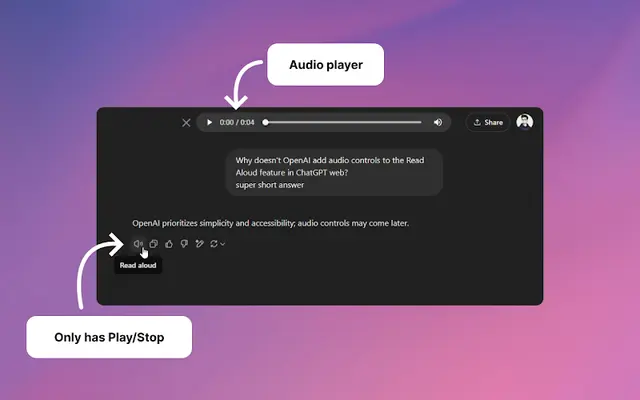
Audio player for ChatGPT
A Chrome extension that enhances ChatGPT's Read Aloud feature by adding a user-friendly audio player with basic controls like play/pause, seek bar, and duration display.