NoteDock
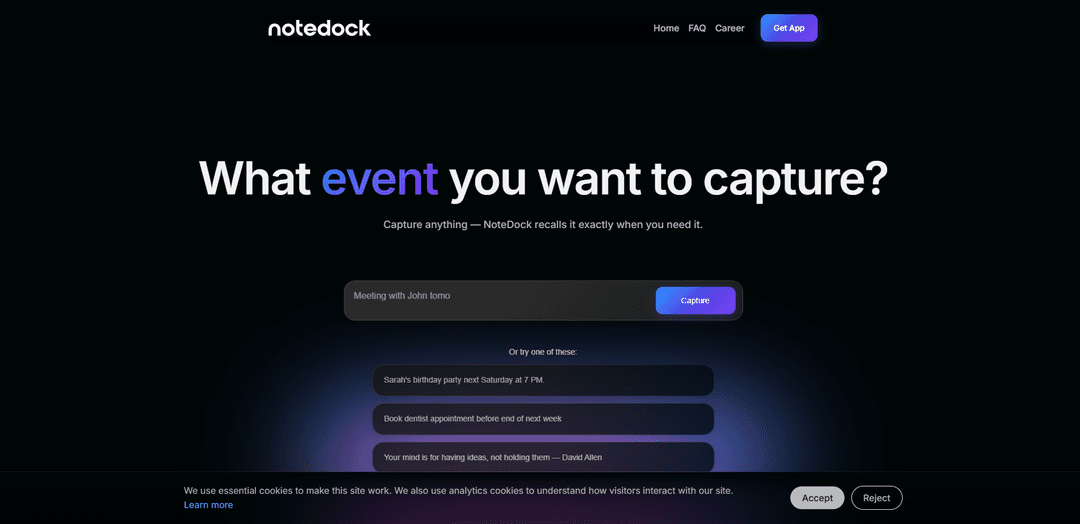
NoteDock is an AI-powered note-taking and personal knowledge management app that automatically captures, organizes, and resurfaces your notes, tasks, and information exactly when you need them.
https://notedock.ai/?ref=producthunt
Product Information
Updated:Mar 8, 2026
What is NoteDock
NoteDock is a modern note-taking application that combines the power of AI with seamless capture capabilities to help users manage their personal and professional knowledge. Unlike traditional note apps that just store information, NoteDock acts as an intelligent digital memory assistant that not only captures notes, tasks, voice memos, links, and screenshots, but also understands context and connections between different pieces of information. The app is designed to reduce cognitive load by handling the organization automatically while surfacing relevant information at the right time.
Key Features of NoteDock
NoteDock is an AI-powered note-taking and knowledge management tool that combines CLI and GUI interfaces, allowing users to capture various types of content (notes, tasks, voice memos, screenshots) while using AI to automatically organize, tag, and surface relevant information when needed. It features real-time collaboration, advanced search capabilities, and smart reminders, making it particularly useful for teams and individuals who need to manage and retrieve information efficiently.
AI-Powered Organization: Automatically organizes and tags content without manual intervention, using AI to add context and group related information together
Smart Search and Recall: Natural language search capabilities that can find and summarize notes, with context-aware surfacing of relevant information
Real-time Collaboration: Enables multiple users to work simultaneously with live cursor tracking and inline comments for team communication
Multi-format Content Capture: Supports various content types including notes, tasks, voice memos, links, and screenshots with fast capture capabilities
Use Cases of NoteDock
Team Knowledge Management: Helps teams maintain a virtual library of shared knowledge, particularly useful for onboarding new employees and preserving institutional knowledge
Project Collaboration: Enables teams to organize and track project-related information, with separate workspaces for different projects and teams
Personal Knowledge Base: Serves as a personal memory tool for capturing and retrieving information like travel plans, gift ideas, and article collections
Pros
No manual organization required - AI handles categorization
Flexible integration with existing tools and calendars
Strong search and retrieval capabilities
Cons
AI features limited in free version
May require subscription for full functionality
Learning curve for advanced features like SQL-like search
How to Use NoteDock
Download and Install: Download NoteDock from the App Store and install it on your device. The app is currently available exclusively on iOS.
Initial Setup: Create an account and start your free trial to access all features including AI capabilities. No special configuration needed.
Capture Information: Start capturing information in any format - type notes, save screenshots, record voice memos, add links, or take photos. The app accepts unstructured inputs without requiring organization.
Let AI Organize: The AI automatically processes your inputs by adding context, tags, and grouping related items together. No manual organization required.
Set Up Integrations: Connect NoteDock with your calendar and other tools to enable automatic event creation and task syncing across platforms.
Use Natural Language Search: Find information by asking questions in natural language. The AI will surface relevant notes and provide summaries.
Interact with AI Assistant: Use the AI to expand on notes, brainstorm ideas, create plans, or get clarification on any saved information.
Review Smart Reminders: The app will automatically surface relevant information when you need it, like saved restaurants when planning trips or gift ideas during birthdays.
NoteDock FAQs
NoteDock is an AI-powered note-taking app that helps capture, organize and recall various types of content including notes, tasks, events, voice memos, links, and screenshots. It uses AI to automatically organize content and surface relevant information when needed.
Popular Articles

Atoms: A Multi-Agent AI Platform That Transforms Ideas into Launch-Ready Products
May 22, 2026

Nano Banana SBTI: What It Is, How It Works, and How to Use It in 2026
Apr 15, 2026

Atoms Review — The AI Product Builder Redefining Digital Creation in 2026
Apr 10, 2026

Kilo Claw: How to Deploy and Use a True "Do‑It‑For‑You" AI Agent(2026 Update)
Apr 3, 2026
Latest AI Tools Similar to NoteDock

Parcae
Parcae is a mind mapping mobile application that helps users organize thoughts and ideas into structured visual maps with intuitive gesture-based controls and automatic saving features.
想读 (WantRead)
想读(WantRead) is an AI-powered reading and note-taking platform that helps users easily import, read, annotate and build their personal knowledge base.

Hiring Studio by Metaview
Hiring Studio by Metaview is a free AI-powered tool that helps recruiting teams generate customized interview questions with follow-up suggestions and detailed answer rubrics.

AI Journaler
AI Journaler is a free Windows PC app that combines traditional journaling with AI-powered analysis and conversation capabilities to enhance emotional well-being and self-reflection.
Popular AI Tools Like NoteDock
Lore
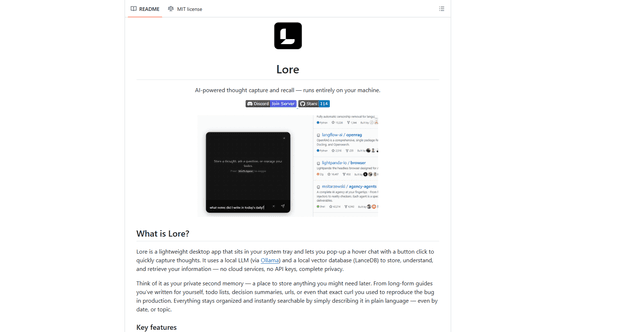
Lore is an AI-powered desktop application that enables quick thought capture and intelligent recall through a local LLM system, allowing users to store and retrieve information privately without cloud services.

Second Brain for AI
Second Brain for AI is a self-hosted, MCP-compatible persistent memory layer on Cloudflare that lets Claude, ChatGPT, Cursor, and other AI clients store and semantically recall shared context across sessions.
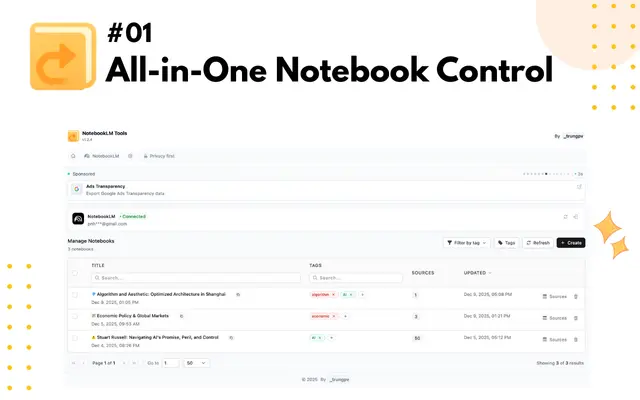
NotebookLM Tools Chrome Extension
NotebookLM Tools is a comprehensive Chrome extension that enhances Google's NotebookLM with advanced notebook management, multi-language support, bulk operations, and seamless source importing capabilities.
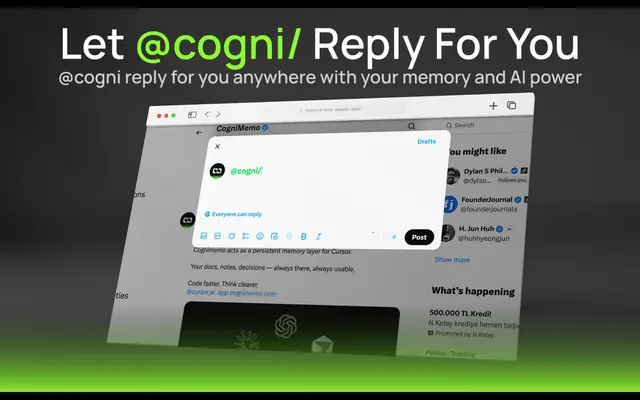
CogniMemo Extension
CogniMemo is a browser extension that adds long-term memory capabilities to AI tools like ChatGPT, Claude, Gemini, and DeepSeek by enabling context-aware conversations and knowledge management through saved notes and past chats.