
Nitrosend
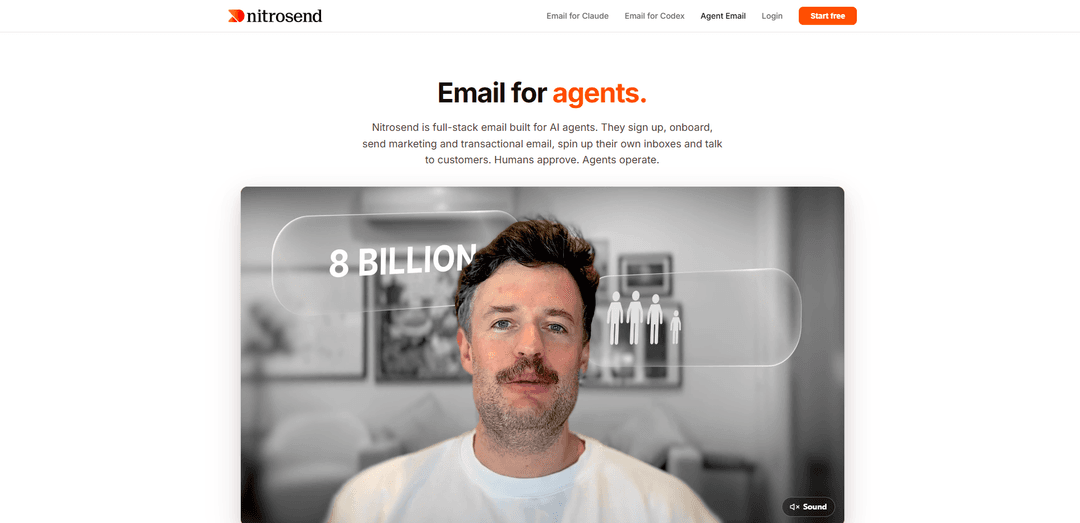
Nitrosend is an AI-native, full‑stack email platform that lets agents like Claude, ChatGPT, Codex, Cursor, and other MCP-compatible tools create, automate, and operate marketing + transactional email with human approval gates.
https://nitrosend.com/email-for-agents?ref=producthunt
Product Information
Updated:Aug 8, 2026
What is Nitrosend
Nitrosend is a full-stack email automation platform built specifically for AI agents rather than human-operated dashboards. Instead of switching between an ESP UI and your AI assistant, you stay inside tools like Claude, ChatGPT, Codex, Cursor, or any MCP-compatible agent and instruct the agent in plain language to create newsletters, campaigns, and multi-step automation flows, manage contacts and segmentation, and handle transactional email. It supports on-brand output via Brand Settings and AI Memory, and positions itself as “email inside your agent” with governance through optional human approval gates.
Key Features of Nitrosend
Nitrosend is an AI-native, full-stack email platform designed to be operated from inside AI agents (Claude, ChatGPT, Codex, Cursor, Gemini, and other MCP-compatible clients) rather than a traditional dashboard. It combines transactional sending (via REST API/TypeScript SDK), marketing campaigns and automated flows (via MCP tools), contact management/segmentation, templates/brand kits, and analytics—wrapped with human approval gates for safe sending. It supports multi-brand setups with separate domains and brand context, provides deliverability tooling like domain authentication, and can also power agent inboxes so agents can send, receive, search, reply, and escalate conversations while coexisting with existing providers like Gmail/Outlook.
MCP-first control from your AI tools: Connect Nitrosend to Claude/Codex/Cursor/ChatGPT via MCP so your agent can manage campaigns, flows, contacts, templates, analytics, approvals, and deliverability without leaving the coding/chat environment.
Full-stack email: transactional + marketing in one platform: Send receipts, OTPs, password resets, and notifications via REST/SDK while also building newsletters and automated lifecycle flows (welcome, onboarding, win-back, branching sequences) from prompts.
Human approval gates & safe sending controls: Insert approval checkpoints exactly where you want them so agents can draft, test, and prepare sends while humans review before anything goes out.
Multi-brand Brand Kits and context separation: Maintain separate brand kits, domains, campaigns, and audience context per brand—useful for agencies and teams managing multiple products/clients; OAuth agents can switch brand context.
Developer-first APIs, SDK, and webhooks: TypeScript-first SDK (npm @nitrosend/sdk), REST endpoints for transactional sends, and real-time webhooks for delivery events like opens, clicks, bounces, and more.
Agent inboxes on your own domain (beta): Create real inboxes for agents (e.g., [email protected]) to send/receive/reply/search threads over MCP, with smart forwarding/escalation and coexistence with Gmail/Outlook/Zoho.
Use Cases of Nitrosend
SaaS lifecycle automation (onboarding, activation, retention): A product team prompts Nitrosend to generate a multi-step onboarding flow, then uses transactional API sends for password resets/OTPs and marketing automations for feature education and win-back sequences.
Agency multi-client email operations: An agency manages multiple client brands with separate Brand Kits/domains, uses the agent to produce on-brand newsletters and flows quickly, and routes approvals to client stakeholders before sending.
E-commerce transactional + post-purchase journeys: Send order confirmations and receipts via API, then run automated post-purchase flows (shipping updates, review requests, replenishment reminders) driven by segments/tags and performance analytics.
Support and customer comms with agent inboxes: A support team lets an AI agent triage inbound emails at night, draft replies, forward complex issues to humans, and keep all threads searchable while still delivering mail to the existing mailbox provider.
AI-builder workflows inside code editors: Vibe coders and dev teams working in Codex/Cursor wire the SDK into app code for transactional messages while using MCP to create templates, run tests, and review deliverability—without building a separate email UI.
Outbound and growth experiments (coming/under development): Teams planning agent-led outreach and goal-based marketing can use Nitrosend’s roadmap features to research prospects, personalize sequences, handle replies, and optimize based on real performance feedback.
Pros
AI-agent native operation via MCP: run campaigns/flows/contacts/analytics where you already work (Claude, Codex, Cursor, etc.)
Combines transactional API/SDK and marketing automation in one system, reducing tool sprawl
Human approval gates and escalation/forwarding patterns help mitigate risks of autonomous sending
Multi-brand separation with Brand Kits/domains suits agencies and multi-product teams; unlimited contacts with no per-contact pricing (per provided sources)
Cons
Some capabilities are beta or not yet fully shipped (e.g., Agent Inboxes beta by request; outreach/goal-based marketing listed as coming soon/in development)
MCP-based workflows may require setup and familiarity with agent tooling compared to traditional dashboards
Deliverability and pricing/limits depend on plan and should be verified for current terms (sources note free tier and volume-based upgrades)
How to Use Nitrosend
1) Create a Nitrosend account: Go to https://nitrosend.com and create an account (or log in at https://app.nitrosend.com/login). This is the account your AI agent will authenticate to via OAuth when using MCP.
2) Connect Nitrosend to your AI tool via MCP (Claude): In a Claude-compatible MCP client, add the Nitrosend MCP endpoint: `$claude mcp add --transport http nitrosend https://api.nitrosend.com/mcp`.
3) Connect Nitrosend to your AI tool via MCP (Codex): In Codex, add the Nitrosend MCP endpoint: `$codex mcp add nitrosend --url https://api.nitrosend.com/mcp`.
4) Authenticate (OAuth sign-in): On first use, your AI client typically opens a Nitrosend sign-in window. Log in with the account from Step 1. If you’re in a terminal client and no prompt appears, open the client’s MCP manager and complete OAuth there.
5) Onboard Nitrosend using the built-in Skill guide: In your AI tool, prompt: "Read nitrosend.com/SKILL.md and onboard yourself. Create the account, connect our domain and send me a test." This is the recommended guided path from signup to first send.
6) Set up Brand Settings and AI Memory (so emails stay on-brand): Configure your Brand Settings and AI Memory so Nitrosend learns your tone, audience, and goals and applies that context to every campaign, flow, and template it creates.
7) Create your first automated flow from a prompt: Ask your agent to build an automation flow in plain language (example): "Create a welcome flow for new signups: welcome email immediately, a value-add email after 2 days, and a conversion email after 5 days." Nitrosend can assemble the flow structure and emails, with approval gates before sending.
8) Create and send a newsletter campaign from your AI tool: Prompt your agent to create and send a campaign to a list/segment (example): "Send my March newsletter to all subscribers." Nitrosend supports campaigns with scheduling or immediate send, and can generate/edit responsive email markup.
9) Manage contacts, lists, tags, and segments via the agent: Use your AI tool to organize contacts into lists, apply tags, and create rule-based segments that update automatically as contacts change. You can also bulk import contacts from CSV with duplicate detection.
10) Use transactional email via REST API or SDK (recommended for app sends): For transactional emails (e.g., password reset, receipts), integrate via Nitrosend’s REST API or typed Node SDK from your application code rather than relying on one-off chat sends. This keeps transactional sending programmatic and reliable.
11) (Optional) Bring your own sending provider credentials: On paid plans (Pro/Ultra/Enterprise), you can BYO credentials for providers like SendGrid, Amazon SES, Mailgun, Postmark, or Resend. Nitrosend handles the platform layer (templates, flows, logs, AI, MCP) while your provider handles SMTP—avoiding double-paying and domain reputation resets.
12) Review performance analytics and iterate with your agent: Ask your agent to pull and interpret email performance analytics and feed learnings back into your messaging and flows. Nitrosend is designed to keep improving as it learns from each send.
13) (Optional) Use Agent Email features (inboxes on your domain): If enabled (beta by request), set up agent inboxes on your own domain (e.g., [email protected]). Agents can read, search, reply, and triage inbound messages over MCP, and forward/escalate to humans with approval gates where you choose.
Nitrosend FAQs
Nitrosend is a full-stack email platform built for AI agents. It supports transactional email, marketing campaigns/newsletters, and automated flows, designed to be operated from tools like Claude, ChatGPT, Codex, and Cursor with human approval gates.
Nitrosend Video
Popular Articles

Vosko AI: Localize and Dub Videos for Global Audiences
Oct 15, 2026

Atoms: A Multi-Agent AI Platform That Transforms Ideas into Launch-Ready Products
Oct 13, 2026

Nano Banana SBTI: What It Is, How It Works, and How to Use It in 2026
Apr 15, 2026

Atoms Review — The AI Product Builder Redefining Digital Creation in 2026
Apr 10, 2026
Latest AI Tools Similar to Nitrosend
10xBeast
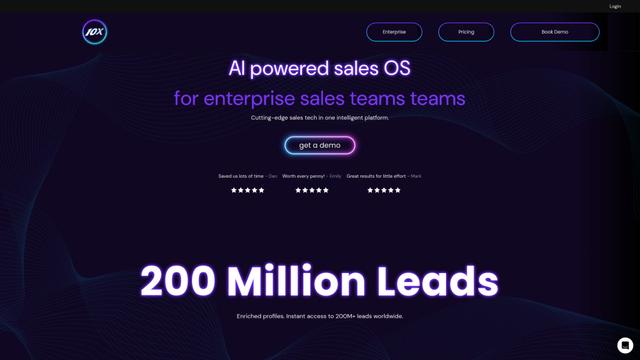
10xBeast is an AI-powered sales platform that helps businesses automate and personalize cold email outreach to convert leads into customers in just a few clicks.
Inbox AI
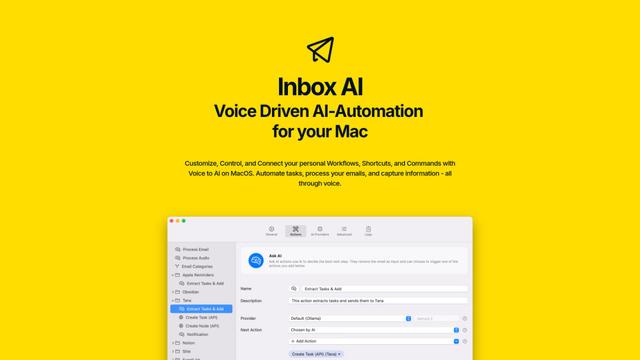
Inbox AI is a privacy-focused MacOS productivity app that combines voice-driven AI automation with email management capabilities, allowing users to create custom workflows and commands while offering both cloud-based and on-device AI options.

MailSense
MailSense is an AI-powered email assistant that filters, summarizes, and generates replies to emails through a Telegram bot interface to help users manage their inbox more efficiently.
Voltmailer
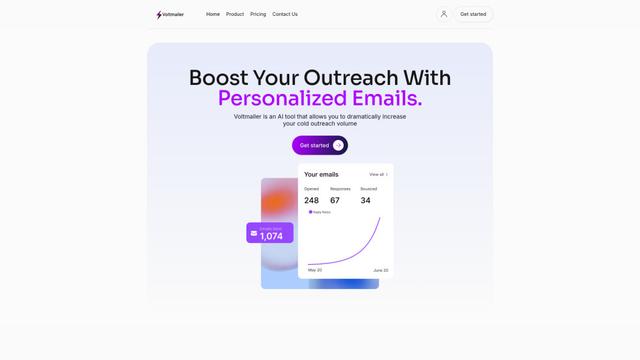
Voltmailer is an AI-powered email automation tool that helps businesses scale their cold outreach by generating personalized emails through website data scraping and automated personalization.
Popular AI Tools Like Nitrosend
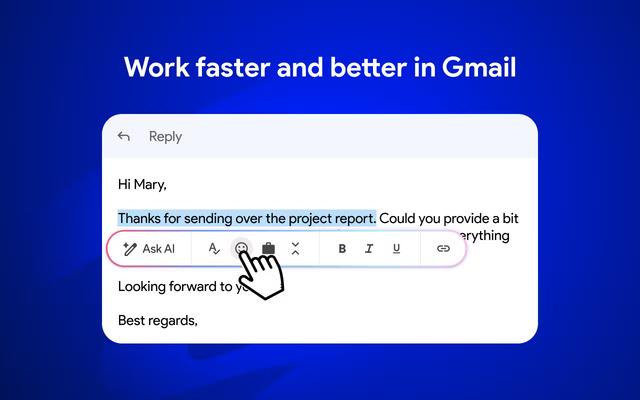
Mailmeteor AI for Gmail
Mailmeteor is a powerful Gmail extension that combines AI email writing, mail merge, automated follow-ups, and email export capabilities to enhance productivity and email management within Gmail.
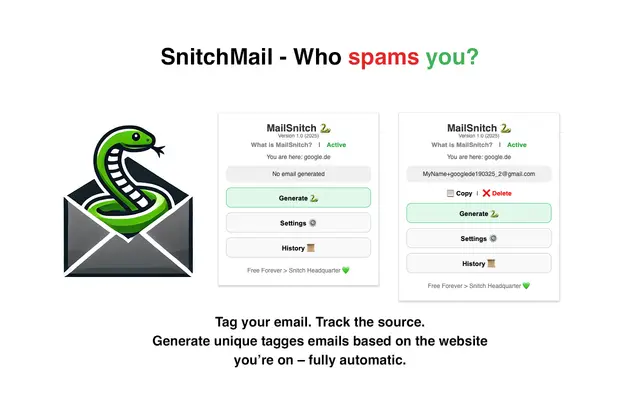
MailSnitch
MailSnitch is a free email tracking and anti-spam Chrome extension that helps users identify spam sources through automated email tagging and tracking system.
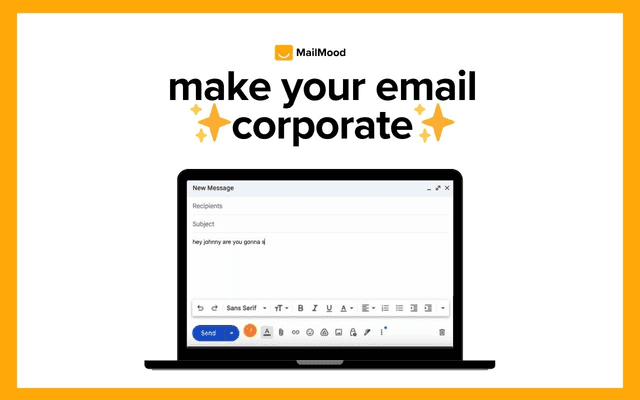
MailMood - AI Email Rewriter
MailMood is a Chrome extension that instantly transforms Gmail messages into professional, clean, and confident business language with three different tone options - corporate, casual, or assertive - all with just one click.
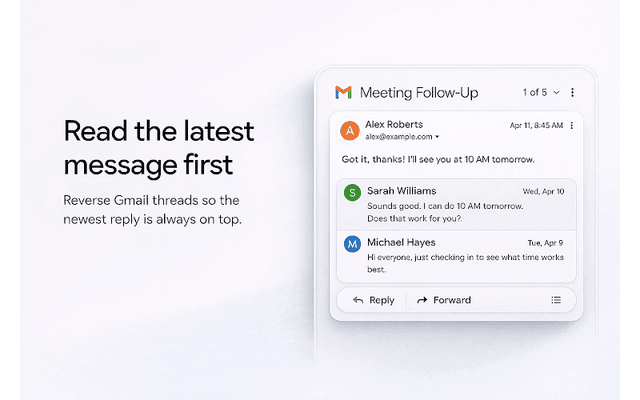
Apparent for Gmail
Apparent for Gmail is a Chrome extension that enhances Gmail's readability and usability by reorganizing conversations, simplifying layouts, and streamlining workflows while maintaining privacy and security.