
Manex
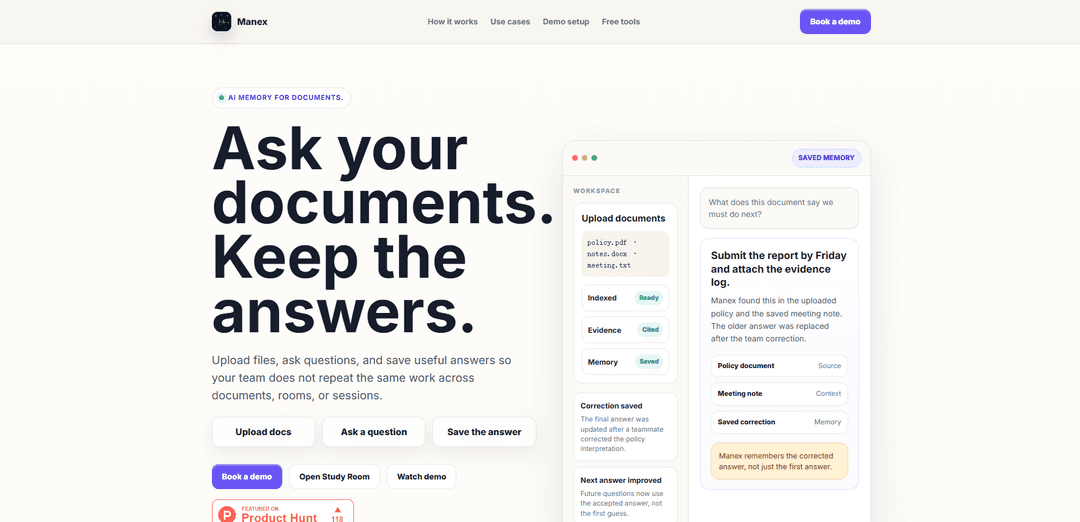
Manex is a private, local-first answer memory for document-heavy teams that delivers source-backed answers, preserves corrections and decisions with attribution, and encrypts shared team memory snapshots.
https://manex.app/?ref=producthunt
Product Information
Updated:May 19, 2026
What is Manex
Manex is a private AI knowledge base designed to stop teams from repeatedly re-answering the same questions buried across policies, reports, and internal documents. Instead of acting like a one-off chatbot, it turns grounded answers, human corrections, and team decisions into reusable memory that can be referenced later with evidence and contributor attribution. Built to respect data boundaries, Manex is local-first by default and supports encrypted sharing when teams need a shared workspace (a “Team Brain”).
Key Features of Manex
Manex is a private, local-first AI knowledge base and “answer memory” for document-heavy teams. It ingests selected documents (via uploads or user-approved imports from Google Drive/OneDrive), answers questions with source-backed evidence (including retrieved chunks/embeddings), and lets teams save corrected answers and decisions as reusable memory with contributor attribution. It also supports handling stale/outdated guidance via overrides (“tombstones”), and can share derived team memory through encrypted snapshots without redistributing original documents.
Grounded, source-backed answers: Answers are generated from indexed documents plus saved memory/corrections and include evidence (e.g., relevant chunks) rather than “blank chat” guessing.
Corrected-answer memory with attribution: When a teammate fixes an interpretation, Manex can preserve that correction as reusable memory and credit the contributor (e.g., policy updated to a 24-hour incident reporting window).
Stale decision handling (overrides/tombstones): Outdated policies or interpretations can be superseded so future answers don’t keep resurfacing old guidance (e.g., replacing an older 72-hour draft with the updated policy).
Local-first privacy controls: Workspaces can keep private documents and context local by default, reducing unnecessary sharing of sensitive material.
Encrypted shared team memory snapshots: Teams can sync derived memory (corrections, chunks, embeddings) via encrypted snapshots, enabling reuse without casually sharing every original document.
Agentic file connectors with user-approved import: Search connected storage by intent (not folder paths), review suggested files, and import only selected documents from Google Drive or OneDrive.
Use Cases of Manex
Compliance & policy interpretation: Maintain consistent, auditable interpretations of policies (e.g., vendor incident reporting timelines) with citations and preserved corrections.
Incident response and client reporting: Quickly retrieve the current reporting requirements and checklists, and ensure teams reuse the latest approved guidance rather than outdated drafts.
Consulting/agency delivery handoffs: Preserve client decisions, scope changes, and “source of truth” answers so new team members don’t repeat research or miss prior context.
Research knowledge management: Store document-grounded interpretations and corrections over time, keeping evolving project logic consistent across sessions and contributors.
Operations runbooks and recurring exceptions: Capture procedures and edge-case decisions as reusable memory, reducing repeated troubleshooting and ensuring consistent execution.
Pros
Privacy-oriented design (local-first by default) suited for sensitive, document-heavy work
Evidence-backed answers with saved corrections reduce repeated mistakes and rework
Encrypted sharing of derived memory enables team reuse without distributing original documents
Cons
Requires deliberate setup/curation (selecting documents, saving corrections) to realize full value
Connector access may be constrained by organizational permissions (e.g., Microsoft 365 admin approval)
Browser-first/local-first approach may limit capabilities depending on device/runtime support for on-device processing
How to Use Manex
1) Start a workspace: Open Manex in the browser and create an individual workspace (local-first by default).
2) Bring documents in (upload or connect storage): Add documents by uploading files directly, or connect Google Drive / OneDrive as a source for finding files to import.
3) Use the connector to find files by intent (not folders): Ask Manex for what you need (e.g., “Find the vendor incident reporting policy and the right checklist”). Manex searches file names and indexed file text using read-only access.
4) Review candidate files and approve exact imports: Manex will show likely matching files from connected storage. Select only the specific files you want ingested; connected sources are not bulk-crawled.
5) Import and index the approved files: After approval, Manex imports only the selected files, indexes them, and prepares them for grounded Q&A.
6) Ask grounded questions: Ask questions in the workspace. Manex answers using documents, saved memory, chunks, and corrections it can cite—prioritizing evidence over guessing.
7) Inspect answer evidence and attribution: Open the evidence view to see which document chunks and/or saved memories supported the answer, including contributor attribution when a teammate provided a correction or context.
8) Save corrected answers as reusable memory: When an answer needs refinement (e.g., a policy update), save the corrected answer so it becomes durable team knowledge instead of disappearing in chat history.
9) Handle stale or superseded context: When an older policy or decision is replaced, record the updated decision/correction so future answers follow the new guidance rather than the outdated draft.
10) Create a shared Team Brain (optional for teams): When you need shared memory, the workspace owner creates a Team Brain and invites teammates using an invite code.
11) Share memory safely (without casually sharing originals): Use Team Brain to share derived memory (answers, corrections, chunks, embeddings) while avoiding redistribution of original documents; shared snapshots are encrypted at the app layer before storage/sync and transported over HTTPS.
12) Reuse preserved answers to avoid rework: For recurring questions (policies, checklists, thresholds, procedures), rely on the saved, source-backed answers and corrections so new team members don’t repeat prior research.
Manex FAQs
Manex is a private answer-memory workspace for document-heavy teams that turns private documents, grounded answers, corrections, and team decisions into reusable memory, so teams don’t have to re-answer the same questions.
Popular Articles

Atoms: A Multi-Agent AI Platform That Transforms Ideas into Launch-Ready Products
May 22, 2026

Nano Banana SBTI: What It Is, How It Works, and How to Use It in 2026
Apr 15, 2026

Atoms Review — The AI Product Builder Redefining Digital Creation in 2026
Apr 10, 2026

Kilo Claw: How to Deploy and Use a True "Do‑It‑For‑You" AI Agent(2026 Update)
Apr 3, 2026
Latest AI Tools Similar to Manex
Snapmark
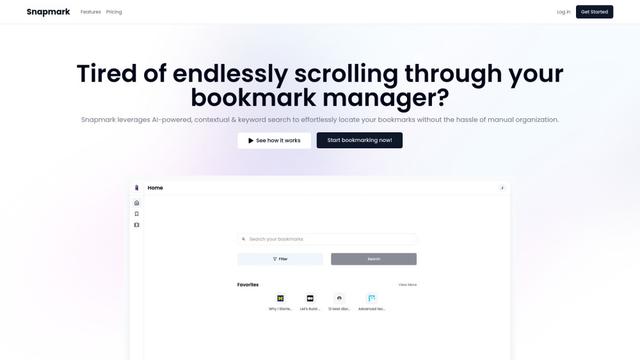
Snapmark is an AI-powered search engine for bookmarks that allows users to save, search, and organize websites, images, and text without manual tagging or categorization.
Uměl.cz
Uměl.cz is a Czech AI-powered search engine that provides intelligent and contextual answers to user queries.
想读 (WantRead)
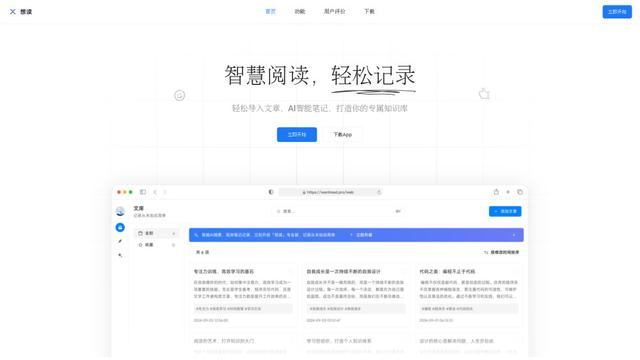
想读(WantRead) is an AI-powered reading and note-taking platform that helps users easily import, read, annotate and build their personal knowledge base.

PodExtra AI
PodExtra AI is an advanced AI-powered podcast tool that transforms podcast content into digestible formats through transcripts, summaries, mind maps, outlines, highlights and takeaways.
Popular AI Tools Like Manex

Rememberall
Rememberall is a secure, open-source long-term memory solution that enables AI applications and GPT models to maintain persistent memory across conversations through semantic search and vector storage capabilities.
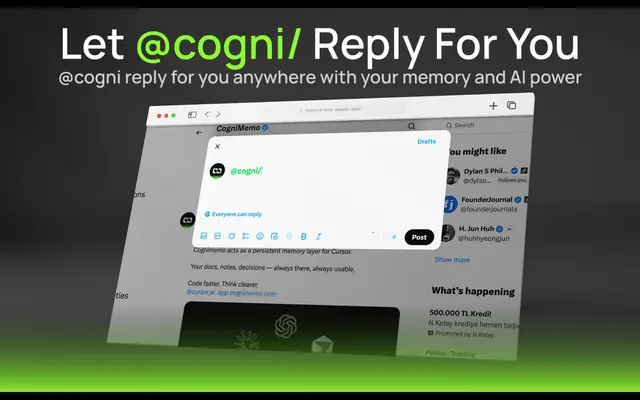
CogniMemo Extension
CogniMemo is a browser extension that adds long-term memory capabilities to AI tools like ChatGPT, Claude, Gemini, and DeepSeek by enabling context-aware conversations and knowledge management through saved notes and past chats.
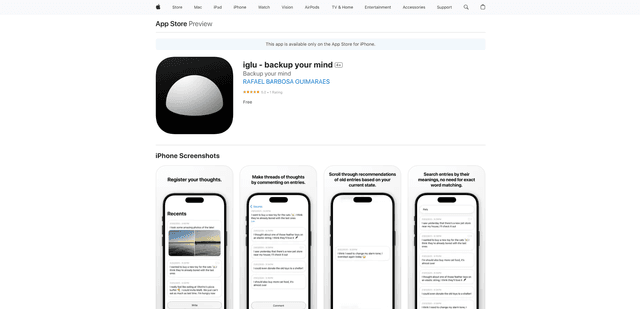
iglu
Iglu is a private, AI-powered micro-journaling app that helps users record, organize, and revisit their thoughts, memories, and ideas through text and media entries with intelligent search and recommendation features.
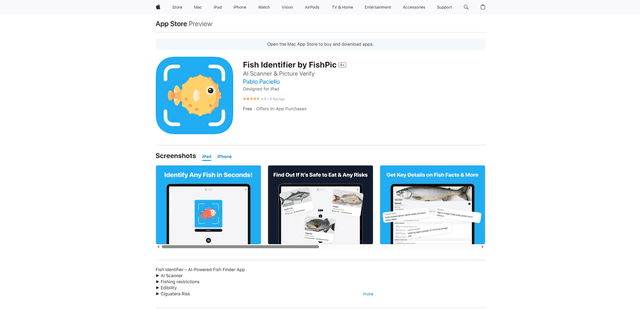
FishPic
FishPic is an AI-powered fish identification app that instantly recognizes fish species from photos while providing comprehensive information about edibility, regulations, and recipes.