
Lunagraph
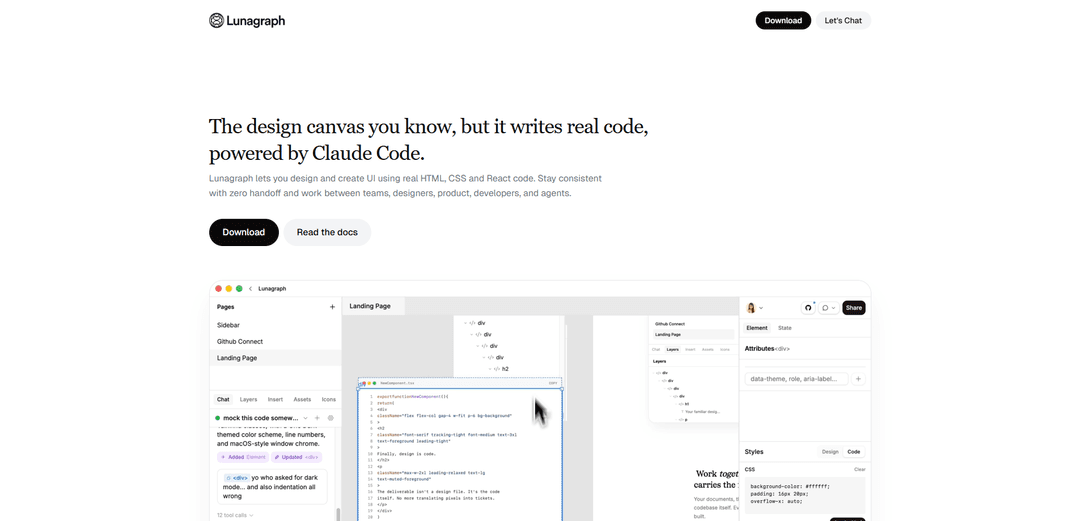
Lunagraph is an AI-powered design canvas that lets designers create UI components using real HTML, CSS, and React code, eliminating the traditional design-to-development handoff.
https://lunagraph.com/?ref=producthunt
Product Information
Updated:Apr 15, 2026
What is Lunagraph
Lunagraph is a revolutionary design platform that bridges the gap between design and development by allowing designers to work directly with production code. Unlike traditional design tools that create static mockups requiring translation into code, Lunagraph enables designers to craft user interfaces using real HTML, CSS, and React components while maintaining the familiar visual design experience. Powered by Claude Code AI, the platform serves as both a design canvas and a development environment, where the deliverable isn't a design file but the actual code that ships to production. This approach eliminates the common friction points of handoffs between designers and developers, ensuring pixel-perfect consistency and enabling true collaboration between design, product, and engineering teams.
Key Features of Lunagraph
Lunagraph is a design canvas platform that bridges the gap between design and development by allowing users to create UI designs that automatically generate real HTML, CSS, and React code. Powered by Claude Code AI, it enables designers and developers to work directly with the code itself rather than design abstractions, eliminating traditional handoff processes. The platform integrates design, coding, and AI assistance in one workspace, allowing users to design on canvas, implement directly into their codebase, and preview results in real-time through live iframes.
Design-to-Code Canvas: A familiar design canvas interface that directly generates production-ready HTML, CSS, and React code as you design, making the code itself the final deliverable rather than design files.
Claude Code AI Integration: AI-powered assistant that understands your entire project context including documents, canvas designs, moodboards, and codebase, helping with component refactoring, implementation, and design decisions.
Local Codebase Integration: Direct connection to your GitHub repository allowing the AI to read and write files, create components, and wire up designs directly into your project structure (e.g., src/components/).
Live Preview & Comparison: Real-time iframe preview of your localhost development server, enabling you to see implemented changes instantly and compare screenshots between design and actual output.
Zero Handoff Workflow: Eliminates the translation gap between designers and developers by allowing the same person or team to work from design through to final code implementation without context switching.
AI File Access Control: Granular control over which project folders and paths the AI can access for reading and writing files, ensuring secure and controlled automation.
Use Cases of Lunagraph
Solo Designer-Developer Workflow: Individual designers who code can craft pixel-perfect UI designs and immediately ship them as production code without needing to recreate designs in a separate development phase.
Rapid Prototyping & Iteration: Product teams can quickly design and implement UI components, preview them in real applications, and iterate based on actual rendered results rather than static mockups.
Component Library Creation: Design systems teams can build and maintain consistent component libraries by designing components visually while ensuring the underlying code structure remains clean and reusable.
Design System Implementation: Organizations can implement design systems with color palettes, typography, and component patterns directly into their codebase while maintaining visual design control.
AI-Assisted Refactoring: Development teams can use the AI to break down complex components into smaller pieces, improve code structure, and add features like collapse toggles while maintaining design integrity.
Cross-Functional Collaboration: Teams of designers, product managers, and developers can work together in a shared environment where design decisions are immediately reflected in real code that everyone can review.
Pros
Eliminates design-to-development handoff friction and translation errors by making design and code the same artifact
AI assistant has full context of both design canvas and codebase, enabling intelligent implementation suggestions
Real-time preview capabilities allow immediate validation of designs in actual application environment
Direct repository integration streamlines workflow from design to production deployment
Cons
Requires designers to have some understanding of code concepts and React component structure
Currently limited to HTML, CSS, and React stack, which may not suit all technology environments
In public beta stage, suggesting the product may still have stability or feature limitations
Dependency on AI (Claude Code) means functionality relies on external AI service availability and quality
How to Use Lunagraph
1. Set up your workspace: Download and install Lunagraph Desktop. Connect your GitHub repository to enable direct code integration with your codebase.
2. Design on the canvas: Use the familiar design canvas interface to create UI components. Access the Layers panel, Insert tools, Assets, and Icons to build your design visually.
3. Work with Claude Code AI assistant: Use the Chat panel to interact with Claude Code, which has access to your canvas, documents, moodboards, and codebase. Ask it to help refactor components, add features, or implement designs.
4. Generate real code from designs: Your designs are automatically converted to real HTML, CSS, and React code (e.g., NewComponent.tsx). The deliverable is actual code, not just design files.
5. Implement directly into your repository: Use AI commands to wire up designs to your local repo. For example, ask Claude to 'Wire up the pricing card designs to my repo. Put them in src/components/pricing/'. The AI will read and edit files directly in your codebase.
6. Preview and compare: View your implementation in a live iframe preview (e.g., localhost:3000). Take screenshots of both the canvas design and live preview to compare and ensure accuracy.
7. Configure AI file access: Set up AI File Access by choosing folders (e.g., /Users/anya/code/lunagraph) to let the AI read and write files outside your main project directory.
8. Iterate with AI assistance: Continue refining your designs by asking Claude Code to make adjustments, such as 'add a collapse toggle to the sidebar' or 'update the feature comparison table'. Review and approve or reject changes as needed.
9. Ship your code: Since your designs are already real code, you can ship directly without handoff. The code you crafted on the canvas is what goes into production, maintaining zero handoff between design and development.
Lunagraph FAQs
Lunagraph is a design canvas platform that writes real code, powered by Claude Code. It lets you design and create UI using real HTML, CSS and React code, allowing designers to work directly with the code that ships rather than creating design files that need to be translated by developers.
Lunagraph Video
Popular Articles

Atoms: A Multi-Agent AI Platform That Transforms Ideas into Launch-Ready Products
May 22, 2026

Nano Banana SBTI: What It Is, How It Works, and How to Use It in 2026
Apr 15, 2026

Atoms Review — The AI Product Builder Redefining Digital Creation in 2026
Apr 10, 2026

Kilo Claw: How to Deploy and Use a True "Do‑It‑For‑You" AI Agent(2026 Update)
Apr 3, 2026
Latest AI Tools Similar to Lunagraph
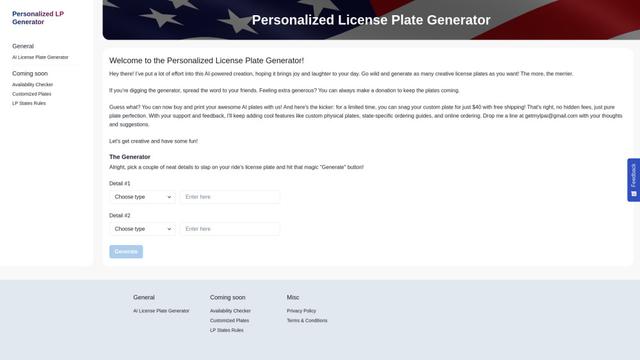
Personalized License Plate Generator
An AI-powered tool that generates unique and personalized license plate designs based on user input.
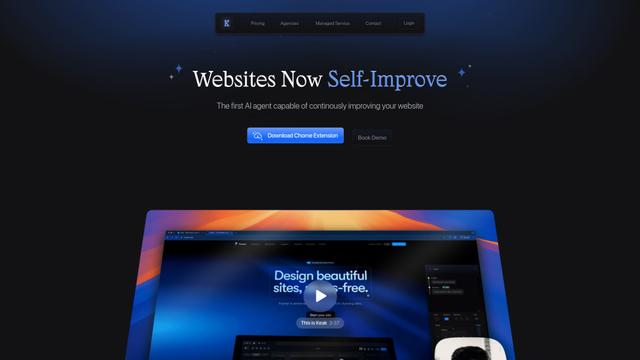
Keak
Keak is an AI-powered A/B testing tool that automatically generates website variations, launches tests, and optimizes conversions.
Makeasite
Makeasite is an innovative website builder that allows users to create and share websites quickly using just prompts.

Adviseful
Adviseful is an AI-powered tool that accelerates web and mobile app planning for IT consultancies and digital agencies, turning ideas into qualified leads in minutes.
Popular AI Tools Like Lunagraph

GPT Engineer
GPT Engineer is an AI-powered software development tool that enables anyone to build web applications by chatting with an AI engineer.
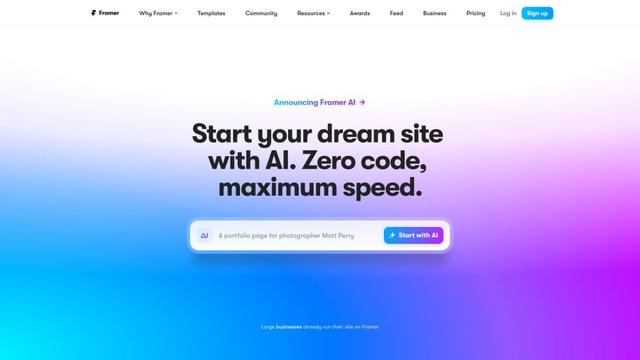
Framer
Framer is a powerful web builder that allows designers to create stunning, responsive websites with an intuitive interface and publish them instantly without coding.
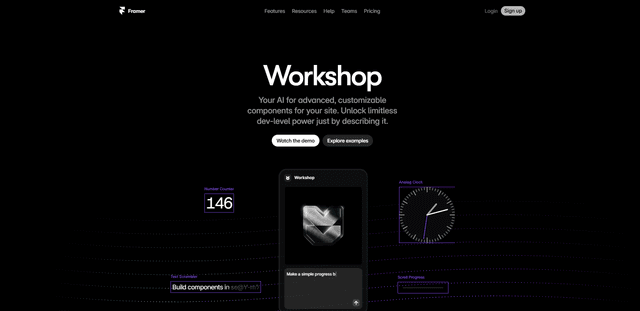
Framer Workshop
Framer Workshop is an AI-powered component generator built into Framer that allows designers and developers to create advanced, customizable website components without writing code through simple conversational prompts.

Wireframer
Wireframer is an AI-powered tool by Framer that quickly generates clean, responsive webpage layouts and wireframes from simple prompts, helping designers create structural blueprints without getting locked into specific visual styles.