
Kalycs
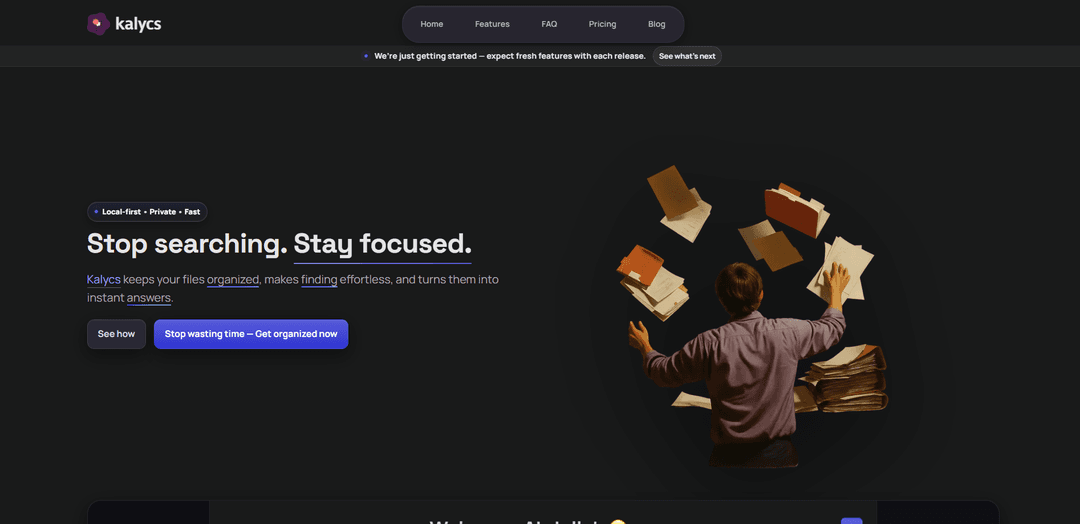
Kalycs is a local-first, private AI-powered file management tool for Mac that organizes files, enables fast semantic search, and provides instant document-based answers.
https://kalycs.com/?ref=producthunt
Product Information
Updated:Dec 8, 2025
What is Kalycs
Kalycs is an innovative file management application designed to solve the common problem of getting lost in files and documents. It's a desktop application for Mac users that combines AI capabilities with local file management to help users better organize and access their digital content. The tool operates entirely on your device, ensuring privacy while leveraging advanced AI features through OpenAI integration for those who choose to use it with their own API key.
Key Features of Kalycs
Kalycs is a Mac application that combines AI-powered file organization, semantic search, and document analysis capabilities. It keeps files organized locally on your device, provides fast file searching that understands meaning beyond keywords, and can generate instant answers from your documents using natural language processing. The app works offline for core features while using OpenAI's API for AI functionalities, with a focus on privacy and local-first approach.
AI-Powered Search & Organization: Uses semantic search and natural language processing to find files based on meaning rather than just keywords, making file discovery more intuitive
Local-First Architecture: Stores and processes files locally on your device without cloud dependency, ensuring privacy and data security while maintaining fast access
Automated File Organization: Automatically watches and organizes files in Downloads folder using customizable rules or AI suggestions
Document Q&A: Allows users to ask questions in plain language about their documents and receive answers with citations from the source materials
Use Cases of Kalycs
Personal Knowledge Management: Individuals can organize and quickly access their personal documents, research materials, and digital files
Professional Document Organization: Professionals can manage large collections of work documents and quickly find specific information when needed
Research and Analysis: Researchers can ask questions about their documents and get instant answers with citations, accelerating the research process
Pros
Privacy-focused with local-first approach
One-time payment instead of subscription
Fast and efficient search capabilities
14-day money-back guarantee
Cons
Requires personal OpenAI API key for AI features
Only available for macOS
Limited to OpenAI GPT models only
How to Use Kalycs
Install Kalycs: Download and install Kalycs on your Mac device (only macOS is supported)
Add OpenAI API Key: Go to Settings and add your OpenAI API key to enable AI features (optional - app works without AI features too)
Quick Access Setup: Learn the keyboard shortcut ⌥⌘K to access Kalycs search from anywhere on your device
Upload Files: Upload your files to Kalycs - they will remain stored locally on your device, not in the cloud
Organize Projects: Create and manage projects to organize your files in a structured way
Use Smart Search: Search for files using natural language - Kalycs understands meaning beyond just keywords
Enable Auto-Organization: Set up rules or use AI suggestions to automatically organize files in your Downloads folder
Ask Questions: Type questions in plain language to get answers from your documents with citations (requires OpenAI API key)
Manage Files: Use the file viewer to browse files, take quick actions, and manage your digital workspace
Kalycs FAQs
Yes. Kalycs includes semantic search, natural-language Q&A, smart summaries, tagging, and auto-organize suggestions.
Kalycs Video
Popular Articles

Atoms: A Multi-Agent AI Platform That Transforms Ideas into Launch-Ready Products
May 22, 2026

Nano Banana SBTI: What It Is, How It Works, and How to Use It in 2026
Apr 15, 2026

Atoms Review — The AI Product Builder Redefining Digital Creation in 2026
Apr 10, 2026

Kilo Claw: How to Deploy and Use a True "Do‑It‑For‑You" AI Agent(2026 Update)
Apr 3, 2026
Latest AI Tools Similar to Kalycs
Sortio
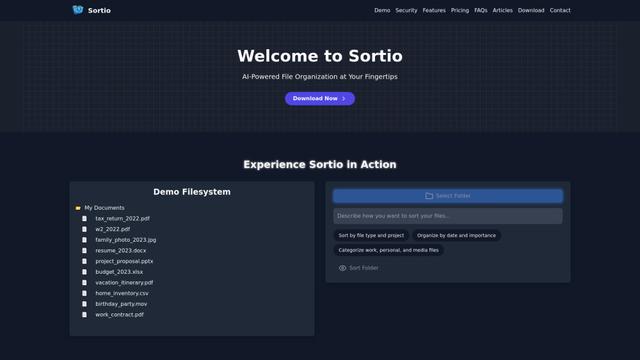
Sortio is an AI-powered desktop application that enables effortless file organization through natural language commands and intelligent sorting capabilities.

elDoc
elDoc is an all-in-one integrated automated platform that combines eSignatures, Document Workflow Automation, Secure File Management, and AI Document Processing capabilities to streamline document management and processing tasks.
RemoteSpace
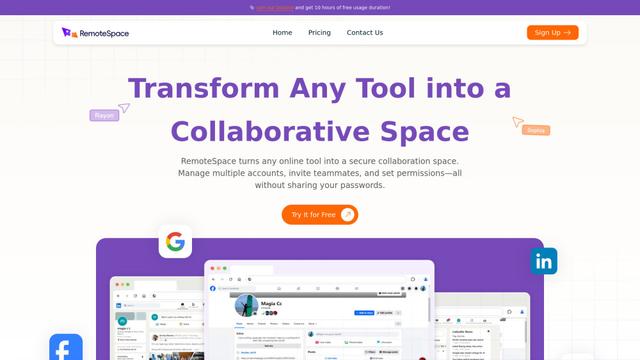
RemoteSpace is a secure collaboration platform that transforms any online tool into a shared workspace, allowing teams to manage multiple accounts, collaborate asynchronously, and maintain security without sharing passwords.

Proxy Booster
Proxy Booster is an all-in-one proxy management platform that helps users boost proxy speed, reduce proxy costs, and enhance security through AI-powered features like Smart-cache and custom proxy rules.
Popular AI Tools Like Kalycs

Claude Folder Upload
A Chrome extension that enables users to upload entire folders to Claude AI while intelligently preserving directory structures and file relationships, with smart filtering capabilities for irrelevant files.

Quill
Quill is a comprehensive clipboard manager that automatically captures and organizes everything you copy across your Apple devices, featuring smart search, quick access, and seamless synchronization capabilities.
Cleana: iPhone Storage Cleaner
FreemiumAI Files Assistant
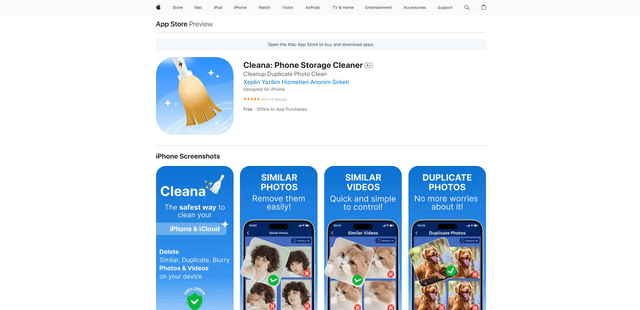
Cleana is an AI-powered iPhone storage cleaner that helps users efficiently identify and remove duplicate photos, similar videos, and unnecessary files while ensuring 100% offline data privacy.
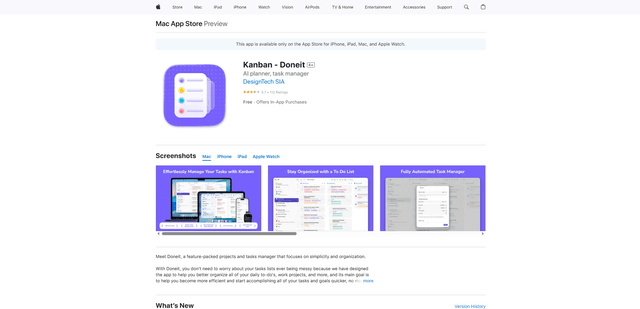
Doneit
Doneit is a feature-packed projects and tasks manager app that focuses on simplicity and organization, offering multiple views like list, grid, Kanban board and timeline to help users better organize all their daily to-do's and work projects.