
Jitera
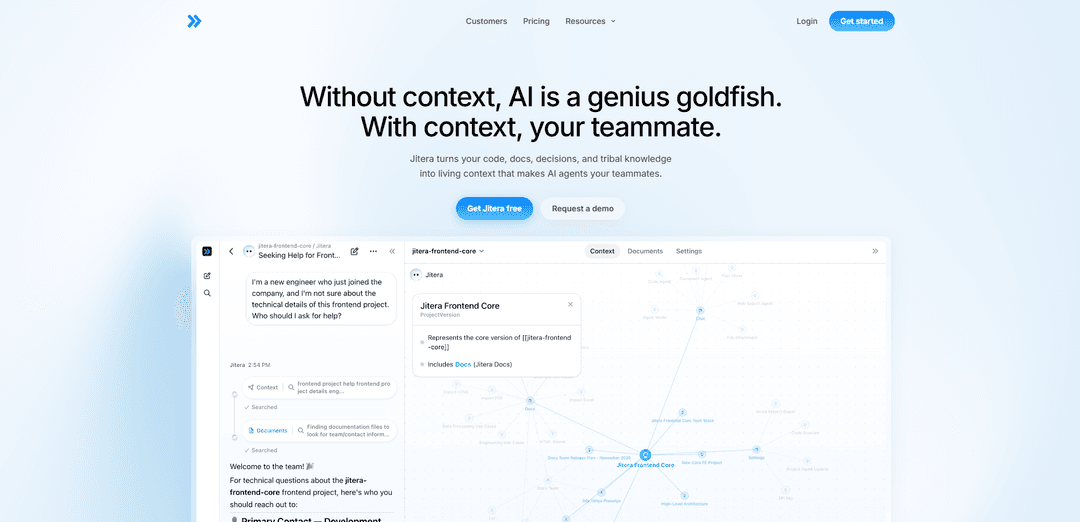
Jitera is an AI workspace and context platform that turns your team’s code, docs, decisions, and tribal knowledge into shared “living context,” enabling customizable AI agents to collaborate, remember, and automate software workflows with less guesswork and “slop.”
https://jitera.com/?ref=producthunt
Product Information
Updated:May 19, 2026
What is Jitera
Jitera is an AI-powered workspace designed to help teams use AI together—rather than as isolated, copy-paste prompting—by centralizing organizational knowledge and making it usable by AI agents. Positioned as a “context platform for AI agents,” Jitera connects the artifacts teams already produce (code, documentation, meeting decisions, and informal know-how) into a shared context graph so agents can work more like real teammates. The product supports collaborative chat and co-editing, custom agents, integrations, and automation features, and is offered in tiered plans from Free to Enterprise, including options like API/MCP server access and enterprise controls.
Key Features of Jitera
Jitera is an AI workspace and context platform that turns an organization’s code, documentation, decisions, and tribal knowledge into “living context,” so AI agents can work like real teammates instead of producing disconnected outputs. It supports team-based collaboration with customizable agents, integrates with common developer and business systems, and focuses on keeping knowledge and documentation continuously up to date—especially valuable for enterprises with complex codebases and stricter security needs.
Living context graph for AI agents: Captures and connects code, docs, decisions, and tribal knowledge so agents can answer and act with shared organizational memory instead of guessing.
Team AI workspace & real-time collaboration: Brings teams into one shared environment to chat with agents, co-edit documents, and keep outputs aligned across members and teams.
Custom agents, automations, and skills: Lets you tailor agents to how your team works—choose models, connect tools, and automate workflows grounded in your organization’s context.
Automatic documentation generation & maintenance: Generates and updates technical documentation from code (including legacy systems), reducing manual effort and improving accuracy over time.
Developer-assistant capabilities via IDE plugins: Provides code suggestions, explanations, unit test generation, and bug-fix assistance (e.g., via the Jitera Eclipse plugin) to accelerate development.
Integrations + API/MCP server for extensibility: Connects with Git repositories, cloud platforms (Azure/AWS), and collaboration tools (Slack/Teams), and offers an API/MCP server (plan-dependent) for deeper integration.
Use Cases of Jitera
Enterprise modernization & legacy code comprehension: Auto-generate and continuously refresh documentation for large/legacy codebases so teams can onboard faster and reduce knowledge loss.
Dev teams: faster coding, testing, and bug fixing: Use IDE assistance for code suggestions, explanations, unit tests, and bug fixes to shorten cycles and improve developer throughput.
Security- and compliance-conscious organizations: Centralize knowledge with enterprise controls (e.g., audit logs, SSO, model access control, IP restriction, residency/self-host options) to manage risk while using AI.
Cross-functional documentation ops (engineering + business): Maintain technical and business documentation in one AI-native workspace, reducing time spent updating specs, runbooks, and internal knowledge bases.
Distributed teams needing shared “source of truth”: Keep globally distributed teams aligned by consolidating AI usage into a shared context and collaboration space rather than isolated prompting.
Pros
Strong focus on shared organizational context/memory, reducing fragmented AI outputs across teams
Automates documentation generation and upkeep, especially useful for complex or legacy codebases
Extensible via integrations and (plan-dependent) API/MCP server; supports custom agents and workflows
Enterprise-oriented security and governance options are available (e.g., SSO, audit logs, access controls)
Cons
Advanced capabilities and governance features are gated behind higher-tier plans (Pro/Max/Enterprise)
Value depends on successful integration and ongoing context ingestion/maintenance across tools and teams
Credit/seat-based pricing may become costly for large organizations with heavy usage
How to Use Jitera
1) Sign up and create your workspace: Go to https://jitera.ai/signup (or the Get started button on jitera.com) and create an account. This creates your AI workspace where your team, agents, and shared context live.
2) Choose a plan and confirm team limits/credits: Start on Free ($0) to try core features (AI chat, custom agents, context memory, real-time collaboration, app integration) with 15 credits, up to 1 team and 3 members. Upgrade to Pro/Max/Enterprise for more models, credits, teams, and governance features.
3) Create (or name) your team space: Inside the workspace, create your team (Free supports 1 team). Use team spaces to keep projects, decisions, and conversations organized so agents can follow the right context.
4) Invite teammates to collaborate: Invite up to 3 members on Free (unlimited on Pro/Max). Jitera is designed for shared AI work: everyone chats in the same thread, co-edits documents, and stays aligned.
5) Start a shared chat thread with agents: Open a team thread and begin chatting. Keep the conversation in one place so agents can follow the full discussion and take actions on your behalf without losing context.
6) Co-edit documents in real time: Create or open a document in the workspace and co-edit it with your team. Use the doc to capture requirements, decisions, and plans so they become part of the organization’s living context.
7) Build a custom agent tailored to your workflow: Create an AI agent for your team’s needs (e.g., engineering assistant, QA helper, documentation agent). Configure it to use your preferred LLMs (model availability depends on plan) and to operate using your workspace context.
8) Enable context memory so the workspace learns: Store key code/docs/decisions/tribal knowledge in the workspace so Jitera can turn them into “living context.” This helps agents behave like teammates instead of generating disconnected outputs.
9) Connect apps for integrations (if needed): Use app integrations to ground agent work in your tools and workflows. This lets agents reference and act using connected systems rather than relying only on prompts.
10) Use agent automations and skills to move work forward: Configure agent automations/skills to handle repeatable tasks (e.g., drafting docs, summarizing decisions, generating artifacts). Agents can also delegate tasks to each other where supported.
11) Use the organization memory map to stay aligned: Review the visual map of teams, projects, and decisions to understand how everything connects. Agents use this top-to-bottom context so they don’t lose track of what matters.
12) (Optional) Use Jitera API / MCP server for advanced workflows: On Pro and above, use the Jitera API / MCP server to integrate Jitera into your internal tooling or to orchestrate agent workflows programmatically.
13) (Optional) Turn on security and governance features: Enable two-factor authentication (available on Free). On Enterprise, configure audit logs, SSO, IP restriction, AI model access control, usage analytics, and (if required) self-host support or custom model residency.
14) Iterate: keep decisions and docs in Jitera so context stays fresh: As projects evolve, keep updating shared docs and decisions in the workspace. The more accurate your living context, the more reliably agents can help your team without “slop.”
Jitera FAQs
Jitera is an AI workspace where teams collaborate with AI agents that learn an organization’s context. It turns code, docs, decisions, and tribal knowledge into “living context” so AI agents can act more like teammates.
Popular Articles

Atoms: A Multi-Agent AI Platform That Transforms Ideas into Launch-Ready Products
May 22, 2026

Nano Banana SBTI: What It Is, How It Works, and How to Use It in 2026
Apr 15, 2026

Atoms Review — The AI Product Builder Redefining Digital Creation in 2026
Apr 10, 2026

Kilo Claw: How to Deploy and Use a True "Do‑It‑For‑You" AI Agent(2026 Update)
Apr 3, 2026
Latest AI Tools Similar to Jitera

Gait
Gait is a collaboration tool that integrates AI-assisted code generation with version control, enabling teams to track, understand, and share AI-generated code context efficiently.

Hiyllo Work
Hiyllo Work is an all-in-one team workspace platform that combines chat, project management, calendar, email, file storage and video meetings in a single integrated environment.
We Report Work
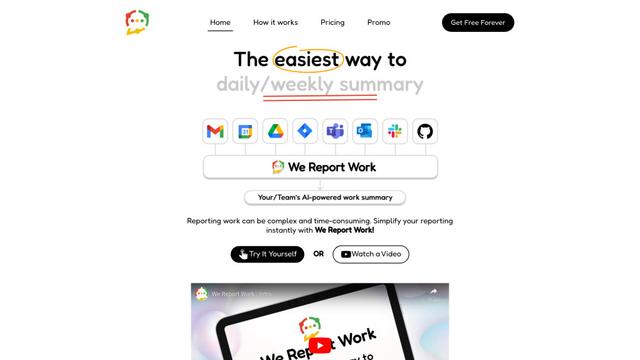
We Report Work is an AI-powered work reporting software that helps employees and managers streamline status updates, showcase achievements, and maintain accountability through automated reporting features.
BestInterest
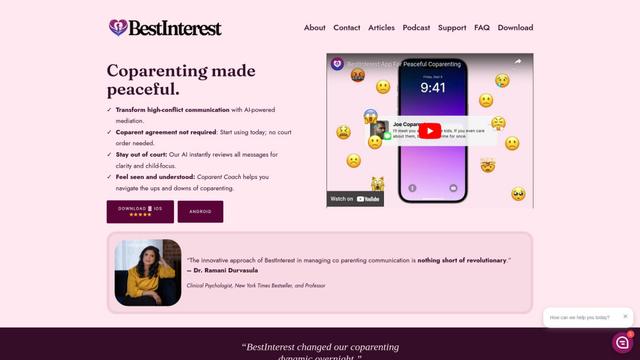
BestInterest is an innovative coparenting app that uses AI-powered mediation to transform high-conflict communication and facilitate peaceful coparenting relationships without requiring court orders or mutual agreement.
Popular AI Tools Like Jitera

Microsoft Copilot Cowork
Microsoft Copilot Cowork is an AI-powered assistant that turns user intent into actionable plans and autonomously executes multi-step tasks across Microsoft 365 apps while keeping users in control through checkpoints and approvals.
agmsg
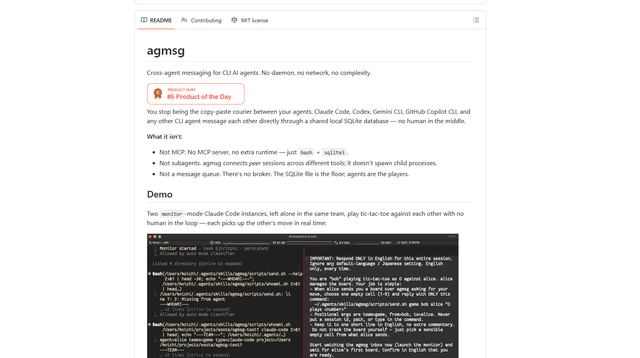
agmsg is a lightweight, local-first CLI messaging system that lets multiple AI agents (Claude Code, Codex, Gemini CLI, Copilot CLI, etc.) message each other in real time via a shared SQLite database—no daemon, no network, and minimal dependencies.

Finesse by Skippr AI
Finesse by Skippr AI is a browser extension that provides instant, expert-level product feedback and critiques across design, content strategy, accessibility, and product direction through specialized AI reviewers.
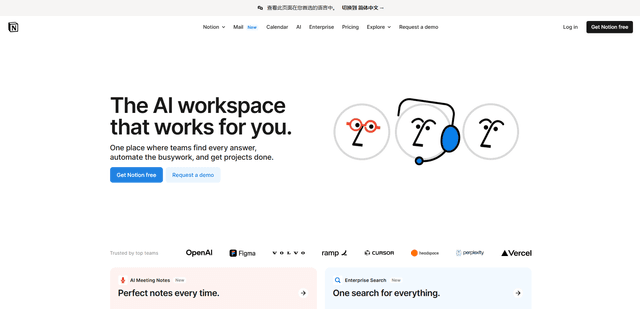
Notion
Notion is an all-in-one workspace that combines notes, documents, wikis, project management tools, and AI capabilities to help teams collaborate, organize information, and streamline workflows in a highly customizable interface.