hiData
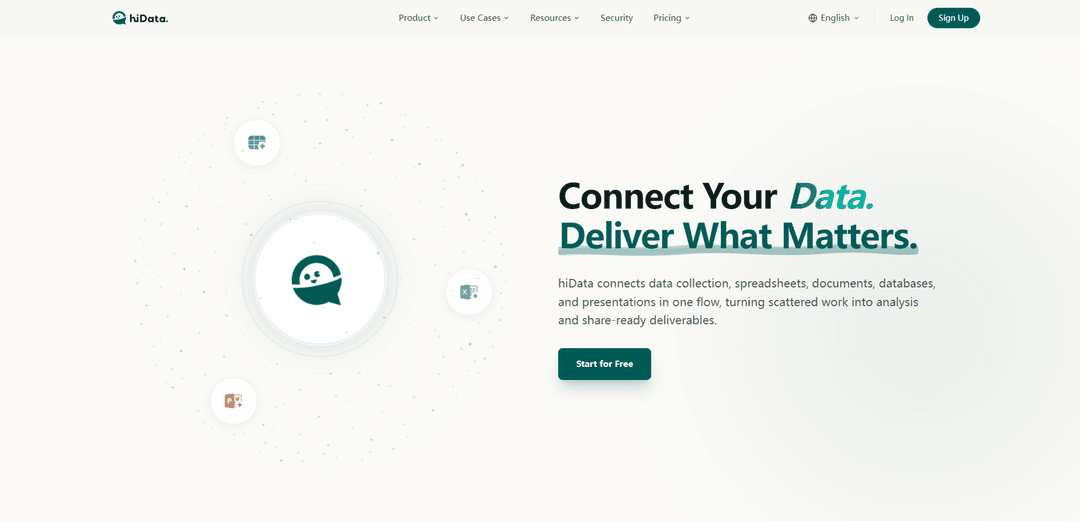
hiData is an AI-powered workspace that connects data collection, spreadsheets, and presentations in one unified workflow, enabling users to transform unstructured content into analysis-ready deliverables through natural language interaction.
https://hidata.ai/?utm_source=aipure
Product Information
Updated:Apr 17, 2026
What is hiData
hiData is a comprehensive AI workspace platform designed to streamline the entire data workflow from collection to presentation. It serves over 15,000 daily active users, including leading enterprises like Alibaba Cloud, EY, Coca-Cola, Mercedes-Benz, and AWS. The platform eliminates the fragmentation of modern work by connecting scattered information across PDFs, webpages, images, documents, databases, and spreadsheets into a single, cohesive flow. With its suite of AI-powered tools including AI Table Creator, AI Sheets, and AI Slides, hiData empowers both technical and non-technical users to handle complex data tasks through simple conversational prompts, requiring zero coding knowledge while delivering professional-grade results.
Key Features of hiData
hiData is an AI-driven workspace platform that connects data collection, spreadsheets, databases, and presentations in one unified workflow. Designed for non-technical users, it enables zero-code data transformation through natural language interaction, allowing users to extract information from unstructured sources (PDFs, images, web pages), clean and analyze data conversationally, and generate presentation-ready outputs. With enterprise-grade security (SOC 2, ISO 27001, GDPR, HIPAA compliance) and support for 15K+ daily active users including major enterprises like Alibaba Cloud, EY, and Mercedes-Benz, hiData transforms scattered information into actionable insights and deliverables efficiently.
AI Table Creator: Extracts and converts unstructured content from PDFs, screenshots, webpages, images, and documents into clean, structured tables that are ready for analysis and manipulation.
AI Sheets - Conversational Spreadsheet Work: Handles spreadsheet operations through natural language chat instead of complex formulas or scripts, enabling data cleaning, merging multiple tables, splitting sheets, format transformation, and running analysis by simply describing what you need.
AI Slides - Dynamic Presentation Generation: Creates polished, interactive presentations with dynamic layouts and clear storytelling that go beyond traditional slide generation, transforming raw analysis into share-ready decks with stronger visual engagement.
AI Database Management: Provides intelligent storage, retrieval, and version control of multiple datasets with natural language to SQL capabilities, allowing non-technical teams to run their own queries without coding knowledge.
Enterprise-Grade Security: Offers SOC 2 Type II, ISO 27001, GDPR, and HIPAA compliance with end-to-end encryption, role-based access control, and zero-retention deployment options for sensitive business environments.
Multi-Format File Support: Supports uploading and processing multiple file formats including CSV, XLS, XLSX (up to 3 files per session, 5MB each) with the ability to work across the first 3 valid worksheets automatically.
Use Cases of hiData
Marketing Analytics & Reporting: Marketing teams can extract data from multiple sources, merge campaign performance metrics, and generate visual reports and presentations without technical expertise, optimizing marketing strategies through quick data insights.
Financial Analysis & Decision-Making: Finance professionals can clean messy financial data, merge multiple spreadsheets, run complex analyses through conversational queries, and create executive-ready presentations for board meetings and stakeholder reports.
Operations & Data Management: Operations managers can automate messy CSV imports, normalize data from different systems, merge inventory or logistics data, and generate operational dashboards without manual data manipulation.
Education & Research: Educators and researchers can extract data from academic papers, PDFs, and research documents, structure it into analyzable formats, and create compelling presentations for lectures or research findings.
Business Intelligence for Non-Technical Teams: Business teams without SQL or data science skills can query databases using natural language, perform ad-hoc analysis, and generate insights independently, reducing dependency on technical resources.
Report Automation & Workflow Optimization: Organizations can transform multi-day reporting workflows into minutes by automating data extraction, cleaning, analysis, and presentation generation, significantly improving productivity and reducing manual effort.
Pros
Zero-code, natural language interface makes advanced data operations accessible to non-technical users
All-in-one platform connecting data extraction, analysis, and presentation in a unified workflow
Enterprise-grade security with multiple compliance certifications (SOC 2, ISO 27001, GDPR, HIPAA)
Proven track record with 15K+ daily active users and partnerships with major enterprises like EY, Mercedes-Benz, and Alibaba Cloud
Cons
File upload limitations of 3 files per session with 5MB maximum size may restrict large-scale data operations
Only supports the first 3 valid worksheets in multi-sheet files, potentially limiting complex workbook analysis
Pricing structure with paid tiers ($20/month Plus, $200/month Pro) may be costly for individual users or small teams
Relatively new platform may have limited integration capabilities compared to established enterprise tools
How to Use hiData
1. Sign Up or Log In: Visit https://hidata.ai/ and click 'Sign Up' to create a free account or 'Log In' if you already have an account. The free version is available at $0/month, with paid options (Plus at $20/month, Pro at $200/month).
2. Choose Your Tool: Select from three main AI tools based on your needs: AI Table Creator (to extract and structure data from PDFs, images, webpages, or documents), AI Sheets (for spreadsheet work through natural language), or AI Slides (to create presentations).
3. Upload Your Files (for AI Table Creator or AI Sheets): Upload up to 3 files per session, with a maximum of 5 MB each. Supported formats include CSV, XLS, and XLSX. The system currently supports only the first 3 valid worksheets.
4. Use Natural Language Commands: Type your instructions in plain English to describe what you need. For example: 'Show me a bar chart of Q4 sales', 'Calculate the percentage of sales by region and generate bar charts', 'Clean and merge 3 sheets', or 'Normalize headers and merge rows'.
5. Let AI Process Your Request: The AI will automatically analyze and implement your request. For AI Table Creator, it extracts and structures content into clean tables. For AI Sheets, it performs data cleaning, merging, splitting, format transformation, and analysis. For AI Slides, it creates dynamic presentations with interactive layouts.
6. Review and Verify Output: Always treat AI output as a first draft. Check data selection, axis labels, title accuracy, and overall results before publishing or sharing. Make any necessary adjustments.
7. Export or Share Results: Once satisfied with the output, export your results or share them directly. The platform supports exporting cleaned data, analysis reports, visualizations, and presentation-ready outputs.
8. Iterate as Needed: Continue refining your work by asking follow-up questions or making additional requests through natural language interaction until you achieve your desired outcome.
hiData FAQs
hiData is an AI-powered workspace that connects data collection, spreadsheets, documents, databases, and presentations in one unified workflow. It helps users extract, analyze, organize, and present information faster by turning scattered data into analysis and share-ready deliverables.
hiData Video
Popular Articles

Vosko AI: Localize and Dub Videos for Global Audiences
Oct 15, 2026

Atoms: A Multi-Agent AI Platform That Transforms Ideas into Launch-Ready Products
Oct 13, 2026

Nano Banana SBTI: What It Is, How It Works, and How to Use It in 2026
Apr 15, 2026

Atoms Review — The AI Product Builder Redefining Digital Creation in 2026
Apr 10, 2026
Latest AI Tools Similar to hiData
Tomat
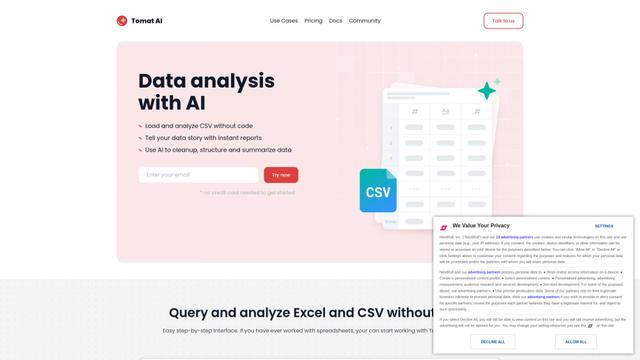
Tomat.AI is an AI-powered desktop application that enables users to easily explore, analyze, and automate large CSV and Excel files without coding, featuring local processing and advanced data manipulation capabilities.
Gentables
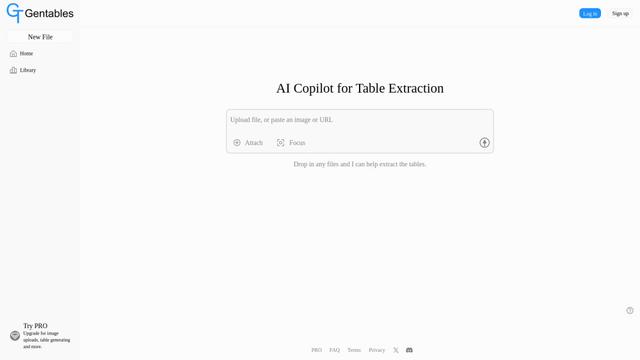
Gentables is an AI-powered tool for extracting and generating tables from various file formats with features like table editing, visualization and data processing capabilities.
SheetBot AI
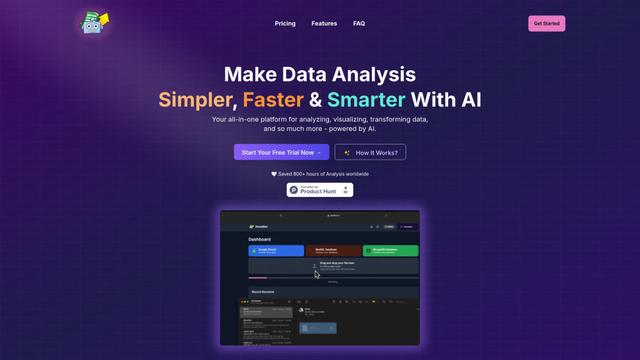
SheetBot AI is an AI-powered data analyst tool that automates data visualization and analysis tasks in spreadsheets, enabling users to generate precise graphs and insights within seconds.
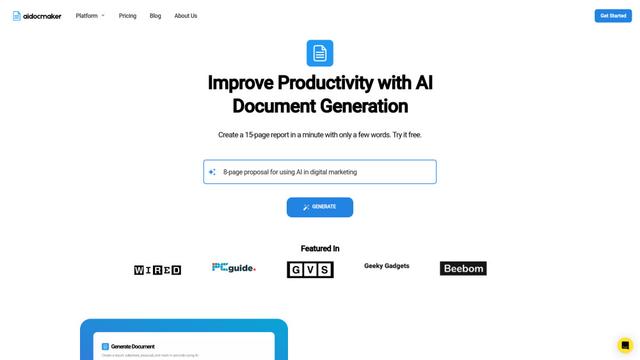
Aidocmaker.com
Aidocmaker.com is an AI-powered document creation platform that allows users to effortlessly generate professional documents, presentations, spreadsheets, and voiceovers in minutes.
Popular AI Tools Like hiData

Microsoft Excel: Spreadsheets
Microsoft Excel is the industry-leading spreadsheet software that allows users to organize, analyze, and visualize data through powerful features like formulas, charts, and AI-powered insights.
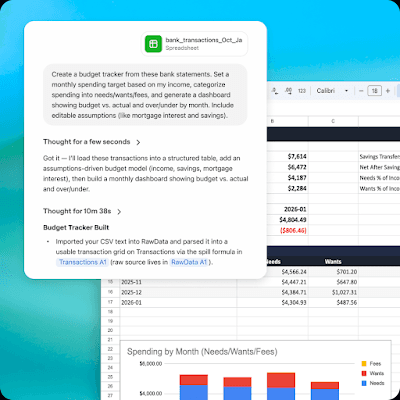
ChatGPT for Google Sheets
FreemiumAI Spreadsheet
ChatGPT for Google Sheets is an OpenAI add-on that brings ChatGPT into a Sheets sidebar so you can build, analyze, and update multi-tab spreadsheets with natural-language prompts, including formulas and cross-tab insights.
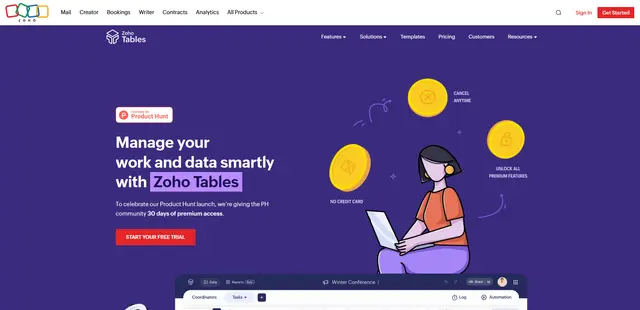
Zoho Tables
Zoho Tables is a modern spreadsheet-database hybrid that helps teams organize data with relational links, build views and dashboards, collaborate in real time, and automate workflows with no-code and AI assistance.
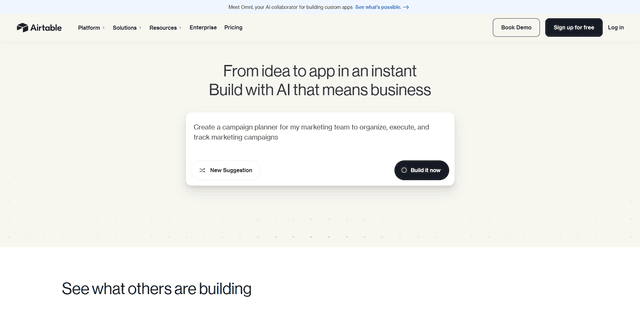
Airtable
Airtable is an AI-powered cloud collaboration platform that combines the functionality of spreadsheets and databases with no-code app building capabilities to help teams organize, track and manage their workflows and data.