Glaze by Raycast
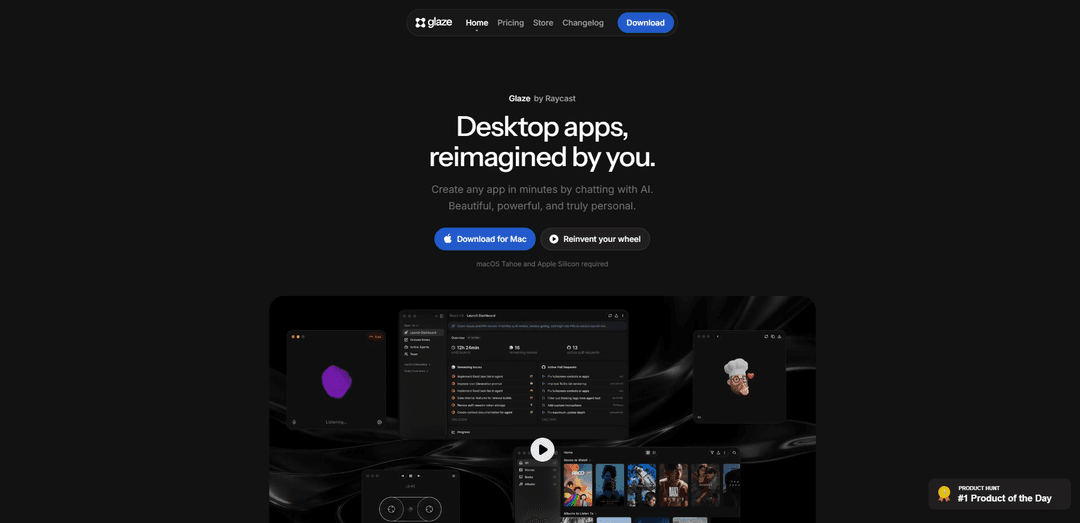
Glaze by Raycast is an AI-powered builder that turns plain-language chats into beautiful, local-first macOS desktop apps that launch instantly, work offline, and integrate deeply with the OS (files, shortcuts, menu bar, background tasks).
https://glaze.app/?ref=producthunt
Product Information
Updated:Jul 8, 2026
What is Glaze by Raycast
Glaze by Raycast is a desktop app creation platform that lets you build real Mac apps simply by describing what you want in natural language. Instead of generating browser-based tools, Glaze produces desktop-first applications that live on your computer, feel native on macOS, and are designed to be “beautiful by default.” It’s aimed at personal utilities, workflow automations, and internal team tools—anything from dashboards and media players to operational apps connected to services like GitHub. Glaze is currently available for Mac and requires macOS Tahoe on Apple Silicon, with Windows and Linux planned later.
Key Features of Glaze by Raycast
Glaze by Raycast is an AI-driven desktop app builder that lets you create “real” Mac apps by chatting in plain language. Apps run locally on your machine (offline-capable and local-first), integrate deeply with macOS (file system access, keyboard shortcuts, menu bar, background processes), and can be iterated quickly by continuing the conversation to refine behavior and UI. Glaze also supports sharing and distribution via a store model (public store, unlisted sharing, and team private stores), with users retaining ownership of their app and its code/content. It currently targets Apple Silicon Macs on macOS Tahoe, with Windows and Linux planned later.
Chat-to-app creation: Describe the app you want in natural language and Glaze generates a functioning desktop application; you can keep prompting to adjust features, logic, and UI without traditional setup work.
Local-first, offline operation: Apps live on your Mac, launch instantly, and work offline; data stays on-device rather than requiring a hosted backend by default.
Deep macOS integration: Because apps run on the desktop, they can use OS-level capabilities like file system access, keyboard shortcuts, menu bar integration, and background processes.
Integrations with APIs, files, and hardware: Glaze apps can connect to external services via APIs, read/write local files, and interact with hardware—enabling workflow automations and tool-connected utilities.
Sharing and publishing via Glaze Store: Publish apps publicly for discovery, share privately (including unlisted 1:1 sharing on Pro), or distribute internally through a private team store (Team plan).
Ownership and extensibility: You own the app, its code, and content; if you can code, you can further shape and extend what Glaze generates.
Use Cases of Glaze by Raycast
Internal ops & support tooling: Build team-specific internal apps (e.g., a GitHub-connected review workflow) that match existing processes without waiting on centralized engineering resources.
Personal productivity utilities: Create small, tailored tools like dashboards, trackers, link savers, or focused “single-purpose” apps that fit your exact workflow and preferences.
Menu bar and background automations: Develop lightweight menu bar apps and background helpers that monitor tasks, trigger automations, or provide quick controls using macOS-native integration.
Creative and media utilities: Spin up specialized apps such as simple music players, audio/tagging tools, or generators (e.g., image-to-emoji style utilities) that prioritize your preferred UX.
Team dashboards and project status monitors: Create live dashboards for project management, sales/support metrics, or event tracking that pull from APIs and display exactly the signals your team cares about.
Pros
Local-first desktop apps with offline support and on-device data (privacy-friendly compared to many web-based builders).
Strong macOS-native integration (file system, shortcuts, menu bar, background processes) enables workflows that are hard to do in browser-only builders.
Fast iteration loop: refine apps by continuing the chat rather than rebuilding from scratch.
Distribution options (public store, private sharing, team store) make it easy to reuse and spread tools.
Cons
Platform limitation: currently requires Apple Silicon and macOS Tahoe; Windows/Linux are only planned.
Capability/documentation maturity: public technical details and limits aren’t fully clear yet, and complex apps may still require multiple iterations/prompts.
Sharing requires recipients to install Glaze and sign in, which may be friction for broader distribution outside teams.
How to Use Glaze by Raycast
1) Check requirements: Make sure you’re on a Mac with Apple Silicon and macOS Tahoe (required). Glaze is Mac-only for now; Windows/Linux are planned later.
2) Download and install Glaze: Go to the official site (glaze.app) and download Glaze for Mac. Install it like a normal macOS app.
3) Launch Glaze and sign in: Open Glaze from Applications (or Spotlight). Sign in to your Glaze account when prompted (sign-in is required to use and share apps).
4) Start a new app: Create a new project/app inside Glaze. You’ll be placed into a chat-style builder where you describe what you want.
5) Describe the app in plain language: Tell Glaze what you want to build (e.g., a personal utility, internal tool, menu bar app, or workflow automation). Include what the user should see first and what actions it should support.
6) Let Glaze generate the desktop app: Glaze will build a real desktop app that lives on your Mac, launches instantly, and works offline (local-first).
7) Refine by chatting (iterate): If anything isn’t right, continue the conversation to request changes (UI tweaks, new screens, different behavior, etc.). Repeat until it matches your workflow.
8) Add OS-integrated capabilities (when needed): Ask for desktop-specific features Glaze supports, such as file system access, keyboard shortcuts, menu bar integration, background processes, and offline operation.
9) Connect to APIs, local files, or hardware: If your app needs integrations, instruct Glaze to connect to your existing tools/services via API, read/write local files, or interact with hardware—apps run locally so they can access these resources.
10) (Optional) Customize with code if you can: If you’re comfortable coding, you can further shape the generated app—Glaze is designed to work for non-coders, but also supports deeper customization for people who do code.
11) Save and run the app locally: Run the app on your Mac. Because it’s local-first, it should work without a server and can work offline.
12) Browse the Glaze Store for examples: Use the Glaze Store to discover apps made by others and get inspiration for prompts and app patterns you can reuse.
13) Share your app with others: Publish/share the app so others can run it. Recipients need Glaze installed and must be signed in, but they don’t need a paid subscription to run your app.
14) Choose a sharing mode (public vs private): For private sharing, use Pro to publish 'Unlisted' apps for 1:1 sharing, or Team to distribute via a private team store. For broad distribution, publish to the public Glaze Store.
15) Keep iterating as your workflow changes: Return to the chat builder anytime to adjust features, UI, and integrations—Glaze is intended for software that adapts to you rather than staying static.
Glaze by Raycast FAQs
Glaze lets you build your own desktop apps by describing what you want in plain language. The apps live on your Mac, launch instantly, and work offline.
Glaze by Raycast Video
Popular Articles

Proferex: A Cloud-Based Ad Tracking and Campaign Optimization Platform
Nov 4, 2026

How to Create Viral Talking Baby Podcast Videos with AI: Step-by-Step Guide
Nov 2, 2026

Vosko AI: Localize and Dub Videos for Global Audiences
Oct 15, 2026

Atoms: A Multi-Agent AI Platform That Transforms Ideas into Launch-Ready Products
Oct 13, 2026
Latest AI Tools Similar to Glaze by Raycast
GPT Easy Web
GPT Easy Web is a user-friendly AI-powered platform that enables users to easily build, customize and manage websites through natural language interactions and automated tools without requiring coding knowledge.
AI Website Tool
AI Website Tool is an AI-powered website builder that creates professional websites in minutes by automatically generating business-focused copy, custom visuals, and responsive designs with just a few clicks.
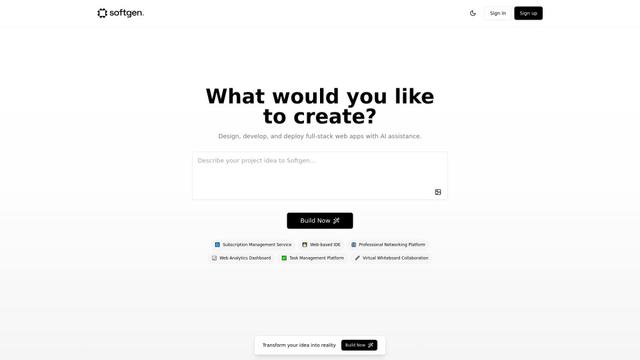
Softgen
Softgen.ai is an AI-powered full-stack project generator platform that enables users to transform their ideas into functional web applications without coding requirements.
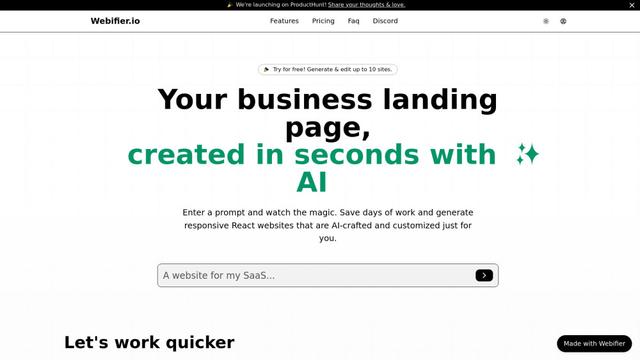
Webifier
Webifier is an AI-powered tool that transforms text prompts into fully functional React landing pages with clean, exportable code using NextJS14, TailwindCSS, and Shadcn components.
Popular AI Tools Like Glaze by Raycast
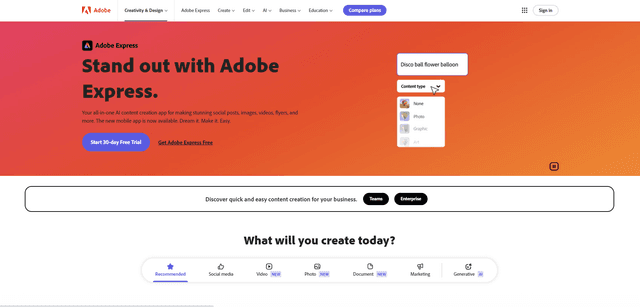
Adobe Express
Adobe Express is an all-in-one AI-powered content creation app for easily making stunning social posts, images, videos, flyers, and more with professionally designed templates and assets.
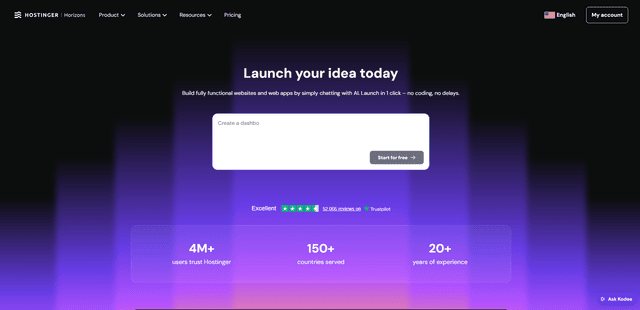
Hostinger
Hostinger is a web hosting and domain service provider offering AI-powered tools like Horizons that enables anyone to build, edit, and publish custom web apps and websites without coding through a simple chat interface.
GPT Engineer
GPT Engineer is an AI-powered software development tool that enables anyone to build web applications by chatting with an AI engineer.
Manus Shopify Connector
Manus Shopify Connector lets you build a Shopify-backed storefront, manage your catalog, and generate data-driven campaigns from a single chat—using Shopify APIs with OAuth-scoped access and Shopify checkout.