
AI Group Call
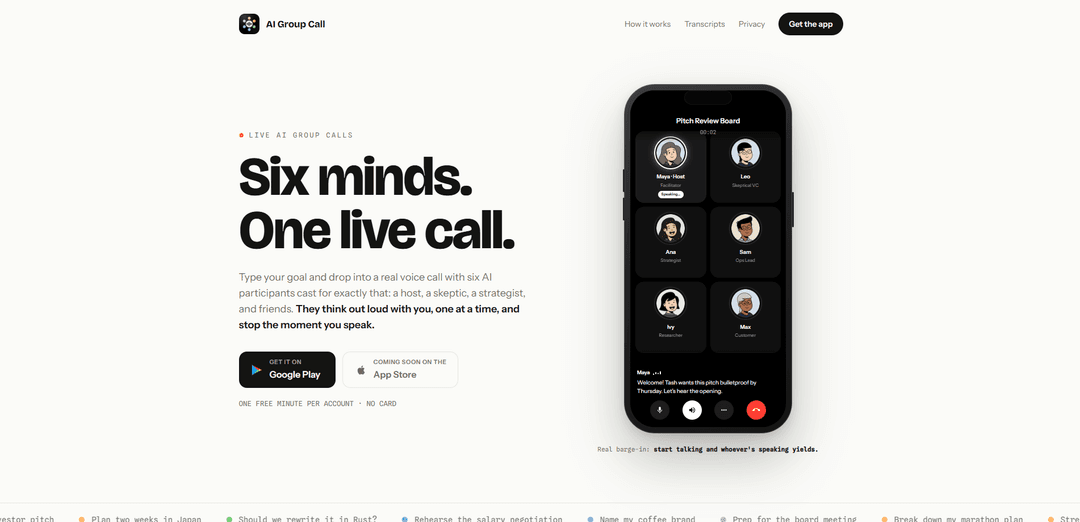
AI Group Call turns a single goal into a live voice call with six distinct AI participants who speak one at a time, debate and build on ideas, and instantly yield when you interrupt (true barge-in), with transcripts, summaries, and rejoinable rooms.
https://aigroupcall.app/?ref=producthunt
Product Information
Updated:Aug 15, 2026
What is AI Group Call
AI Group Call is a voice-first AI brainstorming and decision-support app that drops you into a “real call” with a curated room of six AI personalities tailored to your goal—such as a host, skeptic, strategist, ops lead, researcher, and customer. Instead of a typical chat interface, it’s designed to feel like a live group discussion where the agents think out loud, challenge assumptions, and help you move from vague intent to concrete next steps.
Each call is automatically transcribed in real time, saved to your history, and can be summarized into key points and action items after you finish. You can also rejoin later with the same cast for follow-ups, and edit participants (name, role, bio, traits) even mid-call. New accounts include one free minute with no card required.
Key Features of AI Group Call
AI Group Call is a live voice experience where you type a goal and are dropped into a real-time call with six AI participants (each with distinct roles and personalities like host, skeptic, strategist, etc.). The agents speak one at a time, challenge and build on each other’s ideas, and crucially support true “barge-in” so they stop immediately when you start talking. Calls include a live transcript, post-call one-tap summaries with key points and action items, and a history that lets you rejoin later with the same cast; you can also edit participant roles/traits mid-call and pause the clock while thinking.
Goal-to-room in seconds: Type a single sentence goal (e.g., “Pressure-test my pitch”) and the app assembles a six-person AI panel tailored to that objective.
Six distinct AI roles (editable): Participants come with different perspectives (host, skeptic, strategist, ops lead, researcher, customer) and you can rewrite their name, role, bio, and traits—even mid-call.
True barge-in interruption: Start speaking at any time and the current AI speaker yields instantly, creating a more natural phone-call feel rather than turn-based voice chat.
Structured multi-voice discussion: Agents speak one at a time, argue and cross-examine each other, and collectively refine ideas—useful for pressure-testing and decision-making.
Live transcript + call history: Every word is captioned during the call and saved afterward, so decisions and reasoning aren’t lost.
One-tap summaries and action items: After a call, the app generates key points and actionable next steps, and you can rejoin the same room later for follow-ups.
Use Cases of AI Group Call
Startup pitch and fundraising prep: Simulate a pitch review board with a skeptical voice to identify weak claims, sharpen metrics, and rewrite the opening narrative before investor meetings.
Product strategy and roadmap debates: Run live, multi-perspective discussions (strategy, ops, research, customer) to evaluate trade-offs, prioritize features, and stress-test assumptions.
Marketing messaging and positioning: Iterate on value propositions and landing-page copy with built-in pushback (e.g., “Every deck says that—what’s uniquely true?”) to improve clarity and differentiation.
Operations planning and process design: Use an ops-oriented participant to translate ideas into execution steps, risks, owners, and timelines, then capture action items from the summary.
Personal decision support and coaching: Talk through complex choices (career moves, major purchases, habit changes) with a facilitator plus contrarian perspectives to reduce blind spots.
Travel and itinerary planning: Plan trips (e.g., “Tokyo in April”) via a live back-and-forth where the group proposes options, challenges feasibility, and converges on a concrete plan.
Pros
Natural conversational control via true barge-in, making it feel like a real call rather than a turn-based assistant.
Multi-role, adversarial discussion helps uncover blind spots faster than a single assistant.
Strong capture of outcomes with live transcripts, saved history, and one-tap summaries/action items.
Flexible sessions through editable cast and the ability to rejoin the same room for iterative work.
Cons
Limited free usage (one free minute per new account), so meaningful sessions likely require paid minutes.
Six voices can add cognitive load; users may need to manage the room to avoid overwhelm.
Quality depends on how well the cast matches the goal; may require retuning roles/traits mid-call.
How to Use AI Group Call
1. Open AI Group Call: Go to https://aigroupcall.app/ and start a new call session in the app/site.
2. Start a new room by typing your goal: Enter a single-sentence goal for what you want the group to help with (examples from the site: “Pressure-test my pitch.” “Plan Tokyo in April.” “Talk me out of the rewrite.”).
3. Meet your cast of six AI participants: The app assembles six distinct AI voices around your goal (e.g., a host/facilitator, a skeptic, a strategist, and other roles).
4. Begin the live voice call: Start talking. The participants respond one at a time, build on each other’s ideas, and may disagree/argue to explore tradeoffs.
5. Use true barge-in to take the floor anytime: If an AI is speaking and you want to jump in, just start talking—whoever is speaking yields immediately.
6. Edit the cast mid-call (optional): Tap an avatar to rewrite that participant’s name, role, bio, and traits—even during the call—to better match what you need.
7. Pause the clock when you need to think (optional): Use the pause feature to freeze your minute usage while you reflect, adjust the room, or decide what to ask next.
8. Follow along with the live transcript: Read the in-call captions/transcript as you talk; the transcript is saved to your history after the call.
9. End the call and review the saved results: After finishing, open your call history to view the full transcript plus a one-tap summary that includes key points and action items.
10. Rejoin the same room for a follow-up: Use the “join again” option from history to reassemble the same six participants for round two.
11. Report an issue from the transcript (optional): If something looks wrong in an AI response, report it directly from the saved transcript without leaving the app.
AI Group Call FAQs
AI Group Call is an app that drops you into a live voice call with six AI participants (each with a distinct role/personality) assembled around the goal you type in. They speak one at a time, can disagree and build on ideas, and they stop the moment you start talking.
AI Group Call Video
Popular Articles

How to Create Viral Talking Baby Podcast Videos with AI: Step-by-Step Guide
Nov 2, 2026

Proferex: A Cloud-Based Ad Tracking and Campaign Optimization Platform
Nov 2, 2026

Vosko AI: Localize and Dub Videos for Global Audiences
Oct 15, 2026

Atoms: A Multi-Agent AI Platform That Transforms Ideas into Launch-Ready Products
Oct 13, 2026
Latest AI Tools Similar to AI Group Call

Ticknotes
Ticknotes is an AI-powered meeting assistant that automatically records, transcribes, and generates personalized meeting summaries, action items, and key insights from audio, video, and text content.

Feta
Feta is an AI-powered meeting tool that helps product and engineering teams run efficient meetings by capturing discussions, automating tasks, and providing actionable insights through smart summaries and integrations.
Aimeet
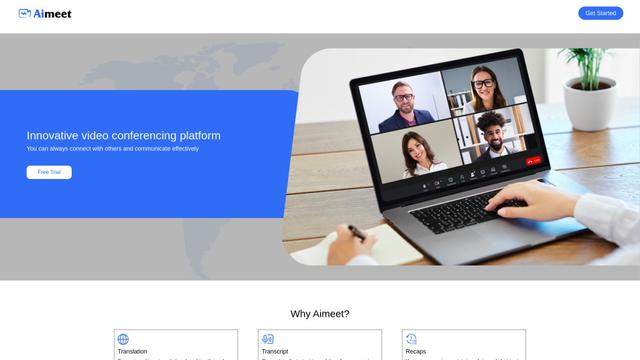
Aimeet is a comprehensive AI-powered communication platform that combines real-time translation, transcription, screen sharing, and unlimited meeting capabilities for effective virtual collaboration.
MinutesLink
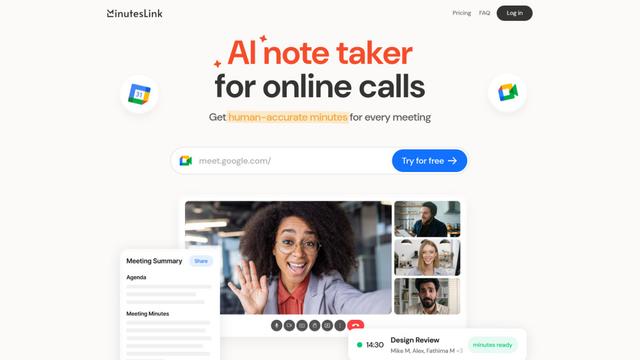
MinutesLink is an advanced AI-powered note-taking assistant that automatically records, transcribes, summarizes and organizes virtual meetings while building personalized digital avatars from meeting data.
Popular AI Tools Like AI Group Call
Second Brain for AI
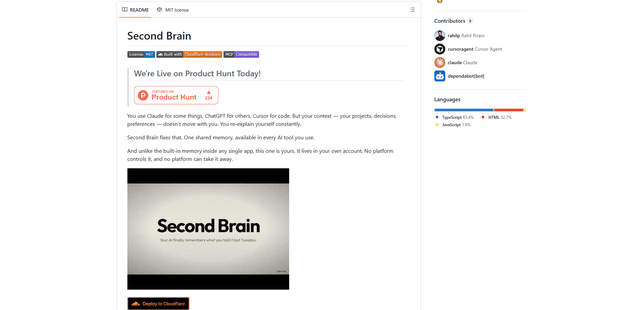
Second Brain for AI is a self-hosted, MCP-compatible persistent memory layer on Cloudflare that lets Claude, ChatGPT, Cursor, and other AI clients store and semantically recall shared context across sessions.
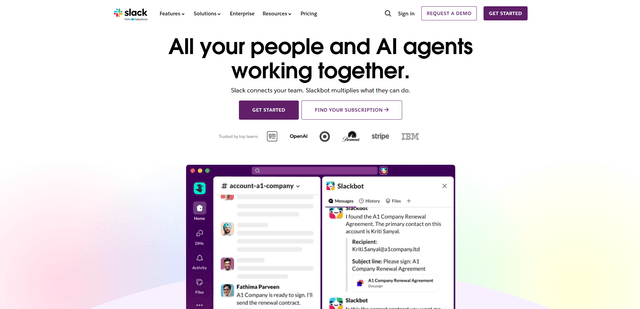
Slack
Slack is an AI-powered work platform that brings team communication, channels, files, automation, and app integrations into one conversational workspace.
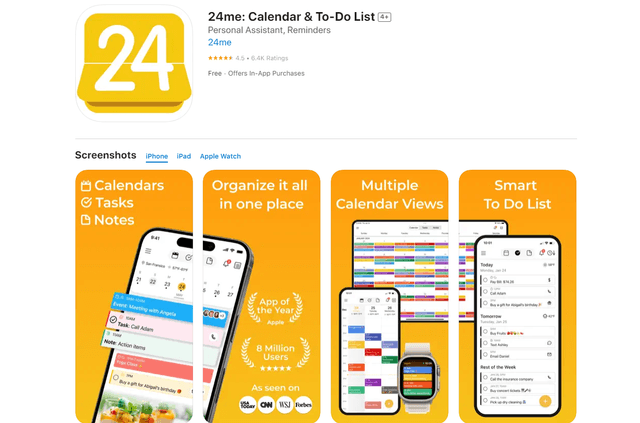
24me Smart Personal Assistant
24me is an award-winning smart personal assistant app that combines calendar, to-do lists, notes, and personal accounts in one unified platform to help boost productivity and time management.
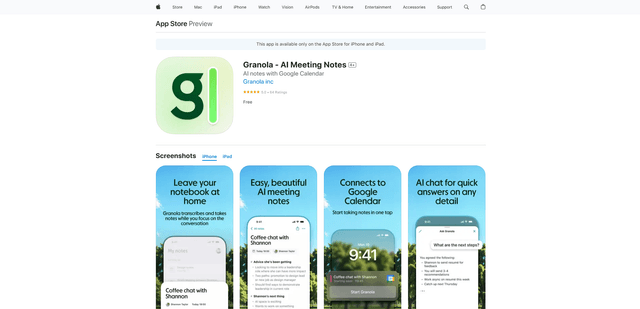
Granola for iOS
Granola for iOS is an AI-powered notepad app that helps users effortlessly capture, transcribe and summarize meeting conversations through intelligent note-taking and one-tap recording capabilities.