
explainx ai
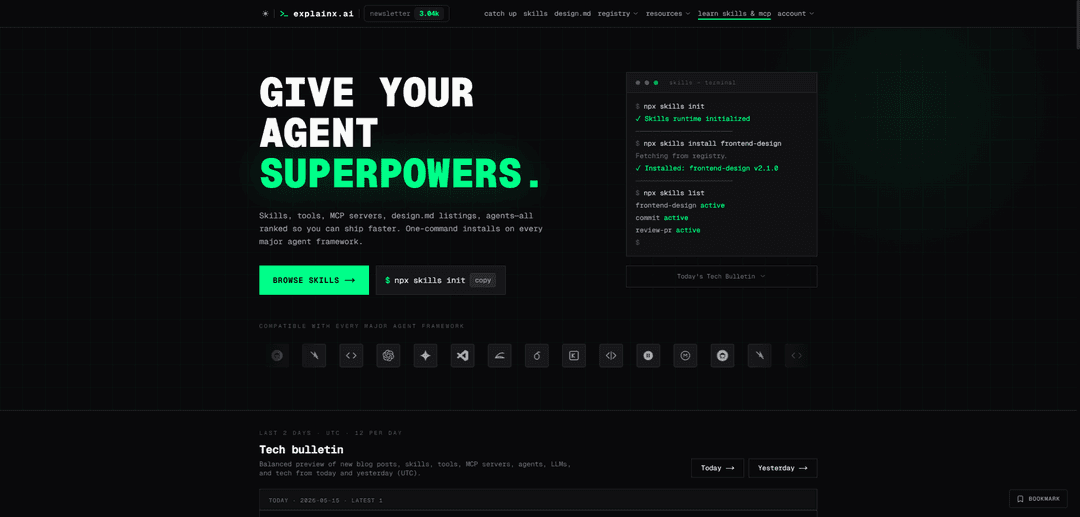
explainx.ai is a hub for AI builders that indexes 10,000+ agent skills, 2,000+ MCP servers, and 100,000+ AI tools, with one-command skill installs across major agent frameworks plus a wiki, courses, and curated news.
https://explainx.ai/?ref=producthunt
Product Information
Updated:May 19, 2026
What is explainx ai
explainx.ai is an ecosystem and directory for practitioners building with AI agents and real workflows. It brings together a ranked registry of agent “skills,” a Model Context Protocol (MCP) server directory for connecting agents to external systems (databases, APIs, SaaS tools), and a large AI tools directory for discovery and comparison. Beyond directories, explainx.ai also offers deep learning resources—an AI wiki, guides and courses, and curated industry news—so teams can both find the right components and learn how to ship production-ready agent systems.
Key Features of explainx ai
explainx.ai is a hub for AI builders that combines ranked directories and installable components for agent development: a large registry of agent “skills” installable via a simple CLI, a directory of MCP (Model Context Protocol) servers to connect agents to external tools and data, and a broad AI tools index—alongside a wiki, guides, courses, and curated news. It’s designed to help teams discover, integrate, and ship agent workflows faster across popular agent clients/frameworks (e.g., Claude Code, Cursor, Copilot, Cline, Codex, Gemini CLI), with optional custom/enterprise agent development services for deeper integrations, governance, and observability.
One-command Skills install (npx CLI): Initialize the runtime with `npx skills init`, then add capabilities with `npx skills install <skill-name>`; installed skills become available to supported agent clients as commands/capabilities.
Community-ranked Skills registry (10,000+): Browse a large catalog of modular, composable agent skills surfaced by adoption signals (e.g., weekly installs, total usage, trust signals) to quickly find proven building blocks.
MCP Servers directory (2,000+): Discover and integrate Model Context Protocol servers that connect agents to databases, APIs, and external services (e.g., Postgres/MySQL/MongoDB, Slack/GitHub/Google/Linear).
AI Tools directory (100,000+ indexed): Search and compare AI tools by category, pricing, and capabilities, with community feedback and alternatives to support tool selection and evaluation.
Learning & ecosystem resources: Includes an AI wiki, guides/tutorials, courses/bootcamps, and curated news focused on real workflows for skills, agents, and production deployment.
Custom agent development for teams: Offers tailored production agent systems (internal copilots, automations, knowledge/RAG agents) with enterprise integrations, observability, and governance for organizations needing more than off-the-shelf skills.
Use Cases of explainx ai
Developer productivity & agent augmentation: Engineering teams can rapidly extend Claude Code/Cursor/Copilot-style agents by installing skills for common workflows (e.g., code review, PR review, commit hygiene) without building everything from scratch.
Enterprise workflow automation via MCP connectors: Operations or IT teams can connect agents to internal systems (databases, ticketing, chat, repos) using MCP servers to automate multi-step processes like triage, reporting, and approvals.
Tool discovery for marketing/creative teams: Marketing, design, and content teams can use the tools directory to find and compare AI products (writing, design, video, analytics) and standardize on a vetted stack.
Education & upskilling programs: Individuals or L&D teams can use the wiki, guides, and courses to learn agent development, MCP best practices, and production AI systems through structured learning paths.
Building production copilots over company knowledge: Organizations can engage explainx.ai for custom builds of knowledge agents grounded in internal data and policies, including monitoring and governance for production use.
Ecosystem distribution for creators (skills/tools publishers): Builders can publish skills or list tools/MCP servers to reach an audience of AI practitioners, leveraging rankings and newsletter exposure to drive adoption.
Pros
Fast integration: simple CLI workflow (`npx skills init` / `npx skills install`) to add agent capabilities quickly.
Broad coverage: large directories spanning skills, MCP servers, and tools, plus supporting learning resources.
Cross-framework compatibility: positioned to work across many agent clients/frameworks (Claude Code, Cursor, Copilot, etc.).
Scales to enterprise needs: optional custom development for deeper integrations, observability, and governance.
Cons
Quality variability risk: community submissions and large catalogs can vary in maturity; review may be needed before production use.
Ecosystem dependency: relying on external skills/MCP servers introduces versioning, maintenance, and security considerations.
Some capabilities may require paid engagement: advanced enterprise-grade delivery (SLAs, deep integrations) is positioned as custom work.
How to Use explainx ai
1) Create or open a project folder: Navigate to the codebase where you want your AI agent to gain new capabilities (any repo where you can run terminal commands).
2) Initialize the Skills runtime: Run `npx skills init` once in your project. This bootstraps the Skills runtime (typically ~3 seconds) so skills can be installed and activated.
3) Browse the explainx.ai Skills registry: Go to https://explainx.ai/skills to discover skills (ranked by community adoption). Pick a skill name you want to add.
4) Install a skill into your project: Run `npx skills install <skill-name>` (example: `npx skills install frontend-design`). The CLI fetches it from the explainx.ai registry and activates it.
5) Confirm installed skills are active: Run `npx skills list` to see which skills are installed/active in the project.
6) Use the skill inside your agent client (e.g., Claude Code): After `npx skills init`, installed skills become available to supported clients (including Claude Code) as slash commands or agent capabilities.
7) Add more skills as needed (composable workflow): Repeat `npx skills install <skill-name>` for additional capabilities. Skills are designed to be modular so you can stack multiple skills in one project.
8) Explore MCP servers (optional): If you want to connect agents to external services (databases/APIs), browse https://explainx.ai/mcp-servers to find MCP servers for integrations.
9) Publish your own skill (optional): Register for a free account at https://explainx.ai/register, then use the submit flow after signing in to publish your skill for review to the community registry.
10) Contact explainx.ai for custom agent development (optional): For bespoke production agents, integrations, observability, and governance, email [email protected] or visit https://explainx.ai/demo.
explainx ai FAQs
explainx.ai is a hub for practitioners building with AI. It indexes 10,000+ agent skills, 2,000+ MCP servers, and 100,000+ AI tools in ranked directories you can browse, install from, and cite, alongside an AI wiki, guides/courses, and curated news focused on real workflows.
explainx ai Video
Popular Articles

Atoms: A Multi-Agent AI Platform That Transforms Ideas into Launch-Ready Products
May 22, 2026

Nano Banana SBTI: What It Is, How It Works, and How to Use It in 2026
Apr 15, 2026

Atoms Review — The AI Product Builder Redefining Digital Creation in 2026
Apr 10, 2026

Kilo Claw: How to Deploy and Use a True "Do‑It‑For‑You" AI Agent(2026 Update)
Apr 3, 2026
Latest AI Tools Similar to explainx ai
Sweet Justice AI
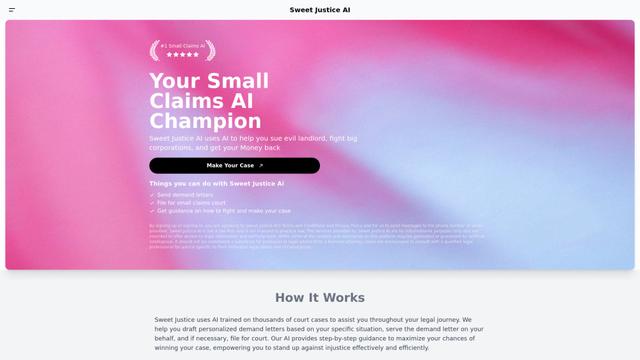
Sweet Justice AI is an AI-powered legal assistance platform that helps individuals fight against landlords, corporations, and unfair practices through automated demand letters, small claims court filings, and step-by-step legal guidance at an affordable price.
BlacktoothAI
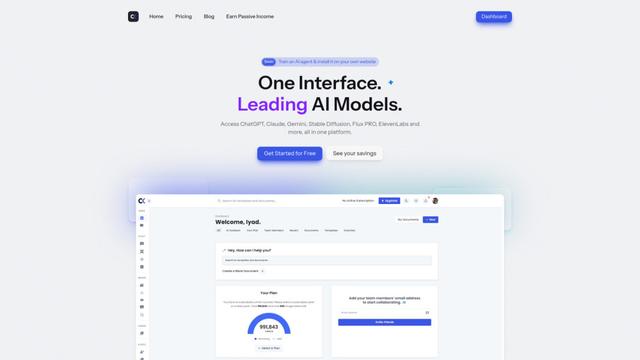
BlacktoothAI is an all-in-one AI platform that provides access to multiple leading AI models like ChatGPT, Claude, Gemini, and Stable Diffusion through a single unified interface for content generation, image creation, and productivity enhancement.
aiworkflow.tools
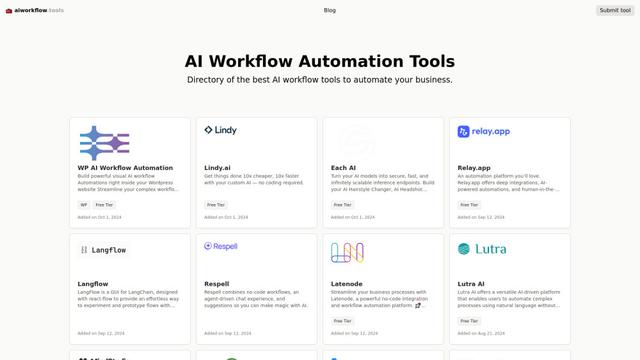
AIworkflow.tools is a comprehensive directory and comparison platform showcasing the best AI workflow automation tools to help businesses streamline their processes and boost productivity.
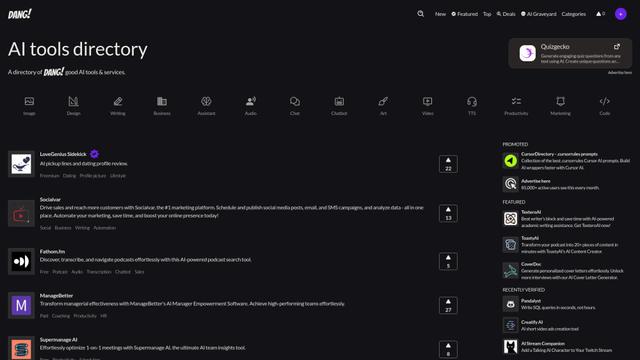
Dang.ai
FreemiumAI Tools Directory
Dang.ai is a comprehensive directory of AI tools and services, featuring over 5000 AI tools across various categories.
Popular AI Tools Like explainx ai
Copy as Markdown for AI
A Chrome extension that instantly converts web content into clean, structured Markdown format with one click, optimized for AI platforms like ChatGPT, Claude, and other LLMs.
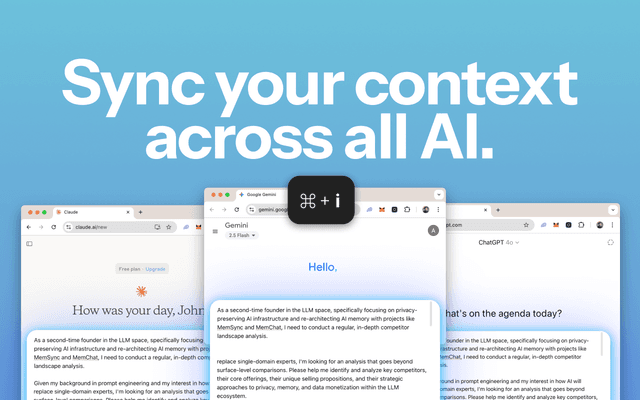
MemSync
MemSync is a Chrome extension that creates a unified memory layer across AI platforms like ChatGPT, Claude, and Grok by securely aggregating user interactions to enable personalized and contextual AI conversations.
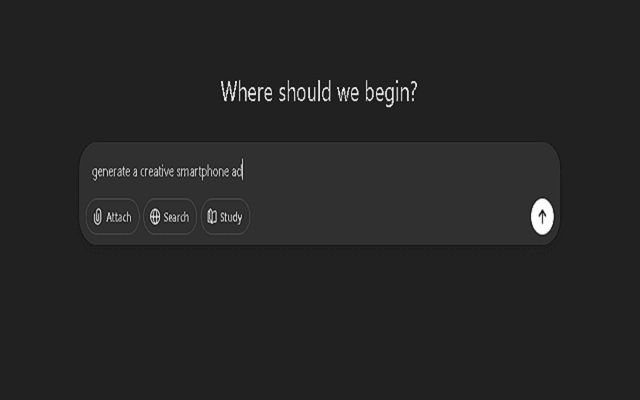
Promptify
Promptify is a self-adapting Chrome extension that automatically transforms simple prompts into powerful, context-rich instructions for AI models like ChatGPT, Gemini, and Claude by learning from user behavior and personalizing enhancements.

Scroll
Scroll is a Chrome extension that generates a clickable table of contents for AI conversations in ChatGPT, Claude, and Gemini, enabling instant navigation and efficient conversation management.