
Deploy Hermes
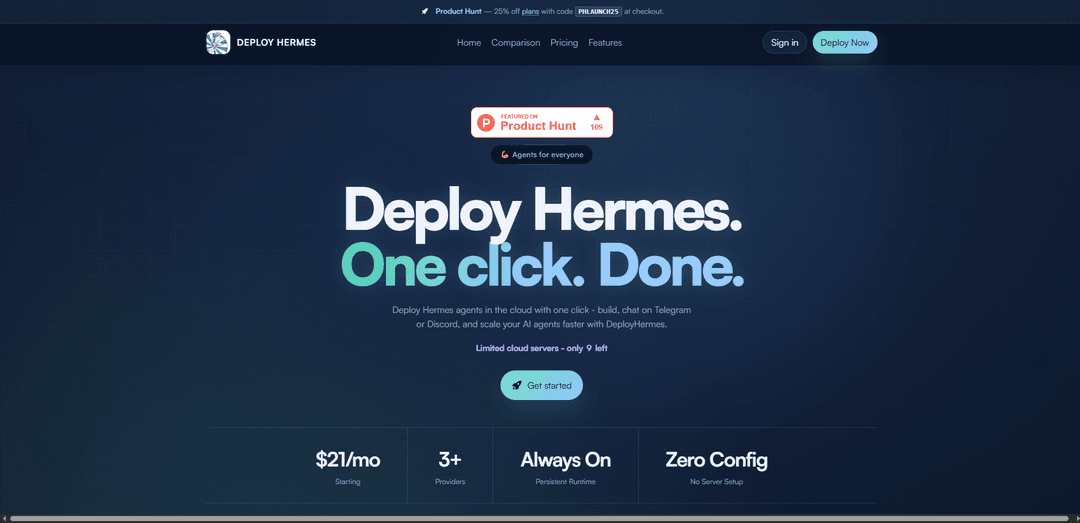
Deploy Hermes is a managed cloud hosting service that enables one-click deployment of Hermes Agent, an open-source AI assistant that connects to messaging platforms like Telegram and Discord with persistent memory and self-improving capabilities.
https://deploy-hermes.com/?ref=producthunt
Product Information
Updated:Apr 10, 2026
What is Deploy Hermes
Deploy Hermes (also known as DeployHermes or Hermes Host) is a managed hosting platform that simplifies the deployment of Hermes Agent, an MIT-licensed AI agent framework built by Nous Research. While Hermes Agent itself can be self-hosted on VPS servers or local machines, Deploy Hermes eliminates the complexity of server setup, Docker configuration, and infrastructure management by providing a fully managed cloud solution. The service allows users to deploy their own isolated Hermes instance in under a minute, connecting it to messaging platforms like Telegram, Discord, and Slack without requiring technical expertise in server administration. Each deployment runs on dedicated Fly.io infrastructure with encrypted credentials, persistent memory across restarts, and automatic updates, making it accessible to both technical and non-technical users who want an always-on AI agent.
Key Features of Deploy Hermes
Deploy Hermes is a managed cloud hosting service for Hermes Agent, an open-source AI agent framework by Nous Research. It offers one-click deployment of persistent, self-improving AI agents that can be accessed through multiple messaging platforms including Telegram, Discord, Slack, WhatsApp, and Signal. The service eliminates the need for manual server setup, Docker configuration, or DevOps expertise, allowing users to deploy fully functional AI agents in under a minute. Each deployment runs on an isolated, secure container with encrypted access, persistent memory across sessions, and automatic updates. The platform supports multiple LLM providers with no vendor lock-in and features a unique autonomous skill creation system where the agent learns from interactions and creates reusable skills over time.
One-Click Deployment: Deploy a fully configured Hermes agent in under a minute without any server setup, Docker configuration, or command-line knowledge. The platform handles all infrastructure, environment variables, and bot connections automatically.
Autonomous Skill Learning: The agent automatically creates reusable skills from completed tasks and workflows, building a growing library of procedural knowledge. It learns from repeated patterns and successful interactions, improving its capabilities over time without manual programming.
Multi-Platform Gateway: Connect and operate across multiple messaging platforms simultaneously including Telegram, Discord, Slack, WhatsApp, Signal, and Email from a single agent instance, with cross-platform conversation continuity.
Persistent Memory System: Three-layered memory architecture with short-term conversational context, long-term user preferences and patterns, and skill memory stored in SQLite with FTS5 full-text search for recalling details from weeks-old conversations.
Provider Flexibility: Switch between 200+ LLM providers including OpenRouter, Anthropic, OpenAI, DeepSeek, Kimi, MiniMax, and custom endpoints with a simple command—no code changes or vendor lock-in required.
Encrypted & Isolated Runtime: Each agent runs in its own secure, isolated container with encrypted API keys and channels. All state including memory, skills, and configuration survives restarts, and conversations are never used for training.
Use Cases of Deploy Hermes
Team Assistant for Collaboration Platforms: Deploy a persistent AI assistant for teams on Slack or Discord with per-user access control and pairing approval. The agent learns team-specific workflows, remembers project context, and becomes increasingly effective at handling team queries and automation tasks.
Automated Research and Reporting Agent: Connect search and web scraping tools to create an autonomous research agent that can conduct scheduled investigations, compile findings, and deliver daily reports, weekly audits, or nightly backups to any messaging platform via built-in cron scheduling.
DevOps and Infrastructure Management: Use Hermes to monitor deployments, manage infrastructure, automate incident response, and handle complex tasks like Docker service deployment, CI pipeline setup, or Nginx configuration with persistent context and learned skills.
Multi-Channel Customer Support: Deploy a single agent that handles customer inquiries across Telegram, Discord, WhatsApp, and Email simultaneously, learning from interactions to improve response quality and building skills for common support workflows.
Personal AI Companion: Run a 24/7 personal assistant that remembers your preferences, tech stack, and project history across sessions. It can delegate dev/ops tasks, write and test code in isolated sandboxes, and access you through your preferred messaging platform.
Workflow Automation and Task Orchestration: Replace multiple automation tools with a single agent that learns repetitive tasks and converts them into reusable skills. Ideal for automating deployment workflows, data processing pipelines, or scheduled maintenance tasks.
Pros
Extremely fast deployment (under 1 minute) with zero DevOps knowledge required, eliminating the typical 80+ minute self-hosting setup process
Unique autonomous learning capability that creates and refines skills from completed tasks, making the agent increasingly valuable over time
True multi-platform support with a single agent accessible across Telegram, Discord, Slack, WhatsApp, Signal, and Email with conversation continuity
No vendor lock-in with support for 200+ LLM providers that can be switched via simple commands without code changes
Cons
Recurring subscription costs ($16-63/month with discount) compared to self-hosting on a $5-10 VPS, though this trades cost for convenience
Limited to cloud deployment through the managed service, with less control over infrastructure compared to self-hosting options
Relatively new platform with potential for early-stage bugs or missing features as noted in documentation warnings about pre-1.0.0 versions
Requires external LLM API keys and costs (BYOK model), adding ongoing expenses beyond the hosting subscription
How to Use Deploy Hermes
1. Choose your deployment method: Decide between self-hosting (VPS, Railway, Zeabur, Hostinger) or using a managed service like DeployHermes. For fastest setup, use DeployHermes which takes under 1 minute vs 80+ minutes for manual VPS setup.
2. Select your AI provider: Choose an LLM provider such as OpenRouter (recommended for beginners with free credits), Anthropic, OpenAI, Nous Portal, or other compatible endpoints. You'll need an API key from your chosen provider.
3. Create messaging platform bot (if using gateway mode): Set up a bot on your preferred platform: Telegram (via @BotFather), Discord, Slack, WhatsApp, Signal, or Email. Save the bot token/credentials for configuration.
4. Deploy Hermes Agent: For DeployHermes: Visit deploy-hermes.com, pick a compute tier (Starter/Standard/Power), and click deploy. For self-hosting: Use the one-click installer 'curl -fsSL https://virtua.sh/i/hermes-ssh | bash' or clone the repo with 'git clone --recurse-submodules https://github.com/NousResearch/hermes-agent.git' and run the installer.
5. Run initial setup wizard: Execute 'hermes setup' to configure everything at once, or use individual commands: 'hermes model' (choose LLM provider), 'hermes tools' (enable tools), 'hermes gateway setup' (configure messaging platforms), and 'hermes config set' (set individual values).
6. Configure API keys and credentials: Enter your LLM provider API key and messaging platform credentials. For managed deployments, these are encrypted. For self-hosting, keys are stored in ~/.hermes/.env file.
7. Start the agent: For CLI mode: Run 'hermes' to start an interactive conversation. For gateway mode (24/7 messaging): Run 'hermes gateway' to start the messaging gateway that connects all platforms. For managed services, this happens automatically.
8. Test your deployment: Send a test message through your configured channel (Telegram, Discord, etc.) or interact via CLI. Verify the agent responds correctly and can access configured tools.
9. Configure tools and skills (optional): Search and install skills with 'hermes skills search <keyword>' and 'hermes skills install <skill-name>'. Enable additional tools through 'hermes tools' command. Skills are saved to ~/.hermes/skills/ and improve automatically during use.
10. Set up persistence (for VPS deployments): Create a systemd service file to ensure Hermes runs on boot and restarts on failure. Use the provided systemd unit file templates or Docker Compose configuration for production deployments.
11. Configure scheduled tasks (optional): Set up cron jobs for recurring tasks like daily reports, nightly backups, or weekly audits. Use the built-in cron scheduler accessible through the agent interface.
12. Monitor and maintain: Use 'hermes doctor' to diagnose issues, 'hermes update' to update to the latest version, and check logs for troubleshooting. For managed deployments, monitoring and updates are handled automatically.
Deploy Hermes FAQs
DeployHermes is a managed hosting service that deploys Hermes agents in the cloud with one click. Unlike self-hosting which takes about 80 minutes and requires setting up a VPS, Docker, Fly.io, configuring environment variables, and debugging, DeployHermes gets your bot live in under a minute with zero server setup required.
Deploy Hermes Video
Popular Articles

Atoms: A Multi-Agent AI Platform That Transforms Ideas into Launch-Ready Products
May 22, 2026

Nano Banana SBTI: What It Is, How It Works, and How to Use It in 2026
Apr 15, 2026

Atoms Review — The AI Product Builder Redefining Digital Creation in 2026
Apr 10, 2026

Kilo Claw: How to Deploy and Use a True "Do‑It‑For‑You" AI Agent(2026 Update)
Apr 3, 2026
Latest AI Tools Similar to Deploy Hermes

Hapticlabs
Hapticlabs is a no-code toolkit that enables designers, developers and researchers to easily design, prototype and deploy immersive haptic interactions across devices without coding.

Monyble
Monyble is a no-code AI platform that enables users to launch AI tools and projects within 60 seconds without requiring technical expertise.
Abyss
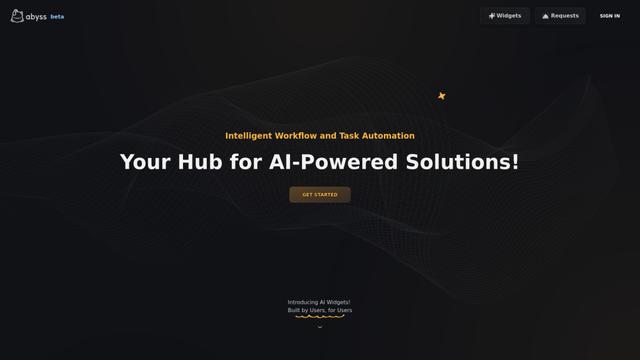
Abyss is an AI-powered platform that enables users to create, share and run automated task-specific Widgets without requiring technical expertise.
AppScape
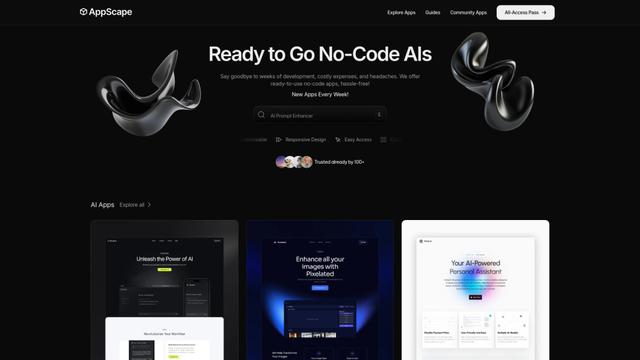
AppScape is a no-code platform offering ready-to-use AI-powered apps and customizable SaaS solutions, enabling quick deployment without traditional development costs and technical expertise.
Popular AI Tools Like Deploy Hermes
GitHub MCP Server
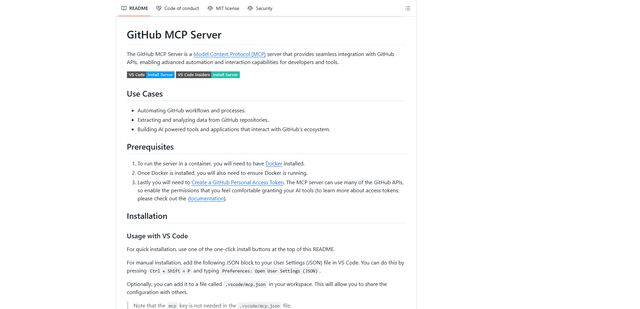
GitHub MCP Server is a Model Context Protocol server that enables seamless integration between AI models and GitHub APIs, providing standardized tools for repository management, issue tracking, and code operations.

GoCodeo SaaS Builder
GoCodeo SaaS Builder is an AI-native framework that automatically generates production-ready full-stack SaaS applications using autonomous AI agents, complete with authentication, real-time features, and TypeScript integration.

iBrowsy
iBrowsy is a modern, AI-powered web browser for macOS that combines intelligent features, privacy-first design, and seamless user experience with built-in GPT-4 assistance.
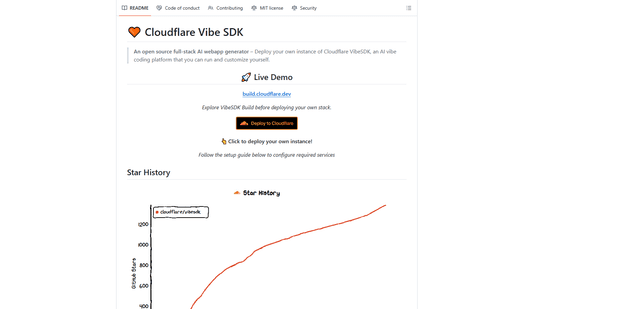
VibeSDK by CloudFlare
VibeSDK is an open-source AI-powered platform by Cloudflare that enables developers to deploy their own full-stack vibe coding environment with one click, allowing users to generate and deploy applications through natural language descriptions.