
Deck
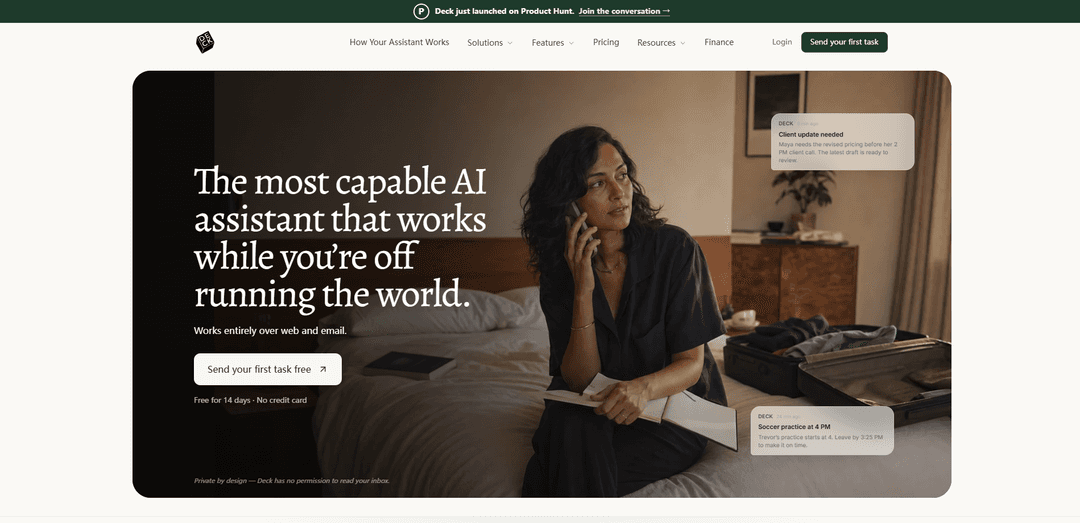
Deck is a private-by-design AI assistant that works over email and web—CC it on threads or forward messages to draft replies, track tasks, run routines, and connect context across your tools without inbox access.
https://hellodeck.ai/?ref=producthunt
Product Information
Updated:Aug 8, 2026
What is Deck
Deck is an AI assistant designed to help busy professionals and teams keep work moving by turning everyday email and information flow into organized, actionable output. Instead of requiring an app, plugin, or permissions to read your inbox, Deck gives you a dedicated assistant email address (e.g., @agent.hellodeck.ai) that you can CC on conversations or forward messages and files to—like looping in a teammate. It’s positioned as a “team of one” that can support everything from personal logistics to professional workflows (including sales, finance, investing, and services) by remembering context, drafting communications, and helping ensure important details don’t slip through the cracks.
Key Features of Deck
Deck is an AI assistant that works primarily over email (and web), designed to help busy individuals and teams stay on top of threads, tasks, and routines without installing an app or granting inbox access. You CC or forward emails to your dedicated assistant address (e.g., @agent.hellodeck.ai), and it follows conversations, flags risks and deadlines, remembers context (people, projects, preferences, files), and can run scheduled routines that summarize and cross-reference information across connected tools (e.g., Calendar, Slack, Notion, HubSpot, call notes). It only replies to you on email threads and emphasizes privacy-by-design (no permission to read your inbox), with enterprise-grade security claims (SOC 2, GDPR) and plans ranging from Free to Pro to Enterprise.
Email-native assistant (CC/forward workflow): Deck works from your existing email: CC it on a thread or forward messages/files, and it catches up with full context—no plugin, no new app, and minimal setup.
Private by design with no inbox access: Deck is positioned to operate without permission to read your inbox; it only sees what you explicitly send/CC and only replies to you (not clients/teammates on the thread).
Proactive monitoring and “second set of eyes”: It follows along on threads to quietly flag what needs attention—e.g., missing replies, buried contract terms, timeline conflicts, and other risks before you respond.
Memory for people, projects, and preferences: As it works alongside you, it learns how you write, who/what is high priority, and key details/decisions so future drafts, reminders, and summaries stay aligned.
Scheduled routines and briefs: You can set automations that run on a schedule (daily/weekly) such as morning briefs, newsletter digests, account updates, and weekly team recaps delivered by email.
Integrations across common work tools: Deck can use supported sources such as Google Calendar, Slack, Notion, HubSpot, call-note tools (e.g., Fireflies/Granola), and selected project files to synthesize updates and next actions.
Use Cases of Deck
Founders & operators: daily execution and follow-ups: Get morning briefs, identify overdue threads, draft concise follow-ups, and keep projects from slipping through the cracks while juggling meetings and stakeholders.
Sales teams: account and pipeline hygiene: Summarize recent calls/notes, pull account status from CRM (e.g., HubSpot), suggest next steps, and draft nudges when deals go quiet.
Finance & investing teams: deal workflow support: Automate parts of deal flow/diligence by organizing inbound materials (models, notes, decks) into structured insights and highlighting risks or missing items.
Professional services: client thread oversight: Stay on top of scope drift and client requests by CC’ing Deck on key threads; it flags changes, deadlines, and suggests response language.
Legal/contract review triage: Use Deck as an initial pass to surface notable terms (e.g., auto-renewal clauses, fees, tight contingencies) and draft replies raising questions—before formal review.
Personal logistics for busy professionals/parents: Forward school, medical, and household emails; Deck can turn them into reminders/to-dos, flag schedule conflicts, and draft quick replies.
Pros
Low-friction adoption: works via email with no app/plugin and fast setup.
Privacy posture: no inbox access required; only processes what you send/CC and replies only to you.
Strong for ongoing context: remembers people/projects/preferences and supports scheduled routines across tools.
Cons
Limited visibility by design: without inbox access, it can’t proactively act on emails you forget to CC/forward.
Integrations are evolving: sources are supported but “more ways to connect are coming soon,” so some workflows may not be covered yet.
Free tier constraints: message limits and fewer automation/memory features compared with Pro.
How to Use Deck
1) Create your Deck assistant (get your assistant email address): Go to https://app.hellodeck.ai/sign-up (or click “Get your assistant email” / “Get Started” on https://hellodeck.ai). Choose a name for your assistant; Deck will generate a dedicated address in the format [email protected]. Setup is designed to take under a minute.
2) Start using Deck from your existing email (no install, no inbox access): From Gmail or Outlook, begin a normal email thread. Add your Deck assistant by CC’ing it on the thread (or forward the email to it). Deck is designed to work entirely over web and email and does not require permission to read your inbox.
3) Ask Deck to review the thread and flag what needs your attention: When CC’d, Deck follows along and privately sends you notes about important details, risks, or next steps (e.g., renewal clauses, buried fees, deadlines). It only ever replies to you, not to other people on the thread.
4) Delegate drafting and replies: Email your Deck assistant (or keep it CC’d) and ask it to draft a reply or follow-up. Example tasks shown include drafting follow-ups when someone hasn’t replied, or drafting a response that raises specific contract concerns.
5) Hand off a task directly (beyond drafting): Send Deck a direct request in email to run a routine or complete a task in context (e.g., “Pull Q3 numbers,” “Prep a one-pager for my 4 PM pricing meeting,” or “Add this deadline to my to-dos”). Deck can connect the dots across your work context and return results by email.
6) Set up scheduled routines (briefs, recaps, monitoring): Configure recurring automations that run on your schedule, such as a morning brief, weekly newsletter summaries, account updates, or a weekly shipped/next-week recap. Deck runs the research and emails you the result.
7) Connect the tools you already use (optional, for richer context): Deck supports working with common tools shown on the site, including Slack, Google Calendar, Fireflies, Granola, DocuSign, Notion, Google Drive, HubSpot, and SharePoint. Use these connections so scheduled briefs and task requests can reference meetings, notes, and project context.
8) Use Deck’s “morning brief” to plan your day: Have Deck email you a daily brief that summarizes your schedule (meetings, key prep needs, open blocks) and highlights “worth a look” items. This is presented as an email you can review before the day begins.
9) Keep Deck in long-running threads so it can remember context: Continue CC’ing Deck on important threads over time. Deck is designed to remember files, decisions, and details in context so you don’t need to re-brief it each time you ask for help.
10) Choose a plan (Free, Pro trial, or Enterprise) based on usage: Free includes drafting/replies, up to 20 messages/day, and one assistant email address. Pro includes a 14-day free trial (no credit card) with unlimited messages plus automations/integrations and preference tracking. Enterprise offers custom pricing with SSO/SAML, custom assistant domain, API access, and dedicated support.
Deck FAQs
Deck is an AI assistant that works over web and email. You CC or forward emails to it, ask it questions, or hand it tasks and routines, and it emails results back to you.
Popular Articles

Vosko AI: Localize and Dub Videos for Global Audiences
Oct 15, 2026

Atoms: A Multi-Agent AI Platform That Transforms Ideas into Launch-Ready Products
Oct 13, 2026

Nano Banana SBTI: What It Is, How It Works, and How to Use It in 2026
Apr 15, 2026

Atoms Review — The AI Product Builder Redefining Digital Creation in 2026
Apr 10, 2026
Latest AI Tools Similar to Deck

10xBeast
10xBeast is an AI-powered sales platform that helps businesses automate and personalize cold email outreach to convert leads into customers in just a few clicks.
Inbox AI
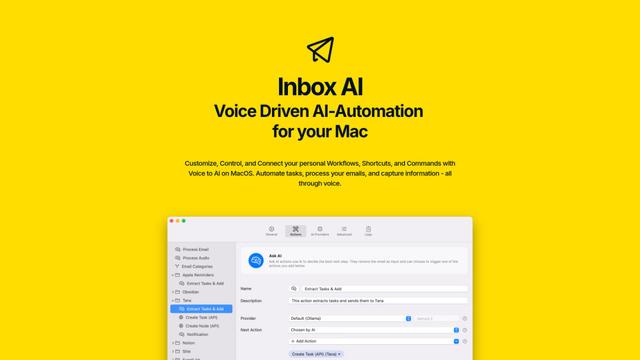
Inbox AI is a privacy-focused MacOS productivity app that combines voice-driven AI automation with email management capabilities, allowing users to create custom workflows and commands while offering both cloud-based and on-device AI options.

MailSense
MailSense is an AI-powered email assistant that filters, summarizes, and generates replies to emails through a Telegram bot interface to help users manage their inbox more efficiently.
Voltmailer
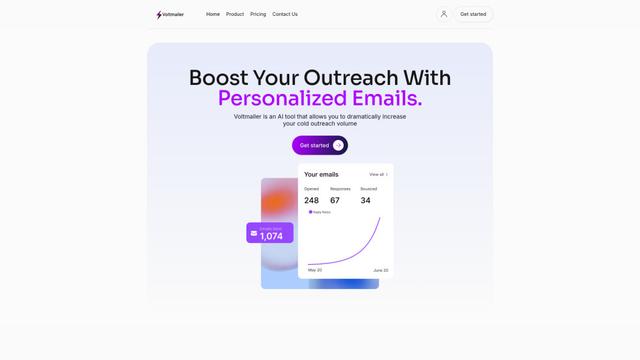
Voltmailer is an AI-powered email automation tool that helps businesses scale their cold outreach by generating personalized emails through website data scraping and automated personalization.
Popular AI Tools Like Deck
Mailmeteor AI for Gmail
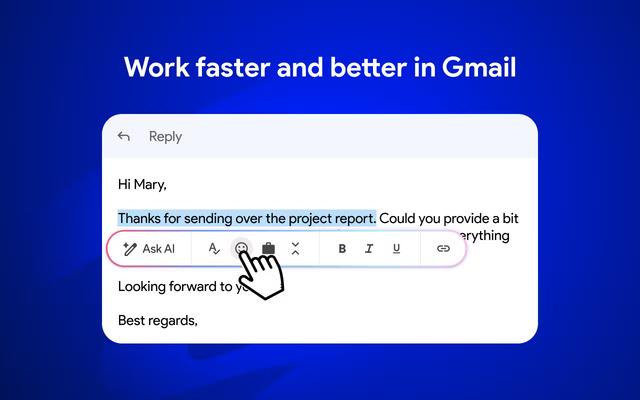
Mailmeteor is a powerful Gmail extension that combines AI email writing, mail merge, automated follow-ups, and email export capabilities to enhance productivity and email management within Gmail.
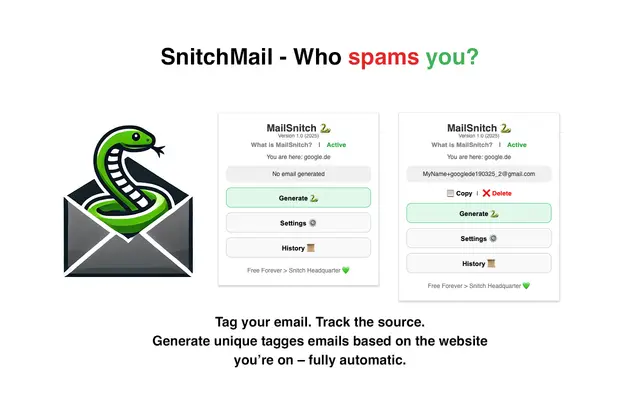
MailSnitch
MailSnitch is a free email tracking and anti-spam Chrome extension that helps users identify spam sources through automated email tagging and tracking system.
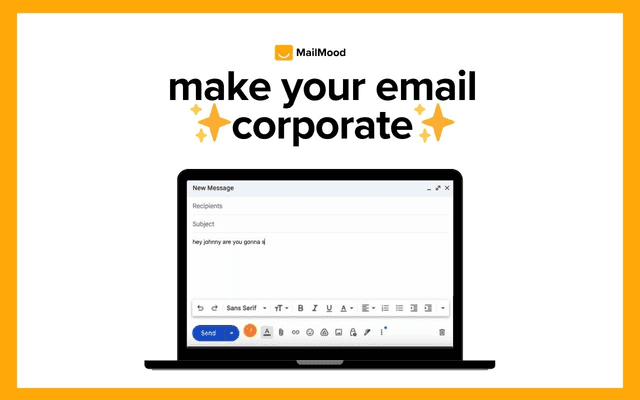
MailMood - AI Email Rewriter
MailMood is a Chrome extension that instantly transforms Gmail messages into professional, clean, and confident business language with three different tone options - corporate, casual, or assertive - all with just one click.
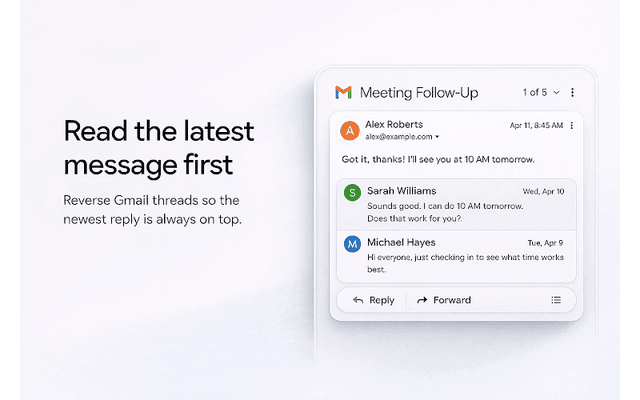
Apparent for Gmail
Apparent for Gmail is a Chrome extension that enhances Gmail's readability and usability by reorganizing conversations, simplifying layouts, and streamlining workflows while maintaining privacy and security.