
Customer.io
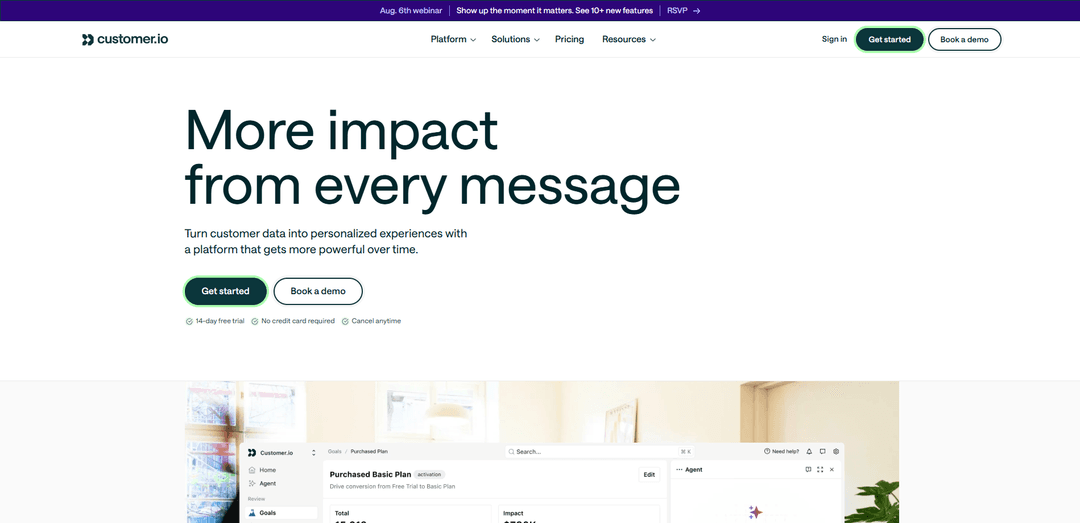
Customer.ioは、ファーストパーティデータと自動化を統合して、メール、SMS、プッシュ、アプリ内メッセージング、Webhook全体でパーソナライズされたジャーニーを調整するAI搭載の顧客エンゲージメントプラットフォームです。
http://customer.io/?ref=producthunt&utm_source=aipure
製品情報
更新日:2026年08月08日
Customer.ioとは
Customer.ioは、製品およびライフサイクルマーケティングチーム向けに構築された顧客メッセージングおよび自動化プラットフォームであり、適切なタイミングで関連性の高い行動主導型コミュニケーションを提供します。データ、メッセージング、AIを1か所に統合することで、チームはメール、SMS、モバイルプッシュ、アプリ内メッセージ、Webhookなど、複数のチャネルにわたるパーソナライズされた顧客ジャーニーを設計および実行できます。何千ものブランドから信頼されているCustomer.ioは、リアルタイムの行動データで拡張できるように設計されており、企業のより広範なマーケティングテクノロジーおよびデータスタックに深く統合されています。
Customer.ioの主な機能
Customer.ioは、顧客エンゲージメントおよびライフサイクルメッセージングプラットフォームであり、ファーストパーティの顧客データ、マルチチャネルメッセージング、およびAIを統合して、高度にパーソナライズされた行動トリガー型のジャーニーを構築します。メール、SMS、プッシュ通知、アプリ内メッセージング(およびWebhookなどの統合)をサポートし、リアルタイムイベントとユーザー属性に基づいた高度なセグメンテーションと分岐ロジックを可能にするビジュアルワークフロービルダーを備えています。チームは、堅牢なデザインエクスペリエンスでブランドに合ったコンテンツをデザインし、顧客ジャーニー(オンボーディング、アクティベーション、リテンション、アップセル)全体でコミュニケーションを調整し、API/SDKやデータパイプライン/ウェアハウス接続を介して深く統合しながら、分析と目標追跡で成果を測定できます。
マルチチャネルメッセージングオーケストレーション: メール、SMS、プッシュ通知、アプリ内メッセージング(およびWebhook)を横断する調整された顧客ジャーニーを作成し、メッセージがユーザーのコンテキストに合ったチャネルとタイミングで届くようにします。
高度な分岐を伴うイベントトリガー型自動化: リアルタイムの行動とイベントシーケンス(静的なリストだけでなく)に基づいたトリガー、フィルター、分岐分割を使用して、視覚的なジャーニービルダーで複雑なワークフローを構築します。これには待機ステップと時間枠が含まれます。
強力な統合を備えたファーストパーティデータモデル(イベント+属性): API/SDK、Webhook、および統合を介して製品および顧客データをCustomer.ioにストリーミングすることでパーソナライゼーションを強化します。イベント(ユーザーが行うこと)と属性(ユーザーが誰であるか)がターゲティングを駆動するデータパイプラインスタイルのセットアップをサポートします。
セグメンテーションとパーソナライゼーション: 行動データとカスタマイズ可能なユーザー属性を使用して高度にターゲットを絞ったセグメントを作成し、動的なテンプレート(例:Liquid)を使用してコンテンツをパーソナライズし、ユーザーごとにメッセージを調整します。
デザインスタジオとコンテンツツール: コーダーと非コーダーの両方のために設計されたエディターでメールコンテンツを構築および管理し、ブランドに合った作成とコラボレーション指向のワークフローをサポートします(一部の高度な機能は上位のティアで制限されます)。
分析、目標、およびパフォーマンスの可視性: レポートと目標達成トラッキングにより、メッセージ指標を超えてキャンペーンとジャーニーのパフォーマンスを追跡し、ROIを実証し、イニシアチブ全体で何が機能しているかを理解します。
Customer.ioのユースケース
SaaSのオンボーディングとアクティベーション: 主要な製品イベント(例:サインアップ、最初のプロジェクト作成)に基づいてウェルカムシーケンスとアプリ内プロンプトをトリガーし、新規ユーザーを意味のあるアクションと価値実現までの時間短縮に導きます。
サブスクリプションの維持と解約防止: エンゲージメントの低下や解約リスクの兆候を検出し、パーソナライズされたナッジ、更新リマインダー、またはメール/SMS/プッシュを介した再獲得キャンペーンを自動的に送信します。
マーケットプレイスまたはフィンテックのライフサイクルエンゲージメント: リアルタイムの行動イベント(例:資金調達、最初の取引、コンバージョンなしでの価格表示の繰り返し)を使用して、タイムリーな教育、コンプライアンスリマインダー、およびコンバージョンを促進するフォローアップを提供します。
アプリ内メッセージングによるモバイルアプリの機能採用: 必要な瞬間に製品内にコンテキストバナー/モーダル/ツールチップを展開し、ユーザーをメールに誘導することなく機能の発見と採用を促進します。
利用状況シグナルに基づいたクロスセルとアップセル: 製品の使用しきい値、プラン属性、およびイベントパターンを使用してアップグレードプロンプトとクロスセルキャンペーンをパーソナライズし、適切なタイミングで適切なユーザーをターゲットにします。
エンタープライズ向けデータウェアハウス主導のパーソナライゼーション: Snowflake/BigQueryなどのウェアハウスから計算された特性(例:解約確率、予測LTV)をプロファイルに同期し、よりインテリジェントなセグメンテーションとメッセージングを大規模に調整します。
メリット
リアルタイムの行動データと複雑な分岐ロジックによって駆動される強力な自動化とセグメンテーション。
強力なAPI/SDKと統合機能を備えた真のマルチチャネルジャーニーオーケストレーション(メール、SMS、プッシュ、アプリ内)。
AI機能やワークフローの強化を含む、迅速で役立つサポートと継続的な製品進化。
デメリット
レガシーと新しいUI/機能領域が混在しているため、高度な機能が埋もれていたり一貫性がなかったりすることがあり、学習曲線が生じます。
行動追跡のセットアップには、API/SDKを介してイベント/属性を実装するためのエンジニアリング作業が必要となることがよくあります。
顕著なティア制限と価格の跳ね上がり:一部の高度なデザイン/コラボレーションおよびチャネル機能は、上位プラン/エンタープライズティアに制限されています。
Customer.ioの使い方
1) Customer.ioアカウントとワークスペースを作成する: Customer.ioにアクセスし、無料トライアルを開始するかプランを選択して、アカウントを作成します。サインアップ時に、基本的な会社情報を提供し、ワークスペースを作成/選択します。ここには、ユーザー、データ、メッセージが保存されます。
2) 送信するメッセージングチャネルを決定する: ワークスペースで、使用するメッセージタイプ(例:メール、プッシュ、SMS、アプリ内)を選択します。このチュートリアルではメールに焦点を当てますが、Customer.ioは同じデータ基盤から複数のチャネルをサポートしています。
3) メール送信を設定する(ドメイン + 差出人アドレス): Customer.ioがあなたに代わってメールを送信できるようにメールを設定します。使用する送信ドメインを追加し、1つ以上の「差出人」アドレスを追加します。メールを作成するときに差出人アドレスを選択します。
4) Customer.ioのデータモデルを理解する:人物 = 識別子 + 属性 + イベント: Customer.ioは、各人物を次のように表します。(a) 識別子(IDやメールなど)、(b) 属性(first_name、is_account_manager、num_projectsなどのプロファイルフィールド)、(c) イベント(サインアップ、購入、画面表示などの行動)。これらは、パーソナライゼーション、セグメンテーション、自動化を強化します。
5) ワークスペースに人物を追加する(テスト人物として自分自身から始める): キャンペーンを安全にテストできるように、少なくとも1人の人物を追加します。プラットフォームを学習中に実際の顧客にメッセージを送信するのを避けるために、自分自身をテスト人物として追加するのが一般的なアプローチです。
6) Customer.ioにデータを送信する(取り込み方法を選択する): サポートされている方法(API、JavaScriptスニペット、モバイルSDK、データパイプライン/CDP、直接データベース接続、CSVアップロード)のいずれかを使用して、リアルタイムでデータを接続します。接続すると、identify(人物の更新)およびtrack(イベント)呼び出しによってCustomer.ioが更新されます。
7) 人物を識別する(人物レコードを作成/更新する): 「identify」呼び出し(または統合を介した同等のもの)を送信して、人物を作成または更新します。ワークスペースがメールとIDの両方の識別子をサポートしている場合(通常はデフォルト)、データベースIDまたはメールで識別できます。これは、後で割り当てられたIDを持つユーザーになるリードに役立ちます。
8) イベントを追跡する(行動アクティビティを送信する): サインアップ、機能の使用、購入、ページ/画面の表示などの「track」イベントを送信します。必要に応じてイベントプロパティを含めます。イベント属性は後でセグメンテーションに使用できます(例:item = '野球帽'で購入)。
9) セグメントを作成する(適切なオーディエンスをターゲットにする): セグメントに移動し、属性やイベント(および設定に応じてページ/デバイスなどの他のサポートされている基準)に基づいて条件を使用してセグメントを作成します。例:無料トライアルを開始した人々のセグメント、または特定のアイテムを購入した人々のセグメント。
10) メールを送信するキャンペーンを作成する: Customer.ioでメールを送信するには、まずキャンペーンを作成します。ビジュアルキャンペーンビルダーを使用して、誰が参加するか(例:セグメントまたはイベントトリガー)を定義し、ワークフローにメールステップを追加します。
11) メールエディタを選択し、パーソナライゼーションでコンテンツを作成する: エディタ(スタイリッシュなレイアウトにはドラッグアンドドロップ、シンプルな設定にはリッチテキスト)を選択します。人物属性(例:first_name)を使用してパーソナライゼーションを追加し、収集したデータに基づいてコンテンツを調整します。
12) テスト人物に送信してテストする: テスト人物(あなた)に対してキャンペーンを実行します。配信可能性を確認し、パーソナライゼーションが正しくレンダリングされ、属性/イベントからキャンペーンが期待どおりにトリガーされることを確認します。
13) ジャーニーロジックを追加する(遅延、分岐、終了条件): 遅延、条件付き分割、終了ルールを追加して、各人物の行動(または行動しないこと)に適応するようにジャーニーを拡張します。Customer.ioはイベント駆動型であるため、キャンペーンは行動にリアルタイムで反応できます。
14) パフォーマンスを監視し、最適化する(レポート + A/Bテスト): レポートを使用して、開封、クリック、コンバージョンを監視します。A/Bテスト(例:件名やコンテンツのバリエーション)を実行して、時間の経過とともに結果を改善します。
15) 既存のツールと統合する(オプションだが一般的): Customer.ioをCRM/CDPやその他のツールと接続して、ワークフローを改善し、既存のデータを使用してよりパーソナライズされたメッセージングを実現します。多くの統合は、ワークスペース設定で利用できるワークスペースAPI認証情報(例:サイトIDとAPIキー)に依存しています。
Customer.ioのよくある質問
Customer.ioは、ファーストパーティの顧客データ(属性とイベント)を使用してパーソナライズされたコミュニケーションを送信し、顧客ジャーニーを自動化する、クラウドベースの顧客エンゲージメントおよびメッセージングプラットフォームです。




Customer.ioに類似した最新のAIツール

10xBeast
10xBeastは、企業がリードを顧客に変換するためにコールドメールのアプローチを自動化し、パーソナライズするのを助けるAI駆動の営業プラットフォームです。
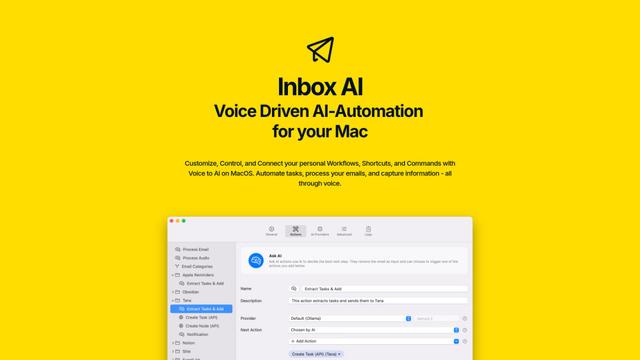
Inbox AI
Inbox AIは、音声駆動のAI自動化とメール管理機能を組み合わせたプライバシー重視のMacOS生産性アプリで、ユーザーがカスタムワークフローやコマンドを作成できるようにし、クラウドベースとデバイス上のAIオプションの両方を提供します。

MailSense
MailSenseは、Telegramボットインターフェースを通じてメールをフィルタリング、要約、返信生成するAI駆動のメールアシスタントであり、ユーザーが受信トレイをより効率的に管理するのに役立ちます
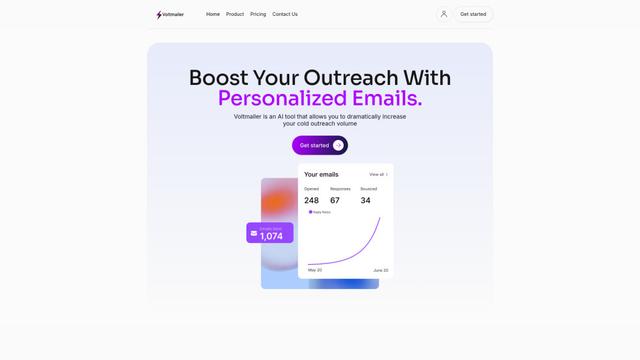
Voltmailer
Voltmailerは、ウェブサイトデータのスクレイピングと自動化されたパーソナライズを通じて、企業がコールドアウトリーチを拡大するのを支援するAI駆動のメール自動化ツールです
Customer.ioに似た人気のAIツール
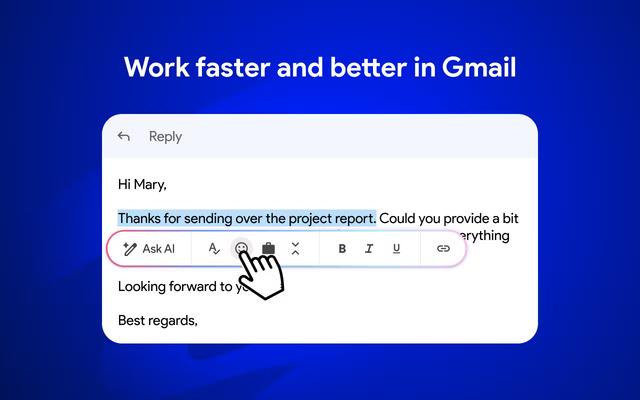
Mailmeteor AI for Gmail
Mailmeteorは、AIメールライティング、メールマージ、自動フォローアップ、メールエクスポート機能を組み合わせて、Gmail内での生産性とメール管理を向上させる強力なGmail拡張機能です
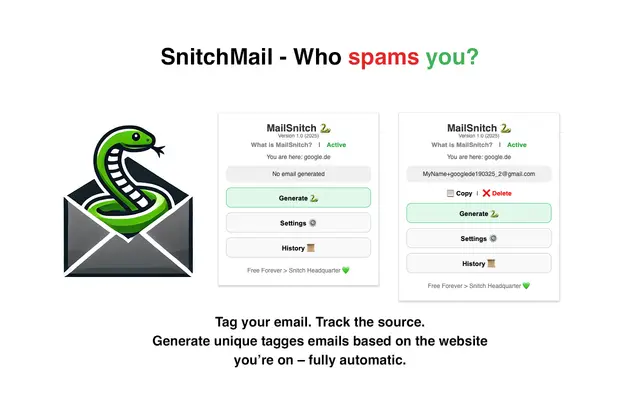
MailSnitch
MailSnitchは、自動化されたメールタグ付けおよび追跡システムを通じて、ユーザーがスパムソースを特定するのに役立つ無料のメール追跡およびアンチスパムChrome拡張機能です。
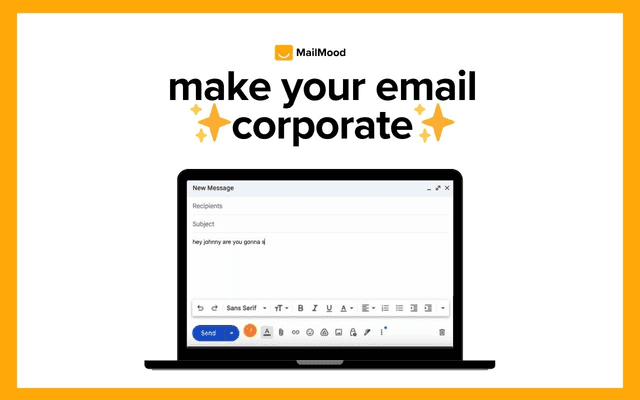
MailMood - AI Email Rewriter
MailMoodは、Gmailメッセージをプロフェッショナルでクリーン、かつ自信に満ちたビジネス言語に瞬時に変換するChrome拡張機能です。コーポレート、カジュアル、またはアサーティブの3つの異なるトーンオプションがあり、すべてワンクリックで実現できます。
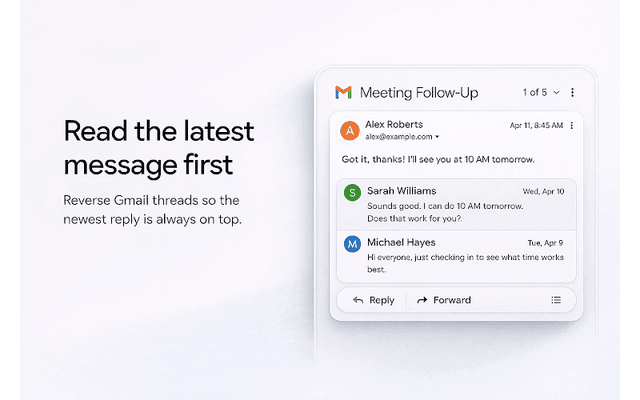
Apparent for Gmail
Apparent for Gmail is a Chrome extension that enhances Gmail's readability and usability by reorganizing conversations, simplifying layouts, and streamlining workflows while maintaining privacy and security.