
ClipTask
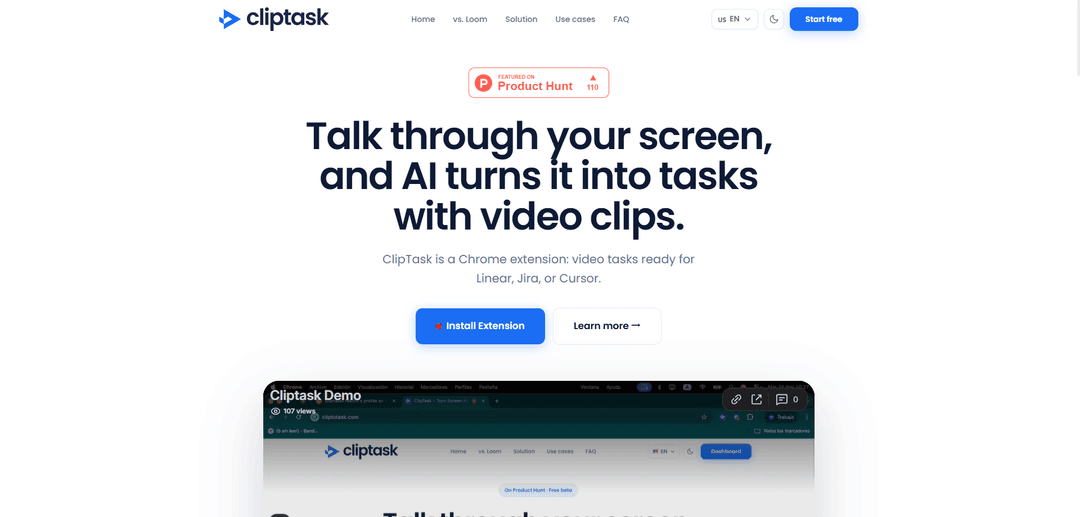
ClipTask is an AI-powered tool that automatically converts screen recordings into structured tasks, bug reports, and product feedback for project management tools.
https://cliptotask.com/?ref=producthunt
Product Information
Updated:Apr 8, 2026
What is ClipTask
ClipTask is a Chrome extension that bridges the gap between video feedback and actionable tasks. Unlike traditional screen recording tools that just capture and share videos, ClipTask uses AI to transform recorded content into structured, executable tasks. It integrates with popular project management platforms like Linear, Jira, ClickUp, and Notion, making it easier for teams to convert visual feedback into trackable work items without manual rewriting.
Key Features of ClipTask
ClipTask is a Chrome extension that transforms screen recordings with voice explanations into AI-generated structured tasks, bug reports, and product feedback. It integrates with popular project management tools like Linear, Jira, ClickUp, and Notion, allowing teams to convert video feedback into actionable items without manually rewatching or rewriting tickets.
AI-Powered Video Processing: Automatically converts screen recordings and voice explanations into structured, actionable tasks
Tool Integration: Seamlessly exports tasks to popular platforms like Linear, Jira, ClickUp, Notion, and generates prompts for Cursor or GitHub Copilot
Customizable Project Management: Features drag-and-drop interface and customizable boards to fit unique team processes and workflows
Collaboration Dashboard: Centralized platform to manage recordings, tasks, and share links with team members
Use Cases of ClipTask
Bug Reporting: Development teams can quickly record and document software issues with visual context and automatic task generation
Product Feedback: Product managers can capture and convert user feedback sessions into structured improvement tasks
Remote Team Collaboration: Distributed teams can communicate effectively by sharing screen recordings that automatically convert to actionable items
Design Review Process: Design teams can provide visual feedback and automatically generate task lists for revisions
Pros
Saves time by automating task creation from video content
Intuitive interface with drag-and-drop functionality
Integrates with multiple popular project management tools
Cons
Limited to Chrome browser only
Requires account creation and credits for processing
Still in beta phase with potential limitations
How to Use ClipTask
Install ClipTask Chrome Extension: Since ClipTask is available as a Chrome extension, first install it from the Chrome Web Store
Create an Account: Sign up for a ClipTask account to access the dashboard and manage your recordings and tasks. No credit card required during beta
Record Your Screen: Use the Chrome extension to record your screen and voice while explaining what you see or providing feedback
AI Processing: The AI will automatically process your screen recording and convert your explanations into structured, actionable tasks
Manage Tasks: Access your dashboard to review and manage the AI-generated tasks from your recordings
Export Tasks: Push the generated tasks to your preferred project management tool (Linear, Jira, ClickUp, Notion) or generate prompts for Cursor/GitHub Copilot
Share and Collaborate: Share links to recordings and tasks with your team members for collaboration
ClipTask FAQs
ClipTask is a Chrome extension that turns screen recordings into AI-generated tasks, bug reports, and product feedback. It converts video feedback into structured tasks that can be exported to tools like Linear, Jira, ClickUp, and Notion.
Popular Articles

Atoms: A Multi-Agent AI Platform That Transforms Ideas into Launch-Ready Products
Oct 13, 2026

Nano Banana SBTI: What It Is, How It Works, and How to Use It in 2026
Apr 15, 2026

Atoms Review — The AI Product Builder Redefining Digital Creation in 2026
Apr 10, 2026

Kilo Claw: How to Deploy and Use a True "Do‑It‑For‑You" AI Agent(2026 Update)
Apr 3, 2026
Latest AI Tools Similar to ClipTask

Claap
Claap is an AI-powered sales assistant that automates post-meeting tasks like note-taking, CRM updates, and follow-up emails while providing valuable deal insights and coaching capabilities.
Streamie
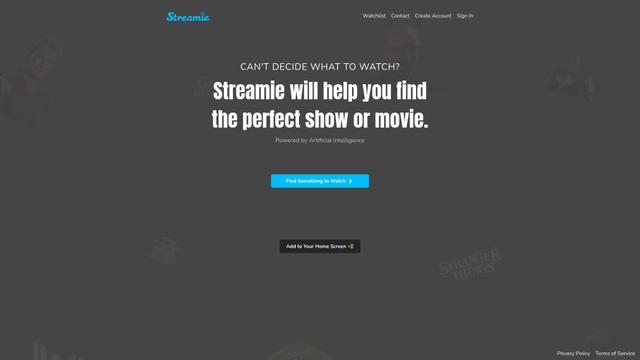
Streamie is an AI-powered app that helps users discover, stream, and manage various types of camera feeds on Apple devices while also providing personalized movie and TV show recommendations.

MyItura
MyItura is a leading data-centric digital health startup in Nigeria that provides an affordable and convenient platform for remote healthcare services, including AI-assisted health insights, diagnostic testing, doctor consultations, and medication delivery.
Ssemble
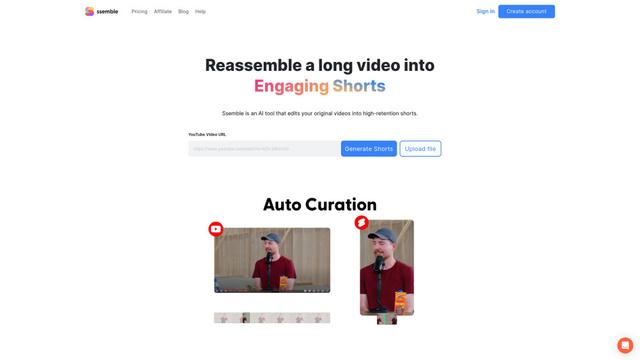
Ssemble is an AI-powered online video editor that automatically creates engaging shorts from longer videos, with features like trimming, captioning, transitions, and sound effects.
Popular AI Tools Like ClipTask
VEED
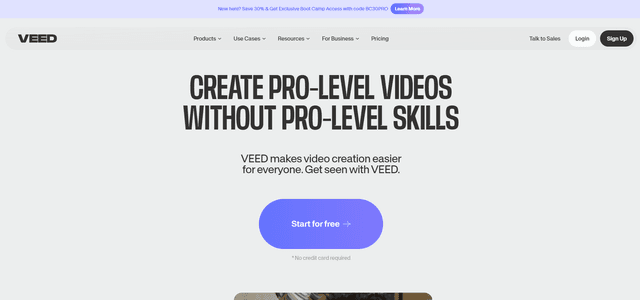
VEED is an AI-powered online video editing platform that makes creating professional-quality videos easy and accessible to everyone.
Ssemble
Ssemble is an AI-powered online video editor that automatically creates engaging shorts from longer videos, with features like trimming, captioning, transitions, and sound effects.
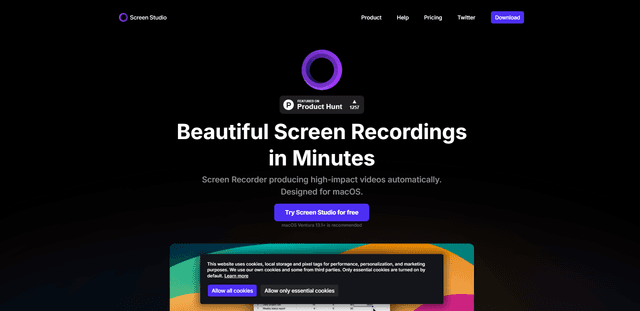
Screen Studio
Screen Studio is a professional screen recording software for macOS that automatically creates high-quality videos with smart features like automatic zoom, smooth cursor movements, and cinematic effects.
Claap
Claap is an AI-powered sales assistant that automates post-meeting tasks like note-taking, CRM updates, and follow-up emails while providing valuable deal insights and coaching capabilities.