
Brief
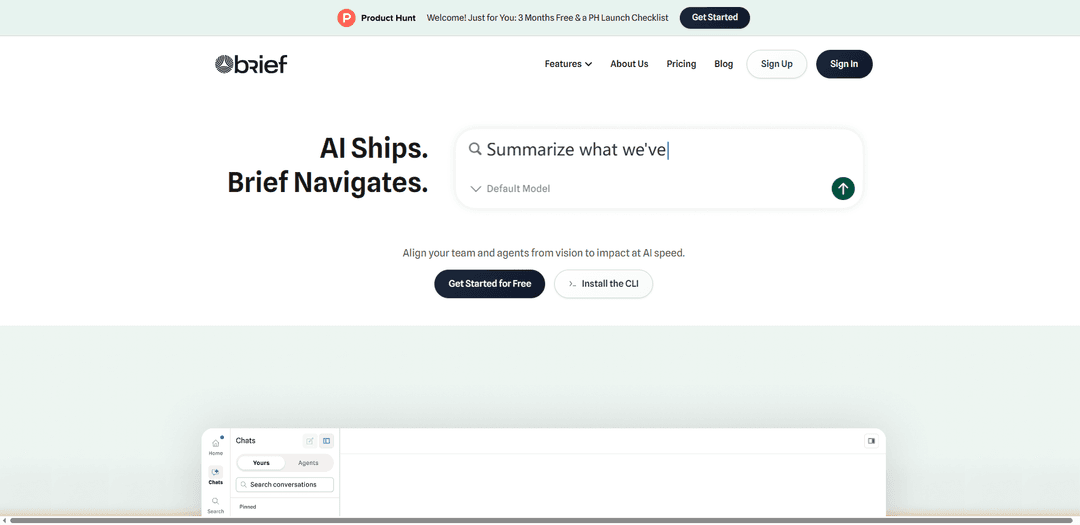
Brief is a product “Navigator” that captures decisions and context from your existing tools, builds a searchable Product Graph, and delivers that product truth to engineers and AI coding agents via an MCP server, CLI, and IDE integrations.
https://briefhq.ai/?promo=PRODUCTHUNT&ref=producthunt
Product Information
Updated:Jun 8, 2026
What is Brief
Brief is built to solve the core problem of AI-speed development: teams and coding agents can ship quickly, but often without the strategic context behind what to build and why. It acts as a command center for product knowledge—connecting strategy, constraints, customer insights, and prior decisions into a living, queryable layer called a Product Graph. Instead of replacing your workflow with another project management tool, Brief integrates with where work already happens (e.g., Slack, Notion, Linear/Jira, GitHub) so builders can retrieve the rationale and direction behind the code they’re writing.
Key Features of Brief
Brief is a “product navigator” that captures product decisions and context from the tools teams already use (e.g., Linear/Jira, Notion, Slack, GitHub) and connects them into a searchable Product Graph. Through its web app, MCP server + CLI, and IDE/agent integrations (e.g., Cursor, Claude Code, Windsurf), it lets engineers and AI coding agents query the “why” behind the code—priorities, constraints, rationale, and customer insights—so work stays aligned with strategy across long-running projects and agent sessions.
Decision capture from existing tools: Reads your connected systems and extracts decisions as they happen, reducing reliance on manual documentation and preventing key rationale from being lost in chats, tickets, and PRs.
Product Graph (connected, searchable context): Turns decisions into a linked, always-current graph that ties together goals, constraints, features, and rationale—making institutional knowledge queryable instead of buried in docs.
MCP server + CLI for AI assistants: Provides context to MCP-compatible AI coding assistants (and via a CLI) so agents can retrieve relevant decisions and constraints without bloating context windows or losing continuity across sessions.
IDE-native “navigate to product truth” workflow: Lets builders query Brief from their IDE to quickly find the context that matters (e.g., why an approach was chosen, what was explicitly ruled out, what the current priorities are).
Web app command center: Offers a central place to view the Product Graph, search decisions, and understand where the product is headed—supporting alignment from vision to shipped features.
Work pipeline & velocity awareness (via integrations): By connecting tools like Asana, Brief can understand pipeline/throughput patterns and (with MCP write permissions) enable AI to create/update tasks directly from the IDE.
Use Cases of Brief
AI-assisted software development (SaaS/DevTools): Keep AI coding agents aligned with product decisions and technical constraints so they implement features the way the team intended (e.g., avoiding explicitly rejected auth approaches).
Distributed engineering teams: Provide instant access to rationale and tradeoffs for teammates in different time zones, reducing “why did we do it this way?” churn and repeated debates.
Fast-moving startups shipping with agent swarms: Support high-velocity execution by making strategic priorities and past decisions retrievable on demand, so agents and humans don’t wander or redo work.
Product/engineering leadership alignment: Use decision search and connected context to ensure roadmap intent, constraints, and customer insights are consistently reflected in implementation across multiple teams.
Agencies and client-delivered builds: Reduce misinterpretation between requirements and implementation by preserving client constraints and decision rationale, helping teams ship what was actually agreed upon.
Pros
Improves alignment by capturing the “why” (rationale, constraints, tradeoffs), not just the “what.”
Works with existing workflows and tools; value can appear quickly once integrations are connected.
Helps AI agents stay consistent across long sessions by providing retrievable context instead of ever-growing prompts.
MCP + IDE access makes context available where building happens (in-code), not only in separate docs.
Cons
Value depends on successful integrations and access to the right sources (Slack/tickets/docs); limited inputs reduce usefulness.
Some setups may be client-dependent (e.g., OAuth flows can vary by IDE/client support).
Granting read/write permissions (e.g., task updates via MCP) introduces governance and access-control considerations.
How to Use Brief
1) Create your Brief workspace: Go to https://briefhq.ai and start a new workspace in the Brief web app (your command center for searching decisions and viewing your Product Graph).
2) Connect 1–2 core integrations first (minimum useful setup): In Brief, connect the tools where your product decisions already live (recommended starting set: Linear or Jira + GitHub; optionally add Fireflies/Fathom for customer-call context). More integrations generally produce richer, more grounded answers.
3) Let Brief start capturing decisions automatically: Keep working in your existing tools. Brief reads connected tools and extracts decisions as they happen, including the rationale, timestamp, and surrounding context, so the reasoning doesn’t get lost.
4) Understand the Capture → Connect → Navigate loop: Capture: Brief reads your tools and extracts decisions. Connect: those decisions build your Product Graph (searchable, linked, always current). Navigate: your team and AI agents query Brief to get aligned on the ‘why,’ not just the ‘what.’
5) Search and verify decisions in the web app: Use the web app to search for a decision (e.g., “why Memcached?”). Ask for where an answer came from so you can trace it back to the underlying doc/thread/ticket and verify it.
6) Connect Brief to your AI coding assistant via MCP (recommended): Add Brief’s MCP server to your MCP-compatible client so Cursor/Claude Code/Windsurf can query your product context directly. Brief’s MCP endpoint is https://app.briefhq.ai/mcp and uses Streamable HTTP + OAuth (a browser popup handles OAuth; no API key required).
7) Install the Brief agent behavior layer in your project: Fetch and follow https://briefhq.ai/docs/agent-setup.md to install Brief’s agent behavior layer so your assistant reliably knows when and how to use Brief tools (rather than only having the tools available).
8) Use the in-product setup shortcuts when available: If Brief prompts are available in your assistant, run /brief-setup for first-time setup or /brief-welcome-back when the workspace is already configured.
9) Query Brief from your IDE while building: When implementing features, ask your assistant questions that require product context (e.g., “What constraints did we decide for auth?” “Does this match our ICP?” “Why did we reject real-time collaboration?”). Brief navigates the assistant to the relevant decisions and linked context.
10) Use Brief to prevent misaligned changes before merge (optional workflow): Adopt Brief as a ‘business context’ check: if a code change is about to violate a captured product decision or constraint, Brief can flag it before it merges so you don’t ship something that contradicts strategy.
11) (Optional) Enable write actions through connected tools: Once MCP is connected and permissions are granted, your assistant can perform actions in connected systems (e.g., create/update tasks in Asana, create Linear projects/tasks, file GitHub issues) from your IDE—subject to the scopes you approved during OAuth.
12) (Optional) Connect Supabase for real-data Q&A safely: Connect Supabase so your agent can answer questions with real product data. Use a read replica/analytics DB when possible. Brief runs read-only queries and validates queries as SELECT-only before execution; start by sharing a small set of tables and expand later.
13) Keep expanding context as needed: As your team grows or questions broaden, connect additional tools (Slack, Notion, Jira/Linear, GitHub, call-recording tools, etc.) so Brief can keep your Product Graph current and your answers grounded in the full decision trail.
Brief FAQs
Brief is a “Navigator” through the product process that captures product decisions and context from your existing tools, builds a searchable Product Graph, and makes that context available to engineers and AI coding agents so teams don’t build blind.
Brief Video
Popular Articles

Vosko AI: Localize and Dub Videos for Global Audiences
Oct 15, 2026

Atoms: A Multi-Agent AI Platform That Transforms Ideas into Launch-Ready Products
Oct 13, 2026

Nano Banana SBTI: What It Is, How It Works, and How to Use It in 2026
Apr 15, 2026

Atoms Review — The AI Product Builder Redefining Digital Creation in 2026
Apr 10, 2026
Latest AI Tools Similar to Brief
Plani.ai
Plani.ai is an AI-powered business planning tool that generates customized strategies, tasks, and actionable plans to help entrepreneurs, startups, and small businesses achieve their business goals.
Tendery.ai
Tendery.ai is an AI-powered platform that transforms EU public procurement by providing automated tender discovery, intelligent matching, and enhanced proposal creation capabilities.

Devozy.ai
Devozy.ai is an AI-powered developer self-service platform that combines Agile project management, DevSecOps, multi-cloud infrastructure management, and IT service management into a unified solution for accelerating software delivery.
MDLR
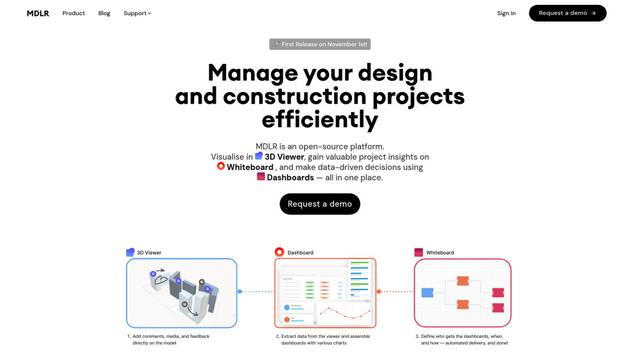
MDLR is an open-source AI-powered platform that streamlines design and construction project management through integrated 3D viewing, real-time dashboards, and interactive whiteboards.
Popular AI Tools Like Brief
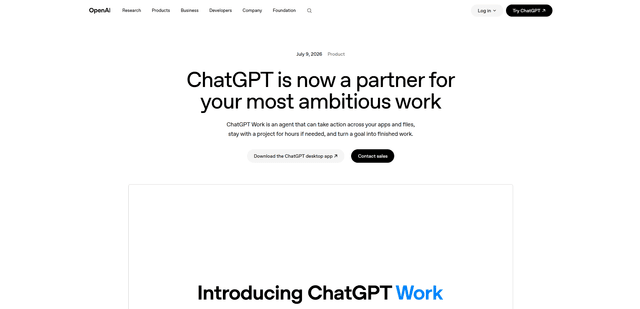
ChatGPT Work
ChatGPT Work is an agent mode inside ChatGPT that can run multi-step projects for hours, pull context from your connected apps and files, and produce finished outputs like docs, slides, sheets, and interactive Sites—while keeping you in control with approvals and enterprise governance.
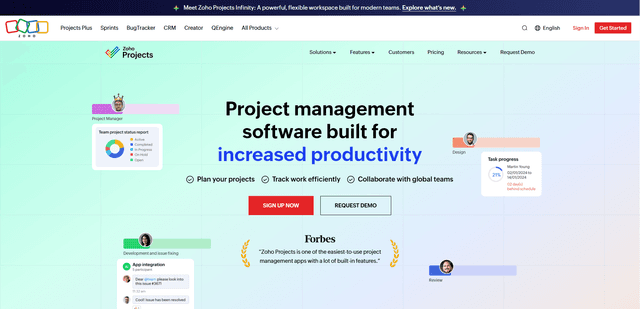
Zoho Projects
Zoho Projects is a cloud-based project management software that helps teams plan, track, and collaborate on projects with features like Gantt charts, task automation, time tracking, and comprehensive reporting tools.
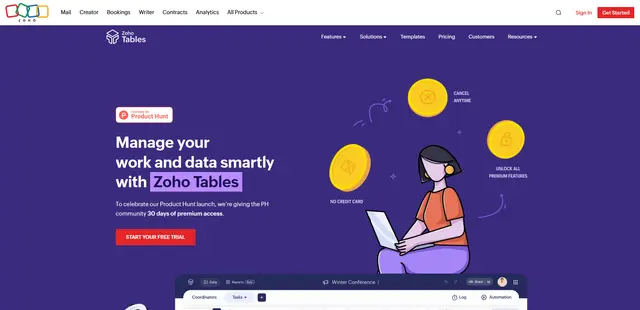
Zoho Tables
Zoho Tables is a modern spreadsheet-database hybrid that helps teams organize data with relational links, build views and dashboards, collaborate in real time, and automate workflows with no-code and AI assistance.
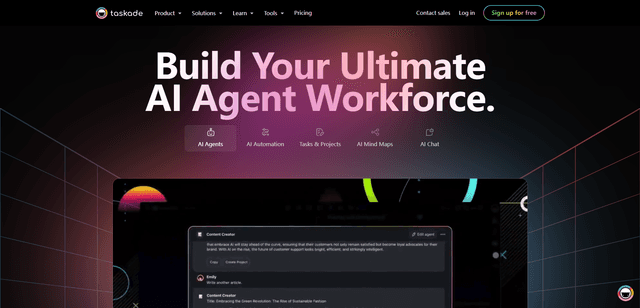
Taskade
Taskade is an AI-powered productivity platform that combines task management, real-time collaboration, and AI automation in one unified workspace for teams and individuals.