
Brew
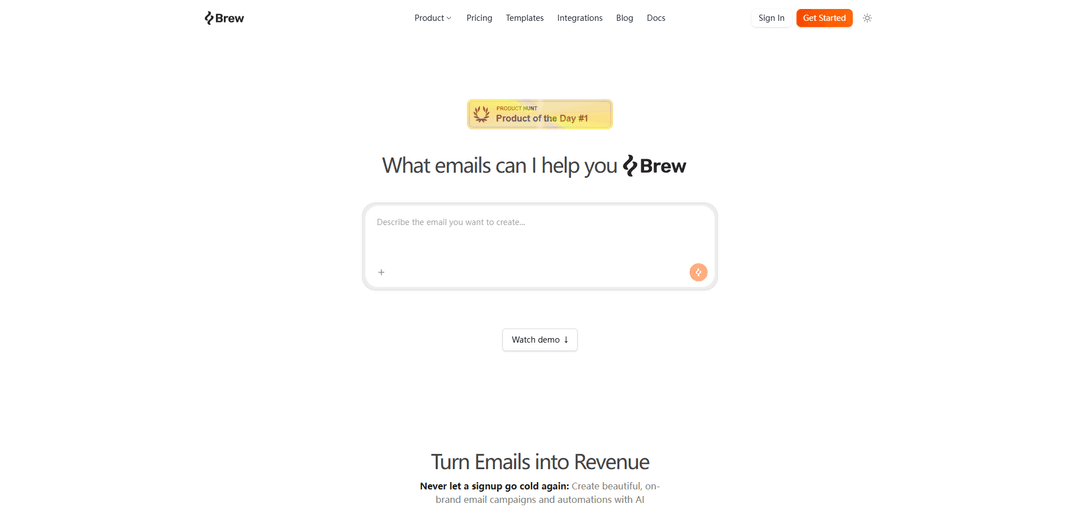
Brew is an AI-powered email service provider (ESP) that generates on-brand marketing emails, remixes templates, builds automations, and provides real-time analytics with deliverability and integrations built in.
https://brew.new/?ref=producthunt
Product Information
Updated:Jun 8, 2026
What is Brew
Brew is an AI email marketing platform designed to help businesses create and send high-performing marketing emails and lifecycle automations faster. Unlike traditional ESPs that mainly provide tooling, Brew positions itself as an “AI email marketing agency” inside the product—supporting strategy, copywriting, design, segmentation, and analysis in one place. It’s free to start and includes core capabilities like on-brand email generation, automations, integrations, and the option to use a custom sending domain.
Key Features of Brew
Brew is an AI-first email marketing platform that helps teams create on-brand email campaigns and automations quickly, using AI to assist with strategy, copy, design customization, segmentation, and analysis. It supports remixing templates, setting up lifecycle automations, tracking real-time engagement analytics, and improving deliverability with domain and DNS tooling. Brew also offers developer capabilities via an API/SDK, where most resources are scoped to a specific brand via API keys, enabling integrations and programmatic management of email marketing workflows.
AI-powered email creation: Generates on-brand emails from natural language prompts, aiming to speed up strategy, copywriting, and design so teams can ship faster.
Template remixing and customization: Lets you take existing templates and adapt them to your brand with AI-assisted customization for faster iteration and consistent design.
Automations for lifecycle marketing: Build automated workflows that send the right message at the right time (e.g., onboarding, nurture, retention) to improve conversion.
Real-time analytics: Tracks opens, clicks, and engagement as they happen to help marketers evaluate performance and optimize quickly.
Deliverability and sending-domain tooling: Provides deliverability-focused features and supports using your own sending domain with DNS record setup and domain management.
Developer API and SDK integrations: Offers an API/SDK for programmatic access; API keys are bound to a single brand and brand-scoped resources (e.g., contacts, audiences, domains, emails, sends) are automatically scoped, while templates are organization-wide.
Use Cases of Brew
SaaS onboarding and activation: Automate welcome series, product education, and trial-to-paid nudges with AI-generated, on-brand emails and real-time performance tracking.
E-commerce promotional and retention flows: Run campaigns and automations like abandoned cart, post-purchase follow-ups, and win-back sequences, using template remixing for rapid creative testing.
Content and newsletter operations: Create and iterate on newsletters faster with AI-assisted drafting and design, then monitor engagement to refine topics and segments.
Agencies managing multiple brands: Use brand-bound API keys to keep data separated per client brand while building repeatable workflows, integrations, and reporting.
Engineering-led growth and product-triggered messaging: Integrate Brew via API/SDK to trigger sends from app events (e.g., feature adoption, inactivity), keeping messaging consistent with brand guidelines.
Pros
AI-first workflow can reduce time spent on strategy, copy, and design compared to traditional ESPs
Supports both campaigns and automated lifecycle workflows with real-time engagement analytics
Developer-friendly API/SDK with clear brand scoping for safer multi-brand operations
Cons
API keys are tied to a single brand, which may add overhead if you need to operate across many brands in one integration
Templates are organization-wide/public catalog oriented, which may be limiting if you want fully private, brand-scoped template libraries via the same endpoint
How to Use Brew
Decide which “Brew” you mean: The sources refer to two different products named “Brew”: (1) Homebrew (the macOS/Linux package manager, run via the `brew` command), and (2) Brew (brew.new), an AI email marketing platform. Pick the one you want to use before following steps.
Use Brew (brew.new): Create an account: Go to https://brew.new/ and click “Get Started” (or “Sign In” if you already have an account).
Use Brew (brew.new): Add your brand: In Brew’s docs, follow “Adding your Brand” so the AI can learn your brand voice and styling (see: https://docs.brew.new/get-started/add-your-brand).
Use Brew (brew.new): Verify your sending domain: Set up the required DNS records to verify your sending domain (see: https://docs.brew.new/get-started/verify-your-sending-domain).
Use Brew (brew.new): Create an email with AI: Create an email from natural language prompts and refine it using Brew’s prompt guidance (see: https://docs.brew.new/create-emails/prompt-guide and https://docs.brew.new/create-emails/emails).
Use Brew (brew.new): Remix a template (optional): Choose a template and customize it using AI-powered remixing to match your brand.
Use Brew (brew.new): Build an automation (optional): Create automated workflows that send the right email at the right time (see: https://docs.brew.new/create-emails/automations).
Use Brew (brew.new): Segment your audience (optional): Create audiences and segments to target the right users (see: https://docs.brew.new/audience/create-audiences).
Use Brew (brew.new): Track results: Use the platform’s realtime analytics to monitor opens, clicks, and engagement.
Use Brew (brew.new): Integrate with your tools (optional): Connect Brew to other platforms using built-in integrations or the API (see: https://docs.brew.new/integrations/integrations and https://docs.brew.new/api-reference/api/api-introduction).
Use Homebrew (package manager): Install Homebrew: Install Homebrew on macOS/Linux using the official instructions at https://brew.sh/ (the installer will also show “Next steps” to add Homebrew to your PATH).
Use Homebrew: Confirm it works: Open a new terminal session and run `brew --version`. If `brew` isn’t found, follow the installer’s PATH instructions (often via `brew shellenv`).
Use Homebrew: Install a package: Install command-line tools with `brew install <package>` (example from the sources: `brew install tree`).
Use Homebrew: Uninstall a package: Remove software with `brew uninstall <package>` (example: `brew uninstall tree`).
Use Homebrew: Update Homebrew metadata: Run `brew update` to fetch the latest Homebrew and formula/cask definitions before upgrading.
Use Homebrew: Upgrade packages: Upgrade a specific package with `brew upgrade <package>` or upgrade everything Homebrew manages with `brew upgrade`.
Use Homebrew: Manage background services (macOS): Use `brew services` to manage daemons consistently. For example, stop a service with `brew services stop <service>` to stop it and prevent launch at login.
Use Homebrew: Create a Brewfile (portable setup): Generate a Brewfile listing your installed formulas/casks so you can reproduce your setup later (commonly done with `brew bundle dump`, which creates a `Brewfile` in the current directory).
Use Homebrew: Reinstall from a Brewfile on a new machine: Place the Brewfile in a convenient location (often your home directory) and run `brew bundle install`. Homebrew will install missing items and skip what’s already installed, making it safe and repeatable.
Use Homebrew: Turn off analytics (optional): Disable anonymous analytics with `brew analytics off`. You can check status with `brew analytics`.
Brew FAQs
Brew is an AI-powered email marketing platform (an ESP) that helps businesses create and send on-brand email campaigns and automations, with AI built into the workflow.
Brew Video
Popular Articles

Proferex: A Cloud-Based Ad Tracking and Campaign Optimization Platform
Nov 4, 2026

How to Create Viral Talking Baby Podcast Videos with AI: Step-by-Step Guide
Nov 2, 2026

Vosko AI: Localize and Dub Videos for Global Audiences
Oct 15, 2026

Atoms: A Multi-Agent AI Platform That Transforms Ideas into Launch-Ready Products
Oct 13, 2026
Latest AI Tools Similar to Brew
Voltmailer
Voltmailer is an AI-powered email automation tool that helps businesses scale their cold outreach by generating personalized emails through website data scraping and automated personalization.
Strongest Layer
StrongestLayer is an AI-powered email security platform that protects organizations against AI-generated phishing threats while providing real-time training and threat analysis integrated directly into employee email workflows.
GATE AI Email Generator
GATE is an AI-powered email HTML template generator that helps transform email campaigns by automatically creating customized HTML templates using artificial intelligence.
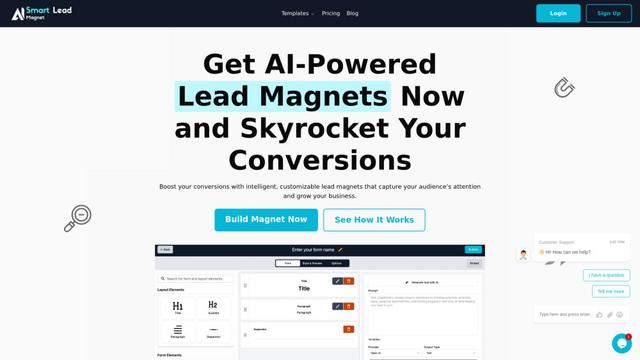
SmartLeadMagnet
SmartLeadMagnet is an AI-powered lead magnet creation platform that helps businesses generate high-converting lead magnets through an intuitive drag-and-drop interface, customizable templates, and seamless website integration.
Popular AI Tools Like Brew

Mailmeteor AI for Gmail
Mailmeteor is a powerful Gmail extension that combines AI email writing, mail merge, automated follow-ups, and email export capabilities to enhance productivity and email management within Gmail.
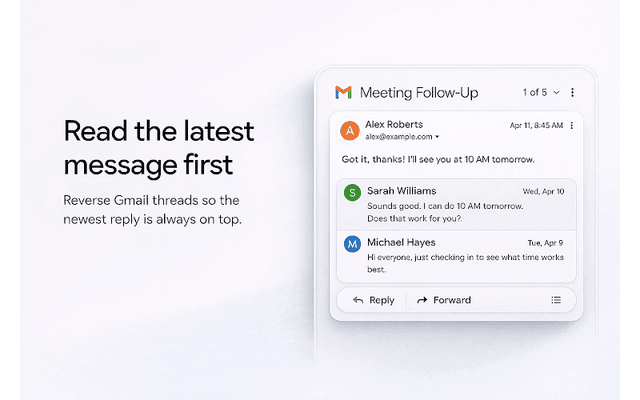
Apparent for Gmail
Apparent for Gmail is a Chrome extension that enhances Gmail's readability and usability by reorganizing conversations, simplifying layouts, and streamlining workflows while maintaining privacy and security.
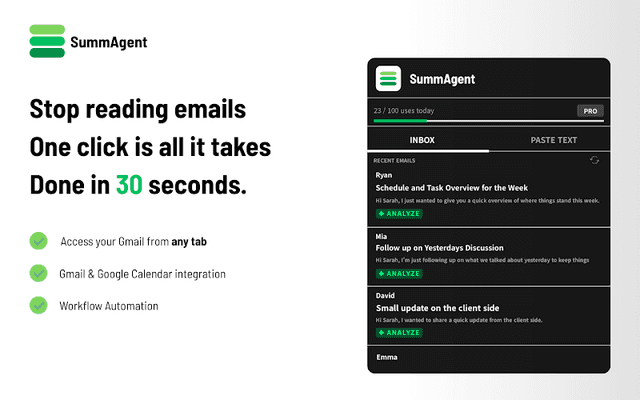
SummAgent
SummAgent is an AI-powered Gmail productivity extension that extracts tasks and deadlines from emails, provides smart summaries, and syncs action items directly to Google Calendar with one click.
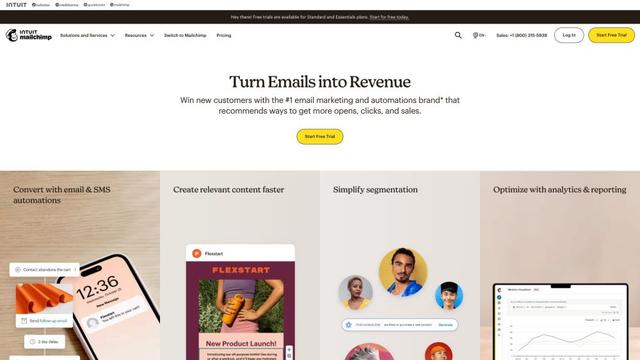
Mailchimp
Mailchimp is a leading all-in-one marketing platform that provides AI-powered email marketing, automation, and customer relationship management tools to help businesses grow and engage with their audience.